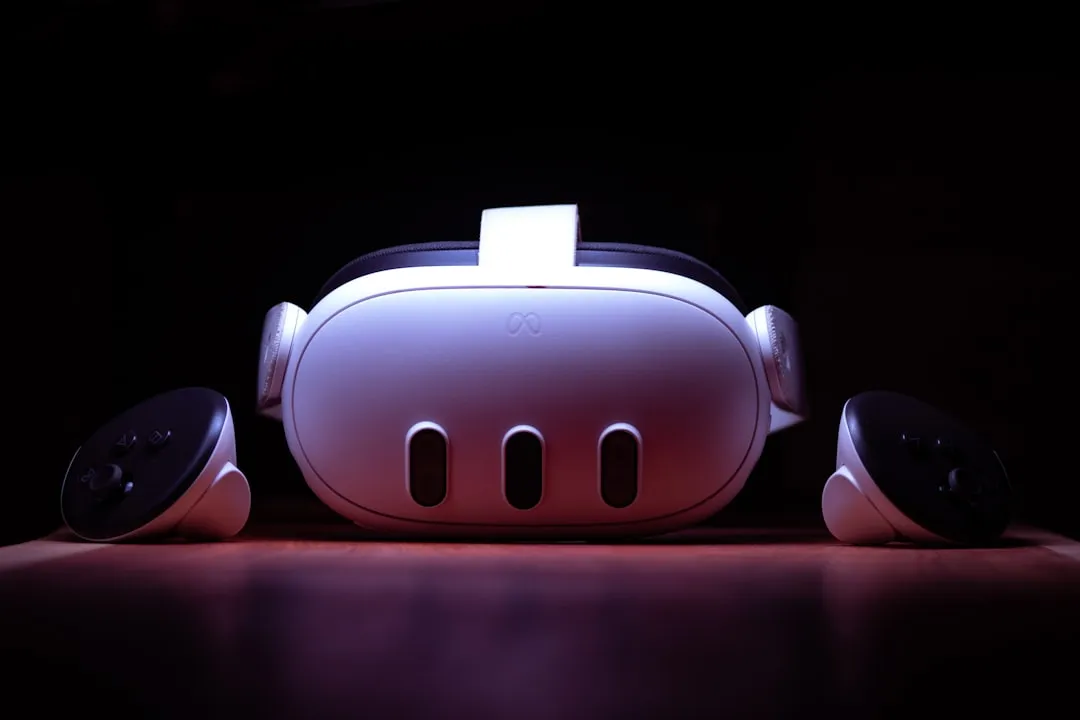
If your Meta Quest 3 controller is drifting, first attempt to re-pair it in the mobile app, clean the tracking sensors with a microfiber cloth, and ensure your lighting environment is stable. If these fail, navigate to settings to adjust the "Dead Zones" or perform a manual calibration reset. Persistent drifting usually indicates hardware failure in the analog joystick potentiometer, echoing similar issues seen with other gaming peripherals where DIY fixes often fail.
The Meta Quest 3, despite being the current gold standard for standalone virtual reality, rests on a foundation of surprisingly fragile hardware components, and users often seek ways to optimize performance for intense gaming sessions, including ultimate network tweaks. When you encounter "stick drift"—that phantom movement where your virtual hands or camera look around while your thumb is firmly off the joystick—you are not just experiencing a software bug, a common troubleshooting dilemma where it's important to discern if it's a hardware flaw or firmware glitch. You are witnessing the breakdown of an electromechanical system that is being pushed to its absolute limits by rapid, twitch-heavy gaming.
Understanding Hall Effect Sensors and the Failure of Potentiometers in VR Hardware
At the heart of the Quest 3’s Touch Plus controllers lies a legacy technology that the industry has struggled to move away from: the rotary potentiometer. These sensors track your thumb’s position by physically rubbing a conductive wiper against a resistive track. It is a system built on friction, and friction is the enemy of longevity.
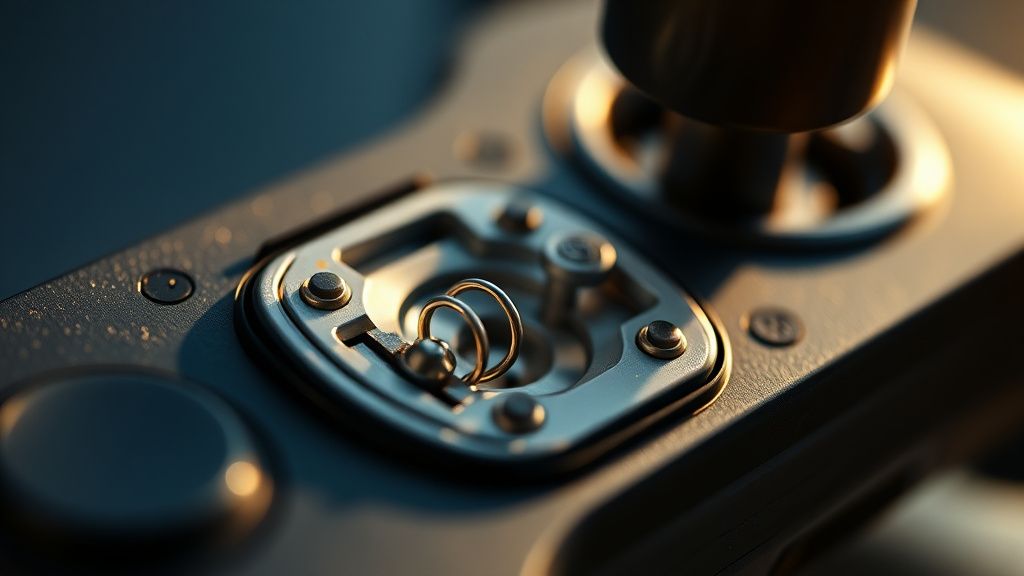
In a professional-grade environment, we would see Hall Effect sensors—which use magnets to track movement without physical contact—becoming the standard. However, due to supply chain costs and integration constraints, the Quest 3 remains tethered to potentiometer-based joysticks. When you play high-intensity titles like Gorilla Tag or Beat Saber, you are effectively grinding down these microscopic tracks. Dust, skin oils, and microscopic debris ingress into the joystick housing, leading to the erratic voltage readings that the system interprets as "drift."
The Reality of "Software Calibration" vs. Mechanical Reality
Meta often suggests recalibrating controllers through the settings menu. While this is a necessary first step, it is vital to understand the limitation of this process. Calibration is essentially a software patch applied to a hardware problem. By adjusting the "dead zone"—the area around the center of the stick that the system ignores—you are effectively telling the headset: "Ignore this specific range of faulty voltage."
While this masks the drift, it reduces your precision. If you are a competitive player in shooters like Contractors or Pavlov, a large dead zone is a death sentence. It creates a "hollow" feeling in your control, where the initial movement of your thumb results in zero in-game response.
Troubleshooting the Tracking Ecosystem: Infrared Interference and Environmental Factors
Before blaming the joystick, we must look at the tracking infrastructure. The Quest 3 uses a complex array of infrared (IR) cameras. If your room contains reflective surfaces, large mirrors, or flickering LED light strips, the headset’s SLAM (Simultaneous Localization and Mapping) algorithm may struggle to maintain a stable reference point for the controller.
- The Mirror Problem: Large mirrors can confuse the inside-out tracking, causing the controller's spatial positioning to stutter, which feels exactly like drift.
- LED PWM Flickering: Cheap LED lights pulse at frequencies that can interfere with the controller’s IR emitters. If the headset loses track of the controller's physical location for a millisecond, it often causes a "snap-back" effect that users mistake for drift.
Field Report: The Community’s "Workaround" Culture
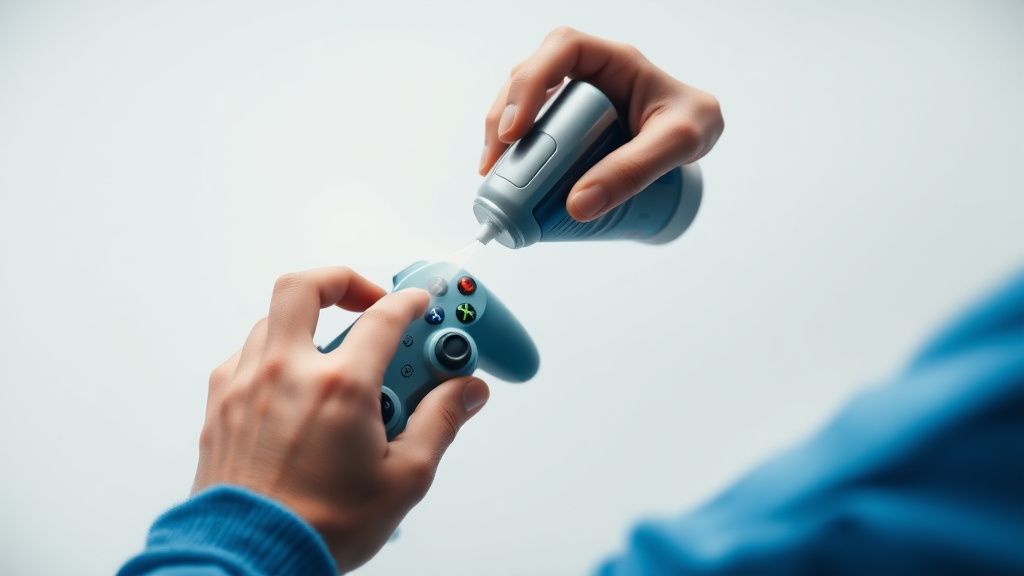
If you scour Reddit’s r/OculusQuest or various Discord communities, you will find a polarized debate. On one side are the users claiming that a simple blast of electronic contact cleaner (like DeoxIT) into the joystick housing fixes the issue instantly. On the other side are the proponents of the "Warranty First" approach.
"I used contact cleaner on my Quest 2 and it worked for a month, but then the drift came back worse. It turns out the cleaning agent was degrading the protective coating on the plastic track inside the joystick. Don't do it unless you're out of warranty." — Community thread, r/OculusQuest
This represents the primary tension in the VR ecosystem: the "User-Serviceable" myth. Because these controllers are sealed with ultrasonic welding rather than screws, "fixing" them is often a destructive process. You are forced to choose between a potentially voided warranty or waiting 3-4 weeks for an RMA (Return Merchandise Authorization) from Meta.
Troubleshooting Steps: From Least to Most Invasive
If you find yourself in the middle of a gaming session and the camera starts panning uncontrollably, follow this rigorous diagnostic path:
- Hard Power Cycle: The Quest 3 OS is prone to cache bloating. Hold the power button until the device fully shuts down. Sometimes, the drift is a software-side ghosting issue within the controller’s firmware.
- Unpair and Re-pair: Go to the Meta Quest app. Forget the controller, remove the battery, wait 60 seconds (to discharge capacitors), reinsert a fresh, high-quality alkaline battery, and pair again.
- Sensor Cleaning: Use a pressurized air canister, but do not spray it directly into the joystick. Spray it at an angle to dislodge debris that might be trapped under the rubber "skirt" of the stick.
- The Dead Zone Adjustment: Located in Settings > Accessibility > Controller. This is your last resort before considering hardware repair or replacement.
The Economic Cost of "Standalone" Hardware
The industry push toward standalone VR has hidden the true cost of ownership. In the era of the wired PC-VR headset, we expected gear to be robust. With the Quest 3, we are buying a mobile phone processor strapped to our faces. The controllers are treated as "consumable peripherals."
When drift becomes unmanageable, the economic reality is harsh: you can buy a single replacement controller for a significant percentage of the headset's total cost, or you can spend hours attempting to solder a new joystick sensor onto a crowded, fragile PCB. The "fragility tax" is the invisible expense of the Quest ecosystem.
Counter-Criticism: Why Meta’s Response Often Feels Inadequate
Critics argue that Meta’s policy of "Replace, don't repair" is a masterclass in environmental waste. By not providing official, user-replaceable joystick modules (as Valve did with the Steam Deck, or as Framework does with laptops), Meta ensures that a $1.00 potentiometer failure leads to a $75.00 controller replacement.
Furthermore, the "drift" issue is often exacerbated by the software's reliance on high-precision inputs. When an update changes how the controller processes input, it can make existing, minor wear-and-tear feel significantly worse. Users often blame the hardware, while the underlying issue is a lack of robust software-side filtering for aged joysticks.
Scaling the Problem: Why It Happens More in Competitive VR
In games like Population: One, players are essentially "strafing" and rotating constantly. This repetitive motion creates specific wear patterns on the potentiometer. You will notice your drift is usually directional (e.g., always pulling to the left). This is not random; it is the physical manifestation of your gaming habits. The controller is literally logging your playstyle in the form of physical wear.
Why does my controller drift only in certain games?
If the drift only happens in specific games, it is likely that those games have lower "dead zone" settings by default, making them more sensitive to minor hardware imperfections. Check if the specific game has its own internal controller settings, which can override the system-wide Meta calibration.
Is it safe to use WD-40 on my joystick to stop the drift?
Absolutely not. Standard WD-40 is a lubricant that can attract dust and eventually gum up the delicate internal circuitry. If you must use a spray, use a "No-Residue" Electronic Contact Cleaner. Even then, know that this is a temporary fix that can potentially damage internal plastic components over time.
Why is there no "Calibration" tool in the menu like on older consoles?
The Quest 3 uses automated self-calibration during boot-up. If the stick is being held or pushed during that split second of power-on, the system "zeros out" that position, leading to permanent offset drift. Always ensure your sticks are centered when you turn on the headset.
If I buy a new controller, will it drift too?
Potentiometer drift is a statistical inevitability with the current design. While newer batches of controllers may have better quality control, the underlying mechanical design remains the same. It is a question of "when," not "if," especially with heavy usage.
Does the Quest 3 silicone cover cause drift?
Yes, in some cases. If a protective silicone cover is not perfectly aligned, it can physically prevent the joystick from returning to the absolute "home" position. Try removing all third-party covers and grips to see if the drift disappears. You would be surprised how often a $5 accessory is the culprit.
Closing Reflections on Systemic Reliability
The Quest 3 is a feat of engineering, yet it remains a "prosumer" device held together by components that weren't necessarily designed for the rigors of 24/7 immersion. As we move toward more immersive experiences, the industry must reckon with the fact that input devices are the primary point of failure. Until Hall Effect sensors become the universal standard for VR controllers, we will continue to exist in this cycle of calibration patches, cleaning rituals, and the quiet resignation of the "drift" phenomenon.
If your drift persists despite all attempts, do not hesitate to contact Meta support. Provide them with your serial number and detailed logs of your troubleshooting. In many cases, if the device is within its warranty period, they will process an RMA. Do not fall into the trap of believing you are "doing something wrong"—you are simply hitting the physical limits of current-generation hardware.
Bu makale affiliate linkleri içermektedir.