If you suspect dead or stuck pixels on your Samsung S95D, verify them using a static solid-color test pattern in a dark room. Most “dead” pixels on modern QD-OLED panels are actually sub-pixel artifacts or firmware-level debris. If localized, try the "Pixel Refresh" utility. If permanent, contact support for a panel-level RMA; never attempt manual pixel fixing or screen pressure on an OLED.
The Samsung S95D is widely regarded as a triumph of display engineering, merging the high-luminance potential of Quantum Dot technology with the infinite contrast of OLED. However, its thinness—a characteristic that makes it look like a piece of glass hovering against the wall—belies the extreme complexity of its backplane and the fragile nature of its organic light-emitting diodes. When a user spots a tiny, immovable dot on that pristine panel, the psychological impact is profound. You didn't just buy a television; you bought an expensive piece of industrial art, and that tiny speck feels like a permanent scratch on a diamond.
The Physics of OLED Failure: Why Pixels Stop Responding
To understand why a pixel "dies," we have to look past the marketing fluff. A "dead" pixel is a sub-pixel that has lost its ability to draw current, while a "stuck" pixel is one that is effectively frozen in a single state—usually bright red, green, or blue.
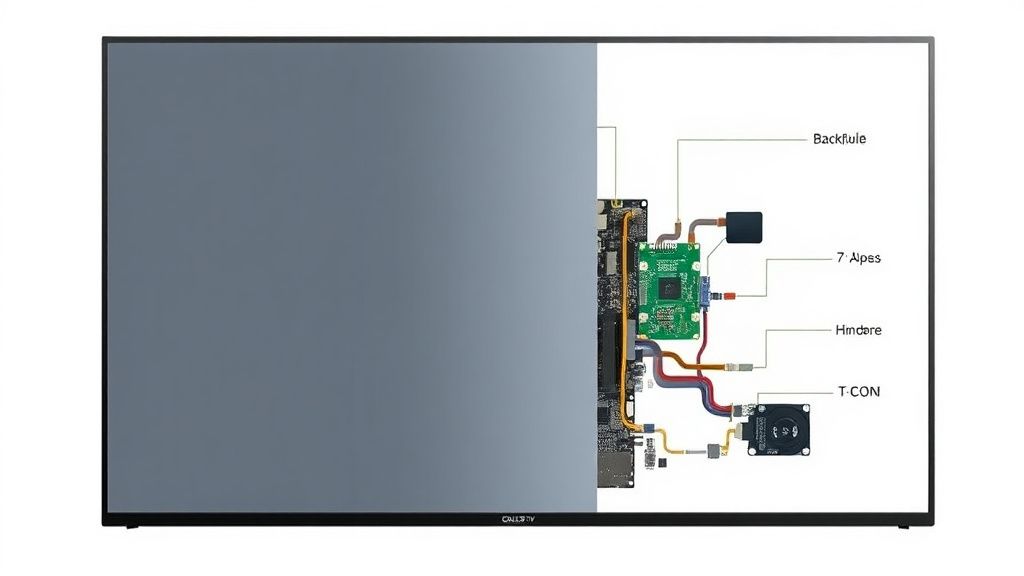
On the S95D, which utilizes a sophisticated TFT (Thin-Film Transistor) backplane, a dead pixel often occurs not because the OLED material itself has burned out (though that is possible over time), but because the microscopic transistor controlling that specific sub-pixel has failed. When the connection between the logic board and the panel’s T-CON (Timing Controller) is severed at the pixel level due to a manufacturing impurity or a microscopic shock during transport, that pixel becomes a permanent dark spot.

Distinguishing Between Debris, Stuck Pixels, and True Hardware Failure
Before panicking or initiating a daunting warranty claim, you must perform a triage. Internet forums like AVSForum and Reddit’s r/4kTV are littered with users who wasted hours on "pixel-fixing" software that was never going to work because their problem wasn't electronic.
- The "Dirt Under the Glass" Test: Some users report dark spots that turn out to be manufacturing debris trapped between the anti-reflective layer and the glass. If the spot is slightly blurry or changes shape/visibility when viewed from an extreme angle, it is likely physical residue.
- The Solid Color Pattern: Use a YouTube test pattern video—specifically searching for "Dead Pixel Test"—to cycle through red, green, blue, black, and white. If the pixel stays black on all colors, it’s truly dead. If it glows white regardless of the background color, it’s a stuck pixel (likely a transistor-level glitch).
- Firmware Artifacts: With the S95D’s heavy reliance on the Tizen OS and real-time image processing, what looks like a stuck pixel can sometimes be a rendering artifact caused by a software hang. A full power cycle—unplugging the TV from the wall for 60 seconds—is the mandatory first step.
The Myth of Software-Based "Pixel Exercisers"
You will inevitably find websites or YouTube channels promising to "fix" your dead pixels by flashing high-frequency color patterns at the screen for hours. While this can occasionally "unstick" a sub-pixel that is simply sluggish due to a charge imbalance, it is mathematically impossible for these videos to "resurrect" a truly dead pixel.
If a transistor on the backplane is fried, no amount of color-flashing will make it conduct electricity again. In fact, running these "fixers" at full brightness for extended periods on an OLED panel carries a minor, yet non-zero, risk of inducing localized image retention or uneven aging of neighboring healthy pixels. Treat these tools with extreme skepticism.

Real Field Reports: The Samsung Service Lottery
The experience of getting a panel replaced is where the "operational reality" of high-end TV ownership meets the corporate bureaucracy. Reports from the r/SamsungSupport community indicate that Samsung’s pixel policy has become increasingly stringent.
"I had three dead pixels on my S95D. I called support, sent the photos, and they told me it was 'within tolerance.' I had to escalate to the regional manager, show them a document of the ISO standards for display defects, and threaten a chargeback before they even considered sending a technician. It’s a 3000-dollar TV, not a budget monitor." — Anonymous user, r/hometheater discussion.
This reveals the "hidden cost" of the S95D. Samsung, like most manufacturers, operates under a "tolerance" policy. They categorize the screen into zones and define how many dead pixels are allowed per million pixels. The catch? High-end, premium-priced models like the S95D often lack a "zero-tolerance" dead pixel policy in many jurisdictions. The tension here is obvious: as a consumer, you expect perfection at this price point; as a manufacturer, they are balancing yield rates that make the cost of replacing panels unsustainable.
Technical Challenges: Why the S95D is Hard to Repair
Unlike older LCD TVs, the S95D’s panel is bonded to the chassis in a way that makes field repair nearly impossible. If the screen is damaged or suffers from a manufacturing defect, the technician is not "fixing the pixel." They are effectively replacing the entire assembly, including the screen, the frame, and the internal cooling pathways.
- Fragmentation of Support: Because the S95D uses a proprietary "One Connect" box, some users have wrongly blamed the box for pixel issues. This leads to fruitless exchanges of the hardware unit, wasting weeks of time.
- The "Calibration" Trap: If you get a panel replacement, your calibration settings—which you likely spent hours fine-tuning or paid a professional calibrator to do—are lost. A new panel will have its own unique set of quirks and white-point variations.
When to Seek an RMA (Return Merchandise Authorization)
If the dead pixel is in the center of the screen, or if there is a cluster of them (a "pixel patch"), you have a much stronger case for an RMA. Take the following steps to maximize your chances of a successful claim:
- Macro Photography: Do not just take a picture of the screen from across the room. Use a smartphone with a good lens to get a macro shot of the pixel against a solid background. Metadata (EXIF data) should be intact to prove it is your unit.
- Document the "Zones": Refer to your local consumer protection laws. In some regions, a dead pixel in the center of the display is legally defined as a "material defect," regardless of what the manufacturer's warranty handbook says.
- The "Dead Pixel vs. Sub-pixel" Distinction: Be specific in your support ticket. Using the correct terminology shows that you have done your research and are not just a casual complainer.
Counter-Criticism: The "Entitled Consumer" vs. "Manufacturing Reality"
There is a growing divide in the enthusiast community. On one side are the "pixel-peepers"—people who go out of their way to find faults, often viewing their screen from six inches away with a magnifying glass. On the other side are the manufacturing engineers who argue that producing a panel with 8.3 million pixels without a single microscopic fault is a feat of physics bordering on the miraculous.
The truth? The industry is pushing these panels to the limit. The S95D's extreme thinness and high peak brightness create thermal stresses that were unheard of five years ago. When we demand thinner screens and higher brightness, we are asking for components that are pushed closer to their physical failure points. The "dead pixel" is often the manifestation of this trade-off.
The Role of Preventive Maintenance
The S95D features several automated "Pixel Refresh" cycles. It is critical that you never disconnect the power from your TV while it is in standby mode if you suspect it is running a compensation cycle. This cycle is the TV's way of monitoring the health of the pixels and adjusting the voltage to individual sub-pixels to ensure uniformity.
- Power Stability: Use a high-quality surge protector. A voltage spike during a panel compensation cycle is the fastest way to turn a single "stuck" sub-pixel into a permanently dead one.
- Climate Matters: QD-OLED panels contain complex organic materials. High humidity and extreme heat fluctuations in your media room can accelerate the degradation of the sealant at the edges of the panel, leading to "edge-bleed" or localized pixel failure.

FAQ
Is it normal to have one dead pixel on a new S95D?
Will a dead pixel spread to other parts of the screen?
Can I fix a stuck pixel by tapping on the screen?
Should I use the "Pixel Refresh" feature every day?
If I get a replacement panel, will it be brand new?
Does the "One Connect" box have anything to do with my dead pixel?
How do I check if my dead pixel is actually just dirt?
Bu makale affiliate linkleri içermektedir.