
If your PS5 Slim has suddenly stopped recognizing physical media, you aren’t alone. Before assuming a catastrophic optical drive failure, perform a power cycle: unplug the console for 60 seconds, clear the system cache in Safe Mode, and check for a localized firmware glitch. If the disc motor remains silent, proceed to mechanical inspection.
The Anatomy of the PS5 Slim Optical Drive: Beyond Basic Blu-ray Logic
The PS5 Slim introduced a modular design that, while lauded for its aesthetic reduction, introduced a unique set of stresses on the optical assembly. Unlike the original "Fat" model where the drive was integrated into the primary chassis skeleton, the Slim uses a removable disc drive (for the Digital edition upgrade). This transition changed the physics of the disc-reading mechanism. We are looking at a system that relies on a precise synchronization between the mechanical feed motor, the laser pickup assembly (OPU), and the proprietary daughterboard (the control logic).
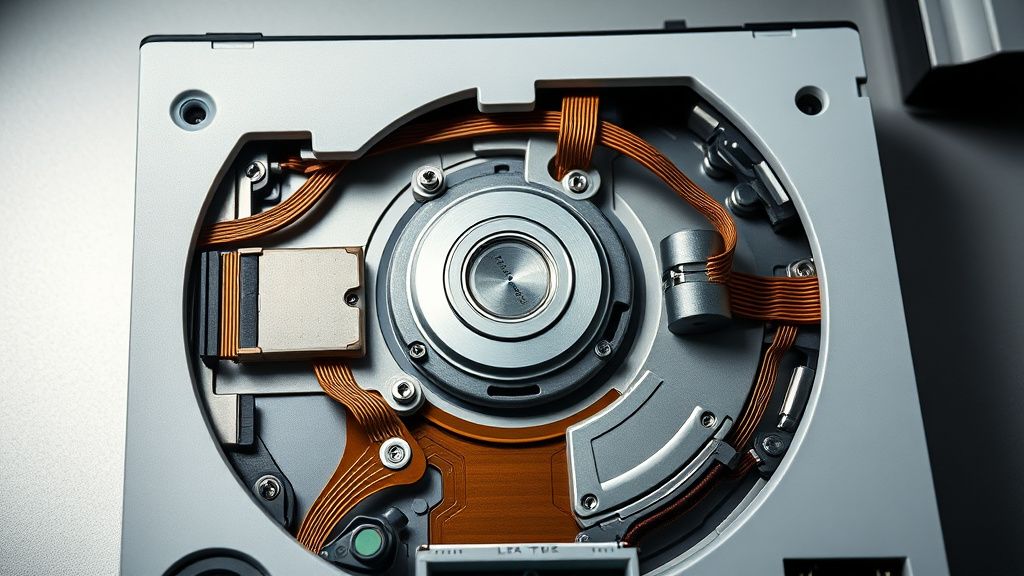
When a disc isn't "read," it usually isn't a problem of the laser lens itself; it is a problem of mechanical handshaking. The drive must detect the presence of the disc, pull it in, center it on the spindle, and then lock the clamper. If one of these micro-switches fails or the spindle motor is obstructed by dust accumulation, the system returns a "Unrecognized Disc" error. This is not just a hardware defect; it is a manifestation of the miniaturization tax—the cost of cramming high-performance mechanics into a smaller, thermally constrained space.
Why "Firmware Glitches" and "Safe Mode" Are Your First Line of Defense
Before you even consider reaching for a screwdriver, you must rule out the "Digital Handshake" failure. The PS5 Slim manages its hardware peripherals via a highly specific handshake between the console's main APU and the drive's firmware. If a system update was interrupted or corrupted during a background install, the drive can be put into a "limbo" state where it remains powered but refuses to spin up.
The Safe Mode Protocol:
- Hold the power button until the second beep (about 7 seconds).
- Connect the controller via USB-C.
- Select "Clear Cache and Rebuild Database."
Users on platforms like Hacker News and the r/PS5TechSupport subreddit frequently note that "Rebuild Database" fixes issues where the system metadata (which tells the console how to read a disc) becomes corrupted. If this doesn't work, we are entering the realm of physical diagnostics.
Case Study: The "Dirty Laser" and Environmental Contamination
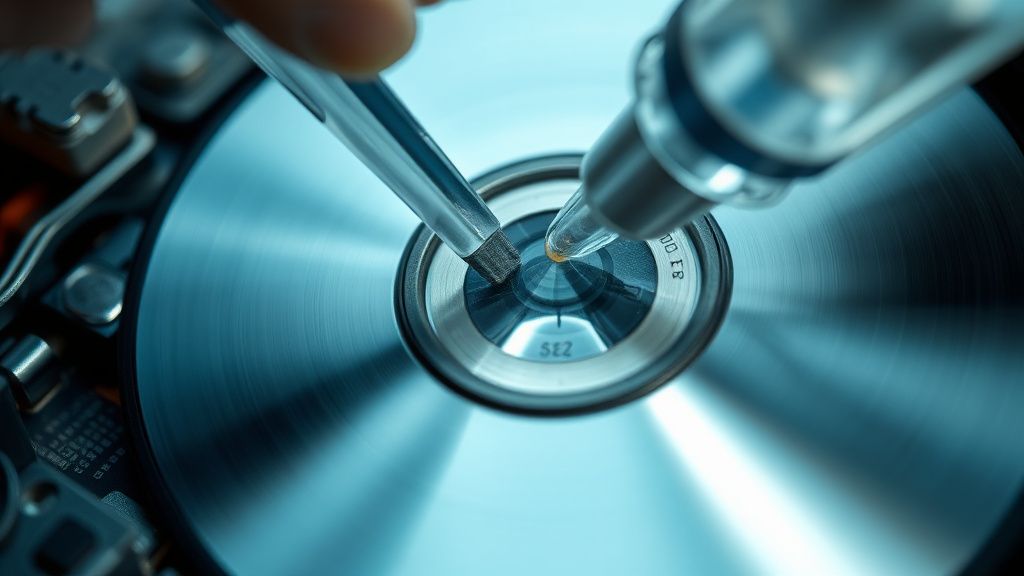
Environmental impact is the most overlooked factor in optical drive performance. The PS5 Slim, with its intake vents, effectively acts as a low-level air filter for your room. Over time, micro-particles—pet dander, atmospheric dust, and even cooking oils—migrate into the optical drive chamber.
We have seen numerous reports from users living in coastal, humid environments where oxidation on the laser lens leads to an "Unrecognized Disc" error. It is a slow, creeping failure, not a sudden one. You might notice the drive makes a "clicking" or "grinding" sound before total failure. This is the optical pickup unit (OPU) struggling to achieve focus on the track.
Technical Analysis: The Modularity Myth vs. Operational Reality
There is a prevailing narrative that the removable drive of the PS5 Slim is a "repair-friendly" feature. From a repair technician's perspective, this is only half-true. While replacing the drive module itself is modular, the pairing process is a nightmare of DRM. The drive is paired to the console’s motherboard via a unique digital handshake. If you buy a replacement drive, you cannot simply plug it in; you must be connected to the internet to authorize the pairing of the new hardware to your specific console.
The Fail Points:
- Ribbon Cable Stress: The flat flexible cable (FFC) connecting the drive to the mainboard is notoriously fragile. If the console is moved frequently, the tension on these pins can cause intermittent connection loss.
- Spindle Motor Lubrication: The grease used in the factory is a high-viscosity synthetic. In cold environments, it can turn slightly tacky, causing the spindle to fail to reach the necessary RPMs for disc reading.
- The "Ejection" Bug: Often mistaken for a "not reading" issue, the console thinks a disc is already inside because the sensor is blocked.
Debunking the "Disc Flipping" Urban Legend
You will find forums suggesting that flipping the console vertically or horizontally solves reading issues. While this sounds like pseudoscience, there is a kernel of truth. The PS5 Slim uses a gravity-based laser focusing lens. If the suspension springs on the laser pickup have shifted due to shipping vibration or a drop, changing the console's orientation can force the lens back into its optimal focus plane. Do not use this as a permanent fix. It is a diagnostic indicator that your mechanical assembly is physically misaligned.
Hardware Repair Methodology: A Step-by-Step Breakdown
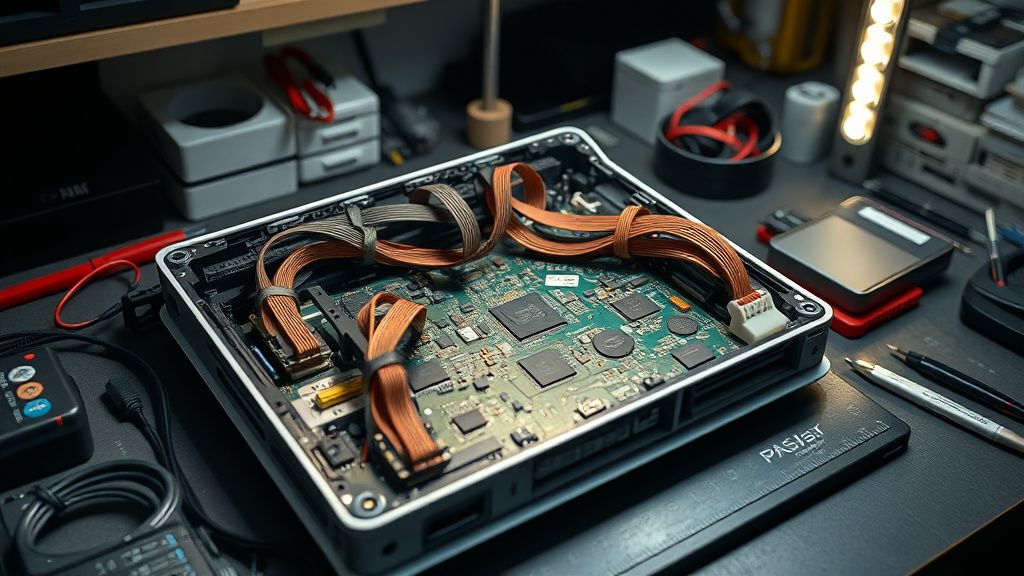
If you are out of warranty and ready to open the machine—proceed with extreme caution. The following is an analysis of professional-grade troubleshooting steps.
- Chassis Removal: Use a plastic spudger. The Slim's side panels are notoriously prone to snapping plastic tabs. Work from the back corner near the power port.
- Drive Extraction: The drive is held in by a series of T8 security Torx screws. Do not substitute these with standard screwdrivers, or you will strip the heads.
- The Laser Focus Test: Once the drive casing is open, check for "Laser Track Grit." If you see dust inside the chamber, use a pressurized air canister (hold the nozzle at least 6 inches away to avoid moisture spray) to clear the guide rails.
- The Lens Clean: Use 99% Isopropyl Alcohol. Do not use 70%; the water content will leave a streak that blinds the laser. Gently spiral the swab from the center of the lens outward.
Why Users Feel Betrayed: The Ecosystem Contradiction
The shift toward digital-only, modular hardware has created a deep sense of frustration among long-time collectors. When a physical drive fails on a PS5 Slim, the "Repair vs. Replace" logic hits a wall. Sony’s official policy often steers users toward a paid refurbishment, which, according to multiple Trustpilot and Better Business Bureau reports, can take weeks. This leaves the user with a "Digital Only" console while they wait for their proprietary part to return.
Furthermore, the lack of third-party repair documentation (due to Sony’s restrictive intellectual property stance) forces users into a workaround culture. People are using custom-printed 3D guides to align optical assemblies, turning home repair into a quasi-underground hobbyist movement.
Troubleshooting Checklist: What to Do Before You Call Support
- Test with a clean, un-scratched Blu-ray. Scratched discs trigger the error code faster than clean ones because the laser cannot "lock" onto the track.
- Check the disc insertion orientation. It sounds trivial, but the "Slim" design allows for a much narrower insertion slot. Sometimes, the physical disc is slightly off-center.
- System Update loop: If the console says "Updating..." and the disc drive makes a rhythmic, thumping noise, do not pull the power. This is likely the drive firmware trying to sync. Wait 30 minutes.
Why does my PS5 Slim make a rhythmic thumping sound when a disc is inserted?
That "thumping" is usually the spindle attempting to spin up, hitting a micro-switch, and failing to achieve the necessary speed. It is almost always a sign of a physical obstruction in the track or a dying motor drive. It is not a software issue.
Is it safe to use a "Laser Cleaning Disc" (the one with brushes)?
In professional repair circles, these are generally discouraged. They are "blind" cleaning tools—they rotate and brush without precision. In a PS5, they can actually push dust further into the mechanical gears or scratch the lens if the brushes are worn. Manual cleaning with a swab is always superior.
Can I replace the optical drive with one from an older PS5 (Fat model)?
No. The PS5 Slim uses a completely different physical form factor and a different ribbon cable architecture. The Slim drive is specific to the "modular" slot design. Attempting to force an older drive in will result in physical damage to the console’s interface pins.
Why does the disc drive spin up randomly even when I'm not playing?
This is a feature, not a bug—or rather, a design trade-off. The PS5 checks the physical disc periodically to verify the license. If you are hearing this frequently, it means your disc is slightly warped or dirty, causing the drive to "re-read" the license sector repeatedly.
If I buy a new drive module, will it work immediately?
No. The PS5 Slim optical drive is married to the motherboard via software authentication. You must have an active internet connection to "pair" the new drive to the system after installation. Without this handshake, the console will treat the drive as a non-existent peripheral.
The "Disc Ejection" glitch happens when I'm in the middle of a game—is this hardware?
Often, this is caused by the physical eject button's capacitive sensor being triggered by static electricity or dust buildup behind the plastic chassis. Try wiping the side of the console with an anti-static cloth. If the problem persists, it may be a faulty sensor ribbon cable.
Bu makale affiliate linkleri içermektedir.