
Packet loss in Wi-Fi 7 (802.11be) is not a simple signal strength issue; it is a complex synchronization failure between high-frequency radio bands and aggressive multiplexing algorithms that often makes your new Wi-Fi 7 router slow. To fix it, you must move beyond basic channel selection. Disable "Auto" band steering, manually bind latency-sensitive devices to the 6GHz MLO (Multi-Link Operation) primary band, and calibrate your Beacon Interval settings to prevent buffer overflows during high-throughput state transitions.
The Myth of Seamless Connectivity: Understanding Wi-Fi 7 Complexity
For the better part of two decades, we have been sold the dream of a "mesh-everything" home network that heals itself. Wi-Fi 7, with its marquee feature—Multi-Link Operation (MLO)—was supposed to be the final nail in the coffin of packet loss. By allowing a device to aggregate connections across 2.4GHz, 5GHz, and 6GHz simultaneously, theoretical throughput skyrocketed. But in the field, this has manifested as a new breed of "scheduler jitter."
When you read through the technical rabbit holes on forums like r/HomeNetworking or SmallNetBuilder, you start to see a recurring theme: the hardware is often faster than the firmware’s ability to coordinate it. MLO is an incredibly aggressive protocol. It expects near-perfect timing between radio interfaces. When those interfaces have slightly different noise floors or interference patterns—which is always the case in a residential environment—the packet reassembly buffer in your client device starts dropping frames because the packets arrive "out of order" or "too late."
The Architectural Reality: Why MLO Fails in High-Density Environments
At the protocol level, Multi-Link Operation works by splitting traffic across different physical radios. The problem arises when we consider the "hidden node" problem combined with asynchronous interference. If your 5GHz band has a high volume of traffic from a neighbor’s overlapping channel, but your 6GHz band is clear, the router might try to dump data into both.
If the client—be it a smartphone, a high-end gaming laptop with an Intel BE200 card, or an IoT hub—cannot reconcile the arrival times of these packets, it discards them. This is not a "signal" problem; it is a "protocol timing" problem. Users frequently report this as "stuttering" in low-latency applications like Zoom calls or competitive shooters, even when a signal strength meter shows a perfect RSSI.
Tuning the Beacon Interval and DTIM Periods
Most consumer routers ship with default Beacon Interval settings designed for compatibility, not performance. If you are experiencing periodic micro-stutters:
- Beacon Interval: Lowering this (often from 100 to 50ms) forces the router to announce itself more frequently. It increases overhead slightly but helps mobile devices maintain their synchronization with the Access Point (AP).
- DTIM (Delivery Traffic Indication Message): If your IoT devices are causing packet loss for your PC, increase the DTIM interval. This effectively puts "slow" devices into a deeper sleep, reducing the number of times they wake up to request broadcast traffic, which clears up the airtime for your MLO-enabled traffic.
Case Study: The "BE200 Driver Nightmare"
Early adopters of Wi-Fi 7 saw a flurry of bug reports on GitHub regarding the Intel BE200 network interface card. The issue wasn't the radio; it was the driver’s handling of EMLSR (Enhanced Multi-Link Single Radio). In many cases, the card would attempt to initiate an MLO connection, the router would acknowledge it, but the driver would crash and reset the interface.
The community workaround? Disabling the "802.11be" features in the Device Manager to force the card into Wi-Fi 6E (802.11ax) mode. This is the definition of "platform friction." We are paying for Wi-Fi 7 features, but in the current state of 2024-era firmware, we are forced to downgrade to stable, older protocols to keep our conference calls from dropping. If your Wi-Fi 7 router is dropping connections, there are often specific firmware fixes available.
Operational Friction: The Cost of Airtime Fairness
Many manufacturers implement "Airtime Fairness" algorithms to prevent legacy Wi-Fi 4 devices from slowing down the entire network. While noble, these algorithms are often catastrophic for Wi-Fi 7. They prioritize "equal airtime" over "latency consistency."
If your router is aggressively kicking a client because it spent 2ms too long on the air, you get packet loss. In a Wi-Fi 7 environment, you should:
- Disable Airtime Fairness if you have a modern, high-speed client base.
- Segregate legacy IoT devices to a dedicated 2.4GHz SSID that does not participate in MLO or WPA3-Transition mode.
- Audit the WPA3/WPA2-PSK mixed-mode: WPA3 is mandatory for some Wi-Fi 7 features, but mixed-mode configurations are a known source of "handshake retry" loops.
Infrastructure Stress: The Backhaul Bottleneck
If your mesh nodes are connected via wireless backhaul, your MLO gains are effectively halved. The "hidden cost" of Wi-Fi 7 is the absolute requirement for 2.5GbE or 10GbE wired backhaul. When you use wireless backhaul, the router is trying to manage MLO traffic and backhaul traffic on the same spectrum. This leads to massive contention.
If you are seeing packet loss and your mesh nodes are wirelessly connected, stop tuning the radio settings and buy a CAT6a cable. You cannot out-tune the laws of physics if your backhaul is fighting your clients for airtime.
The Conflict of Monetization: Why Routers Are Over-Complex
There is a massive industry pressure to push "AI-powered traffic management" in routers. These proprietary engines look at packets and decide what is "game traffic" vs. "Netflix traffic." This deep packet inspection (DPI) adds millisecond-level latency to every single packet. When you add this on top of MLO scheduling, the CPU on your router often hits a bottleneck.
We see this frequently in support threads: users complain that disabling "QoS" or "Traffic Analytics" instantly fixes their packet loss. Why? Because the router’s CPU can’t keep up with the packet processing required for high-throughput Wi-Fi 7. The marketing team wanted "AI Optimization," but the engineering team ended up with a bottlenecked processor.
Troubleshooting Workflow: A Systematic Approach
If you are currently pulling your hair out, follow this diagnostic sequence rather than randomly toggling switches:
- Isolate the variable: Are you seeing loss on a wired connection? If yes, the problem is your modem or ISP, not Wi-Fi.
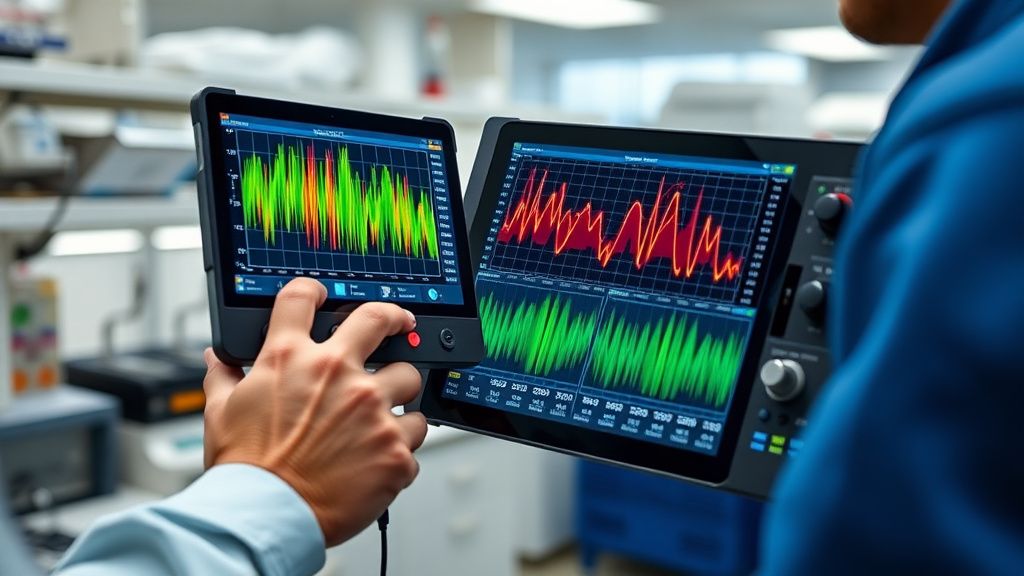
- Monitor channel congestion: Use a spectrum analyzer (like WiFi Analyzer or an AirCheck G3 if you have the budget). If your neighbors are crowding the 5GHz UNII-3 band, no amount of Wi-Fi 7 tuning will help.
- Force 6GHz: Move all capable devices to 6GHz. 6GHz is the only band in Wi-Fi 7 that is truly clean from legacy interference. If your packet loss vanishes on 6GHz, your problem is 2.4/5GHz congestion, not a hardware fault.
- Check Power Management: On Windows laptops, the "Power Management" tab in device drivers often tells the network card to turn off to "save power." This causes periodic drops. Disable this immediately.
Counter-Criticism: Is Wi-Fi 7 Actually Ready?
The industry narrative is that Wi-Fi 7 is a "game changer." The counter-argument, held by many network engineers, is that Wi-Fi 7 is a standard built for a density that doesn't exist in the average home. By adding MLO, we have significantly increased the complexity of the "handshake" process.
Critics point out that we are seeing more bugs in 802.11be implementations than we ever saw with 802.11ac. The "fragmented ecosystem" is the biggest culprit. A Wi-Fi 7 router from Brand A using a MediaTek chipset will handle MLO differently than a client device using a Qualcomm chipset. The standard leaves enough "implementation room" that interoperability is not guaranteed.
Why Workaround Culture Persists
Until the firmware matures—likely another 12-18 months—we live in a world of workarounds. We turn off MLO, we pin devices to specific bands, and we ignore the "AI" features that marketers love. It is a cynical reality: the most "advanced" networks are often the ones configured most conservatively.
When you dig into the GitHub issues for projects like OpenWrt or pfSense, you see developers struggling to map the MLO state machines. If the open-source community, with all its transparency, is having trouble stabilizing these chipsets, why should we expect a consumer-grade, locked-down router to get it right on the first try?
FAQ
Why does my Wi-Fi 7 connection drop specifically when I play competitive games?
Is Wi-Fi 7 really faster for my day-to-day browsing?
What should I look for in a Wi-Fi 7 router to minimize packet loss?
Should I use WPA3 if it causes compatibility issues?
Why does my router's "AI Mesh" seem to make things worse?
Will firmware updates actually fix this, or is it a hardware limitation?
Bu makale affiliate linkleri içermektedir.