
Replacing the thermal interface material (TIM) on a high-performance console like the PS5 Pro is less of a routine maintenance task and more of a high-stakes surgical procedure. While the base PS5 utilized liquid metal as a primary thermal conductor—a choice that caused significant consternation among early repair technicians—the PS5 Pro, with its tightened thermal envelopes and increased power density, keeps this design philosophy alive. If you are reading this, your console is likely pushing past its thermal throttling thresholds, the fans are screaming like a jet engine, or you’ve been bitten by the dreaded "overheating" notification after only a year of use. For more comprehensive tips on maintaining optimal temperatures, see our guide on PS5 Pro Overheating: Expert Tips for Cooling and Maintenance.
For the record: If your console is under warranty, stopping here is the only sane advice. Sony’s warranty department has a "tamper-evident" approach that doesn't just look for broken seals; they look for liquid metal displacement patterns that indicate amateur intervention. If you proceed, you are accepting that you are now the primary support technician for your $700+ piece of hardware.
The Physics of Heat Transfer and Gallium-based Liquid Metal
Thermal paste in traditional PCs—like your standard Noctua or Arctic Silver—is largely silicone-based with metal oxide fillers. The PS5 Pro, however, relies on liquid metal (specifically a gallium-indium-tin alloy). The thermal conductivity of standard paste hovers around 5–12 W/mK, whereas liquid metal can easily surpass 70 W/mK.
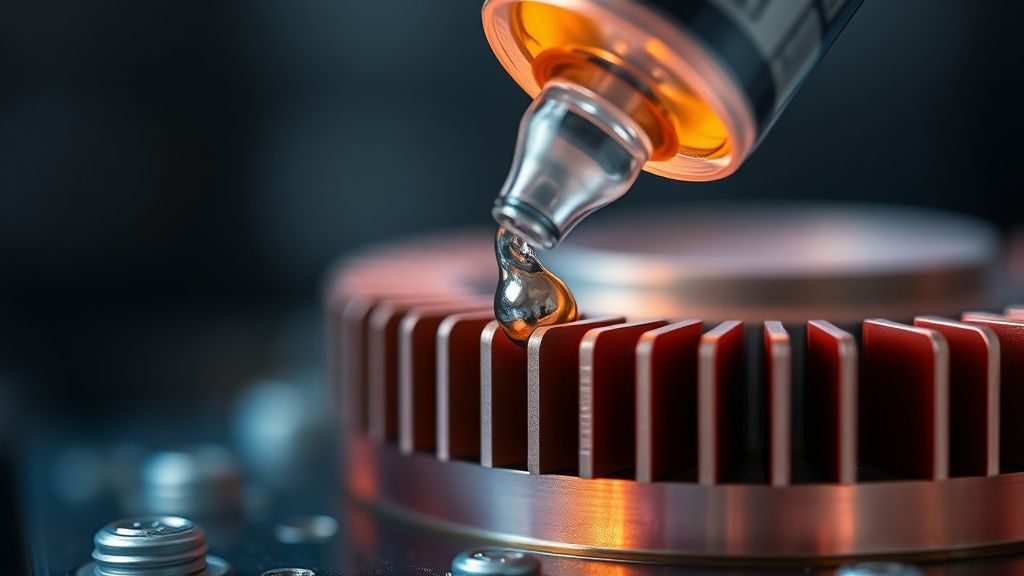
The issue isn't the efficiency of the material; it’s the containment. Liquid metal is conductive, corrosive to aluminum, and prone to "pump-out" effects—where the thermal cycling of the console (heating up to 70°C and cooling to 20°C) causes the material to migrate away from the die. When it migrates, you get hot spots. When you get hot spots, the SoC (System on Chip) triggers a downclock. This is the "scaling problem" inherent in modern console design: the hardware is pushed to its absolute limits, leaving zero margin for thermal degradation.
Why You Think You Need a Repaste (The Diagnostic Fallacy)
Before you crack the casing, let’s look at the "operational reality." Most users on Reddit’s r/PS5 or the forums at ResetEra report "overheating" when, in fact, they are experiencing two other common issues, often related to PS5 Pro Cooling Issues: How to Keep Your Console Dust-Free and Running Quiet:
- Dust Obscuration: The intake fans are effectively lint traps. If your console is sitting on a carpet or in an enclosed TV stand, you aren't seeing a TIM failure; you are seeing air starvation.
- Fan Bearing Wear: The high-RPM fans used in the Pro revision are notoriously prone to "whine." Many users confuse the high-pitched sound of a failing bearing with the sound of a fan ramping up due to heat.
Action: Open the side panels (this is tool-free) and inspect the fan and the "dust catcher" ports. If you see a thick mat of debris, clean it with compressed air before touching the SoC. Repasting should be your last resort, not your first.
Necessary Tools for High-Risk Maintenance
You are not doing a standard PC build. You are dealing with a delicate, fragile silicon die.
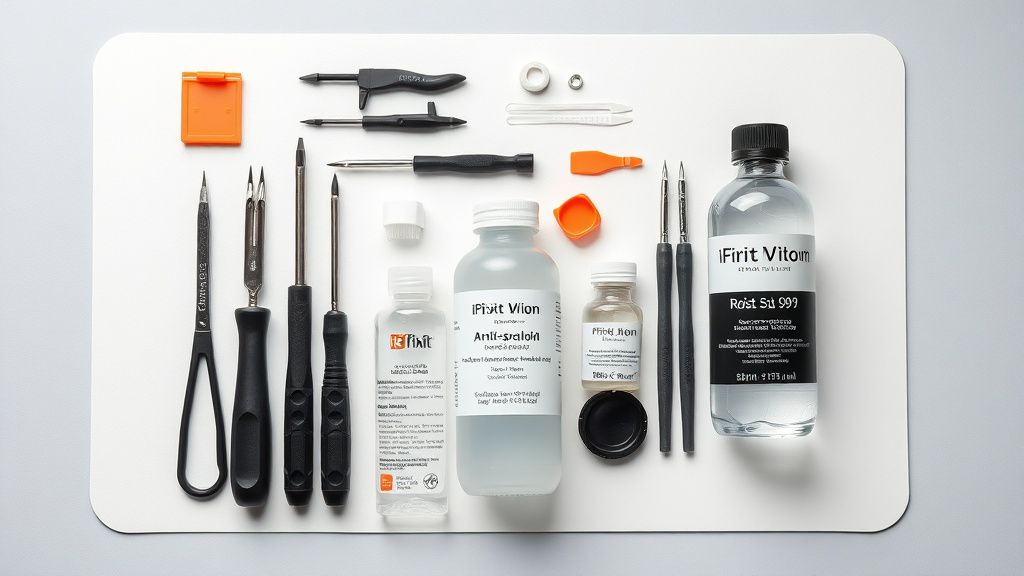
- T8 Security Torx Screwdriver: The industry standard for Sony hardware. Do not use a generic screwdriver; you will strip the heads.
- Plastic Prying Tools: Essential for the plastic housing clips.
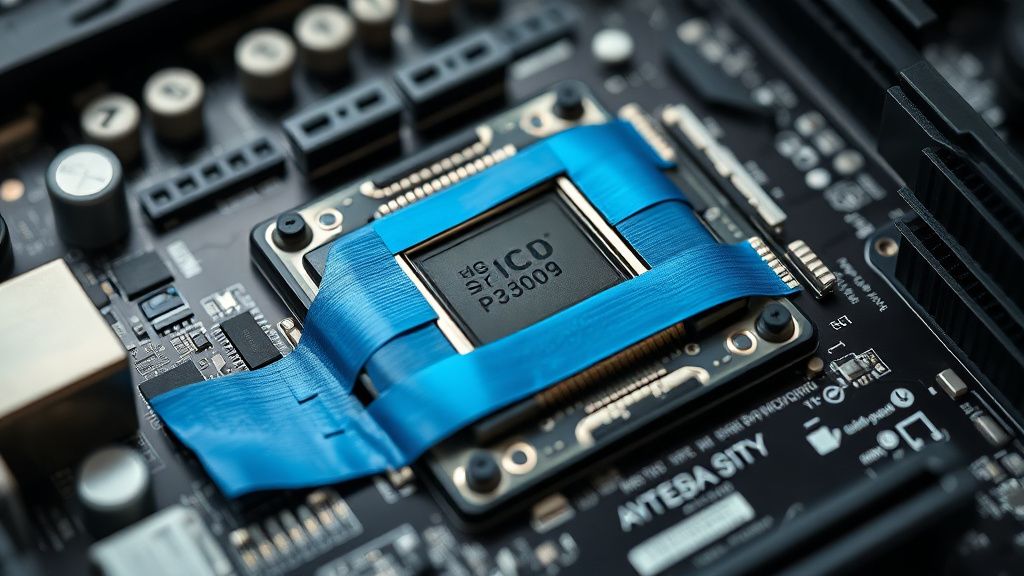
- High-Quality Kapton Tape: To mask off the capacitors surrounding the SoC. If liquid metal hits those capacitors, it’s game over.
- Isopropyl Alcohol (99%): Do not use 70%. You need the residue-free purity of 99% to clean the existing liquid metal.
- Replacement Liquid Metal: Do not attempt to use traditional thermal paste. The heatsink is designed for a specific "gap height" that liquid metal bridges; standard paste is too viscous and will result in a massive thermal gap, potentially damaging your GPU.
The Step-by-Step Anatomy of a Teardown
- Panel Removal: Lay the console flat. Slide the bottom panel away from the center ridge.
- The Shielding Cage: There are dozens of screws holding the metal shielding in place. Keep them organized in a grid. I recommend using a magnetized tray or a piece of cardboard with an outline of the console to track which screw goes where.
- The SoC Access: Once the motherboard is exposed, you will see the clamps holding the heatsink down. This is the moment of truth. Do not lift the heatsink vertically. Slide it gently. If you lift it, the liquid metal might bridge across the SMD components around the die.
Field Report: The "Oxidation Incident" of 2024
A notable case study from a repair shop in Tokyo documented a "mysterious" failure of a Pro unit three months after a user performed a DIY repaste. Upon opening, the technician found that the user had used standard thermal paste. The result? The heatsink didn't make full contact with the die, causing the GPU to hit 100°C instantly, forcing a hard shut-down.
More alarmingly, another user on a GitHub issue thread regarding thermal management reported that their "high-quality" liquid metal replacement led to oxidation on the copper heat plate. This happened because they didn't sufficiently polish the surface to remove the original residue, creating an electrochemical reaction between the old and new alloys.
"The reality of these consoles is that the factory application is usually 'good enough' for the lifespan of the machine. When you open it, you are breaking a factory-sealed hermetic environment. You are introducing moisture, dust, and potential for human error that the factory line simply doesn't have." — Technician perspective from an independent console repair forum.
Counter-Criticism: Should You Even Do This?
The enthusiast community is divided. One faction (the "Pro-Repaste" camp) argues that Sony’s factory application is sloppy—often showing pools of liquid metal on one side of the chip and a dry patch on the other. They point to significant temperature drops (sometimes 5–10°C) after applying a fresh layer.
The opposing faction (the "Leave It Alone" camp) points out that liquid metal has a different "physics profile" than paste. Because it doesn't dry out like paste, its performance is consistent over years. By messing with it, you risk "shorts" and "spills." Furthermore, the PS5 Pro's fan controller is aggressive; it is designed to manage those thermal spikes. Is 5°C really worth the risk of a $700 paperweight?
Essential Tips for Success
- Clean the Die: Use a lint-free swab. Do not press hard. The die is brittle.
- The "Dot" Method: Apply the liquid metal to the center and use the included applicator to spread it evenly. It should look like a mirror finish. If it’s beading up, the surface isn't clean enough.
- Test Before Assembly: Put the shielding back on, but don't close the plastic housing until you have booted the console and verified the fan profile isn't screaming at max RPM.
Q: My PS5 Pro is overheating, but I'm afraid of liquid metal. Can I use thermal paste instead?
A: Absolutely not. The heatsink is specifically engineered for the thickness and thermal transfer properties of liquid metal. Using thermal paste will result in a poor thermal bridge, leading to immediate thermal throttling or complete system failure.
Q: How often should I replace the liquid metal?
A: Under normal circumstances, you shouldn't. Unless you are experiencing hard crashes due to overheating, this is a "set it and forget it" component. A repaste should be considered a "hail mary" attempt to save a console that is otherwise destined for the scrap heap.
Q: What is the most common mistake people make?
A: Skipping the masking process. If a single drop of liquid metal spills onto the motherboard's surface-mount components, it will cause a short circuit that can fry the APU. Always use Kapton tape to create a "moat" around the silicon die.
Q: Can I use thermal pads instead?
A: Thermal pads are for VRAM and VRM modules, not the GPU/CPU die. They lack the thermal conductivity required for the main SoC. Never substitute die-cooling solutions with pads.
Q: Will Sony know I opened the console?
A: Sony uses various indicators, including specific torque patterns and internal thermal sensors that record peak temperatures. While they cannot always prove you opened it, they have a high success rate in identifying unauthorized repairs. If your console is under warranty, use the official support channel.
Final Reflections on System Stability
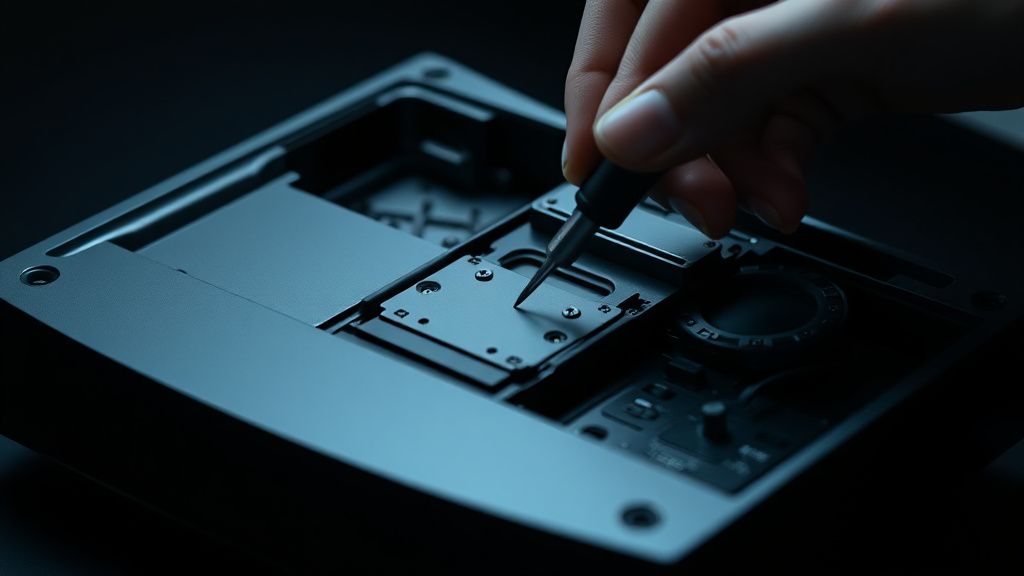
The PS5 Pro exists in a constant state of tension between extreme power and consumer-grade cooling. The "scaling" of the hardware means that small inefficiencies have big consequences. We often blame the manufacturer for "bad thermal design," but the truth is that the system operates at the edge of physics. When you choose to intervene, you are essentially trying to out-engineer a team that had access to the original supply chain and thermal simulation data.
If you decide to proceed, document your steps. Take photos. If you fail, a local repair shop is more likely to help you if they can see exactly what went wrong. The goal isn't just to "fix" the console, but to understand that in a high-density system, thermal management is not a static state—it is a fragile balance that, once broken, is difficult to restore. Proceed with caution, maintain absolute cleanliness, and remember that sometimes the best maintenance is simply keeping the air intake free of dust.
Bu makale affiliate linkleri içermektedir.