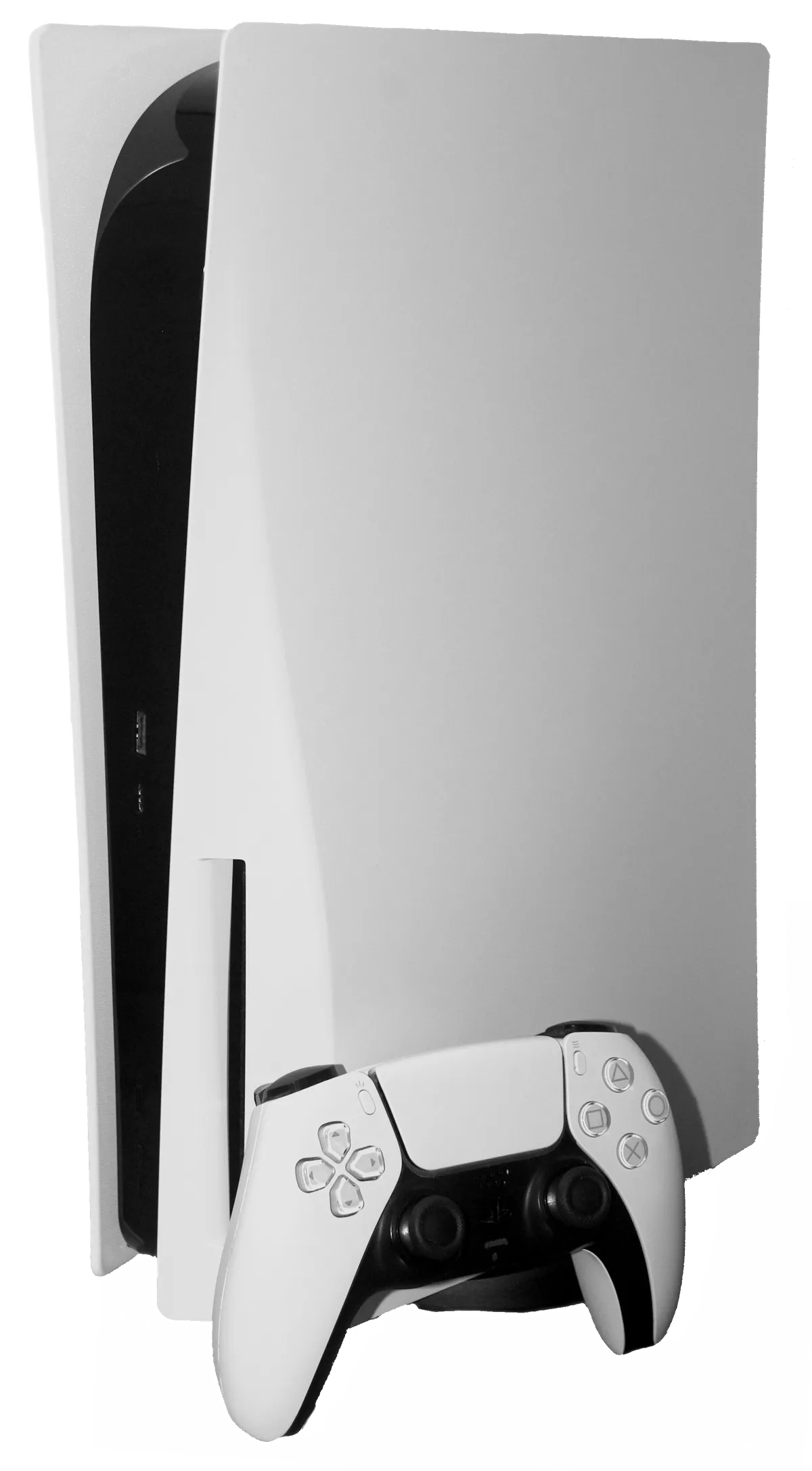
If you’re noticing your PS5 Pro ramping up its fan speed to jet-engine levels or experiencing sudden thermal shutdowns during high-fidelity gaming, you are likely dealing with a dust buildup issue, a common problem detailed in our guide on PS5 Pro Cooling Issues: How to Keep Your Console Dust-Free and Running Quiet. To fix this, carefully remove the side covers, use a vacuum’s hose attachment on the designated dust-catcher holes, and gently clean the fan intake with compressed air. Never use water or harsh solvents.
The PS5 Pro is a machine caught in a precarious architectural tug-of-war. On one side, we have the drive for 4K/60FPS performance and increased ray-tracing capabilities, necessitating higher power draw from the custom AMD RDNA-based GPU. On the other, we have a cooling solution that must remain compact enough to fit into a modern living room aesthetic. When you push silicon this hard, thermal density becomes the primary enemy.
The Physics of Thermal Throttling and Dust Accumulation in Console Architecture
The PS5 Pro utilizes a liquid metal thermal interface material (TIM) between the APU and the heatsink. This is a brilliant engineering choice for conductivity, but it leaves zero room for error when it comes to airflow. When dust settles on the intake fins, the internal pressure drops, and the fan controller—managed by a series of integrated sensors—responds by increasing RPM. This is where the "loud console" meme originates, a phenomenon not exclusive to PlayStation, as similar concerns about excessive fan noise and necessary cleaning are common across platforms like in Is Your Xbox Series X Louder Than Usual? Here Is How to Safely Clean and Fix It.
Users on r/PS5 and various Hacker News threads often point to "fan whine" as an early warning sign. If your console sounds like it’s struggling to breathe even when running a relatively light title like Astro Bot, the airflow is already restricted. The internal geometry of the PS5 Pro's chassis is specifically designed to channel air across the motherboard and power supply. If that path is choked, you aren't just looking at noise; you are looking at accelerated wear on the thermal paste and potentially unstable clock speeds.
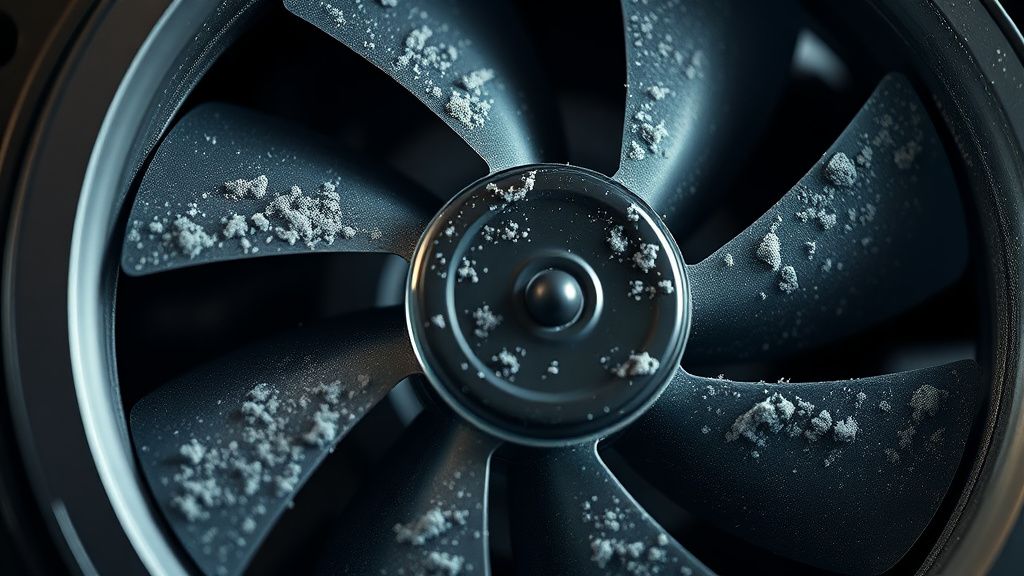
Why The "Dust-Catcher" Holes Are More Than Just Marketing
Sony learned a massive lesson from the original PS5 (CFI-1000 series) and the subsequent "Slim" revisions, which also face similar challenges as explored in Is Your PS5 Slim Overheating? The Real Reason It Collects Dust. They eventually integrated dedicated "dust-catcher" holes in the chassis. This is a tacit admission that the console is an active air purifier for your living room. When the fan sucks in air, it inevitably sucks in carpet fibers, pet dander, and microscopic skin cells.
- The Operational Reality: The dust catchers allow you to vacuum out debris without opening the console's internal cage. However, many users report that vacuuming alone is insufficient. If the dust has already migrated to the heatsink fins—the narrow metal channels—a vacuum nozzle on the outside of the case is essentially trying to clean a window through a closed screen door.
- The Workaround Culture: There is a growing community of "modders" who advocate for removing the internal fan entirely to get direct access to the heatsink. Warning: This often involves voiding your warranty. Before you take a screwdriver to your $700 hardware, acknowledge that the "tape-together" nature of the console's mid-plate means that reassembling it incorrectly can lead to uneven pressure on the APU, potentially causing more heat issues than you started with.
Field Report: The "Update-Induced" Heat Spike
There is a recurring phenomenon in the PlayStation community: the "Update-Induced Heat Spike." Following a major system firmware update, users frequently report that their fans spin louder. Is it the update? Or is it a coincidence?
In many cases, the update changes the thermal profile of the system's management controller (SMC). If the new patch unlocks higher GPU clocks or adjusts voltage regulation to squeeze out more performance, the system's power envelope increases. The fan curve is then updated to compensate. If your heatsink was already 40% blocked by dust, the new fan curve hits a ceiling immediately. You aren't just playing a game; you’re running a stress test.
Step-by-Step Maintenance: Beyond the Basics
To perform a proper cleaning, you need the right tools:
- A clean, dry microfiber cloth.
- Compressed air (canned air), NOT an air compressor. A high-pressure commercial air compressor can actually spin the fan so fast that it creates a back-EMF (electromotive force) and fries the fan controller on your motherboard.
- A vacuum with a HEPA filter (to ensure you aren't just blasting dust back into the air).
The Procedure:
- Power Down: Fully shut down the console. Unplug it. Wait 30 minutes for the capacitors to discharge and the heat to dissipate.
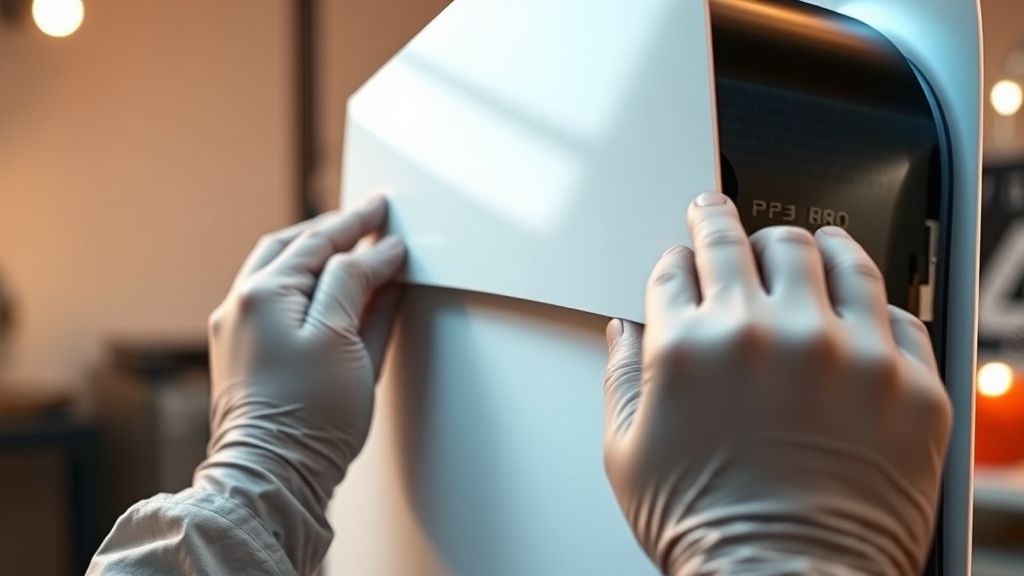
- Cover Removal: Slide the side panels off. This is a friction-fit system; don't force it, or you’ll snap the plastic pins.
- The Fan Assessment: Observe the fan. If there is visible gray "fur" on the blades, use a wooden toothpick to gently hold the fan still while you blast air at the blades. Never let the fan spin freely while blowing air into it.
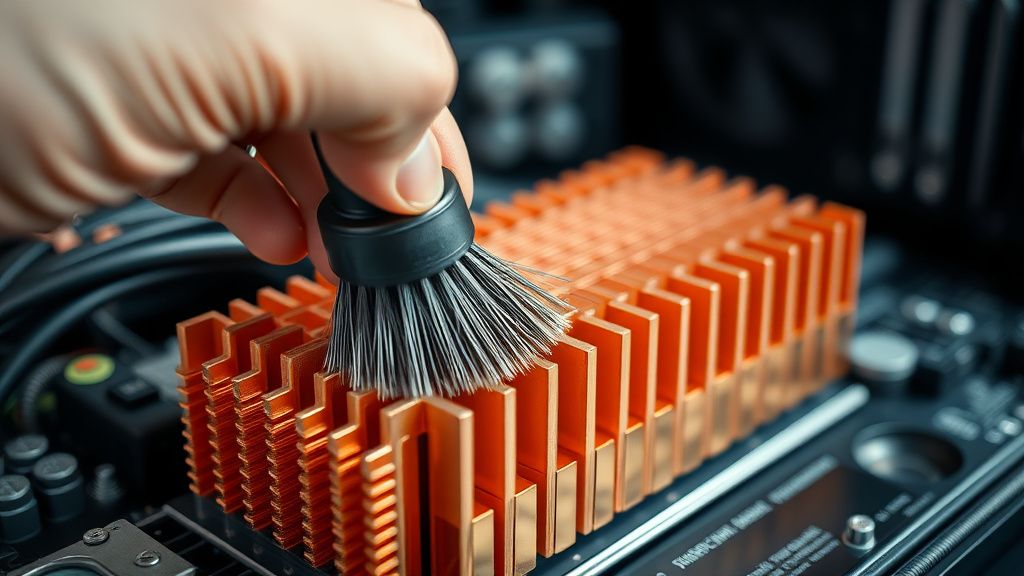
- Heatsink Access: Use your compressed air to blow out from the inside of the console toward the vents. Do not blow dust deeper into the machine.
The Debate: To Clean or Not to Clean?
There is an ongoing schism in the hardware community between "Maintenance Purists" and "Warranty Defenders."
- The Purist Perspective: Proponents argue that the PS5 Pro is a high-performance computer. Expecting it to function for three years without internal maintenance is like driving a sports car without changing the oil. They advocate for complete teardowns once every 12 months.
- The Warranty Defender: This group argues that the console is designed to be a "plug-and-play" appliance. If it overheats, it is a hardware defect, not a user failure. They argue that opening the console provides Sony with an excuse to deny repairs, and that the risk of snapping a ribbon cable or stripping a screw is too high for the average consumer.
Industry Analysis: Both sides have a point. The PS5 Pro's design is physically constrained, leading to "thermal hotspots." The reality is that the console will fail if the airflow is blocked, but the mechanical design is fragile enough that "user-performed maintenance" is a significant risk factor for physical damage.
Common Failure Points and Troubleshooting
If you have cleaned your vents and the console is still loud:
- The Coil Whine Conundrum: Sometimes, what you think is "fan noise" is actually "coil whine." This is the vibration of electronic components (inductors) under high power load. You cannot fix this with compressed air. It is a byproduct of high-frequency power switching. If your console is quiet during the dashboard but screams during Black Myth: Wukong, it’s likely coil whine.
- The Liquid Metal Settling: In rare cases, if a console has been moved significantly, the liquid metal TIM can shift slightly. This creates a "hotspot" on the APU die, causing the system to ramp up fans to compensate for a temperature spike in one specific corner of the chip. This is an internal manufacturing issue that requires professional service.
How do I know if my PS5 Pro is overheating?
A clear indicator is a system-level notification appearing on your screen stating: "Your PS5 is too hot. Turn off your PS5 and wait for it to cool down." Before that point, you will hear the fan ramping up to maximum RPM consistently and a noticeable degradation in game performance (stuttering) as the chip throttles.
Is it safe to use a vacuum inside the fan housing?
Using a high-suction vacuum directly on the fan blades can cause the fan to spin and potentially damage the motor or the internal power regulator. Use a vacuum only on the external intake vents or the designated dust-catcher holes. When working near the fan, use short bursts of compressed air and always hold the fan blade in place.
Does standing the PS5 Pro vertically increase heat?
There is an ongoing community debate about this. While some early reports suggested that vertical orientation could lead to liquid metal gravity-flow issues, this has been largely debunked by repair shops like iFixit and independent hardware engineers. The primary issue with vertical stands is actually dust intake efficiency; in certain environments, the floor-level intake is more susceptible to drawing in dust bunnies.
How often should I clean the dust out?
This depends entirely on your environment. If you have pets or carpeted floors, you should inspect the vents every 3 months. If your console is in a clean, open-air entertainment center, every 6–12 months is usually sufficient. If you smell ozone or burning plastic, stop immediately and contact Sony support.
What if I hear a grinding noise coming from the fan?
A grinding sound usually indicates that the fan bearing has failed or that a piece of debris (like a loose screw or a stray plastic bit) is physically striking the fan blades. Do not ignore this. A failing fan will cause the system to overheat and eventually trigger a permanent hardware shutdown to protect the APU. This requires a fan replacement, which is a modular repair but should only be done by someone comfortable with delicate ribbon cables.
Does the "Pro" version run hotter than the standard PS5?
The PS5 Pro has a higher TDP (Thermal Design Power) because of the boosted GPU architecture. While Sony has improved the heatsink design compared to the launch PS5, it is pushing more heat per square millimeter. It is objectively a "hotter" machine, which makes maintaining clear airflow even more critical than it was with previous models.
The bottom line is that the PS5 Pro is a masterpiece of compact engineering, but it is not immune to the laws of thermodynamics. Your role as a user is to maintain the bridge between the air outside the box and the heat-generating silicon inside. Keep it clean, keep it clear of obstructions, and don't panic if you hear the fans working—that’s the machine doing exactly what it was designed to do: keeping your gameplay alive in the face of ever-increasing power demands.
Bu makale affiliate linkleri içermektedir.