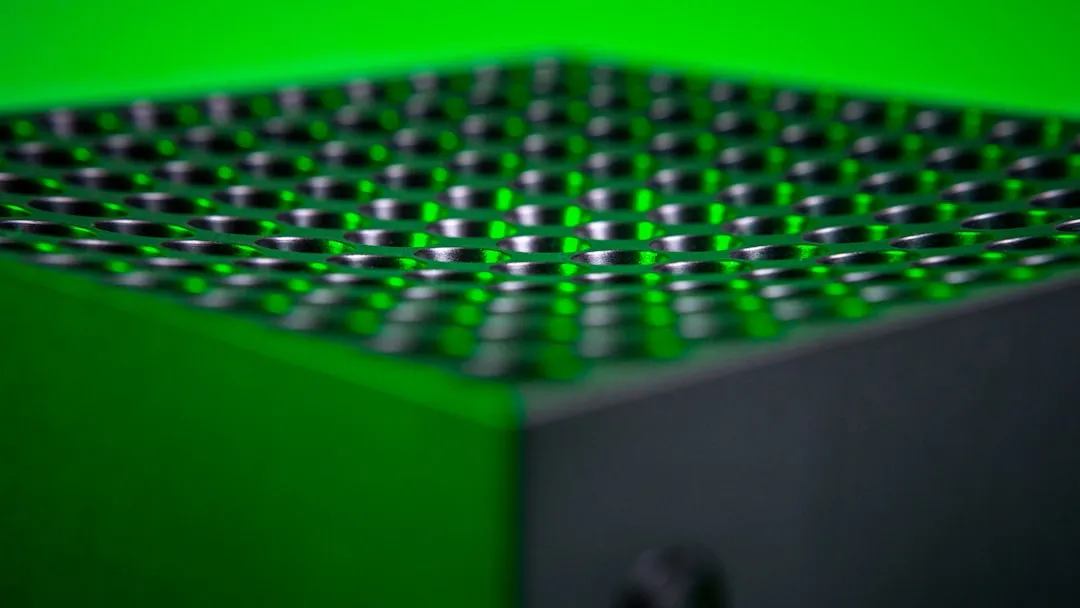
If your <a href="https://www.amazon.com/s?k=Xbox%20Series%20X&tag=gunesseo-21" rel="sponsored noopener" target="_blank">Xbox Series X is sounding like a jet engine or shutting down during intense sessions, the culprit is almost certainly dust accumulation on the internal heatsink or the 130mm axial fan. Cleaning requires specialized Torx T8/T9 screwdrivers and compressed air. Avoid vacuum cleaners, which generate static electricity, and never open the console if it is still under its original manufacturing warranty unless absolutely necessary.
The Xbox Series X is a feat of engineering, specifically designed around a monolithic chassis that acts as a giant chimney. This thermal design, while efficient in a clean state, is inherently sensitive to particulate matter. When you look at the marketing materials, you see a sleek, silent powerhouse. When you look at the reality inside a Reddit "tech support" thread, you see a machine that acts like a HEPA filter for a living room.
The Physics of Airflow and Heat Sink Saturation in Console Architectures
The console utilizes a "split motherboard" design to distribute heat. The primary 130mm fan sits at the top, pulling air through the bottom intake and pushing it up through the vapor chamber and dense aluminum heatsink fins. Unlike the Xbox One X, which used a more traditional horizontal cooling path, the Series X relies on vertical convection.
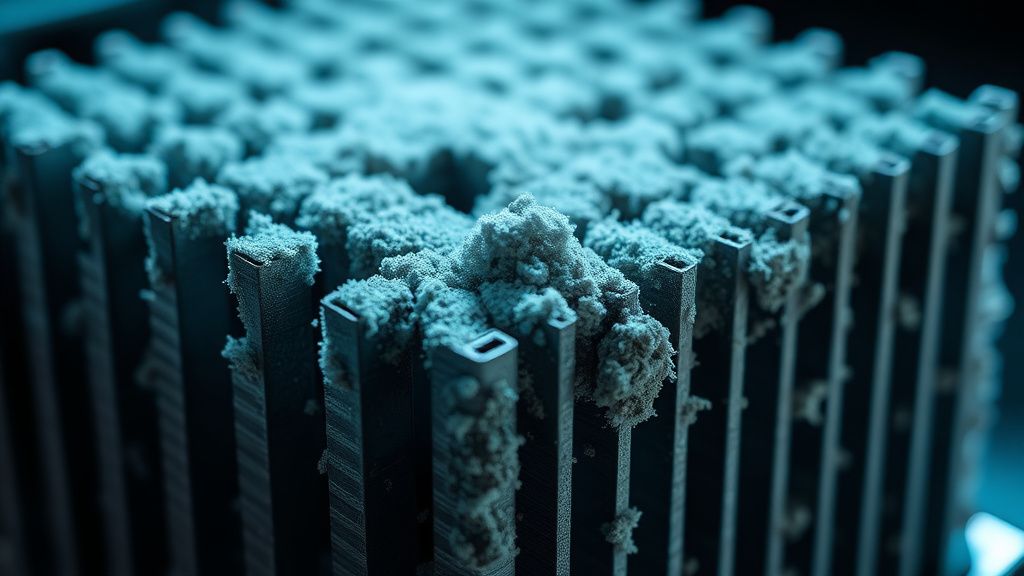
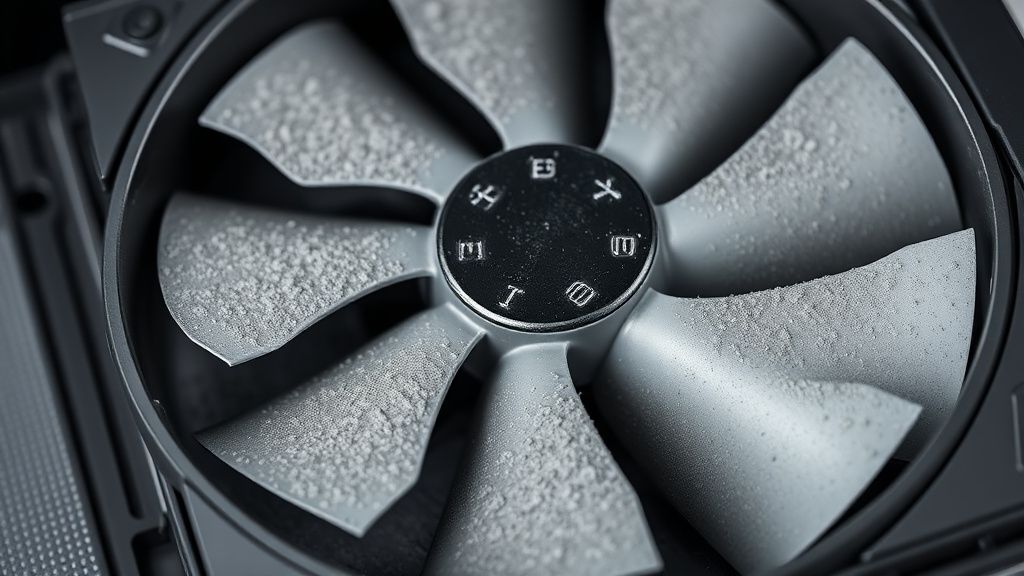
The issue arises when dust—specifically household lint, pet dander, and microscopic debris—collects on the leading edge of the heatsink fins. Because these fins are spaced incredibly close together to maximize surface area for heat dissipation, they act as a baffle. Once a thin layer of dust bridges the gap between two fins, the airflow resistance increases exponentially. The fan controller, observing the thermistor data hitting critical thresholds, ramps up the RPMs to compensate. This is the "jet engine" sound many users report.
Why Your Console Might Be Throttling (And Why You Shouldn't Ignore It)
If you ignore the noise, the system will eventually hit a thermal ceiling. The Xbox Series X is programmed with a "thermal shutdown" protocol. It doesn't melt—it simply cuts power. However, before the shutdown, the system engages in aggressive thermal throttling. It will downclock the CPU and GPU to lower the heat output. If you are playing titles like Cyberpunk 2077 or Microsoft Flight Simulator, you will notice frame rate stutters, texture pop-in, or complete crashes to the home screen, much like when an Xbox Series X is stuck on a green screen.
Critics argue that Microsoft should have included removable dust filters, similar to those found on high-end PC cases like the Fractal Design Meshify. While true, the operational reality is that removable filters would require the user to clean them bi-weekly, or the airflow would be choked even faster. Microsoft opted for a design that prioritizes high volume, low-pressure airflow, which unfortunately turns the entire console into a vacuum.
Safety First: The Static Electricity and Warranty Dilemma
Before you touch a single screw, understand the risk. This meticulous approach is similar to how one might need to approach a permanent fix for Nintendo Switch Joy-Con drift, where precision is key. The internal components are protected by electromagnetic interference (EMI) shields, but the PCB itself is sensitive to Electrostatic Discharge (ESD). If you are working on a carpeted floor in socks, you are a walking battery.
- The Warranty Trap: If you live in a region where the warranty is voided upon breaking the "Void if Removed" sticker, stop now. In the US, the Magnuson-Moss Warranty Act generally protects consumers, but a botched disassembly—resulting in a snapped ribbon cable or a stripped screw—will absolutely lead to a denied repair claim.
- Tools Required: You need a Torx T8 security bit (the one with the hole in the middle) and a sturdy plastic pry tool. Do not use a flathead screwdriver; you will gouge the plastic housing. Such attention to proper tools and methods is also crucial for delicate tasks like a DIY calibration to fix PS5 DualSense stick drift.
The Deep Cleaning Process: Beyond the Compressed Air Canister
Simply blowing compressed air into the top of the console is a common "quick fix" found on YouTube, but it is often counterproductive. You are essentially rearranging the dust inside the unit. If the dust is caked on the heatsink, it needs to be physically displaced.
- De-energize the unit: Unplug everything. Let the console sit for 30 minutes to discharge the power supply unit (PSU) capacitors.
- Accessing the Internal Cavity: Remove the rubber pads from the bottom of the console to reveal the screws. This is a non-destructive process, but the glue can be finicky.
- The Fan Assembly: The fan is the heart of the cooling system. Once you lift the outer casing, you will see a mesh screen protecting the fan. Clean this first.
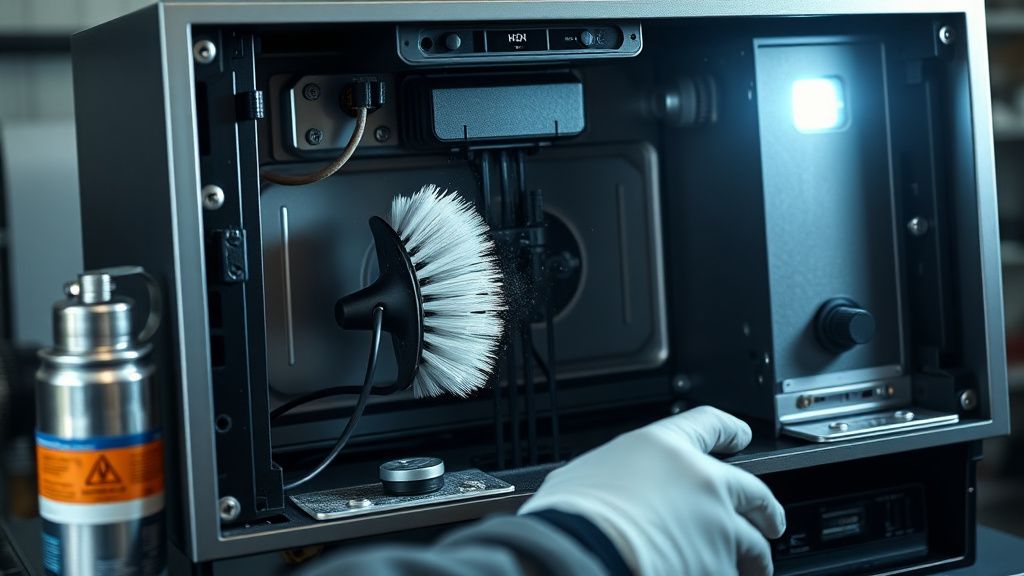
- Heatsink Access: Use a soft-bristled, anti-static brush to gently loosen the dust from the fins. Work from the top down. Follow this with short bursts of compressed air at a 45-degree angle.
Counter-Criticism: Why Modern Consolification is a Maintenance Nightmare
There is an ongoing debate in the repair community regarding "Right to Repair" and the design complexity of the Xbox Series X. Critics argue that the design is "deliberately obfuscated" to prevent user maintenance, while proponents suggest that the thermal demands of a 12-teraflop machine necessitate this dense, factory-sealed architecture.
On r/XboxSeriesX and various Discord tech channels, you will find users who have successfully replaced the thermal paste with high-end compounds like Thermal Grizzly Kryonaut. While this often results in a 5-8°C drop in peak temperatures, it is an extreme measure. The reality is that the stock thermal interface material (TIM) is chosen for its longevity and viscosity, not just its conductivity. Replacing it is a "solution looking for a problem" for the vast majority of users, and it carries the risk of "pump-out" effect, where the paste migrates away from the center of the die due to thermal cycling.
Operational Reality: Scaling Issues and Environmental Factors
Your console’s lifespan is dictated by its environment. If you keep the console in an enclosed cabinet, the "exhaust air" is being recirculated back into the "intake vents." This is the number one cause of premature fan failure. The fan motor is a precision component; if it is forced to run at 100% capacity 24/7 because of a closed-cabinet thermal loop, the bearings will begin to wear out, creating a distinct ticking or grinding noise.
- The "Closed Cabinet" Fallacy: If your media console has glass doors, keep them open while gaming.
- The "Carpet" Factor: Never place the Xbox Series X directly on carpet. Use a wooden base or a shelf. Carpet fibers are essentially "dust magnets" and the static charge they generate is bad for long-term component health.
Advanced Troubleshooting: When It's Not Just Dust
If you have performed a deep clean and the fan is still screaming, you may be dealing with a failing fan bearing or an issue with the Power Supply Unit (PSU) airflow path.
- Fan Failure: The Xbox Series X fan has a dedicated PWM (Pulse Width Modulation) cable. If this signal is interrupted or the controller logic is faulty, the fan may default to "max spin" as a safety precaution.
- PSU Obstruction: The PSU has its own dedicated cooling area. If it becomes clogged, the system may report an overheat even if the CPU/GPU heatsink is perfectly clean. This area is notoriously difficult to reach without a full teardown.
The "Workaround" Culture: How Users Manage Noise
Because Microsoft’s fan curve software is locked, users have developed "community workarounds" to mitigate noise. One popular method involves keeping the console horizontal rather than vertical, which some users claim reduces vibration-induced noise (though this is anecdotal and not supported by official acoustic data). Another common strategy is the use of external "USB-powered" fans that clip onto the top. Warning: Engineering forums are rife with warnings about these accessories. Many of them draw power from the console’s USB ports, which are not designed to support high-draw external motors. They can cause voltage drops on the USB bus, leading to controller disconnects.
How often should I clean my Xbox Series X?
In a typical household with no pets and hard flooring, once every 6 to 9 months is sufficient. If you have pets or carpet, you should inspect the intake vents every 3 months. If you notice a visible layer of grey dust, it is time for a maintenance cycle.
Is it safe to use a vacuum cleaner?
No. Never use a vacuum cleaner near the electronic components. The plastic nozzle creates high-velocity airflow that can generate static electricity, which can fry delicate micro-components on the motherboard. Always use compressed air or a professional-grade electronics blower.
Will opening my console to clean it void the warranty?
This depends on your country. In many regions, you are legally entitled to maintain your device, but physical damage caused during the process is not covered. Always check your local consumer protection laws before removing any screws. If in doubt, use a professional repair service.
Why does my Xbox get loud only during specific games?
Certain games are more "compute-bound." Titles that push the GPU to 99% usage consistently for hours will generate more heat, forcing the fan to ramp up. This is normal behavior, but if it happens in the menu or during low-intensity tasks, it indicates a thermal management issue.
Can I replace the fan myself?
Yes, the fan is a modular component. You can source OEM replacement fans on sites like eBay or specialized parts suppliers. However, if the console is still under warranty, contact Microsoft Support first, as a loud fan is often considered a hardware defect if it occurs shortly after purchase.
Is "Thermal Paste" replacement necessary?
Generally, no. Modern consoles use high-quality industrial-grade thermal paste designed to last the life of the console. Unless you are an experienced technician dealing with a console that is several years old and showing severe thermal issues, opening the heat sink is an unnecessary risk that could lead to overheating if done incorrectly.
of Best Practices Maintenance of high-performance hardware like the Series X requires a shift in mindset. It is not an appliance; it is a high-density computer. Avoid the trap of constant "hardware modding" and focus on environmental cleanliness. The most effective fix for noise is not a software patch or a custom cooler—it is consistent, preventative dust management and ensuring the machine has enough breathing room to exhaust its heat into the open air. The "hidden" cost of next-gen gaming isn't just the price of the games; it’s the maintenance burden of keeping that vertical airflow column clear of the environment you live in. If the machine is loud, it is telling you it’s suffocating; listen to it, and act accordingly before the silicon decides it has had enough.
Bu makale affiliate linkleri içermektedir.