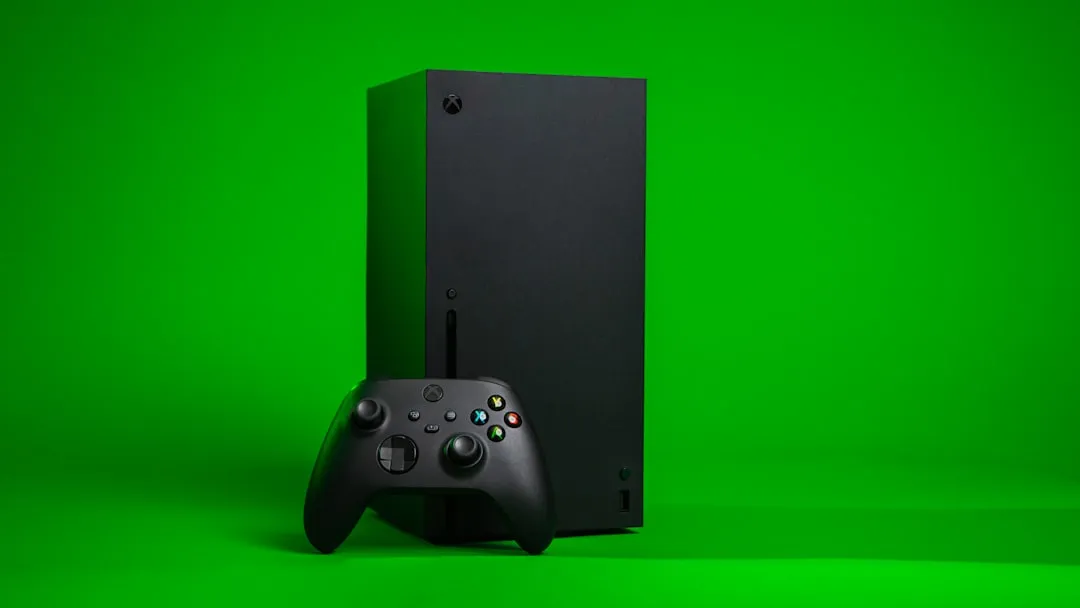
Quick Answer: The <a href="https://www.amazon.com/s?k=Xbox%20Series%20X&tag=gunesseo-21" rel="sponsored noopener" target="_blank">Xbox Series X green screen of death (GSOD) typically signals a GPU or memory subsystem fault, a corrupted system partition, or a thermal runaway event. In most cases, a forced factory reset via the offline system update (OSU) process resolves software-rooted causes. Hardware-level failures — cracked solder joints, degraded thermal interface material, or a failing NAND — require physical repair or Microsoft warranty service.
The first time you see it, the green screen on an Xbox Series X feels almost wrong in a darkly ironic way. Green is Xbox's color. It's on the box, the controller, the boot animation, everything. So when a solid, unblinking green fills your display mid-game and the console locks up, there's a moment of cognitive dissonance before the dread sets in. Is this recoverable? Did something just die? How long is the wait if I send it in?
The answer, frustratingly, is: it depends — and that ambiguity is exactly what makes this particular failure mode so poorly understood by the user base, and apparently by some front-line Microsoft support staff as well.
This piece tries to cut through the noise that's accumulated across Reddit threads, Xbox support forums, YouTube teardown channels, and iFixit community posts since the Series X launched in November 2020. Some of what's out there is helpful. A lot of it is cargo-culted advice that gets repeated until it sounds authoritative. The green screen problem has multiple distinct root causes that behave differently, fail differently, and require genuinely different repair paths — and treating them all as one problem is how people end up doing five factory resets on a console that actually has a delaminating GPU.
What the Green Screen Actually Is — And What It Isn't
The "green screen of death" on Xbox Series X is not one failure. It's a symptom cluster. Microsoft hasn't published an official technical breakdown of what triggers it, which is part of why community understanding has been so inconsistent.
Broadly, the GSOD manifests in three behavioral patterns, and distinguishing them matters:
Pattern 1: Green screen on boot, console unresponsive The console powers on, the green Xbox boot animation either completes or gets stuck partway through, and the display either goes solid green or freezes on a green frame. No dashboard appears. Hard power cycling (holding the power button for 10+ seconds) may or may not bring it back temporarily.
Pattern 2: Green screen mid-session, crash to black or reboot The console is running normally — game loaded, in a menu, or even idle — and the display goes green before the system either hard-reboots or shuts off entirely. This pattern is more often thermal or memory-related.
Pattern 3: Green screen during an update The system attempts to install a firmware or game update, the screen goes green, and the console either hangs or reboots into a recovery loop. This is almost always software/partition corruption, and it's the most recoverable scenario.
Treating Pattern 1 the same as Pattern 3 is one of the most common mistakes users and even support agents make.
The Hardware Layer: What's Actually Breaking
GPU, GDDR6 Memory, and the Solder Joint Problem
The Xbox Series X uses a custom AMD RDNA 2 / Zen 2 die on a single SoC, manufactured initially on TSMC's 7nm process. The system's GDDR6 memory sits in close proximity to that SoC on the motherboard. When this level of integration goes wrong — and it does, especially in consoles that run hot over years of sustained use — the failure tends to be at solder joint level rather than a chip-level die failure.
This is the same failure mode that killed Xbox 360s en masse with the Red Ring of Death and PS3s with the Yellow Light of Death. The underlying physics haven't changed: thermal cycling causes differential expansion between the chip package and the PCB substrate, and over thousands of heat-up/cool-down cycles, BGA (ball grid array) solder joints crack or develop micro-fractures. The console may work fine when cold, fail when hot, then work again after cooling — a classic intermittent solder joint signature.
What makes the Series X version different from the 360 era is that the failure manifests as a green screen rather than a dedicated error LED, because the Series X's diagnostic output goes to the display rather than onboard LEDs. This means users get less actionable information than they did in 2007.
On Hacker News and Reddit's r/XboxSeriesX, multiple users have described a pattern of "it crashed green, cooled down, booted fine, then crashed green again two hours later" — which is exactly the thermal intermittency signature of a failing BGA joint. One thread from late 2023 (r/XboxSeriesX, title: "Green screen every time after ~90 minutes, anyone else?") accumulated over 400 comments with users comparing thermal behavior, and the pattern was striking: most of the affected consoles were 2020 or early 2021 manufacture dates that had seen heavy use.
Thermal Interface Material Degradation
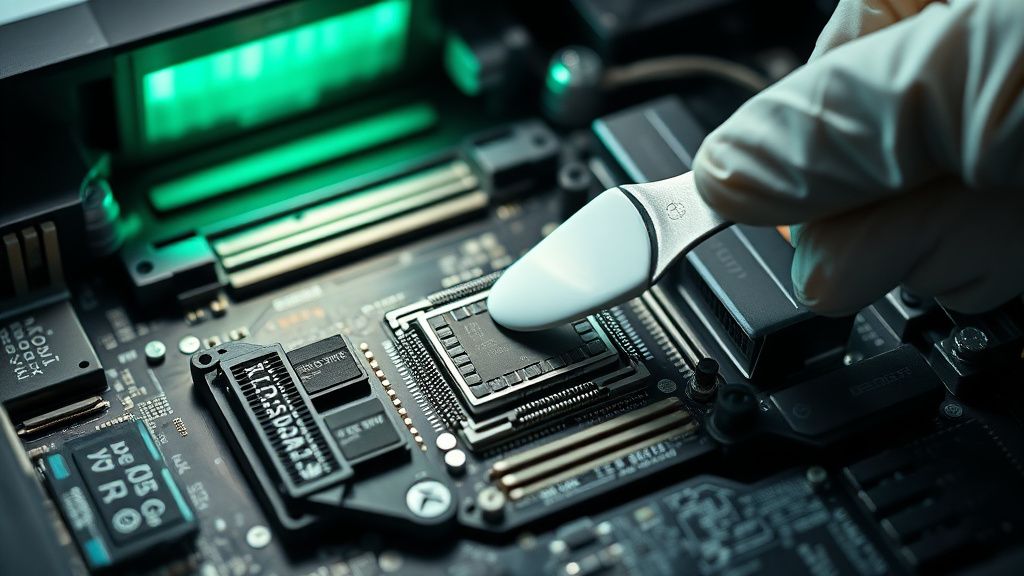
The Series X launched with what teardown analysts and the iFixit teardown from November 2020 identified as relatively standard TIM (thermal interface material) between the SoC and the heatsink. Over three to four years of use, particularly in high-ambient-temperature environments or inadequately ventilated setups, TIM can pump out, dry, and crack — causing progressively worse thermal transfer, higher SoC temperatures, and eventually thermal throttling or protection shutdowns that produce the green screen.
This is a known, documented degradation pathway in consumer electronics. It's not unique to Xbox. What is notable is that the Series X's vertical orientation — which Microsoft actively promoted and which is how most consoles are displayed in marketing materials — creates slightly different airflow dynamics than horizontal placement, and a subset of users who switched from vertical to horizontal reported improved thermal stability. This is anecdotal and the variable count is too high to draw a clean conclusion, but it keeps appearing in community discussions.
Replacing TIM on a Series X is possible. It requires full disassembly, voiding warranty, and working with a fine-pitch SoC package. The iFixit repairability score for the Series X is 8/10, which is unusually high for a modern console, and the teardown documentation is good enough that a technically confident user can do the job — but "technically confident" does real work in that sentence.
NAND Flash and the Storage Controller
The Series X uses a custom NVMe SSD, and the storage subsystem is tightly integrated into the system firmware. A failing or partially corrupted NAND can produce boot-time green screens because the system's initial POST process can't complete if critical firmware or system partition data is unreadable. This is less common than the thermal-related causes, but it's real, and it's the failure mode that most reliably produces Pattern 1 (green screen on boot, unresponsive).
Microsoft's Seagate-manufactured expansion cards interact with this subsystem. There have been isolated reports — not widespread, but consistent enough to notice — of expansion card failures corrupting the host system's storage state. Removing the expansion card and attempting a recovery has resolved the issue in some documented cases.
The Software Layer: Corrupted Partitions and Update Failures
How Xbox Series X Manages Its System Partition
The Series X runs a version of the Xbox OS, which Microsoft has been fairly tight-lipped about architecturally. What is publicly known is that it maintains multiple system partitions — a recovery environment, a system OS partition, and the game/app storage area. During system updates, the console writes to the system partition while the recovery environment remains separate. If this write process is interrupted — power outage, surge, crash during update, or a bad update package — the system partition can end up in an inconsistent state that produces boot-loop or green screen behavior.
This is the scenario most amenable to software recovery, and it's where Microsoft's OSU (Offline System Update) tool becomes essential.
The OSU Process: What It Actually Does and Where It Fails
Microsoft provides OSU files via their support website. The process involves downloading an ISO, writing it to a blank USB drive (FAT32 formatted, specific requirements), and booting the console into recovery mode by holding the Pair + Eject buttons while pressing power, then selecting "Offline System Update."
In theory: clean, effective, documented.
In practice: people run into friction constantly. Common failure points documented across the Xbox support forums and r/XboxSupport:
USB drive compatibility issues: Not all USB drives work. NTFS-formatted drives are rejected. Some USB 3.0 drives with specific controller chips aren't recognized. The official guidance says "use a USB 2.0 drive or a USB 3.0 drive formatted to FAT32" but this is less deterministic than it sounds. Multiple threads document users going through three or four different USB drives before finding one that works.
File placement errors: The OSU file must be extracted to the root of the drive, not inside a folder. A surprisingly large percentage of support tickets are caused by users extracting to a subfolder. The instructions exist, but they're easy to miss.
Recovery mode access failure: On consoles with fully failed storage controllers or badly degraded NAND, the console may not respond to the recovery button combination at all. This is the diagnostic signal that separates software-fixable from hardware-fixable cases — and it's information that users often don't have when they start trying.
Partial success / update loop: Some users have reported the OSU process appearing to complete, the console rebooting, and then returning to green screen behavior. This typically indicates either a hardware issue that the software recovery can't address, or a second corrupted partition that the OSU didn't touch.
"I did the OSU thing four times. Tried three different USB drives. It 'succeeded' twice according to the screen and then just... green screened again on reboot. Finally sent it in. Microsoft found the SSD had failed." — r/XboxSeriesX, user post, 2024 (paraphrased)
Real Field Reports: What Users Are Actually Experiencing in 2024-2025
The community documentation on this failure has been building for four years now, and some patterns are clear.
The 2020-2021 launch cohort is aging into hardware failures. This is not surprising — consumer electronics have failure curves — but it's notable that the green screen rate appears to be climbing in community reports. Whether this represents actual hardware degradation of early units or simply increased reporting as the user base grows is hard to determine without Microsoft publishing failure rate data (which they don't).
Microsoft's out-of-warranty repair pricing is a pain point. The standard out-of-warranty repair for a Series X, as of 2024-2025, typically runs in a range that makes users do real math against the cost of a refurbished or new unit. Microsoft doesn't publish flat-rate repair pricing in most markets, requiring users to go through a diagnostic process first. Multiple users on support forums have reported being quoted repair costs that weren't final until after the unit was inspected — creating friction and distrust.
Third-party repair shops are increasingly handling these. With a repairability score that allows physical access, and TIM replacement or reflow operations being within the skill set of competent electronics repair shops, more users are going the third-party route. The risk is that a botched reflow can cause more damage, and there's no industry standardization on what "Xbox Series X green screen repair" actually includes across independent shops.
The extended warranty and protection plan situation is complicated. Users who purchased Microsoft Complete or third-party protection plans through retailers have had varying experiences. Some report seamless replacements. Others report extended waits, repeated diagnostics, and replacement units that arrived with cosmetic damage. This isn't unique to Microsoft, but it's documented frequently enough to be a real pattern.
The 2026 Repair Path: What Changes and What Doesn't
Microsoft's Right-to-Repair Position and Its Limits
Microsoft has made public statements supportive of right-to-repair principles, and the Series X's relative repairability is evidence that some of that philosophy made it into hardware design. But "relatively repairable" is doing a lot of work here. The SoC is BGA-mounted, the NAND is soldered, and if either of those components fails, the repair requires BGA rework equipment that costs more than most individuals own. The fan, heatsink, TIM, and even the optical drive are user-replaceable with appropriate tools.
By 2026, the extended warranty period for most launch-window Series X consoles has fully expired. This means:
- Microsoft's standard warranty is no longer relevant for the majority of affected units.
- Third-party repair is the primary option for out-of-warranty hardware failures.
- The supply of refurbished Series X units available through Microsoft's own certified refurbished program has grown, creating a competitive option against repair.
The OSU Path in 2026: Still Valid, Still Frustrating
The OSU process works the same in 2026 as it did in 2021. Microsoft still hosts the OSU files. The recovery mode button combination still functions. The USB drive compatibility issues still exist and are still poorly documented.
If you're hitting a green screen in 2026, the correct triage sequence remains:
- Hard power cycle — hold power button 10+ seconds, wait 30 seconds, power on
- Remove expansion card if present — test without it
- Attempt OSU recovery — using a FAT32-formatted USB with the correct OSU file at root level
- Assess recovery mode accessibility — if the console doesn't respond to the Pair + Eject + Power combination, this suggests hardware failure rather than software corruption
- Thermal assessment — if green screens are intermittent and temperature-correlated, TIM replacement or improved ventilation is the intervention
- Professional diagnosis — at this point, you need a technician with BGA rework capability or a path to replacement
The Economics of Repair vs. Replace in 2026
This is where the conversation gets uncomfortable. A BGA reflow on a failed Series X SoC, done professionally, is not cheap — and it's not permanent. A reflow addresses cracked solder joints but doesn't address the underlying thermal stress that caused them. Without also replacing TIM and addressing the thermal environment, the reflow-repaired console may fail again within months. The total cost of a professional reflow + TIM replacement at a reputable shop is in territory where comparing it to a certified refurbished Series X or the cost difference to a next-generation console becomes economically rational.
This is the same economic trap that has faced every generation of console hardware past its warranty window. The technology inside is not modular in a way that allows cost-effective component-level upgrades. You're essentially deciding whether to invest in aging hardware or accept a replacement.
Counter-Criticism: Is the Community Overstating the Problem?
It would be irresponsible not to ask this. Online forums are self-selecting for failure. The hundreds of thousands of Series X consoles running without incident don't generate Reddit threads. The green screen posts represent a real but unknown fraction of the total installed base. Microsoft has not published failure rate data, and the absence of a large-scale recall or extended warranty program suggests they don't consider the failure rate exceptional — or that they've made the calculation that the legal and financial threshold for such action isn't met.
Some repair technicians who have publicly discussed their Series X caseloads note that the green screen cases they see are disproportionately from consoles in hot environments, consoles that were stored vertically in enclosed entertainment centers with limited airflow, or consoles that had visible signs of dust accumulation in the heatsink. This doesn't exonerate the hardware design — preventing failure under reasonably foreseeable use conditions is part of what hardware design is for — but it does suggest that the failure rate under optimal conditions may be lower than community discussion implies.
The counter-argument to this is that "optimal conditions" shouldn't be required for a $500 console to survive four years, and that the thermal margin between "normal living room use" and "triggers green screen" might be thinner than it should be. This is a legitimate criticism that the community makes and that isn't obviously wrong.
What Microsoft Could Do Differently (And Probably Won't)
The absence of a clear error code system on the Series X — unlike the Xbox 360's quadrant LED system — means users have less actionable information when something goes wrong. The green screen, whether caused by a software partition corruption or a dying GPU solder joint, looks identical from the user's perspective. Adding diagnostic information to the failure screen would cost essentially nothing and would meaningfully reduce support overhead. The fact that this hasn't happened in four years of updates suggests it's not a priority.
Microsoft's support documentation for the green screen is better than it used to be, but it still doesn't distinguish between the failure patterns
Bu makale affiliate linkleri içermektedir.