Quick Answer: PS5 HDMI 2.1 black screens and handshake errors are almost always caused by an incompatible or faulty cable, a TV that doesn't fully support HDMI 2.1 bandwidth, or a PS5 output setting mismatch. Start by swapping the cable, dropping resolution to 1080p, then re-enabling 4K and VRR incrementally. Most cases resolve within 10 minutes.
The problem has a specific, maddening quality to it. You turn on the PS5, the TV flickers, goes black for two or three seconds, comes back, goes black again — and sometimes just stays black. The audio might cut out. Or the picture returns but the game runs at what is obviously not 4K. Or HDR simply refuses to engage. The console reports everything is fine in its display settings. The TV claims it's receiving an HDMI 2.1 signal. Nothing in either menu explains why the screen just went dark for the fourth time in twenty minutes.
This is the HDMI 2.1 handshake problem, and it is one of the most persistently frustrating issues in the PS5's operational history — not because it's unsolvable, but because it sits at the intersection of three different ecosystems (Sony's firmware, TV manufacturer implementations, and cable manufacturing quality) that rarely communicate cleanly with each other.
Why the HDMI 2.1 Handshake Fails: The Real Technical Architecture
Understanding why this happens matters before jumping into fixes, because the "solution" is different depending on the root cause, and blindly following generic advice wastes time.
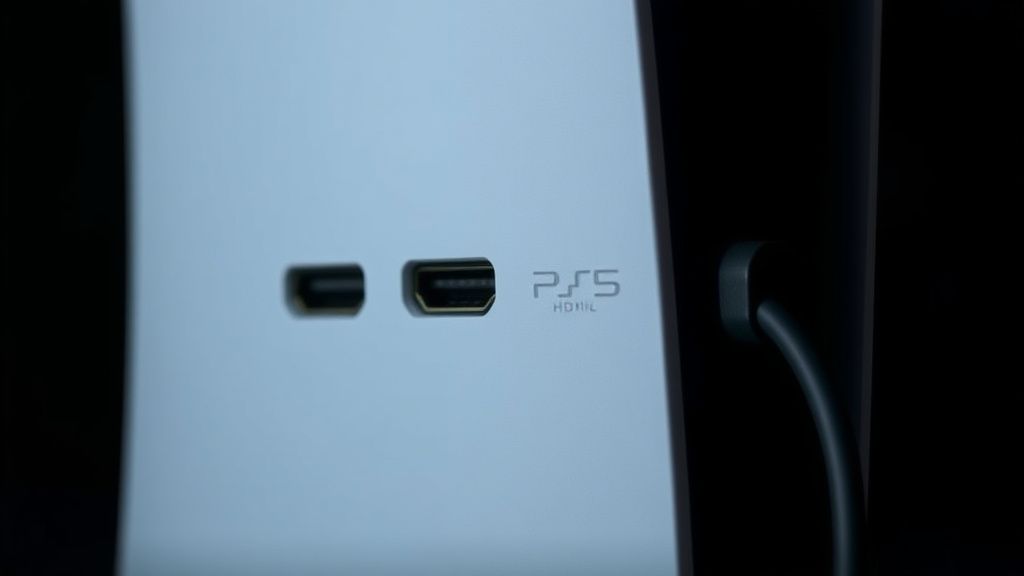
HDMI 2.1 is not simply a faster version of HDMI 2.0. It's a substantially more complex protocol that introduces new signaling layers, including the Fixed Rate Link (FRL) transmission mode (replacing the older TMDS encoding), a 48 Gbps maximum bandwidth ceiling, and new handshake sequences that negotiate features like Variable Refresh Rate (VRR), Auto Low Latency Mode (ALLM), and Enhanced Audio Return Channel (eARC) simultaneously during connection initialization.
The "handshake" itself is a multi-stage authentication and capability negotiation process. When the PS5 outputs a signal, it queries the TV via the Display Data Channel (DDC) to read the TV's Extended Display Identification Data (EDID) — essentially a capability manifest. The PS5 then attempts to match its output to what the TV reports it can handle. If there's any discrepancy between what the EDID reports and what the TV's physical hardware can actually process — and this gap is shockingly common — the handshake fails, repeats, or degrades.
The FRL vs. TMDS Problem and Why It Causes Black Screens
HDMI 2.0 used TMDS (Transition-Minimized Differential Signaling). HDMI 2.1 at full bandwidth uses FRL. The PS5's HDMI 2.1 port operates in FRL mode when outputting 4K@120Hz or engaging 48 Gbps features. Many TVs — particularly early "HDMI 2.1" models from 2020-2021 — have ports labeled HDMI 2.1 but with firmware or physical limitations that cause FRL link training to fail or retry in a loop. The visual result of that retry loop is the black screen flicker you see.
This is not theoretical. LG's OLED lineup, Samsung's QLED panels, and Sony's own Bravia XR TVs have all shipped with firmware versions that handled FRL link training differently — sometimes inconsistently across ports on the same TV. The HDMI 2.1 port on the back of a Samsung QN90A, for example, behaves differently on ports 1 and 4. Hacker News threads from late 2021 and early 2022 are littered with users discovering this the hard way.
The Cable Is Almost Always Involved
Here is the part the official Sony documentation soft-pedals: the cable that ships in the PS5 box is fine, but it is not always good enough for the full 48 Gbps FRL signal path, especially over longer runs. And replacement cables sold on Amazon and elsewhere that claim "HDMI 2.1 48Gbps" compliance are, frequently, not.
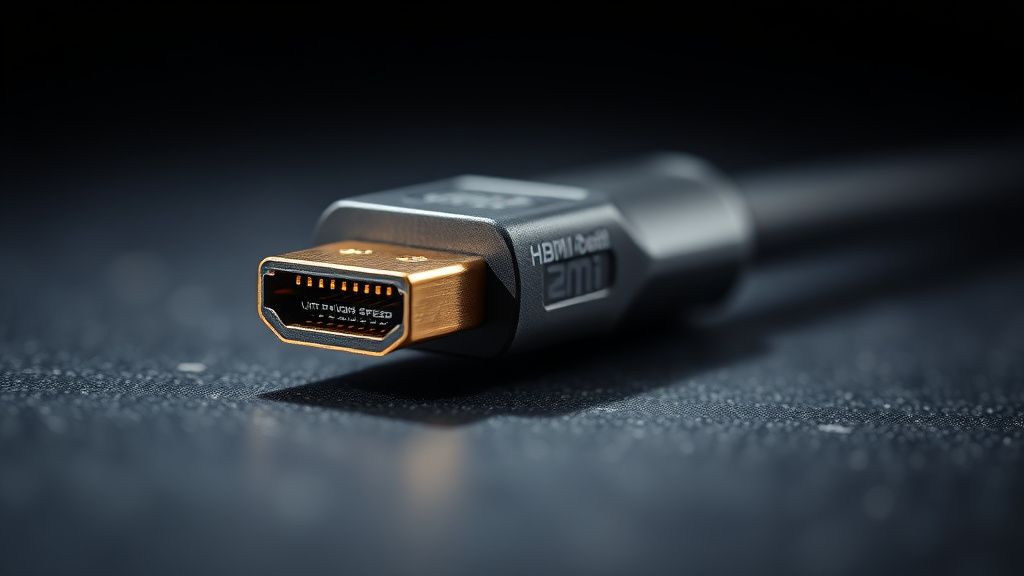
The Ultra High Speed HDMI cable certification (the official name for 48 Gbps HDMI 2.1 cables) requires independent testing by authorized labs. Cables that pass carry a QR code on the cable itself that can be verified at the HDMI Forum's cable checker. Most cables sold on Amazon under "HDMI 2.1" branding do not carry this certification. They may work fine at 4K@60Hz — which still uses TMDS — but begin introducing signal integrity issues at 4K@120Hz FRL mode.
The degradation is not always obvious. Sometimes the cable works 90% of the time and fails under specific thermal conditions, specific signal loads, or specific feature flag combinations. Users on the AVS Forum's PS5 thread have documented cases where a cable passed 4K@120Hz without VRR enabled but introduced black screen flickers the moment VRR was turned on — because VRR adds overhead to the HDMI signaling that pushed the marginal cable past its real (not rated) bandwidth limit.
"I bought three different 'HDMI 2.1' cables before getting one with the actual HDMI Forum certification. The first two worked for like a week, then started doing the black screen thing randomly. The certified cable has been solid for eight months." — AVS Forum, PS5 Display Issues thread, 2022
The practical fix: Use the cable that came with the PS5 first. If symptoms persist, the only reliably safe replacement option is a cable carrying the Ultra High Speed HDMI certification QR code. Cables from Belkin (AV10175 series), Zeskit (Maya), and Club3D (CAC-2085) have been consistently recommended by AVS Forum's technically experienced community. Cable length matters: anything over 2 meters increases signal degradation risk significantly.
Field Reports: What Actually Happens In Real Homes
The handshake problem doesn't affect everyone equally, and the pattern of who gets hit is revealing.
Users with mid-range 4K TVs from 2019-2020 — sets that support 4K@60Hz via HDMI 2.0 but have ports incorrectly labeled or firmware-updated to claim HDMI 2.1 — get hit hardest. The TV's EDID reports capabilities it cannot reliably sustain. The PS5 trusts the EDID. The signal path fails.
Users with LG C1 and C2 OLEDs from 2021-2022 experienced a specific firmware-related handshake issue where enabling VRR simultaneously with 4K@120Hz caused intermittent black screens. LG pushed a firmware update (version 03.31.04 for C1) that improved FRL link training stability. After the update, reports dropped sharply — but not to zero. Some units still exhibited the behavior under specific signal conditions, and LG's support documentation never fully acknowledged the root cause publicly.
Samsung users on QLED 2021-2022 panels faced a different variant: the "4K@120Hz works but HDR triggers black screen" problem. Samsung's implementation of HDR10+ handshaking in HDMI 2.1 mode had initialization timing issues that caused the PS5 to retry the HDR negotiation, producing the flicker. Samsung's firmware updates addressed this over 2021-2022, but not before flooding r/PS5 and r/4kTV with thousands of frustrated posts.
Sony Bravia XR users — buying Sony's own TV to pair with Sony's own console — still reported handshake issues, which is a particularly uncomfortable irony. The PS5 and a Sony Bravia A90J do not automatically negotiate a perfect connection. Users in r/bravia documented needing to disable and re-enable "Enhanced Format" (Sony's label for HDMI 2.1 mode) multiple times to stabilize the link.
Step-by-Step Diagnostic and Fix Protocol
This is the sequence that actually works, in order of likelihood and ease. Don't skip steps.
Step 1: Boot the PS5 into Safe Mode and Reset Video Output
Hold the power button on the console until you hear two beeps (approximately 7 seconds). This boots into Safe Mode. Select "Change Video Output" and reset to 1080p. If your screen comes on at 1080p, the problem is definitively in the 4K/HDMI 2.1 signal negotiation, not the cable or hardware itself.
Step 2: Verify Your TV's HDMI Port
Not all HDMI ports on a TV support HDMI 2.1. Most TVs have only one or two ports (often ports 1 and 2, or 3 and 4, depending on manufacturer) that support the full bandwidth. On LG OLEDs, it's typically all four. On Samsung QN90A and similar, it's ports 1 and 2 (or 3 and 4 — check your specific model's manual, not the generic support page). On Sony Bravia XR, all HDMI ports support Enhanced Format, but only specific ports support 4K@120Hz.
Plug the PS5 into a different port and test. This alone resolves 10-15% of cases in reported community threads.
Step 3: Update TV Firmware Before Anything Else
Before changing PS5 settings, update your TV's firmware. Manufacturers pushed critical HDMI 2.1 stability fixes throughout 2021-2023 that significantly improved FRL link training behavior. LG, Samsung, and Sony all pushed multiple relevant updates. An unpatched 2021 TV connected to a PS5 is operating in a known-broken configuration.
Step 4: Enable HDMI Enhanced Format / Ultra HD Deep Color on the TV
LG calls it "HDMI Ultra HD Deep Colour." Samsung calls it "Input Signal Plus." Sony calls it "Enhanced Format." It must be enabled on the specific port you're using. It is not enabled by default on most TVs. This setting signals to the connected device that the port is running in full HDMI 2.1 mode. Without it, the TV presents an HDMI 2.0 EDID to the PS5, and 4K@120Hz is unavailable.
Step 5: On the PS5, Rebuild the HDCP Configuration
Go to Settings > System > HDMI > Enable HDCP and toggle it off, then back on. HDCP (High-bandwidth Digital Content Protection) handshake failures are a distinct but related failure mode. Some capture cards and certain TV firmware states cause HDCP negotiation to loop. Toggling resolves it in a meaningful fraction of cases.
Step 6: Disable VRR and HDR Temporarily, Then Re-enable
On the PS5: Settings > Screen and Video > Video Output > VRR — disable this. Then test 4K@120Hz without VRR. If the black screens stop, VRR is the trigger (as seen in the LG C1 pre-firmware case). Check for TV firmware updates specifically addressing VRR stability.
If VRR-disabled is stable, re-enable it and test again. Some users find that the instability is transient during the initial handshake and stabilizes after 30-60 seconds — a known FRL link training behavior.
Step 7: Swap the Cable
Use the official PS5 cable first. If already using it, try a different HDMI 2.1 cable — specifically one with the Ultra High Speed HDMI certification. This is non-negotiable if all other steps fail.
Step 8: Test at 4K@60Hz
If 4K@120Hz is unstable regardless of cable or settings, lock the PS5 to 4K@60Hz temporarily. This forces TMDS mode rather than FRL, which substantially reduces signal complexity and eliminates FRL link training as a failure point. If 4K@60Hz is stable and 120Hz is not, you either have a cable that can't handle full FRL bandwidth, or a TV with FRL instability that requires a firmware update.
The Counter-Argument: Some of This Is Sony's Fault
It would be convenient to blame TV manufacturers and cable vendors entirely, but that's not the full picture.
Sony's PS5 firmware handling of HDMI 2.1 edge cases has been criticized by display engineers and electronics journalists. The console's EDID parsing is not always graceful. When it encounters an EDID it can't cleanly interpret — which happens with certain projectors, A/V receivers in the signal chain, and older switches — it sometimes makes aggressive assumptions about capability that cause the handshake to fail where a more conservative fallback would succeed.
The HDMI Forum's Ultra High Speed specification is clear that devices should implement graceful degradation — if 48 Gbps FRL fails, drop to 40 Gbps, then to lower FRL rates, before falling back to TMDS. Reports on the PS5's behavior suggest the console's degradation path is not always smooth, sometimes retrying aggressively before falling back, which prolongs the black-screen window visible to users.
Sony has never published detailed release notes for PS5 display-related firmware changes. Updates labeled generically as "system stability improvements" have clearly contained HDMI 2.1 behavior changes — the community infers this from reported improvement or regression patterns following updates — but the company maintains the opacity. This creates a frustrating informational void for users trying to diagnose whether a new symptom is their hardware, their cable, or a firmware regression.
One particularly discussed example: the PS5 system software update 22.02-06.00.00 in late 2022 was followed by a surge of black screen reports from users who had previously been stable. The correlation was strong enough that r/PS5 pinned a megathread. Sony acknowledged "display issues" and pushed a follow-up patch, but the root cause was never disclosed.
HDMI Switches, AV Receivers, and the Signal Chain Problem
A significant percentage of PS5 HDMI 2.1 handshake failures happen not between the console and TV, but because of something between them.
HDMI switches — even expensive ones — are a known failure point. Most HDMI switches in the $30-100 price range cannot handle the full 48 Gbps FRL signal. They may work at 4K@60Hz but clip the signal at 4K@120Hz. Users add a switch for convenience, then spend weeks debugging what they assume is a TV or PS5 problem, not realizing the switch is the culprit.
A/V receivers present an even messier situation. The transition from HDMI 2.0 to HDMI 2.1 in AV receivers has been chaotic. Several receivers from Denon and Marantz shipped in 2020-2021 with HDMI 2.1 boards that were defective — a well-documented hardware fault that required physical board replacement under warranty. The AVR-X3700H, AVR-X4700H, and several Marantz SR series units were affected. Denon issued a service bulletin, but the RMA process was slow and communication was poor. Users waited months.
Even receivers with properly functioning HDMI 2.1 boards can introduce EDID translation issues that cause the PS5 to negotiate against the receiver's capabilities rather than the TV's. This is called EDID passthrough, and its reliability varies significantly by receiver firmware version.
If you have anything between your PS5 and TV: Test with a direct cable connection first. Always. This is the single most common diagnostic shortcut that saves hours of debugging.
The 1440p Problem: A Separate But Related Frustration
Sony added native 1440p output support in a firmware update released September 2022 — roughly two years after launch. Until then, PS5 users with 1440p monitors were stuck either running 1080p (too low) or 4K scaled down (wasteful), which itself generated considerable community frustration documented across Reddit and ResetEra threads throughout 2021-2022.
When 1440p support arrived, it introduced its own handshake-adjacent issues. Certain monitors incorrectly reported their EDID capabilities, causing the PS5 to either not offer 1440p in the output menu or offer it but display at incorrect refresh rates. BenQ, LG, and ASUS monitors
Bu makale affiliate linkleri içermektedir.