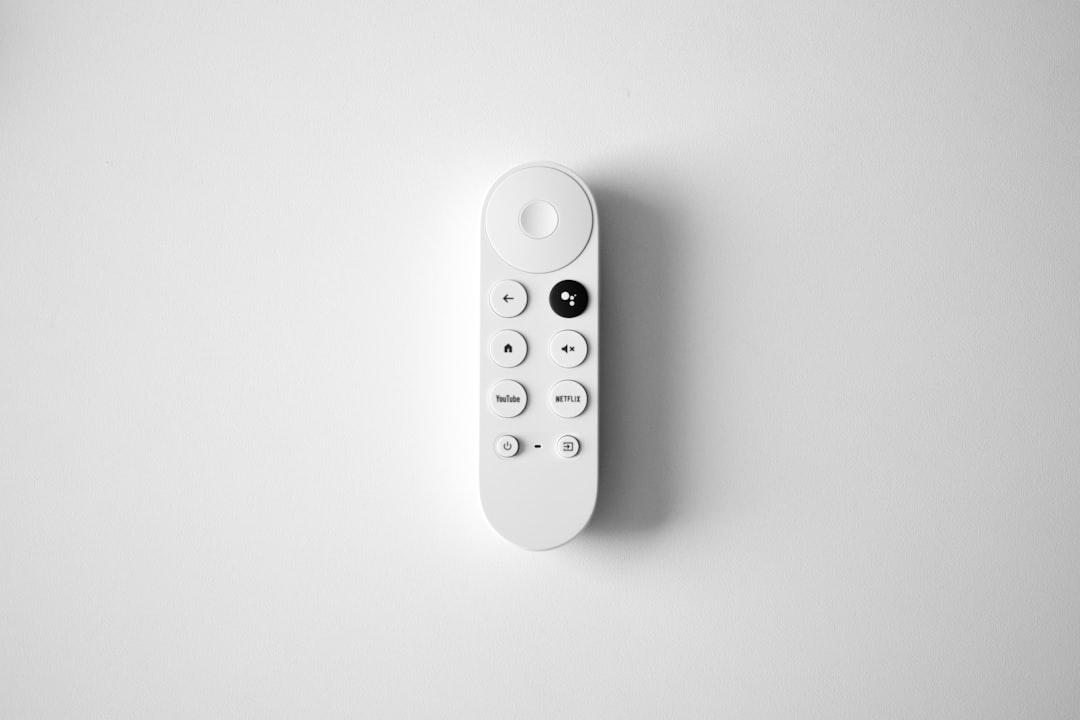
Quick Answer: Chromecast 4K overheating causes random restarts because the device throttles its processor and cuts power when internal temperatures exceed safe limits. Fix it immediately by improving airflow around the device, using the included HDMI extender cable, reducing 4K HDR load, and keeping firmware updated. Most cases resolve within minutes.
There's a specific kind of frustration that comes from settling in for a movie, dimming the lights, getting the snacks sorted — and then watching your TV screen go black, flash the Google logo, and reboot. Again. If you own a Chromecast with Google TV (4K), this scenario isn't hypothetical. It's a documented, recurring, genuinely annoying reality similar to Apple TV 4K black screen issues that has generated thousands of support threads since the device launched.
The problem isn't a fringe bug. It's a thermal design problem interacting with real-world living room conditions. And understanding why it happens — not just the surface-level "it's getting hot" explanation — changes how you approach fixing it.
The Thermal Reality Behind Chromecast 4K Random Restarts
The Chromecast with Google TV (4K) runs on an Amlogic S905X3 chipset. It's a capable processor for the price point, but it generates meaningful heat in a chassis that measures roughly 57mm across and contains no active cooling. No fan. No heat pipe. Just a small plastic disc pressed against your TV's HDMI port.
When the device is pushed — playing 4K HDR Dolby Vision content, running multiple apps simultaneously, or just sitting in a badly ventilated entertainment center — that plastic body becomes a heat trap.
Google's thermal protection firmware does what it's supposed to do: when internal temperature crosses a threshold, the device throttles processing power. If that doesn't bring temps down fast enough, it restarts. This is not a malfunction in the traditional sense. It's the device protecting its own silicon. But for the user, the experience is identical to a crash.
The problem is compounded by several design decisions that, individually, are reasonable engineering tradeoffs. Together in the wrong environment, they create a surprisingly reliable failure loop.
Why Direct HDMI Mounting Is Legitimately the Biggest Mistake
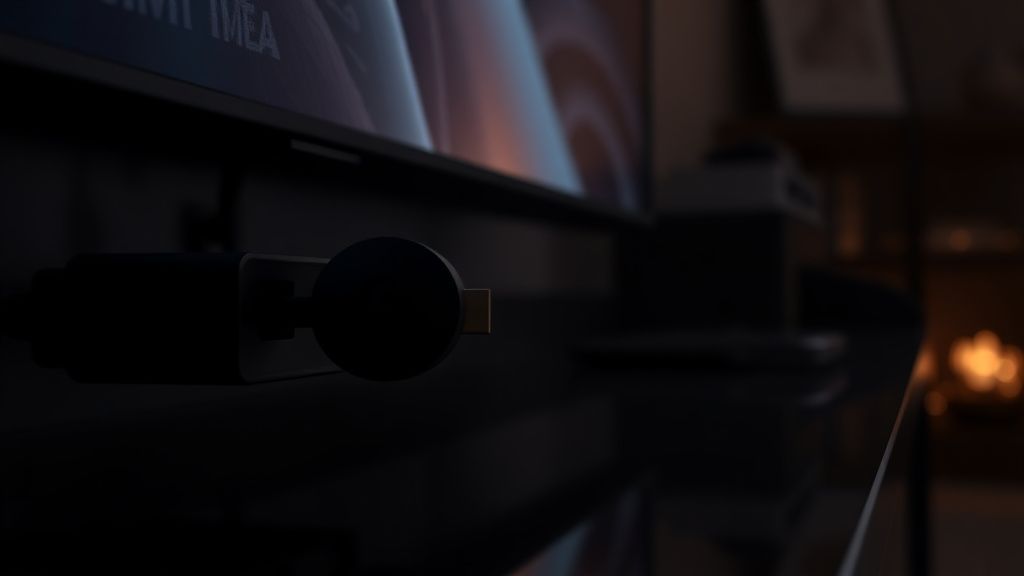
Most users plug the Chromecast directly into the HDMI port on their TV. It's the obvious thing to do. The device is designed to disappear behind the screen. But this is where the thermal problem begins.
When the Chromecast is pressed flush against the back panel of a TV—especially if you are already worried about OLED vertical banding or standard panel heat—the device is effectively sandwiched between two heat sources with zero airflow on one side. The HDMI port itself adds a small amount of heat from signal transmission. The TV's rear ventilation slots, which exhaust warm air, often sit within centimeters of where the Chromecast hangs.
The included HDMI extender cable that comes in the box isn't a convenience accessory. It's a thermal management tool. Google quietly acknowledges this in their own troubleshooting documentation, though the language is vague enough that most users ignore it during setup.
Using the extender moves the device away from the TV's rear panel, typically exposing at least three sides of the dongle to ambient room air. In practice, this alone resolves overheating for a meaningful subset of users — particularly those with the Chromecast installed in enclosed media cabinets.
The Entertainment Center Problem Nobody Talks About Enough
Walk into almost any living room with a smart TV setup and you'll find the same thing: a media center cabinet with doors, maybe mesh sides, and several devices stacked inside — streaming dongle, game console, soundbar receiver, maybe a cable box. All of them generating heat. The cabinet itself becomes a convection oven.
The Chromecast, being small and out of sight, gets no priority in the airflow hierarchy. It sits in dead air. Even at moderate ambient temperatures, the device never gets a chance to cool between sessions. Start a second movie after finishing the first, and you're launching it from a device that's already thermally stressed from the previous two hours.
This is one of the under-documented failure modes: not sudden overheating, but gradual heat accumulation where the device enters a session already pre-heated and hits its protection threshold faster than normal.
Community threads on Reddit's r/Chromecast and r/GoogleTV are full of users who solved months of random restarts by simply moving the device outside the cabinet, or drilling a ventilation hole. One thread from 2022 had a user describing how they 3D-printed a small mount that held the Chromecast three inches from the TV panel with a small gap around all sides. Multiple replies confirmed similar DIY approaches.
Real Field Reports: What Users Actually Experienced
The overheating problem isn't uniform. It manifests differently based on environment, content, and usage patterns — and the community data tells a more nuanced story than "just keep it cool."
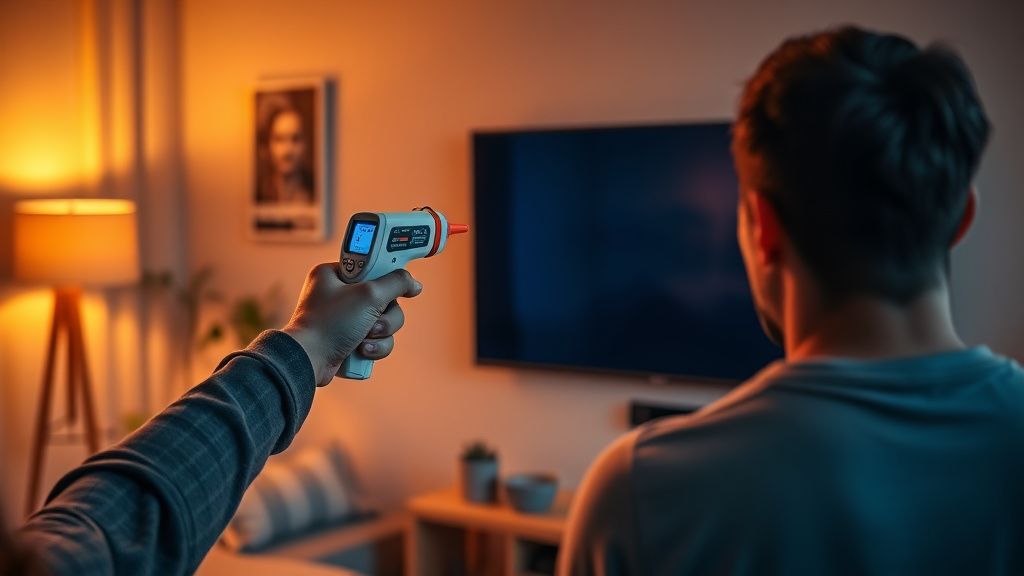
Case 1 — The 4K HDR Loop: A user on the Google TV subreddit reported their Chromecast rebooting reliably at the 47-minute mark of any 4K Dolby Vision stream on Netflix. Not at random — almost exactly at the same point. They suspected a memory leak initially. The actual culprit, confirmed after testing with an IR thermometer on the TV panel near the device: the Chromecast was hitting thermal limits precisely when the TV's own peak brightness logic kicked in during a bright scene, radiating more heat backward onto the device. Switching to 1080p HDR stopped the restarts entirely. Switching to 4K SDR also stopped them. The combination of 4K + Dolby Vision peak luminance was the specific trigger.
Case 2 — The Summer Problem: Multiple users in warmer climates reported that the same setup that ran fine through winter suddenly started having daily restart issues in summer. No changes to hardware, no firmware update. Just ambient room temperature increasing by 8-12°C. This is a direct demonstration of how close to the thermal edge the device operates under 4K load even in "normal" conditions.
Case 3 — The Firmware Update That Made Things Worse: In late 2021, several users on the Google TV GitHub issue tracker and support forums reported that a specific firmware build caused the device to run hotter at idle. The thread ("Chromecast 4K running hot after update") accumulated hundreds of responses before a subsequent firmware update appeared to partially address it. Google's official response was a generic troubleshooting list. The community concluded, based on behavioral observation, that the update had changed background app refresh behavior in a way that kept the Amlogic chipset at higher utilization even when the screen was off.
The Firmware Dimension: A Problem Google Partially Owns
The Chromecast with Google TV runs a forked version of Android TV with Google's own modifications. Unlike traditional Android devices, users have limited control over background processes. You cannot, for instance, kill the ambient mode service (Backdrop/Ambient Mode), which keeps the processor partially active even when you're not actively streaming.
This matters thermally. The device is never truly idle when plugged in and powered. Ambient mode cycles through photos, news, weather, and artwork — all of which require network requests and some GPU activity. On a device with no active cooling, this sustained low-level activity means the device starts each streaming session from an already-elevated temperature baseline.
There's no official way to disable ambient mode completely without losing functionality. The workaround that circulates in communities — setting screen timeout to a very short interval — helps somewhat but introduces its own annoyances.
Power management also creates a specific edge case: the Chromecast in "standby" still draws power and still generates heat if the HDMI port is supplying power from the TV's USB or HDMI-CEC functionality. Some users discovered their device was running hot even after they thought they'd turned it off, because the TV was keeping it powered through HDMI.
Practical Fixes, Ranked by Effectiveness
This is where operationalizing the above analysis matters. Not all fixes are equal, and some popular suggestions in forums don't actually address the root cause.
1. Use the HDMI Extender Cable
This is the most impactful single change for most users. It creates airflow on all sides of the device and removes it from the TV's thermal shadow. If you discarded the extender during setup, compatible HDMI extender cables are inexpensive and widely available.
2. Move the Device Out of Enclosed Spaces
If it's in a cabinet, get it out. Even moving it to rest on top of the TV (using the extender) exposes it to better ambient airflow. This sounds obvious but a surprising number of users have never tried it because the setup feels "messier."
3. Force 1080p During High-Ambient-Temperature Conditions
Go to Settings → Display & Sound → Advanced Display Settings → Resolution and switch to 1080p when you're in a warm environment. The 4K decode path on the Amlogic chipset runs significantly hotter than 1080p. For most content, at normal viewing distances, the difference is not visually meaningful. This is the pragmatic compromise.
4. Disable Dolby Vision When Possible
Dolby Vision tone mapping is computationally heavier than HDR10. Some apps allow you to override the DV profile. In Settings, you can also set HDR Format Override — switching from DV to HDR10 reduces processing load and thermal output.
5. Reboot the Device Before Long Viewing Sessions
This sounds like low-tech advice, but it works for a specific reason: it clears any apps or processes that have accumulated in RAM since the last restart, bringing chipset utilization down from a potentially already-elevated state. Navigate to Settings → System → Restart.
6. Check for and Install Firmware Updates
Navigate to Settings → System → About → System Update. This matters because Google has addressed at least some thermal-adjacent firmware issues in past updates, even without explicitly documenting it in release notes.
7. Thermal Pad Mod (Advanced, Voids Warranty)
A subset of technically inclined users have opened the Chromecast's casing and applied aftermarket thermal pads between the chipset and the outer shell to improve heat dissipation to the device's outer surface. This works, measurably, but it voids the warranty, risks damaging the device, and is not something most users should attempt. It exists as a workaround in the enthusiast community and is documented in teardown threads on XDA Developers, though specific thread IDs evolve as new device revisions appear.
Counter-Criticism and the Broader Debate
Not everyone accepts the "it's a thermal design problem" framing, and the counterarguments are worth engaging seriously.
Google's implicit position is that the device, when used as intended with the extender in a ventilated space, does not have a thermal problem. This is defensible. Users who follow the setup guide correctly do report fewer issues. The problem is that "as intended" doesn't reflect how most people actually set up streaming devices — directly plugged in, often inside cabinets, in environments where ambient temperature varies seasonally.
The Amlogic defense: Some engineers in technical forums argue that the S905X3 chipset is not actually undersized for 4K decode — it's the software optimization layer (or lack thereof) that drives unnecessary CPU utilization for tasks that should be GPU-offloaded. This is harder to verify without internal profiling access, but it's a credible hypothesis. The same chipset runs cooler in some third-party devices, which could suggest software inefficiency rather than pure hardware limitations.
The "just buy different hardware" argument: Some community members simply recommend replacing the Chromecast with a Fire TV Stick 4K Max or Apple TV 4K, which have better thermal performance (particularly the Apple TV 4K, which has a proper aluminum chassis and much better sustained cooling). This is legitimate advice for users who've exhausted other options, but it sidesteps the question of whether Google should have designed better thermal management into a $50 device.
The legitimate pushback: Some users report zero thermal issues across years of use in similar conditions to users who constantly struggle. Hardware variation between manufacturing batches is a real factor. Device-to-device variance in thermal paste application during manufacturing — or differences in HDMI port power delivery between TV brands — means the overheating problem is not universal, which makes it genuinely difficult for Google to treat it as a systemic issue that demands a hardware revision.
When It's Not Thermal: Other Restart Causes to Rule Out
Not every random restart is heat-related. Several other causes produce identical symptoms:
- Power supply issues: If the Chromecast is powered from a TV's USB port rather than the included power adapter, power fluctuations can cause resets, especially when the TV cycles power states.
- HDMI-CEC conflicts: Some TV/soundbar/Chromecast combinations create CEC signal loops that trigger reboots. Disabling CEC on either the TV or the Chromecast can resolve these cases.
- Corrupted cached data: App cache corruption can cause instability that looks like thermal crashes. Factory reset resolves this, though it's a drastic first step.
- Specific app bugs: Some streaming apps have had bugs that caused the Chromecast to reboot. HBO Max (now Max) had a documented period where certain content crashed the device consistently, resolved through an app update.
- Memory pressure: The 2GB RAM in the Chromecast 4K is genuinely constrained for some use cases. Running multiple apps in quick succession without restarting can create memory pressure that destabilizes the system.
The Broader Industry Context: Streaming Dongle Thermals as a Category Problem
The Chromecast's thermal issues aren't entirely unique to Google. The streaming dongle category — small, fanless, always-on devices designed to handle 4K HDR content — is fundamentally operating near the edge of what passive cooling can manage.
Amazon's Fire TV Stick 4K has had its own overheating reports, particularly in the first-generation model. Roku's streaming sticks have similar community threads. The shared constraint is economic: these devices are sold at aggressive price points where including active cooling (a fan) would meaningfully increase cost, add noise, and create a different set of user complaints.
The Apple TV 4K (3rd generation) is the partial exception — its aluminum chassis acts as an effective heatsink, and its larger form factor allows for better passive cooling. But it also costs significantly more and has a completely different market position.
The Chromecast's problems, then, are partly the logical consequence of trying to shove a 4K HDR decode pipeline into a device that costs fifty dollars and needs to look invisible behind your TV. That's not a defense of poor execution — it's context for understanding why the problem exists and why it hasn't been "simply fixed."
For users who need reliability above all else, the practical reality is that a larger form-factor streaming device with better thermal headroom is a more resilient long-term choice. For users who want to make the Chromecast work — and for most people in typical living room conditions, it absolutely can — the extender cable, cabinet ventilation, and resolution management are the practical tools available.
FAQ
Why does my Chromecast 4K keep restarting on its own?
Does using the HDMI extender cable actually help with overheating?
Is my Chromecast 4K permanently damaged by overheating?
Can firmware updates fix overheating on Chromecast 4K?
Bu makale affiliate linkleri içermektedir.