
Quick Answer: PS5 CMOS battery failure causes the console to lose its internal clock, blocking access to digital games, PlayStation Network authentication, and online services. Replacing the CR2032 coin cell battery and manually resetting the date/time restores full functionality. The process takes 15–30 minutes and requires basic tools.
There is a specific kind of dread that arrives when you turn on your PS5, navigate to a game you've owned digitally for two years, and are met with a screen that says the console cannot verify your license. No error code you recognize, unlike the specific technical issues often seen when troubleshooting a PS5 Pro error CE-108255-1. No obvious crash. Just a quiet, bureaucratic refusal. The clock says January 1, 2000. That's when you know.
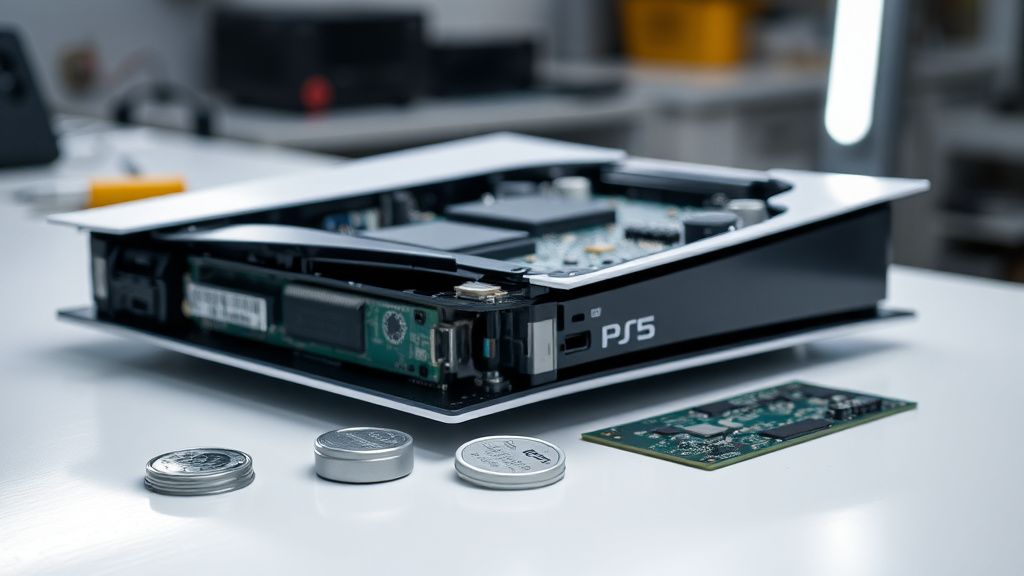
The PS5's CMOS (Complementary Metal-Oxide-Semiconductor) battery is a small, unglamorous component — a CR2032 lithium coin cell sitting deep inside the console — whose failure creates a cascade of problems that feel wildly disproportionate to the size of the part causing them. This isn't a unique problem; just as you might encounter a solid blue ring on your Echo device or a black screen on a Sony Bravia XR, hardware glitches are an unfortunate reality of modern tech. Every computing device with a real-time clock has one. PCs, older PlayStations, game cartridges with save files. But the way Sony's DRM architecture interacts with a dead CMOS battery transforms what should be a minor inconvenience into a potentially console-breaking event, and the community's reaction to that reality has been... complicated.
What the CMOS Battery Actually Does Inside the PS5
The CMOS battery's job is embarrassingly simple: it keeps a tiny real-time clock chip running when the console is powered off and unplugged. That's it. It doesn't store saves. It doesn't cache game data, nor does it handle complex network stability issues like those that cause Wi-Fi 7 packet loss or Wi-Fi 7 mesh dead zones. It doesn't run firmware. It just tells the PS5 what time it is when you wake it up.
But Sony's licensing and DRM infrastructure is tightly coupled to that timestamp.
When you boot a PS5 without a valid internet connection, the console relies on its internal clock to verify that your digital game licenses are still valid. PlayStation Network licenses are time-stamped. If the console believes it's January 2000, the cryptographic verification fails, the license check returns an error, and the console refuses to launch the game. It's not that the license is revoked — it's that the console's internal clock makes no coherent sense to the verification system.
This is the operational reality that turned a dead $2 battery into a legitimately alarming news story in 2021, when Ross from the repair advocacy channel iFixit and later Digital Foundry's technical team began publicly analyzing what happens when the CMOS dies on a PS5. The answer, at the time, was: if PSN servers ever go offline permanently, physical PS5 disc games would potentially stop working too, because the console would be unable to reach a time server to compensate for the dead CMOS. Sony has since addressed part of this — a firmware update pushed in 2022 made it so that the console can boot physical disc games without PSN authentication even with a dead CMOS battery. Digital games remain a different story.
The right-to-repair community lit up. iFixit posted a detailed teardown. Hacker News threads ran long. The debate crystallized around a single uncomfortable question: how much of what you "own" digitally is contingent on Sony keeping servers alive and your internal battery functional?
The Failure Pattern: How You Know the CMOS Is Dead
CMOS batteries don't die suddenly. They drain over months, sometimes years. But the failure mode feels sudden because there's no warning system — no notification, no battery indicator in the settings menu, no firmware alert.
The symptoms arrive in a cluster, much like the disparate errors users report when dealing with a Shark Ion Robot Error 7 or an Instant Vortex Plus fan error.
- Clock resets to a default date (typically January 1, 2000 or similar) every time the console loses power
- Digital games refuse to launch with license verification errors
- PlayStation Store shows errors even with a functioning internet connection initially
- Trophies fail to sync
- The console repeatedly asks you to set the date and time on boot
A partial CMOS failure — where the battery is low but not fully dead — produces intermittent behavior that's genuinely confusing. The clock holds for a few hours, then drifts. Games launch sometimes, then don't. Users on r/PS5 and r/PS5SupportBot have documented threads where people spent weeks assuming it was a network issue, a PSN outage, or a corrupt game installation before someone in the comments identified the CMOS as the culprit.
"Spent three days thinking it was my router. Replaced my router. Still broken. Turns out my PS5 thought it was 2001." — Reddit user, r/PS5, archived thread
The battery's lifespan in a PS5 depends on usage patterns. In normal operation — console plugged in and used regularly — the CMOS battery barely discharges because the console draws trickle power from the AC supply. The battery only actively drains when the console is fully unplugged for extended periods. A PS5 that sits in storage for two years, unplugged, will burn through its CMOS battery much faster than one that's plugged in daily. This is why people returning from long trips, or pulling a console out of a closet after years, disproportionately encounter this problem.
The Replacement Process: Operationally Realistic Walkthrough
Sony's official position on internal component access has been characteristically unhelpful for independent repair. The PS5's warranty explicitly voids on internal disassembly for most markets. The good news is the CMOS battery replacement, while requiring some disassembly, is within reach for anyone comfortable with basic electronics work.
What You Need
- Phillips PH1 screwdriver (and PH0 for some internal screws)
- Plastic pry tools / spudger (avoid metal — the PS5 casing scratches easily and metal near PCB traces is risky)
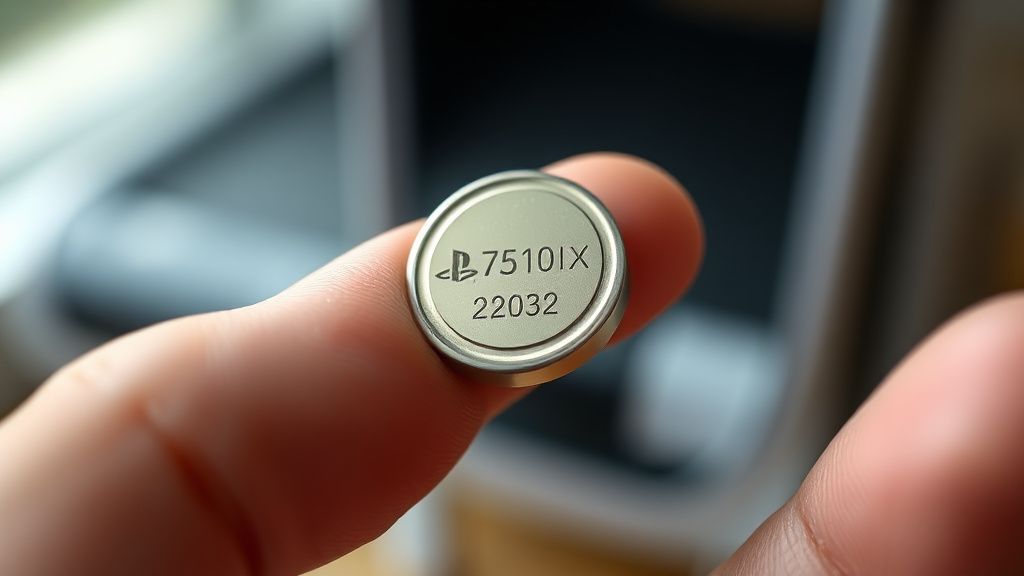
- CR2032 replacement battery (standard, widely available, costs under $5 for a multipack)
- Anti-static wrist strap (not strictly mandatory but genuinely advisable — the PS5 motherboard is expensive to damage)
- Clean, well-lit workspace with a surface that won't lose small screws
Step-by-Step Disassembly
1. Full power-off and unplugging Hold the power button until you hear two beeps and the PS5 enters a true shutdown state — not rest mode. Unplug all cables. Wait at minimum five minutes for residual capacitor charge to dissipate. This is not optional.
2. Remove the faceplates The PS5's white faceplates are attached via a clip mechanism, not screws. Hold the console in the vertical position (stand or no stand), grip the top faceplate near the PlayStation logo, and slide it toward the back of the console while pulling upward. A firm, deliberate motion — not yanking. The clips release with a tactile click. Repeat for the bottom faceplate.
3. Remove the stand screw cover and access screws Underneath one faceplate you'll find the stand mounting area and typically a single screw holding the fan cover in place. Depending on your hardware revision (the disc version and the various slim and revised editions have slightly different internal layouts), the screw positions vary.
4. Lift the fan After removing the fan's mounting screws and disconnecting the fan cable connector carefully, the fan assembly lifts out. Be deliberate here — the cable connector is fragile and replacement fan assemblies aren't cheap.
5. Locate the CMOS battery On the original PS5 CFI-1000 and CFI-1100 series, the CMOS battery sits on the motherboard in a horizontal coin cell holder, positioned in the lower region of the board once the fan is removed. It is not hidden, but it is surrounded by other components, and you cannot reach it without some care. On later hardware revisions (CFI-1200 and the PS5 Slim CFI-7000 series), the internal layout is somewhat tighter and the battery location shifts slightly — always consult a revision-specific teardown before proceeding.
6. Remove the old battery The battery holder has a small tab that, when pressed or pried gently with a plastic spudger, releases the coin cell. Do not use metal tools here if you can avoid it. The tab is delicate and the PCB traces adjacent to the holder carry signals you don't want to short.
7. Insert the new CR2032 Positive (+) side up. The flat side of the battery with the text faces up in most holders. Press gently until it clicks into the retention tab.
8. Reassemble in reverse order Fan cable connector first, then the fan housing, then screws, then faceplates. The faceplates click back into place without tools.
Restoring Date, Time, and System Functionality
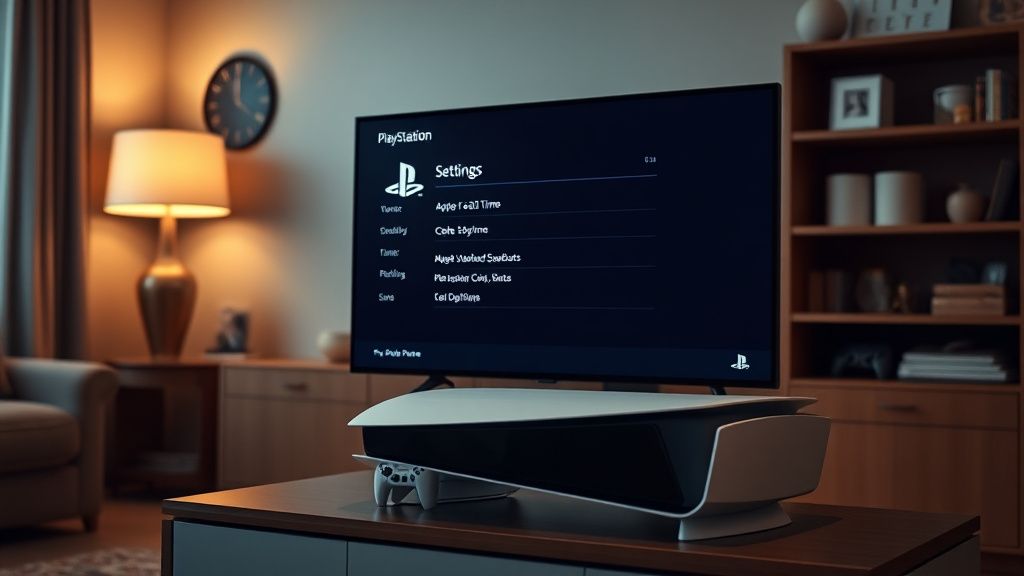
After replacing the battery and powering the console back on, the PS5 will boot and immediately prompt you to set the date and time. If you're connected to the internet, simply allowing the console to sync with PlayStation Network's time servers will handle this automatically in most cases. The console will pull the correct timestamp from Sony's NTP (Network Time Protocol) servers, update the internal clock, and the CMOS battery will then maintain that time during subsequent power-off cycles.
If you're offline — deliberately or due to network issues — you'll need to manually set the date and time through:
Settings → System → Date and Time → Set Manually
After setting the time correctly, digital game licenses should verify normally once you connect to PSN. In some cases you may need to restore licenses manually:
Settings → Users and Accounts → Other → Restore Licenses
This process can take several minutes and requires an active internet connection. It doesn't redownload anything — it refreshes the cryptographic tokens stored on the console that PSN uses for license verification.
Some users report needing to fully sign out of their PSN account and sign back in before license restoration works properly. A small subset of documented cases on r/PS5 and the PlayStation community forums involve console-specific license states that don't resolve until Sony's support team manually refreshes the license server record — this is rare but it happens, and it's particularly frustrating for users who've experienced long-term offline storage scenarios.
The Deeper Problem: DRM, Ownership, and the Battery That Revealed an Architecture
The CMOS battery story isn't really about the battery. It's about what the battery failure reveals about how digital ownership on PS5 actually works.
When iFixit raised the alarm in early 2021 — noting that a dead CMOS battery combined with defunct PSN servers would effectively brick the console even for physical disc games — the response from Sony was silence for months. The discourse on Hacker News, Reset Era, and gaming subreddits was pointed. The top comment in the Hacker News thread at the time read something like: "So you don't own the game. You own a license that requires the licensor's servers and your hardware's battery to both be functional simultaneously."
Sony eventually patched the disc game issue. The 2022 firmware update meant that physical media games no longer require PSN authentication for initial launch, even with a dead clock. But digital games remain entangled with license verification in ways that a dead CMOS can still disrupt — particularly in fully offline scenarios.
The right-to-repair argument here is structurally interesting. It's not just about the ability to physically replace a battery. It's about the architectural decision to couple a hardware component's health to the validity of software licenses. That coupling exists because it's convenient for Sony's anti-piracy infrastructure, not because it's necessary from an engineering standpoint. PCs have CMOS batteries and they don't stop running software when the clock resets. The difference is that PS5 digital software is wrapped in a DRM layer that uses the timestamp as part of its verification chain.
Louis Rossmann, a prominent right-to-repair advocate, discussed this in a video that accumulated significant engagement — framing it as exactly the kind of design decision that illustrates why right-to-repair legislation matters beyond just the ability to swap components. The design makes the console artificially dependent on manufacturer infrastructure in a way that a less DRM-coupled architecture wouldn't.
Field Reports: What Actually Happens in the Real World
The gap between "here's how to fix it" and "here's what actually happens when people try to fix it" is worth examining honestly.
Report 1: The storage scenario Multiple documented cases on r/PS5 involve consoles purchased as gifts, stored for six to twelve months before opening, that exhibited CMOS failure on first boot. The battery was fine from the factory but drained during extended storage in retail packaging. These users encountered the license error before they'd even played a single session, which created a support nightmare — Sony's automated support systems don't handle "I haven't used this yet and it's already broken" gracefully, and the CMOS battery isn't covered under what most users intuitively consider "warranty for a defect."
Report 2: The revision trap Users who attempted the CMOS replacement on PS5 Slim units (CFI-7000 series) using tutorials written for original PS5 hardware found the internal layout sufficiently different to cause confusion. The slim's more compact design routes cables differently and the CMOS battery, while still a CR2032, is in a less accessible position. Several GitHub issue-style threads on repair forums document people accidentally disconnecting the WiFi antenna cable — a notoriously delicate connector — while trying to reach the battery.
Report 3: License restoration failures A thread on the PlayStation community forums from 2023 documented a case where a user replaced the CMOS battery correctly, restored licenses, and still could not launch digital games. After approximately a week of back-and-forth with Sony support — during which the support representative initially insisted the problem was the user's internet connection — a senior support agent manually refreshed the account's license state on the server side, which resolved the issue. The user's console had been offline for over fourteen months due to a household move, and the license tokens had apparently expired in a way that the standard "Restore Licenses" process couldn't handle.
Counter-Criticism: Is This Actually a Big Deal?
There's a reasonable counterargument that the CMOS battery panic was somewhat overstated. The practical reality for most PS5 users is:
- If you use your console regularly and keep it plugged in, the CMOS battery will last many years — possibly the entire console's useful lifespan
- The battery is cheap and replaceable
- Sony did patch the disc game DRM issue
- The license restoration process works in the vast majority of cases
Critics of the right-to-repair framing argue that framing a $2 battery replacement as a "fundamental ownership crisis" overstates the actual failure rate and the difficulty of the fix. The iFixit repairability score and the surrounding discourse, they argue, creates unnecessary alarm in a mainstream audience that will never encounter this problem.
There's some validity to this. The CMOS battery in a normally-used PS5 is not a ticking time bomb. It's a low-probability, low-severity problem for regular users. The real risk cases are specific: long-term storage, frequent complete unplugging, second-hand purchases of older units.
But the counterargument misses the architectural point. The issue isn't just battery failure rates. It's that the coupling between hardware state and software license validity creates a failure mode that shouldn't exist — one that transforms a trivially fixable hardware issue into a software access problem. That's an engineering decision, not a battery problem.
Streaming, Remote Play, and the CMOS Problem
This is worth addressing because it's less discussed: CMOS battery failure has specific implications for users who rely on PS Remote Play or PlayStation Plus Premium game streaming.
When the PS5's internal clock is invalid, Remote Play sessions can fail to authenticate even when the connected device has a correct timestamp. The authentication handshake between the PS5 and Sony's Remote Play infrastructure includes console-side timestamp verification. A dead CMOS creates a mismatch that the Remote Play client reports as a generic connection error — not a clock error — which makes diagnosis significantly harder.
For streaming-tech enthusiasts using PS5 as a streaming node in a home media setup, this adds another layer. If the PS5 is being used in a configuration where it's frequently fully powered off and unplugged — a common practice in media cabinet setups where power strips are switched off — the CMOS battery drains faster, and the streaming setup becomes intermittently unreliable in ways that are genuinely difficult to trace without knowing the CMOS battery context.
PlayStation Plus Premium's cloud streaming tier has a different but related issue: if the console's license state is corrupted due to CMOS/clock issues, the streaming tier entitlement can show as inactive even for current subscribers. Restoring licenses (as described above) resolves this, but the error messaging from the streaming interface is opaque enough that users typically spend time troubleshooting their PlayStation Plus subscription billing before anyone suggests checking the console's clock
Bu makale affiliate linkleri içermektedir.