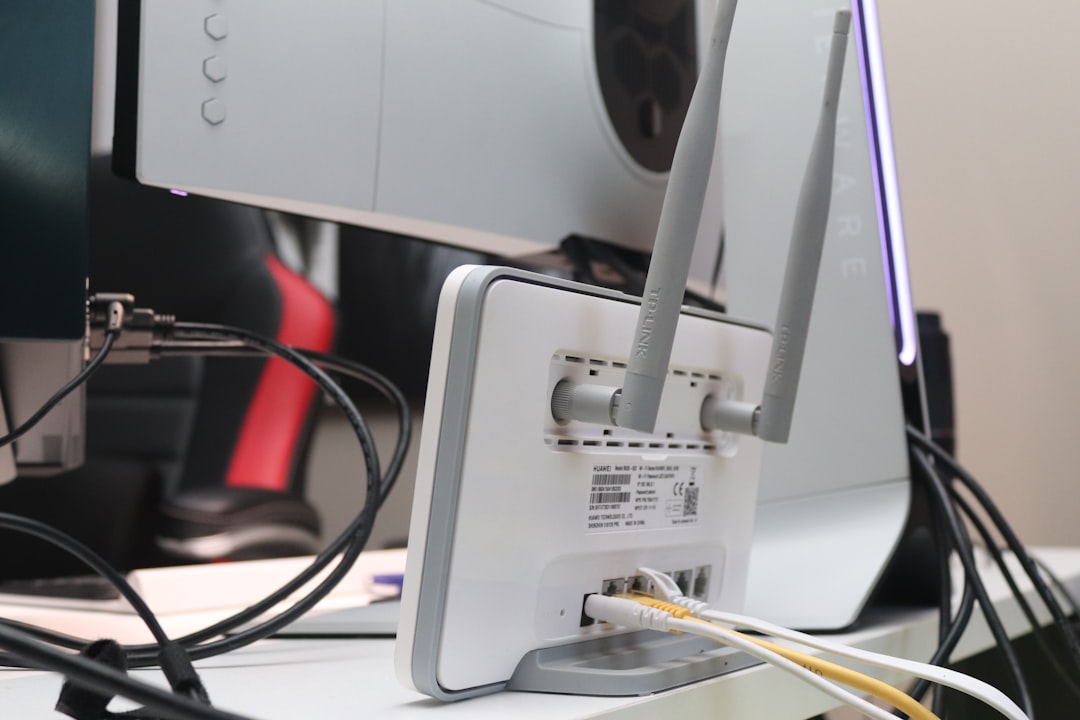
Packet loss in Wi-Fi 7 (802.11be) environments, particularly within Multi-Link Operation (MLO) frameworks, often stems from aggressive state transitions rather than hardware failure; for more insight on managing these connectivity hurdles, learn why your Wi-Fi 7 is dropping packets. To mitigate jitter, prioritize static channel allocation over auto-selection, ensure your client-side NIC drivers (e.g., Intel BE200/Qualcomm FastConnect 7800) are synced with the AP’s frame aggregation limits, and disable band steering to prevent link-switching latency.
The Myth of "Plug-and-Play" Wi-Fi 7 Performance
There is a pervasive marketing narrative that Wi-Fi 7 is the "silver bullet" for low-latency networking. If you spend time on forums like r/HomeNetworking, you will see a recurring cycle: a user buys an expensive tri-band Wi-Fi 7 router and finds themselves deep in the trenches of troubleshooting, similar to the frustration of users dealing with a Roborock S7 error 1 when hardware performance fails to meet expectations.
The reality is that Wi-Fi 7's headline feature, MLO, is a complex dance of frame aggregation, sequence numbering, and timestamping. When the radio environment is anything less than perfect, that dance turns into a collision. The packet loss experienced by early adopters isn't usually due to "bad Wi-Fi"—it’s due to the massive complexity of managing concurrent links.

Decoding MLO Jitter: When Multi-Link Becomes a Bottleneck
Multi-Link Operation is designed to allow a client device to aggregate throughput or, more importantly for latency, utilize link redundancy. However, the protocol requires the AP and the client to be perfectly aligned in their view of the channel state.
When you see jitter—that sudden, irregular delay in packet delivery—it is often a result of link re-steering. If your router’s firmware decides that the 6GHz band is momentarily unstable due to environmental interference, it may attempt to steer packets to the 5GHz band mid-stream. In theory, this is seamless. In practice, the buffer management required to re-sequence those packets creates a momentary "stutter" in real-time applications like VOIP or competitive gaming.
The Operational Reality of Aggressive Band Steering
Most consumer-grade Wi-Fi 7 APs ship with "Smart Connect" or "Unified SSID" enabled by default. This creates a hidden operational friction. The firmware logic often uses signal strength (RSSI) as the primary metric for steering. If you are walking around your home, the AP might trigger a transition just as you hit an interference-heavy spot, causing a frame drop that the TCP stack interprets as congestion.
- The Workaround: Disable the unified SSID. Force your latency-sensitive devices (your main PC, your work laptop) to connect to specific bands.
- The Conflict: By doing this, you lose the primary benefit of MLO—the ability for the router to dynamically balance the load. You are sacrificing performance flexibility for stability.
The Hidden Costs of 320MHz Channels and QAM-4096
Wi-Fi 7 introduces 320MHz wide channels and 4K-QAM modulation. These are massive engineering achievements, but they are also exceptionally fragile. To support 4K-QAM, your signal-to-noise ratio (SNR) must be near-perfect. Even minor electromagnetic interference (EMI) from a poorly shielded appliance or a neighbor’s rogue AP can force the system to drop down to a lower modulation scheme.
When the modulation drops suddenly, the frame size and transmission duration change. This variability is the root cause of packet jitter. If you are troubleshooting this, you aren't looking for a "bad setting"; you are looking for stability at the edge of the physical layer (PHY).
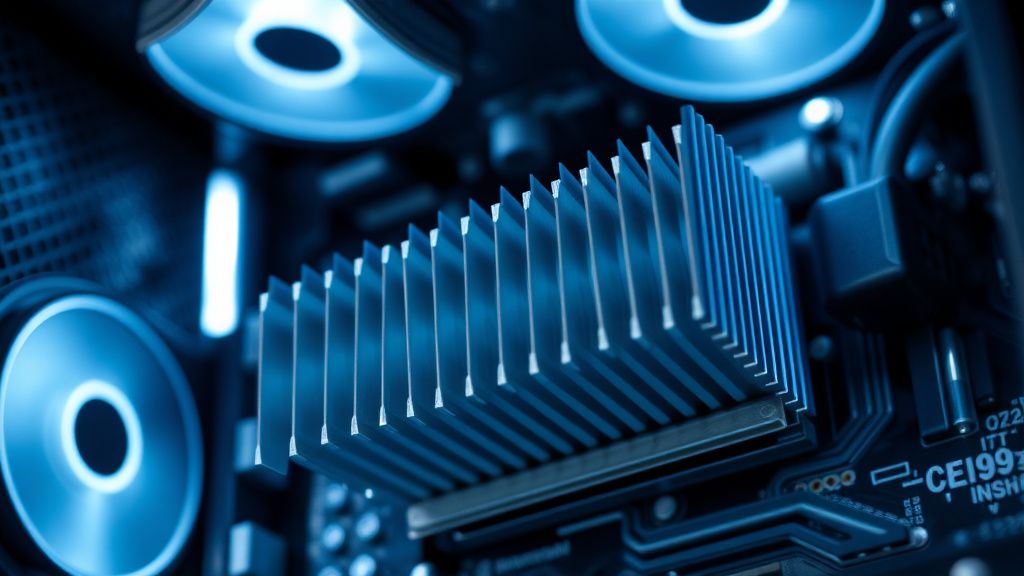
Field Report: The "Intel BE200" Driver Saga
In late 2023 and early 2024, GitHub issues and technical discussions highlighted how finicky modern hardware can be, much like the common PS5 error CE-108255-1 that requires users to determine if their console needs professional repair. hardware forums were flooded with complaints regarding the Intel BE200 Wi-Fi 7 chipset. Users reported "stuttering" in streaming and "dropped packets" during file transfers.
The investigation revealed that the issue wasn't the radio; it was the driver’s handling of EMLSR (Enhanced Multi-Link Single Radio). When the driver attempted to switch between links to optimize for power savings, it occasionally held onto a stale buffer.
- The Lesson: If your Wi-Fi 7 performance is erratic, check your driver version before you blame your router. Many manufacturers ship "factory default" drivers that are three revisions behind the official silicon vendor’s current stable release.
- Engineering Compromise: Chipset vendors often have to choose between aggressive roaming (to keep signal high) and buffer stability (to keep latency low). Most "consumer" firmware chooses the former, which is disastrous for jitter-sensitive tasks.
Troubleshooting Strategy: Moving Beyond the "Reboot"
If you are experiencing packet loss, do not settle for the "power cycle" routine. You need to identify if the drop is happening at the air interface or the backhaul.
- Monitor the Retransmission Rate: Use a packet sniffer or the router's internal diagnostics page (if available) to look for "Retry" flags. A high retry rate indicates physical interference, not a firmware bug.
- Lock the Channel Width: If you are set to 320MHz, try dropping to 160MHz. Yes, your peak throughput will decrease, but the stability of the waveform will improve significantly.
- Audit the Environment: Use a spectrum analyzer (even a simple one on a mobile device) to see if you are fighting with DFS (Dynamic Frequency Selection) channels. Often, packet loss spikes occur when an AP is forced to move channels because a weather radar or other primary user was detected.
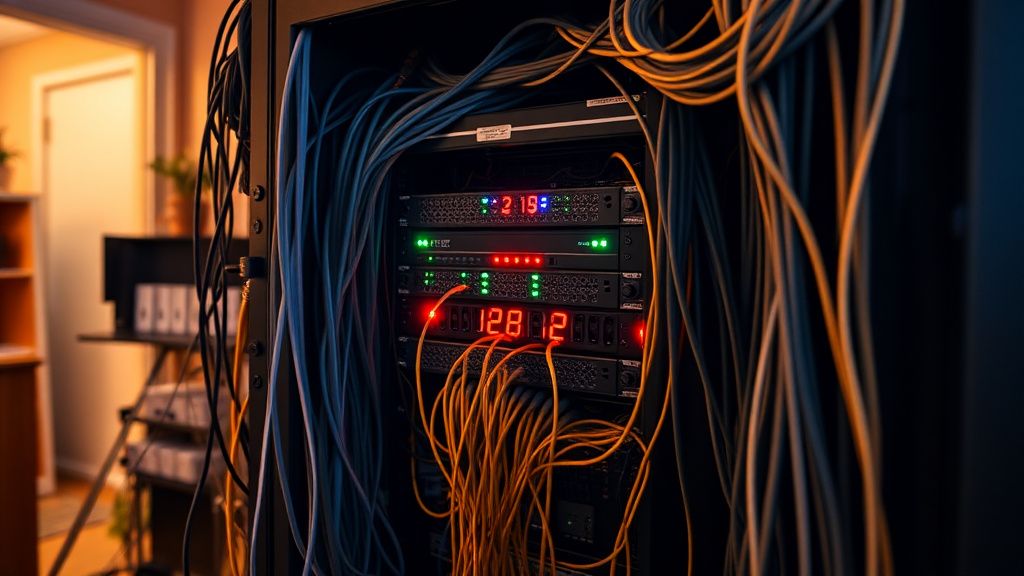
The "Broken Promises" of High-Density Mesh Systems
Marketing materials for Wi-Fi 7 mesh systems promise that "roaming will be invisible." However, the industry has yet to solve the handover latency problem without incurring some level of packet loss. In a multi-node setup, when a client moves from the kitchen node to the living room node, there is a physical re-association that occurs.
Even with 802.11k/v/r protocols, the handover takes a finite amount of time (anywhere from 20ms to 100ms). If you are on a Zoom call, you might not notice. If you are in a packet-sensitive application, you will see a burst of latency.
Industry Controversy: The AP Steering Debate
There is a massive debate among networking professionals regarding "Client Steering."
- The Pro-Steering Camp: Argues that the network should always be in control, as it sees the full topography.
- The Pro-Client Camp: Argues that the client knows best whether it needs a high-throughput 6GHz link or a high-penetration 5GHz link, and that AP-side steering is just "rude" to the client's stack.
The reality? Most Wi-Fi 7 routers are caught in the middle, attempting to enforce steering, which frequently leads to the client getting "stuck" in a low-data-rate state, causing the jittery performance that users mistake for hardware failure.
Engineering Compromise: Why Your Backend Feels Held Together with Tape
Even if your Wi-Fi 7 hardware is top-tier, many routers are running embedded Linux distros that are heavily customized. Every time an update is pushed, there is a risk of a regression in the kernel-level scheduling.
When you see threads on forums like Hacker News complaining about "everything breaking after the firmware update," it is usually because the update tweaked the TX/RX power management settings. Manufacturers are constantly under pressure to meet energy efficiency standards, so they make their routers "sleepier." This is great for the environment, but terrible for jitter.
Why is my Wi-Fi 7 connection dropping packets even though the signal is full?
Full signal (RSSI) only indicates that the radio link is strong; it does not account for channel congestion or packet retransmission. In Wi-Fi 7, this is often caused by EMLSR state transitions. The AP and client are likely struggling to synchronize their multi-link windows, causing frames to be dropped during the handoff between bands.
Should I force my devices to 6GHz only to fix jitter?
If your hardware and environment support it, yes. Moving to 6GHz avoids the crowded 2.4GHz and 5GHz bands and eliminates the need for the router to manage band-steering logic. This effectively bypasses the most common causes of MLO-related jitter.
Is MLO actually worth the trouble?
It depends on your use case. For large file transfers, MLO provides a massive throughput boost. For gaming or low-latency applications, the current implementations of MLO are often more "noisy" than a single, clean, high-bandwidth connection. Until firmware matures, treat MLO as an experimental feature rather than a baseline requirement.
Why does my ping spike only when I play specific games?
Some game engines are highly sensitive to "buffer bloat"—a condition where the router's queue becomes saturated. When you play a game, the small, frequent packets compete with background traffic. If your Wi-Fi 7 router's Quality of Service (QoS) engine isn't properly classifying this traffic, the game packets get queued behind large data bursts, resulting in jitter.
Will turning off WPA3-Personal help with stability?
Generally, no. While WPA3 is more complex, the overhead is negligible on modern Wi-Fi 7 processors. If you are having issues, focus on disabling "Smart Connect" or "Band Steering" instead of compromising your network's security posture by reverting to older encryption standards.