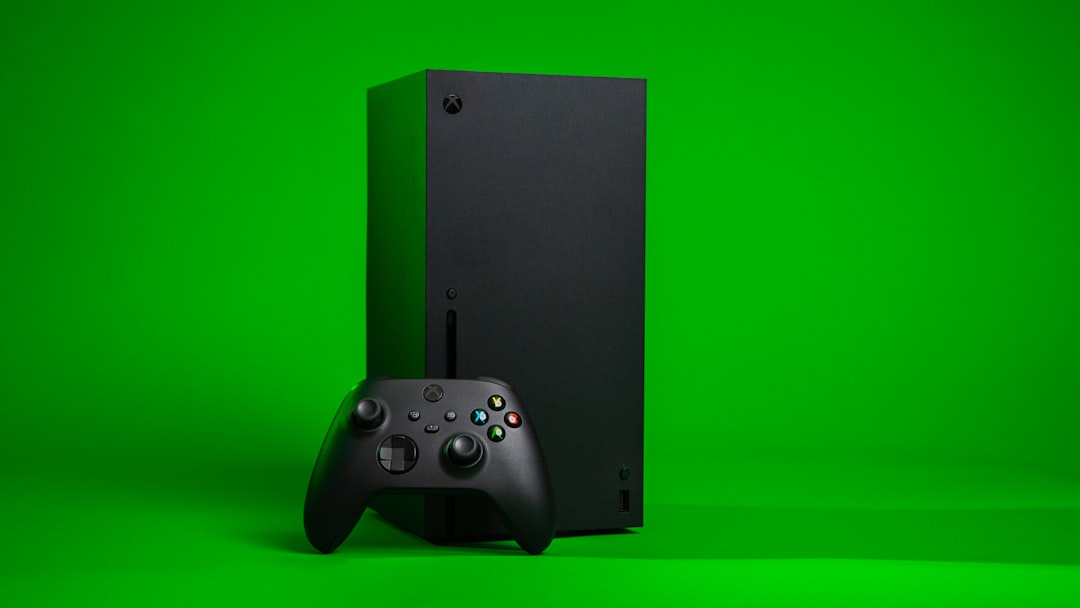
Quick Answer: <a href="https://www.amazon.com/s?k=Xbox%20Series%20X&tag=gunesseo-21" rel="sponsored noopener" target="_blank">Xbox Series X fan noise typically signals dust buildup, thermal throttling, or a failing fan bearing. The fix involves powering down completely, using compressed air through the top vents and rear grill, and ensuring at least 4–6 inches of clearance on all sides. Most noise issues resolve without opening the console — but not always.
There's a specific kind of dread that sets in when your Xbox Series X starts sounding like a small turbine engine mid-session, similar to the frustration of troubleshooting mesh Wi-Fi 7 node failures. It's not the noise itself, exactly — it's what the noise implies. Is this the beginning of the end? Is the thermal compound drying out? Is there a dust brick forming somewhere in the heatsink fins where no compressed air can reach it?
The answer is almost always more boring than the panic suggests, but just like when your Netgear Nighthawk keeps dropping connections, the specific details matter enormously. Because the Xbox Series X's thermal design — which Microsoft genuinely engineered with unusual care — has specific failure modes that behave in specific ways. Understanding the difference between a console that's working hard and one that's dying requires a level of attention similar to diagnosing a Sony Bravia XR black screen.
This piece goes deeper than "point a can of compressed air at it," offering the same comprehensive insight you'd need if you were dealing with PS5 Pro error CE-108255-1. It covers why the Series X runs hot in the first place, how the airflow system was designed, where dust actually accumulates (versus where people think it accumulates), what the real warning signs look like, and when a DIY clean is insufficient and you're looking at something more serious.
Why the Xbox Series X Runs Hot: Thermal Architecture and Design Intent
The Series X houses a custom AMD RDNA 2 GPU with 12 teraflops of compute alongside a Zen 2 CPU — all crammed into a roughly 30cm tower form factor. Microsoft made a deliberate choice: go vertical, go dense, and manage heat through a single large axial fan pulling air upward through the console's interior.
The design philosophy was documented in teardowns by Digital Foundry and iFixit in late 2020. The console uses a large 130mm fan positioned at the top, drawing air from vents at the bottom and sides, pushing it up and out through the top grill. The heatsink is massive relative to the console's footprint — a copper vapor chamber design that contacts the SoC directly.
On paper, this is elegant. In practice, it creates a narrow airflow path that depends heavily on unobstructed intake. Block the bottom vents with a thick carpet or shove the console into an entertainment unit with 2 inches of clearance, and you'll compromise your system just as surely as packet loss issues ruin a Wi-Fi 7 router's performance.
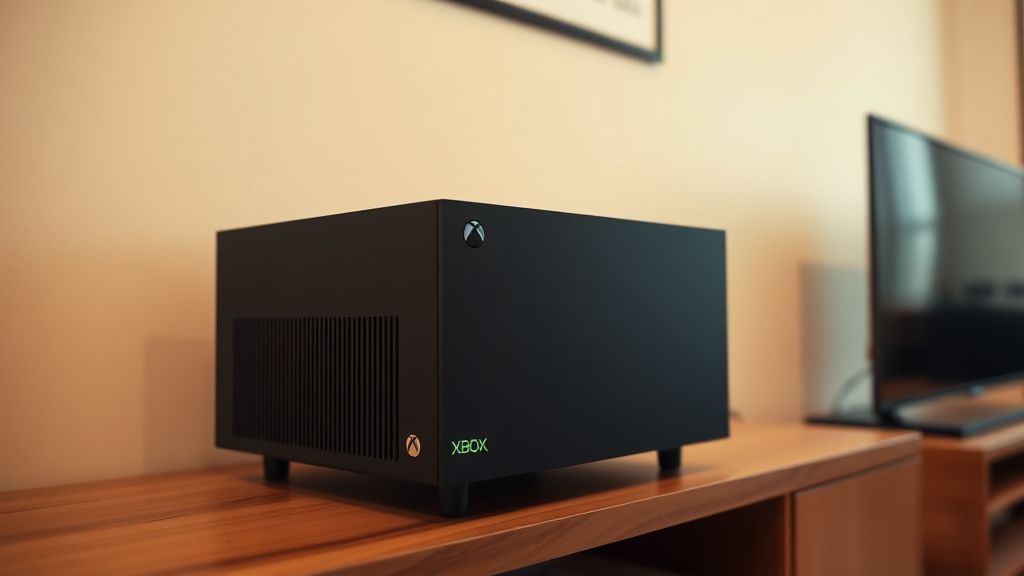
The fan itself is variable-speed, much like the sensors on an air fryer that cause the Cosori Pro II E1 error when something isn't calibrated correctly. This is important because it means fan noise isn't a binary state. A Series X running a demanding game on a warm summer day in a poorly ventilated room will sound noticeably different from the same console doing the same task in a cool, open space. Neither is "broken." But one is working much harder.
What Microsoft didn't fully communicate to consumers was how sensitive this system is to ambient conditions. The console's operating temperature range is technically 5°C to 45°C ambient — but at the high end of that range, the fan behavior changes dramatically and noticeably.
The Dust Problem: Where It Actually Accumulates
Here's where most guides get it wrong. They tell you to blow compressed air into the top vent and call it done. That approach addresses maybe 20–30% of the actual dust accumulation problem, depending on your environment.
The Series X's actual dust accumulation happens in three distinct zones:
Zone 1: Bottom intake vents The four sides of the base ring have vented openings. If the console is sitting on carpet — which a surprising number of people do, despite the warnings — these vents are either partially occluded or drawing dusty air at extremely close range. Dust accumulates as a fine mat on the inner surface of these vents faster than anywhere else.
Zone 2: The heatsink fins The vapor chamber heatsink has densely packed aluminum fins. These are the thermal radiator for the entire chip package. Dust here doesn't just insulate — it creates a pressure differential that makes the fan work harder to push the same volume of air. A thin layer of dust on heatsink fins can meaningfully raise chip temperatures. You cannot reach this area with compressed air from the outside without partial disassembly.
Zone 3: The fan blades themselves Fan blades accumulate a specific type of dust — a slightly sticky film that builds on the leading edge of each blade over 12–18 months in most home environments. This changes the blade's aerodynamic profile slightly, reduces airflow efficiency, and can create an imbalance that produces a faint rattling or buzzing tone distinct from normal fan noise.
"I've cleaned probably 40 of these consoles now — repair shop context — and the bottom vents are always worse than the top. Everyone blows the top. Nobody does the bottom properly. And the heatsink fins are essentially untouched by any external clean." — r/XboxRepair community thread, circa 2022, paraphrased from multiple technician comments
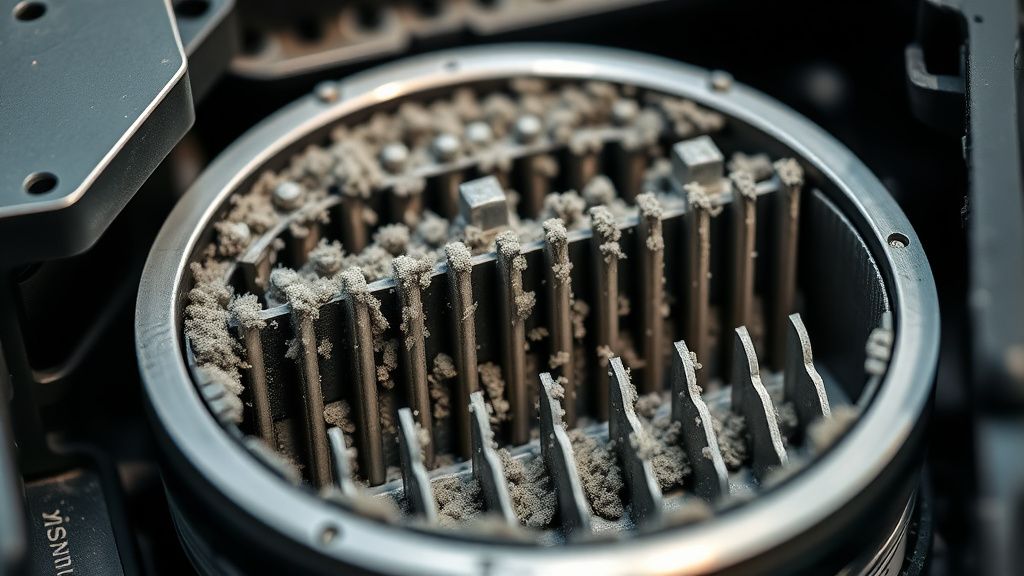
The implication is uncomfortable but important: if your Series X is more than two years old and has never been opened, the external compressed-air clean you did six months ago addressed the symptom partially but not the cause.
External Cleaning: The Right Way, Not the Convenient Way
Let's be precise about what external cleaning can and cannot accomplish.
What you need:
- Compressed air can (or electric air duster — the Datavac-style models work better for sustained blasts)
- Isopropyl alcohol (90%+ concentration) on a microfiber cloth
- A soft brush (anti-static preferred, but a clean paintbrush works)
- Good lighting
Step-by-step for external cleaning:
1. Full power-off, not rest mode Hold the power button for 10 seconds. Wait at least 30 minutes if the console was recently in use. Thermal inertia means the interior stays warm for a while after shutdown, and blasting compressed air into a warm system can temporarily push dust deeper before it exits.
2. Move it to a hard, flat surface in good lighting You need to see what's coming out. Doing this over a dark carpet tells you nothing.
3. Bottom vents first Flip the console carefully onto its side (with support — the console is heavy enough that you don't want to stress the casing). Use the compressed air at an angle that pushes dust out rather than further in. Short bursts. Don't hold the nozzle against the vent openings — keep 2–3 inches of distance.
4. Top exhaust vent Hold the console at an angle and blow through the top grill. You're trying to push accumulated dust back through the intake path. This is less effective than it feels, but it's not nothing.
5. Side vents and disc drive slot (if applicable) The disc drive slot on Series X is a notable dust collector that rarely gets mentioned. A gentle burst of compressed air along the slot, with the drive empty, can clear the lip area.
6. External wipe-down The matte plastic surface of the Series X attracts and holds dust differently than glossy surfaces. A barely-damp microfiber cloth removes the surface layer. The recessed areas near the vents can be addressed with the soft brush.
What this external cleaning will NOT fix:
- Dust on heatsink fins
- Dust coating on fan blades
- Degraded thermal paste (separate issue, covered below)
- A failing fan bearing (mechanical issue, not dust-related)
Internal Cleaning: What It Actually Requires
Opening a Series X voids the warranty — that's the standard disclaimer. But for a console that's two or three years old and out of warranty, the calculus changes.
The disassembly path is not trivial but it's documented. iFixit's teardown gave it a repairability score of 8 out of 10, which is genuinely impressive for a modern console. The T8 and T9 Torx screws are the primary fasteners. The main difficulty is the bottom panel, which has a combination of screws and clips, and the WiFi antenna cable which is easy to damage if you're rushing.
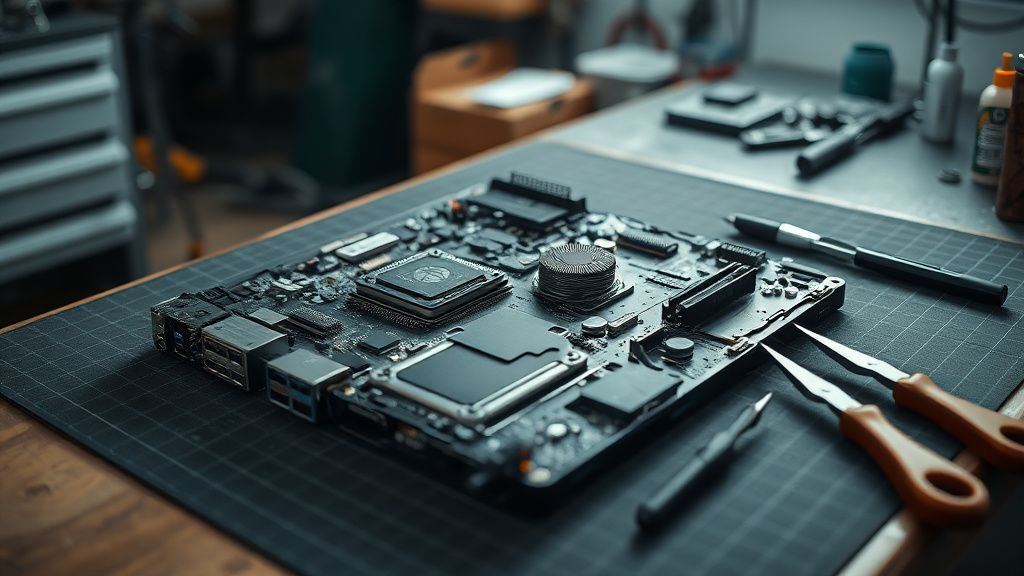
Once inside, the heatsink assembly requires additional Torx screws to remove and separate from the motherboard. Underneath it is where the thermal paste lives.
The thermal paste situation:
Microsoft used a competent thermal compound at the factory — not the cheap white paste you sometimes find in budget hardware. But thermal paste degrades. It dries out, it shrinks slightly, it can develop micro-gaps at the CPU/GPU interface. After 3–4 years of thermal cycling (heating and cooling repeatedly), performance degrades measurably.
Replacing thermal paste requires:
- Removing the heatsink completely
- Cleaning old compound off both surfaces with isopropyl alcohol and lint-free wipes
- Applying new compound (Thermal Grizzly Kryonaut or equivalent quality) in a pea-sized amount centered on the SoC
- Reassembling with appropriate torque — over-tightening heatsink screws is a common mistake that creates uneven pressure
Reports in r/XboxSeriesX and dedicated repair subreddits consistently suggest that Series X units experiencing persistent high fan noise at moderate workloads, combined with relatively high exhaust temperatures (you can feel it at the top vent), often show dramatic improvement after a proper internal clean plus thermal paste replacement.
Diagnosing Fan Noise: What Different Sounds Mean
Not all fan noise is the same, and the distinction matters.
Consistent high-RPM noise: Normal under sustained load. If it stops when you exit a demanding game and return to the dashboard, the thermal system is doing its job. Not a problem.
Rattling or clicking: This is the failure mode. A rattling sound, particularly one that changes with console orientation, suggests a failing fan bearing or physical debris caught in the fan. Early-production Series X units had a documented issue with fan resonance that could produce a subtle rattling at specific RPM ranges — some units were replaced, others were addressed with a firmware update that changed the fan speed curve slightly.
If the rattling is persistent and doesn't respond to cleaning, you're looking at a fan replacement. The fan assembly is replaceable as a unit; parts availability has improved substantially since 2020, and iFixit and third-party suppliers have both SKUs in stock as of recent years.
High-pitched whine: Often coil whine from power delivery components rather than the fan itself. This is a separate category of problem. Coil whine tends to correlate with GPU load rather than thermal load and doesn't directly indicate an overheating risk.
Intermittent surging: The fan spinning up, briefly, then settling — repeatedly. This is the most concerning pattern. It usually means the console is hitting a thermal threshold repeatedly, triggering the fan, cooling slightly, triggering again. This cycle often indicates inadequate ambient airflow, dust on the heatsink fins, or degraded thermal paste. Left unaddressed, it can lead to thermal throttling where the console reduces performance to manage heat.
Ventilation Reality: The Placement Problem
This section deserves its own discussion because placement accounts for a substantial percentage of all fan noise complaints, and it's entirely fixable without touching the hardware.
The Xbox Series X's official guidance calls for "several inches" of clearance on all sides. In practice, the critical dimensions are:
- Top exhaust: Minimum 4–6 inches of clearance above the top vent. This is non-negotiable. Restricting hot air exhaust is worse than restricting intake because it recirculates heat.
- Bottom intake: At least 2 inches on a hard, flat surface. On carpet: ideally not at all, but a raised platform (even a cutting board or thin wood plank) transforms the situation.
- Sides and rear: Less critical than top and bottom, but enclosed cabinet placement without active ventilation is problematic.
Entertainment centers with enclosed compartments are responsible for a disproportionate number of "my Xbox is dying" Reddit posts. The console exhausts hot air, the enclosure traps it, ambient temperature inside the cabinet rises, and the fan ramps up to compensate — which produces more heat. Eventually the console thermal-throttles or shuts down to protect itself.
"Moved it from the cabinet to a shelf with open space above it. Sound dropped to barely audible overnight. Should've done it years ago honestly." — typical comment in r/XboxSeriesX placement threads
This isn't a design flaw exactly — it's a design assumption that users would read the placement guidance. Most don't.
Real Field Reports: What Repair Technicians See
Conversations across repair communities — r/XboxRepair, iFixit forums, and Discord servers for console repair technicians — reveal patterns that don't make it into official support documentation.
The 18-month threshold: Multiple technicians report that Series X consoles at roughly 18 months of regular use in typical home environments start showing measurable dust accumulation on heatsink fins. This doesn't mean they're failing — it means the thermal headroom is narrowing. Users typically notice increased fan noise during this period and assume something is "wrong." The console is technically functioning correctly; it's just working harder.
The 3-year threshold: This is when thermal paste degradation compounds the dust issue. Technicians in active repair communities report that Series X units in the 3+ year range showing persistent noise issues almost always benefit from both a thorough internal clean and thermal paste replacement, not just one or the other.
Warranty replacement complications: Some users who contacted Microsoft support about fan noise were directed toward console replacement rather than repair — particularly for the rattling issue. This created a secondary market dynamic: replaced consoles sometimes resold as "refurbished" or "like new" by users who received warranty replacements, with the original noisy unit either repaired independently or discarded.
The vertical vs. horizontal debate: The Series X is designed primarily for vertical orientation, but it functions horizontally. Technicians note that horizontal placement tends to accumulate dust differently — the bottom vents become less of a primary intake path and the side vents become more active. Neither orientation is dramatically superior from a dust accumulation standpoint, but horizontal placement tends to be inside enclosed entertainment centers more often, which creates the compound ventilation problem.
Counter-Criticism: Is the Noise Problem Overstated?
There's a legitimate counterargument here, and it's worth taking seriously.
The Xbox Series X is not uniquely noisy among current-generation consoles. The <a href="https://www.amazon.com/s?k=PlayStation%205&tag=gunesseo-21" rel="sponsored noopener" target="_blank">PlayStation 5 — both original and slim versions — has its own documented fan noise complaints. Gaming PCs are obviously louder. The Series S, by contrast, runs nearly silently under most conditions, trading acoustic performance for reduced graphics capability.
Some engineers and enthusiasts argue that the Series X's fan noise discourse is amplified by:
- Selection bias in online communities — people experiencing problems post; people with quiet consoles don't.
- Expectation mismatch — users accustomed to the Series S or previous quieter systems experiencing normal Series X behavior and interpreting it as malfunction.
- Game-specific load variation — some titles genuinely push the hardware harder than others, and the fan noise difference is real and appropriate.
The counterargument has merit. Not every Series X that sounds "loud" is malfunctioning. Some are just... being a Series X under load.
The problem is that this counterargument sometimes gets weaponized to dismiss legitimate hardware concerns. The rattling issue was real. Thermal throttling in enclosed spaces is real. Two-year-old consoles with dust-packed heatsink fins that need cleaning are real. The "it's supposed to sound like that" response doesn't serve users who have a genuinely developing problem.
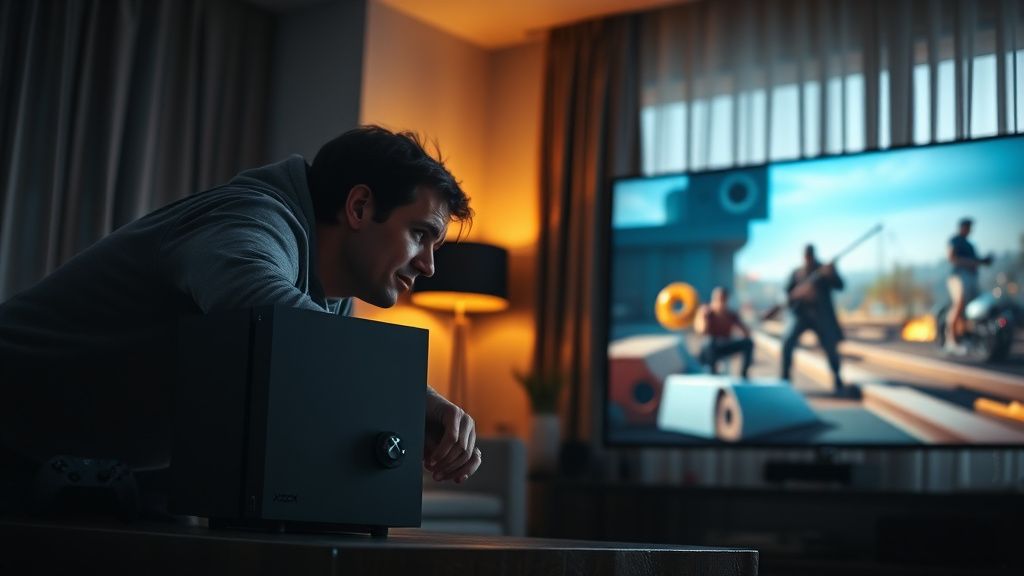
When External Cleaning Doesn't Fix It: Escalation Path
If you've done a thorough external clean, corrected the placement, ensured adequate clearance, and the fan noise issue persists or has worsened:
Check for software/firmware factors first: A known issue in some Xbox firmware versions caused the fan to behave more aggressively than necessary. Keeping the console on the latest system software is basic maintenance that's often overlooked. Hard power cycles (holding the power button for 10 seconds) can resolve stuck system states that cause abnormal fan behavior.
Assess whether it's noise or behavior: Is the console actually getting hot (feel the exhaust at the top vent — it should be warm, not scorching), is it thermal-throttling (observable as frame rate degradation in performance-demanding games), or is it shutting down? These are escalating indicators of actual thermal failure rather than just acoustic annoyance.
Internal cleaning and thermal paste is the next step for out-of-warranty consoles. If you're not comfortable
Bu makale affiliate linkleri içermektedir.