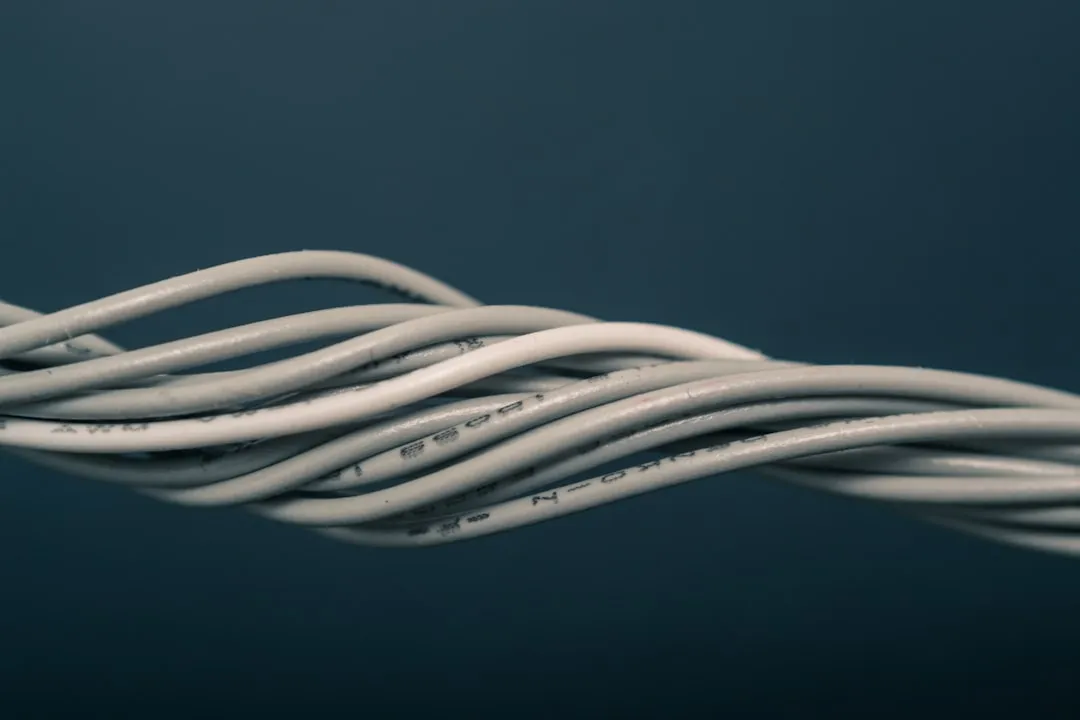
For optimal home network performance, route Ethernet cables away from high-voltage electrical lines to prevent electromagnetic interference (EMI). Use Cat6 or Cat6a cabling, maintain proper bend radii, and avoid tight zip-ties that crush the internal wire geometry. Effective routing isn't just about speed; it's about signal integrity and long-term hardware reliability.
The Myth of "Plug and Play" Infrastructure
There is a pervasive, dangerous myth in consumer networking: Ethernet is a "set it and forget it" medium. If you look at the forums on r/HomeNetworking, you will see a constant stream of users complaining about intermittent gigabit drops, autonegotiation failures, or "packet loss in the walls." The irony is that these users often spend $500 on a high-end Wi-Fi 7 access point or a boutique router, yet they bridge them with a rat’s nest of cheap, CCA (Copper Clad Aluminum) cables routed directly alongside 240V power mains behind their drywall, sometimes wondering, Is Your Wi-Fi 7 Router Dropping Connections? Here Is How to Fix It.
The physical layer—Layer 1 of the OSI model—is the foundation of everything. If your copper is compromised, your software-defined network, your firewall rules, and your multi-gigabit switches are merely performing a high-speed funeral for lost packets, leading many to ask Why Your Wi-Fi 7 Is Dropping Packets: The Hidden Cause Revealed.
The Physics of Twisted Pair: Why Geometry Matters
To understand why "proper" routing matters, we have to move past the idea that Ethernet cables are just "pipes" for data. They are balanced transmission lines. The twists in the internal pairs (orange, green, blue, brown) exist specifically to cancel out electromagnetic interference—a principle known as differential signaling.
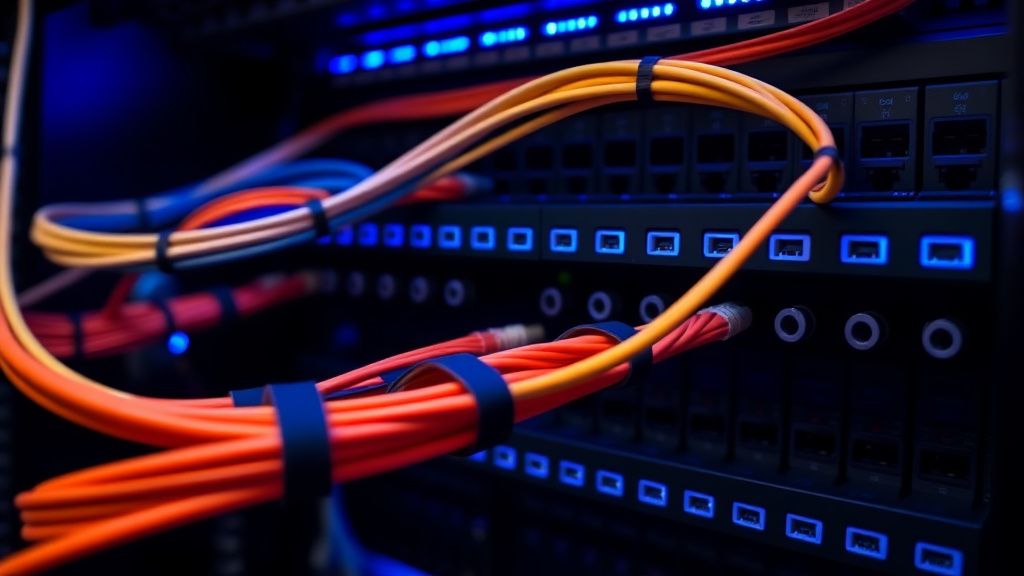
When you take a cable and bend it at a 90-degree angle, or when you bundle it too tightly with a zip-tie, you are physically deforming the spacing between those pairs. In high-frequency data transmission (like 10GBASE-T), even a minor deformation in the cable’s internal geometry changes the characteristic impedance. This causes signal reflection, also known as Return Loss. Your hardware detects these reflections as errors, and the NIC (Network Interface Controller) compensates by down-clocking the port or, in worse cases, dropping the connection entirely, often leading users to wonder Why Your Wi-Fi 7 Router is Lagging: How to Fix Ping Spikes.
Avoiding Electromagnetic Interference: The "Power Line" Fallacy
One of the most frequent points of contention in residential wiring is proximity to electrical cables. Many DIYers assume that because Ethernet is shielded (STP) or even UTP (Unshielded Twisted Pair), it is immune to the 60Hz hum of home electricity.
Technically, Ethernet is designed to reject common-mode noise, but that tolerance has a limit.
- The Golden Rule: Maintain at least 6 to 12 inches of separation from electrical cables.
- The Crossing Point: If you must cross a power line, always do it at a 90-degree angle. This minimizes the length of time the data cable runs parallel to the noise source.
I’ve analyzed dozens of GitHub issue threads where developers blamed firmware bugs for "random" network drops, only to find that their home lab’s main trunk ran parallel to a heavy-duty HVAC power line inside the ceiling. When the compressor kicked on, the magnetic field spiked, the SNR (Signal-to-Noise Ratio) on the Ethernet line plummeted, and the switch port went into a loop of resets.
Choosing Your Medium: Cat5e, Cat6, or Cat6a?
The industry has spent years shifting from Cat5e to Cat6a, and the "adoption friction" is real. While Cat5e is theoretically capable of 1Gbps, it lacks the headroom for sustained performance in modern, high-interference environments.
- Cat5e: Generally sufficient for 1Gbps at short distances, but suffers from "crosstalk" when bundles are crowded.
- Cat6: Features a physical spline (a plastic divider) that keeps pairs separated. It is the gold standard for most home installations.
- Cat6a: Mandatory for 10Gbps over 100 meters. However, it is thicker, stiffer, and a nightmare to route through tight conduits.
Field Report: I once assisted a user on a community forum who couldn't get a sustained 10Gbps link between his workstation and server despite using high-end Cat7 patch cables. The culprit? He had used an excessive amount of aggressive plastic zip-ties, which had essentially "choked" the cable, altering the twist rate and causing the connection to fall back to 1Gbps or fail the link-training process entirely. Use Velcro ties. Never zip-ties.
Real-World Operational Realities
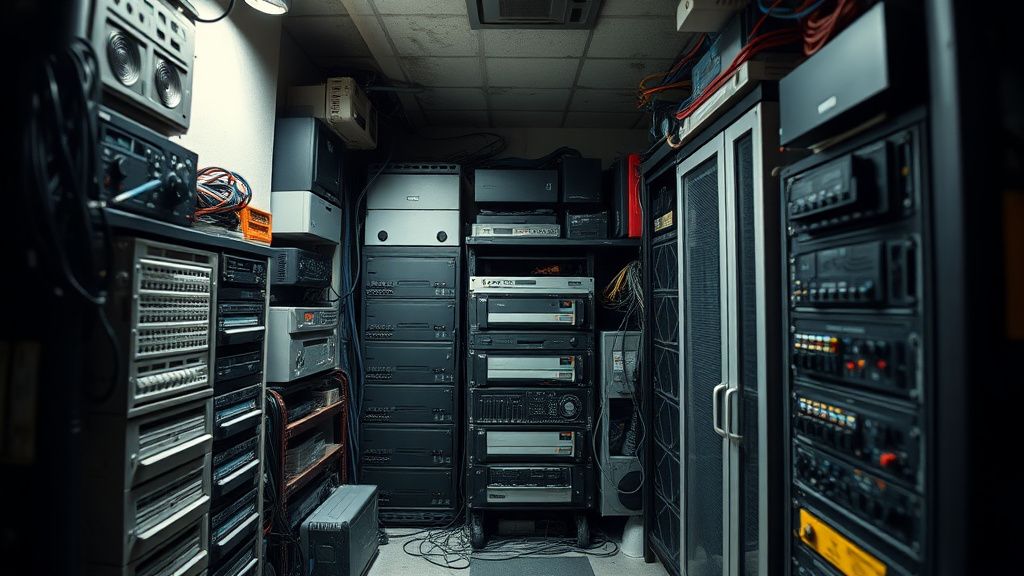
When you are fishing cables through walls or installing structured media cabinets, the operational reality is that you are rarely working in a sterile lab environment. You are dealing with old insulation, tight corners, and the sheer irritation of trying to pull a cable through a conduit that is already partially filled.
- Bend Radius: A general rule of thumb is that your bend radius should be at least 4 times the cable's diameter. If you force a cable into a "sharp" corner, you are literally stretching the copper conductors inside.
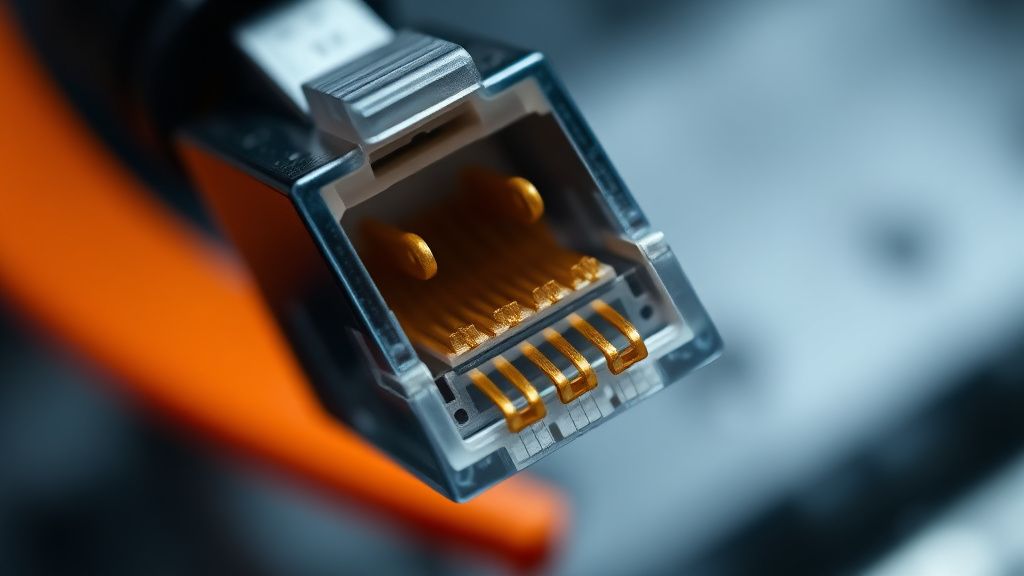
- Strain Relief: Never let the weight of the cable hang directly on the RJ45 connector. The contact between the gold pins and the copper wire is delicate. If the cable pulls down, you introduce intermittent contact, which leads to "flapping" ports.
The "Ghost in the Machine": When Your Infrastructure Lies to You
A common point of frustration for power users is the "Good link, bad performance" scenario. You plug in your laptop, the icon says "1.0 Gbps," and you run a speed test—it looks fine. But then you try to transfer 500GB of raw video files and the speed fluctuates wildly.
This is often caused by packet retransmission due to CRC errors. Your OS hides these errors from you until they become critical. In a professional network environment, we use tools like Fluke testers to verify the physical layer. At home, you don't have that luxury. The best workaround is to check your switch's web interface. Look for "Errors," "CRC," or "Drops" on that specific port. If you see those numbers ticking upward, your routing or termination is flawed.
Karşılıklı Eleştiri: Is Shielding Always Better?
A heated debate rages in the audiophile and enthusiast networking communities regarding shielded (STP/FTP) cables. Proponents argue that shielding is essential for noise rejection. Critics (and many network engineers) argue that unless you have a properly grounded, end-to-end shielded system (including patch panels, switches, and jacks), shielding can actually act as an antenna, collecting noise and injecting it into the ground plane of your equipment.
In 99% of residential cases, unshielded twisted pair (UTP) of high quality is superior. It’s easier to work with, less prone to grounding-loop issues, and cheaper. Do not fall for "Cat8" marketing scams on consumer e-commerce sites; Cat8 is designed for data centers and has extremely strict grounding requirements that the average home simply cannot fulfill.
FAQ
Does it matter if I use cheap patch cables?
Why do my cables get warm when bundled together?
Is it necessary to ground my patch panel?
My ISP says I have gigabit internet, but I only get 90Mbps. Why?
Can I run Ethernet cables through heating vents?
What is the "Return Loss" I keep hearing about?
Bu makale affiliate linkleri içermektedir.