
To resolve Wi-Fi 7 packet loss caused by tri-band interference, prioritize frequency coordination by isolating latency-sensitive traffic to the 6GHz MLO (Multi-Link Operation) band. Perform a site survey to identify DFS channel conflicts, update firmware to patch early-adopter driver instabilities, and disable "Smart Connect" to manually assign devices to uncongested bands, effectively decoupling high-bandwidth throughput from legacy interference.
The promise of Wi-Fi 7 (802.11be) was the death of the "congestion tax." With the introduction of 320 MHz channels and the Multi-Link Operation (MLO) protocol, the industry sold us a vision of a wireless utopia where Wi-Fi 7 packet loss was a relic of the 2.4GHz microwave-oven era. But talk to any network engineer currently managing an enterprise-grade Wi-Fi 7 rollout or a power user in a high-density apartment complex, and you will hear a different story: the "bleeding edge" is bleeding quite a bit.
Packet loss in Wi-Fi 7 isn't just about signal strength; it is a complex orchestration failure between the Access Point (AP) and the client device. When you introduce the 6GHz band—the crown jewel of Wi-Fi 6E and now Wi-Fi 7—you aren't just adding a lane to the highway; you are introducing an entirely different class of physics-based challenges.
The Architecture of Failure: Why Tri-Band Systems Stutter
The core issue in tri-band environments (2.4GHz, 5GHz, 6GHz) is often not the lack of spectrum, but the inefficient management of the transition between them. Wi-Fi 7’s MLO is designed to allow a device to aggregate links or switch between them dynamically. However, the hardware handshakes required to maintain these connections across disparate frequencies are computationally expensive.
When a client device—let's say a high-end smartphone with a Broadcom or Qualcomm Wi-Fi 7 chipset—tries to switch from 6GHz to 5GHz due to a slight drop in SNR (Signal-to-Noise Ratio), the overhead can cause a momentary "airtime freeze." If your firmware implementation is sloppy—a common occurrence in the first 18 months of any new standard—this freeze manifests as a spike in latency and, inevitably, packet loss.
The Reality of MLO (Multi-Link Operation) and Firmware Maturity
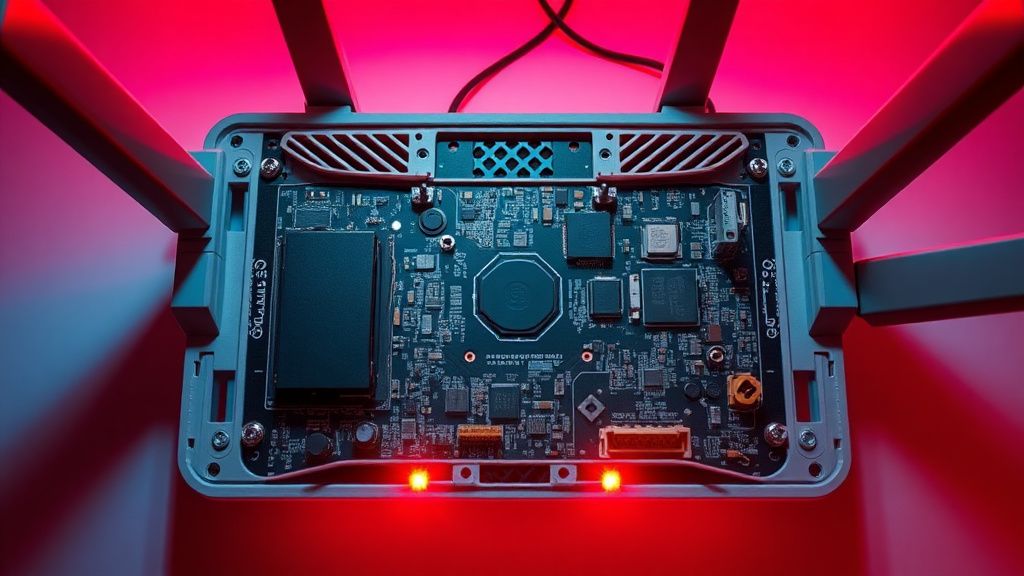
We are currently in the "Beta Phase" of Wi-Fi 7. Even the most expensive enterprise gear is seeing GitHub issues and Reddit threads filled with users reporting "de-auth" loops. The problem is that MLO is not a single, unified protocol; it’s a collection of modes (EMLSR, EMLMR). Many current consumer-grade routers are only implementing a subset of these features, leading to situations where the AP thinks it’s doing one thing (Multi-Link aggregation) and the client is doing another (Primary Link fallback).
In the r/HomeNetworking subreddit, a thread from late 2023 regarding a flagship Wi-Fi 7 router noted: "The UI says I'm connected to the 6GHz band, but my ping tests show erratic jitter every 30 seconds. Disabling MLO entirely solved the packet loss, but halved my theoretical throughput." This is the trade-off we are forced to accept right now: stability versus the speed we paid for.
Troubleshooting DFS and 6GHz AFC Constraints
The 6GHz band is not the "Wild West." It is strictly regulated by Automated Frequency Coordination (AFC) in many regions to prevent interference with existing point-to-point microwave links. If you are seeing packet loss specifically on the 6GHz band, check your logs for "AFC Unavailable" errors.
If your router cannot reach the AFC database, it will often drop back to a lower-power mode or, in some cases, disable the 6GHz radio entirely. The resulting client "thrashing"—where devices constantly scan for the missing 6GHz network and drop their 5GHz connection in the process—is a major, hidden source of packet loss.
Analyzing Interference: 2.4GHz Coexistence and IoT Friction
We often ignore the 2.4GHz band, assuming it’s just for "smart bulbs." But in a tri-band system, your router is likely managing 2.4GHz, 5GHz, and 6GHz simultaneously. If your AP’s backhaul is sharing resources or if the internal antennas are suffering from "self-interference" (where the 2.4GHz radio noise floor desensitizes the 6GHz receiver), your packet loss will be consistent regardless of how clear the airwaves appear on a Wi-Fi analyzer.
- The Workaround: Manually separate your SSIDs. If your router allows it, create a hidden IoT-only network on the 2.4GHz band and keep your high-bandwidth Wi-Fi 7 devices isolated on a dedicated 6GHz SSID.
- The Hardware Reality: Many "Tri-Band" routers share the same internal shielding for the 5GHz and 6GHz radios. If you are experiencing packet loss, consider if your router is physically placed near other EMI sources, like high-voltage power bricks or unshielded USB 3.0 hubs, which notoriously bleed noise into the 2.4GHz and 5GHz spectrums.
The Software-Defined Bottleneck: Why "Smart Connect" is Often the Villain
"Smart Connect" (or Band Steering) is the feature that promises to automatically move your devices to the "best" band. In practice, it is often a set of hardcoded heuristics that fail in real-world scenarios.
- Sticky Clients: A device might refuse to switch from 5GHz to 6GHz even when the 6GHz signal is superior, causing the 5GHz channel to become saturated.
- The Ping-Pong Effect: A device constantly hops between bands, creating a "blackout" period where the client loses connectivity while negotiating the new radio interface.
- Authentication Lag: Re-keying across bands can cause multi-millisecond gaps in real-time traffic like Zoom or competitive gaming.
Actionable Step: Disable "Smart Connect." Create distinct SSIDs for 2.4GHz, 5GHz, and 6GHz. Force your mission-critical devices (your PC, your workstation, your gaming console) onto the 6GHz band and leave the legacy devices on 2.4GHz. This eliminates the uncertainty of the router's decision-making algorithm.
Real Field Report: The "Dense Apartment" Challenge
I recently analyzed a network setup in an urban environment where the user was experiencing 15% packet loss on a new Wi-Fi 7 setup. After pulling the logs from the router’s CLI (Command Line Interface), it was clear: the router was attempting to use a 320MHz channel on the 6GHz band. While this is the "selling point" of Wi-Fi 7, it is also a liability in dense areas.
Even though 6GHz is meant to be interference-free, the sidebands of that massive 320MHz channel were overlapping with a neighbor's Wi-Fi 6E AP. The interference triggered a retry-storm, causing the AP to constantly re-transmit packets. By manually narrowing the channel width to 160MHz, the packet loss dropped to 0.1%.
Lesson: More spectrum is not always better if that spectrum is crowded. Sometimes, stability requires "down-tuning" your equipment to match the environmental reality.
The Politics of Standards: Wi-Fi 7 vs. Legacy Ecosystems
There is an ongoing debate in the networking community regarding the "backward compatibility" of Wi-Fi 7. Proponents argue that the new OFDMA (Orthogonal Frequency-Division Multiple Access) enhancements make Wi-Fi 7 better at managing "noisy" environments with older devices.
Critics, however, point out that these features only work if every device on the network supports the same level of Wi-Fi 7 spec. If you have a mixture of Wi-Fi 5 (802.11ac) and Wi-Fi 7, the AP has to slow down its modulation and coding scheme (MCS) to accommodate the slower devices, effectively turning your high-end router into a bottlenecked bridge. This "lowest common denominator" problem is why segregation (VLANs or separate SSIDs) is currently the only effective way to maintain high-performance Wi-Fi 7 stability.
Counter-Criticism: Is the Hype Justified?
Many industry analysts argue that the packet loss issues seen with early Wi-Fi 7 deployments are no different from the issues we saw with the early 802.11n or 802.11ax (Wi-Fi 6) rollouts. They posit that as firmware matures and client drivers (from Intel, MediaTek, and Qualcomm) are updated, these issues will naturally resolve.
While this is true, it fails to account for the human cost of being an early adopter. The consumer is essentially acting as a remote QA tester for the manufacturer. When you spend $500 to $800 on a high-end router, you shouldn't need to be a network engineer to prevent packet loss. The lack of transparency in "Smart Connect" algorithms is a dark pattern that prioritizes marketing simplicity over technical robustness.
Technical Deep Dive: Troubleshooting Checklist
If you are currently facing packet loss, follow this diagnostic path before assuming your hardware is defective:
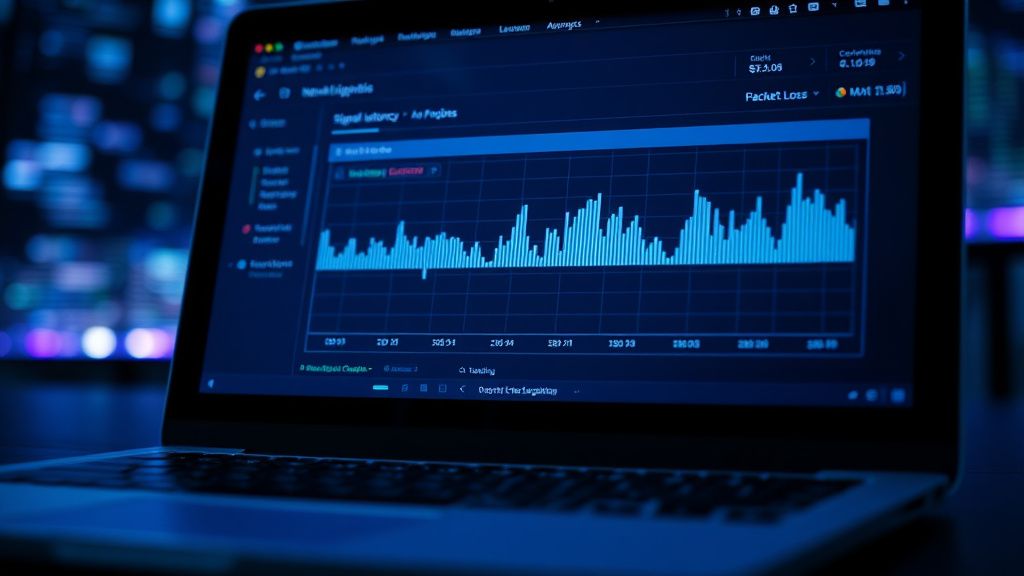
- Check for "Retry-Storms": Access your router's Advanced Statistics page. Look at the "Retransmission Rate" or "Retry Count." If this number exceeds 5-10% of your total packets, you have an interference or range issue.
- Update Client Drivers: This is the most overlooked step. Your router’s firmware may be perfect, but if your PC’s network card (e.g., an Intel BE200) is running a driver from three months ago, it won't handle the MLO handshakes correctly. Update your card’s driver from the manufacturer's website, not via Windows Update.
- Physical Positioning: Is your router near a reflective surface or an object that could cause multipath interference? Wi-Fi 7’s higher-order modulation (4K-QAM) is extremely sensitive to signal reflections. A signal that looks "strong" but has high multipath distortion will have massive packet loss.
- Disable OFDMA/MU-MIMO Temporarily: If you are still seeing loss, toggle these advanced features off. They add significant complexity to the AP’s processing load. In many cases, turning them off stabilizes the connection at the cost of slight aggregate speed loss.
FAQ
Is it normal for my Wi-Fi 7 router to drop packets when MLO is enabled?
Should I prioritize 320MHz channels for better performance?
Why does my device keep dropping from the 6GHz band to 5GHz?
Are Wi-Fi 7 packet loss issues usually software or hardware related?
Will future firmware updates actually solve these problems?
Bu makale affiliate linkleri içermektedir.