
If your PS5 Slim is sounding like a jet engine or triggering frequent "Too Hot" system notifications, you are likely dealing with localized thermal throttling due to dust accumulation or airflow obstruction, much like when an Xbox Series X is louder than usual. The immediate fix is cleaning the intake vents and the fan assembly using compressed air, combined with ensuring the console has at least six inches of clearance in all directions.
The <a href="https://www.amazon.com/s?k=PlayStation%205&tag=gunesseo-21" rel="sponsored noopener" target="_blank">PlayStation 5 Slim, much like its monolithic predecessor, is a marvel of miniaturized engineering that masks a brutal reality: it is a high-wattage computing furnace shoehorned into a compact plastic chassis. While Sony’s design engineers utilized liquid metal thermal interface material (TIM) and aggressive fan curves to keep the APU within operational parameters, the laws of thermodynamics remain indifferent to branding. When you see a "PS5 Slim overheating" error, you aren't just seeing a bug; you are seeing a safety mechanism triggered by the inability of the system to dissipate the heat generated by its custom AMD Zen 2 CPU and RDNA 2 GPU architecture.
The Architecture of Heat: Why Modern Consoles Struggle with Airflow Dynamics
To understand why the Slim model—despite its name—requires such rigorous maintenance, we have to look at the internal topography. The Slim features a slightly more fragmented internal layout compared to the original "launch" PS5. The smaller enclosure means less total air volume, which in turn means that dust accumulation on the intake fins has a disproportionately larger impact on thermal dissipation.
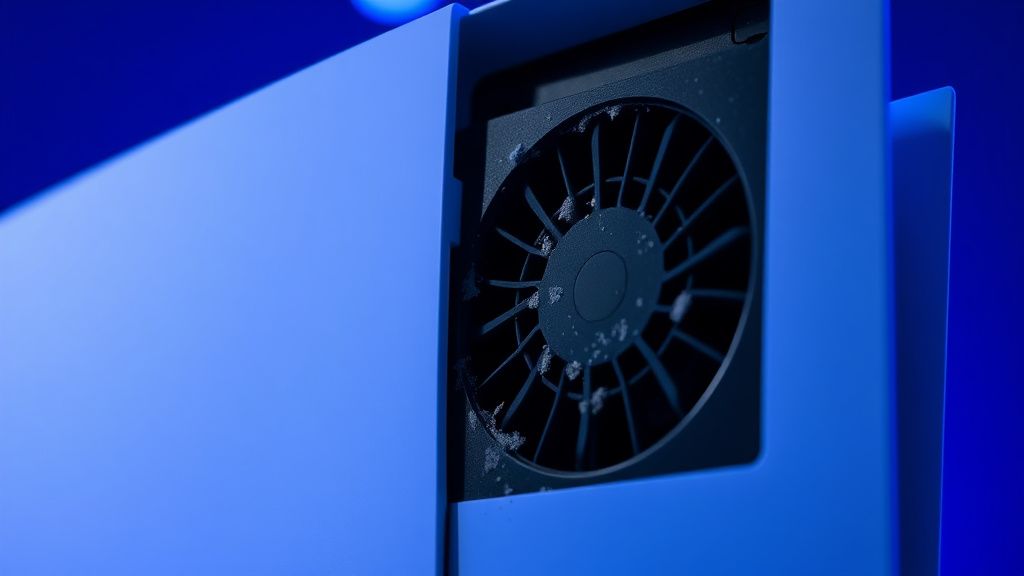
When you look at the fan assembly, it is not merely a component; it is the sole point of failure for the entire system’s thermal management. The PS5 Slim uses a high-static pressure fan designed to push air through a complex, finned aluminum heatsink. If that airflow is restricted—even by 15%—the console’s proprietary fan controller ramps up the RPM to compensate. This is why you hear that characteristic "whoosh" or high-pitched whine.
Real Field Reports: The "Dust Bunny" Crisis
In the trenches of Reddit’s r/PS5 subreddit and the various technical support forums, the "overheating" narrative usually follows a predictable arc. Users report a console that runs silently for three months, followed by a sudden onset of noise and, eventually, the dreaded system shutdown.
One user on a prominent technical forum noted: "I thought the Slim was supposed to be quieter. After four months of running Final Fantasy VII Rebirth, the console sounded like a vacuum cleaner. When I popped the side plates off, the 'dust catchers' were literally grey carpets. I vacuumed them, but it didn't help. I had to physically remove the fan to get to the radiator fins."
This highlights a critical point: The user-accessible dust catchers are a marketing feature, not a complete solution. While they help, they often trap large debris while allowing fine, conductive dust to coat the actual heatsink. Relying solely on the "catchers" is a common failure point in the maintenance cycle.
Diagnostic Signs: Thermal Throttling vs. Hardware Failure
Before you tear your warranty sticker, you must distinguish between a dirty console and a hardware fault, and be aware of other common PlayStation issues such as PS5 DualSense stick drift.
- The "Too Hot" Prompt: This is a hard-coded trigger. If the system hits a specific threshold (typically around 95°C for the junction temperature), it will kill power. If this happens while on the home screen, you have a failing fan or a blocked vent.
- Coil Whine vs. Fan Noise: Often, users confuse electrical coil whine with fan noise. If the sound persists even when the fan is manually slowed, you might be dealing with capacitor vibration, which is annoying but thermally harmless.
- The "Black Screen" Crash: If the console shuts down without a warning, you are likely looking at a PSU (Power Supply Unit) thermal trigger or a power delivery issue, rather than a CPU/GPU thermal issue.
Step-by-Step: The Surgical Clean of the PS5 Slim Cooling System
Cleaning the Slim requires a bit more finesse than the original PS5 because of the different latch mechanisms on the side plates. You will need a set of plastic pry tools, a T8 Torx screwdriver (security bit), and high-quality compressed air.
1. The Disassembly Paradox
The side plates on the Slim slide off, but the resistance is notoriously higher than the original.
- Pro-Tip: Do not use metal screwdrivers to pry these. The plastic clips are designed to snap under stress, leading to a console that rattles during high-load gameplay. Apply pressure toward the Sony logo while sliding laterally.
2. The Fan Extraction
Once the cover is off, the fan is exposed. Many tutorials suggest blowing air into the console from the outside. Do not do this. You are simply pushing the dust deeper into the heatsink.
- Unscrew the T8 security screws holding the fan shroud.
- Gently pull the fan connector. Note: The header is fragile. Do not pull the wires; pull the plastic connector itself.
3. The Heatsink Realization: Why Compressed Air is Not Enough
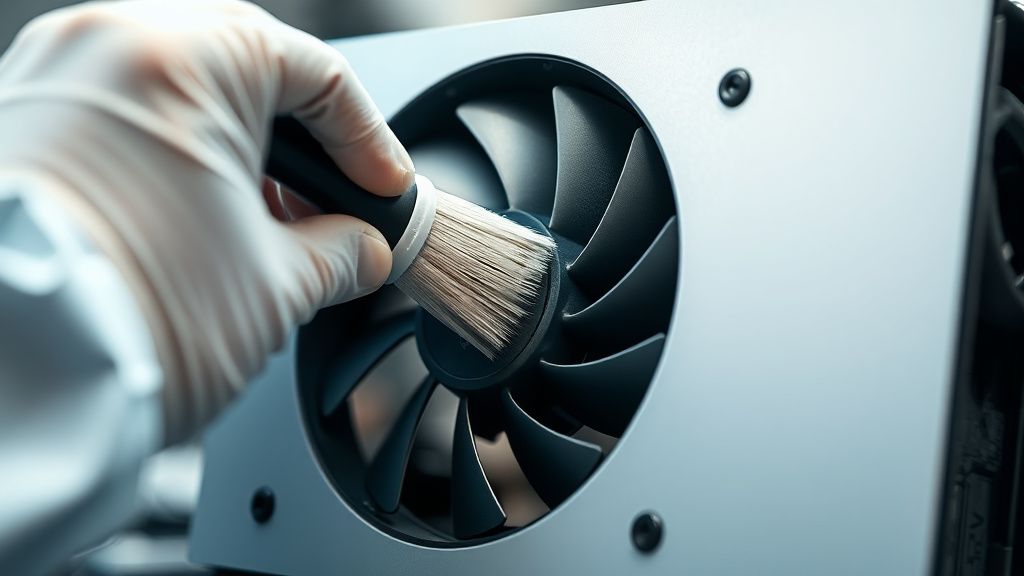
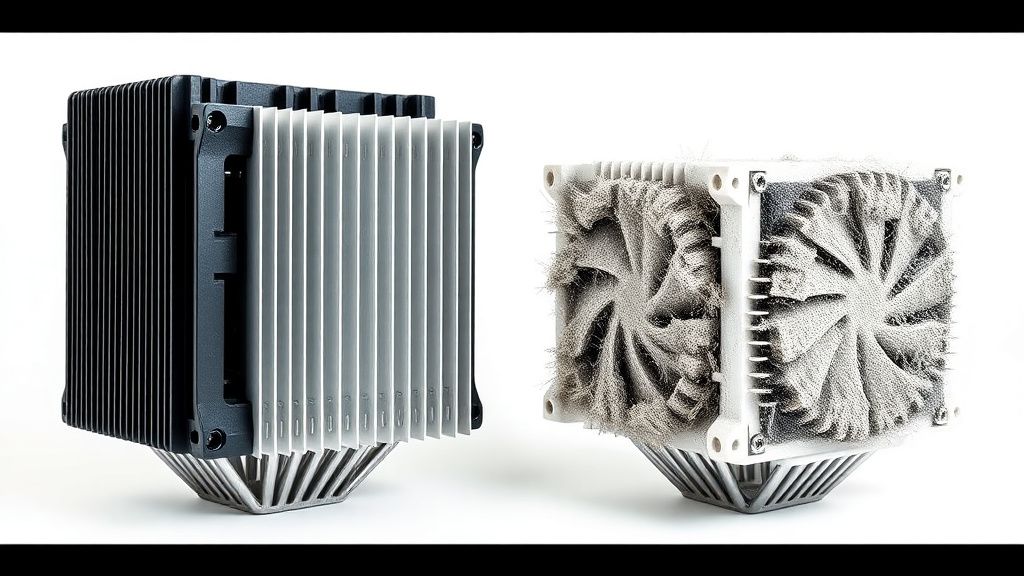
Even after removing the fan, you will likely see a wall of dust sitting on the intake of the heatsink. This is where most "fixes" fail. If you just blow air, you create a "dust crust." You need to use a soft-bristled brush to break the seal, then use the air to displace the debris.
Counter-Criticism: Is the Slim Design Inherently Flawed?
There is a significant debate in the engineering community regarding Sony’s decision to move to a 6nm die-shrink for the Slim’s APU. While the smaller die is more power-efficient, it also has a higher heat flux density.
Critics, including voices from the Digital Foundry and Gamers Nexus analysis circles, have pointed out that the Slim's decision to use a smaller heatsink volume makes it more sensitive to ambient room temperature. If you live in a warm climate or keep the console in an enclosed media cabinet, you are fighting a losing battle. The "airflow obstruction" is often not just the console; it's the environment.
"The Slim isn't 'overheating' in the sense of a design flaw; it's being pushed to the edge of its thermal envelope to appease the marketing requirement of a smaller footprint." — Anonymous Hardware Technician, Tech Repair Daily.
Economic and Maintenance Costs: The Hidden Taxes
The "hidden cost" of the PS5 Slim is the maintenance labor. Unlike the PS4, where you could essentially ignore the console for years, the PS5 (especially the Slim) is a high-maintenance piece of hardware. If you do not clean it every 6–8 months, you are accelerating the wear on the fan bearings. Replacing a fan is cheap ($20-$30), but replacing a unit with a warped motherboard due to prolonged thermal expansion is not.
Mitigation Strategies: Beyond Cleaning
If you have cleaned your console and it still runs hot, consider these operational workarounds:
- Vertical vs. Horizontal: While the debate on liquid metal pooling is largely settled as a myth (the liquid metal is suspended in a way that prevents significant migration), vertical stands often allow for better bottom-intake airflow. However, ensure the stand is not blocking the exhaust.
- The "Media Cabinet" Problem: Never put your Slim in a cabinet with a glass door. The ambient heat buildup is exponential. Even if the intake is clear, the exhaust air will simply loop back into the intake, creating a thermal death spiral.
- Undervolting (Advanced): While not possible via standard software, users who are tech-savvy often look into adjusting fan curves via third-party hardware modifications or strictly monitoring game settings (limiting frame rates to 60fps instead of 120fps reduces GPU load significantly).
FAQ
Is it safe to use a vacuum cleaner to clean the PS5 Slim?
How often should I clean my PS5 Slim?
My PS5 Slim is still loud even after cleaning. What's next?
Does the "dust catcher" vent actually work?
Can I replace the fan with a third-party high-performance fan?
The Verdict: Maintenance as a Lifestyle
The PS5 Slim is a compact machine that demands a symbiotic relationship with its owner. It isn't a "set it and forget it" device like the game consoles of the 90s. Its power-to-size ratio necessitates a maintenance culture. By understanding the airflow, respecting the thermal limits, and accepting that the "slim" form factor comes with a "dust-prone" tax, you can significantly extend the life of your hardware. Do not wait for the warning message; treat the noise as the primary indicator, and you will stay ahead of the thermal curve.
Bu makale affiliate linkleri içermektedir.