
The Hisense U8N, while marketed as a beacon of high-end Mini-LED performance, exists in a contentious space between consumer expectations and the harsh realities of panel manufacturing. Users reporting "ghosting" or "smearing" often mistake motion handling artifacts for panel defects. While OLED calibration techniques are frequently cited as a cure-all, the U8N operates on a VA-panel infrastructure, meaning the "fix" is less about color science and more about managing the physical limitations of liquid crystal response times and local dimming algorithms.
The Ghosting Myth: VA Panels vs. OLED Expectations
The term "ghosting" has become a catch-all in enthusiast forums like Reddit’s r/Hisense or AVS Forum. When users complain about a trail behind a moving object on the U8N, they are often conflating true motion blur with inverse ghosting (overshoot) or black smearing.
Unlike OLEDs, which utilize self-emissive pixels with near-instantaneous response times, the U8N uses a Mini-LED backlight paired with a Vertical Alignment (VA) liquid crystal layer. The liquid crystals in a VA panel take a finite amount of time to rotate—a transition that is notoriously sluggish when moving from black to dark gray. This isn't a defect; it is a fundamental characteristic of the hardware.

When you read threads on the Hacker News hardware sub-forums or GitLab developer discussions regarding display driver behavior, you’ll find a consistent sentiment: "The UI looks polished, but the backend is fighting physics." Hisense’s internal scaling algorithms and backlight control loops often attempt to mask this by aggressively sharpening edges, which leads to the dreaded "halo" or "overshoot" effect, which untrained eyes label as ghosting.
Operational Reality: Understanding the Local Dimming Feedback Loop
The U8N utilizes a dense array of Mini-LEDs. The interaction between the Local Dimming zones and the LCD response time is the primary source of the visual jitter some users perceive as motion instability.
If you are experiencing what looks like a lagging trail, consider the Backlight Master Drive logic. Hisense’s firmware attempts to predict where an object will move to adjust the dimming zones in real-time. If the object moves faster than the dimming zone update frequency, you see a "shadow" or "ghost" as the zone catches up.
Debunking the "OLED Calibration" Fallacy
Many online guides suggest applying "OLED-style calibration" to your U8N—specifically by crushing blacks or manipulating the CMS (Color Management System) to hide smearing. This is a dangerous path.
- The Conflict: OLEDs benefit from absolute black levels that eliminate the need for zone-based dimming. Forcing these settings on an LED-backlit LCD often causes "Black Crush," where you lose all shadow detail in an attempt to hide the physical limitations of the VA panel.
- The Reality: The best fix for the U8N is not color calibration, but rather motion processing optimization. You must disable the "Smooth Motion" settings entirely. These settings rely on frame interpolation (SOE - Soap Opera Effect), which inevitably introduces artifacts when the processor fails to predict motion vectors accurately in high-bitrate content.
Navigating Firmware Fragmentation and Scaling Issues
One of the most persistent complaints on AVS Forum regarding the U8N involves post-update instability. In version V0021 or similar iterations, users have reported that "Game Mode" performance changed noticeably.
The struggle is real:
- The Input Lag Dilemma: To keep input lag low for gaming, the TV bypasses significant amounts of post-processing.
- The Visual Compromise: Without this processing, the raw panel behavior (VA ghosting) is laid bare.
- The Workaround: Advanced users on GitHub have discussed using external scalers or PC-side motion blur reduction (like VRR/G-Sync compatibility) to offload the burden from the TV’s internal SoC.
Technical Deep Dive: Why "Smearing" Persists in Dark Scenes
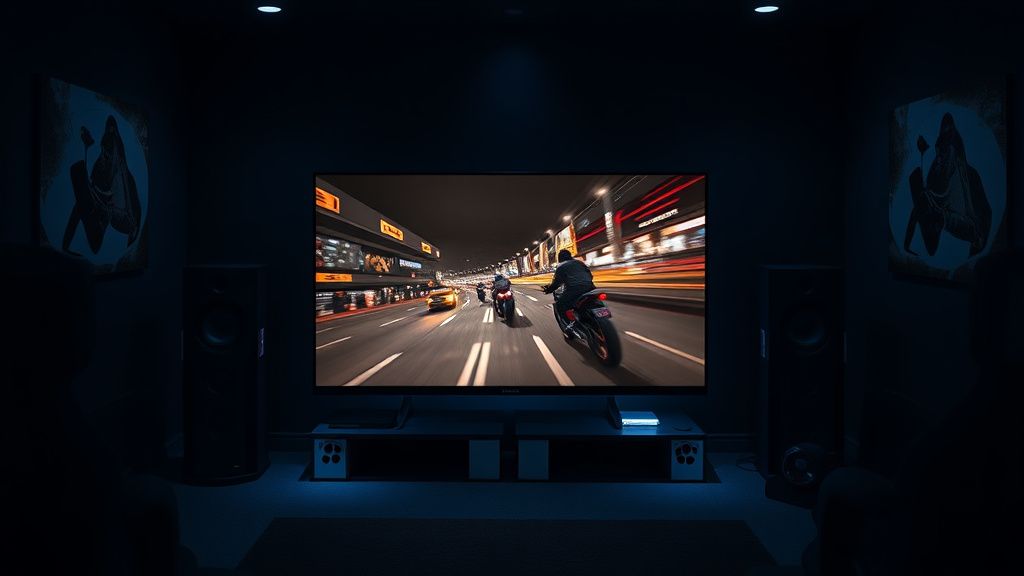
Dark scene smearing is the bane of VA panel existence. Because liquid crystals in these panels have a harder time transitioning from "fully off" (black) to "slightly on" (dark gray), you get a distinct "dragging" effect.
Is there a fix? There is no "calibration" toggle that changes the physical viscosity of the liquid crystals. However, you can mitigate the perception:
- Backlight Adjustment: Increasing the backlight level slightly in dark scenes can force the pixels to stay in a more "active" state, reducing the time required to shift to a gray value.
- Gamma Tuning: Setting Gamma to 2.2 or 2.0 (if your content allows) can reduce the "crush" that makes smearing more obvious. If the transition is between 0% and 5% gray, the smear is visible. If you shift that to 10%-15% gray, the transition is much faster.
The Human Factor: Psychology and Perception
Why do some users notice the ghosting and others don't? It comes down to Motion Resolution Testing. If you are a competitive gamer coming from a 144Hz IPS gaming monitor, the U8N will feel sluggish. Your brain is conditioned to expect sub-2ms response times. The U8N, even in its best-performing modes, will struggle to hit that.
This leads to a "Trust Erosion." Once a user identifies the smear, they cannot "unsee" it. They begin to attribute every compression artifact from streaming services like Netflix or Disney+ to the TV’s panel quality. In reality, the 4K stream bitrate is often the culprit for the "ghosting" observed in high-motion scenes.
Real Field Reports: Community Friction
On forums like Reddit (r/4kTV), the discourse is split.
- The Pro-Hisense Camp: Argues that the U8N provides 90% of the performance of a high-end OLED at 50% of the price. They emphasize that minor ghosting is an acceptable trade-off for the extreme brightness levels (nits) that OLEDs cannot hit in bright rooms.
- The Skeptical Camp: Points to "broken promises" in software updates. One thread on a prominent tech forum lamented, "The update fixed the black levels but ruined the motion cadence. It’s like they just shifted the problem from the zones to the refresh logic."
Counter-Criticism: Should You Return the Unit?
There is a point of contention regarding whether "ghosting" on the U8N constitutes a manufacturing defect. Most support agents will tell you it’s "within spec."
If you find yourself deep in the weeds of service menus, trying to adjust Panel Refresh or TCON settings, stop. You are likely voiding warranties for gains that are marginal at best. The real-world advice from industry veterans is simple: If the motion blur bothers you enough to ruin your experience, the U8N is not the panel for you. No amount of calibration will turn a VA Mini-LED into a QD-OLED. The physics are non-negotiable.
Managing Expectations: A Balanced Approach
To get the most out of your U8N without chasing impossible "ghosting fixes":
- Stop chasing OLED specs: Accept the U8N for its high-brightness, high-contrast Mini-LED strengths.
- Focus on Source Quality: If you are watching low-bitrate cable, you will see ghosting. Use high-bitrate 4K Blu-ray or high-tier streaming services.
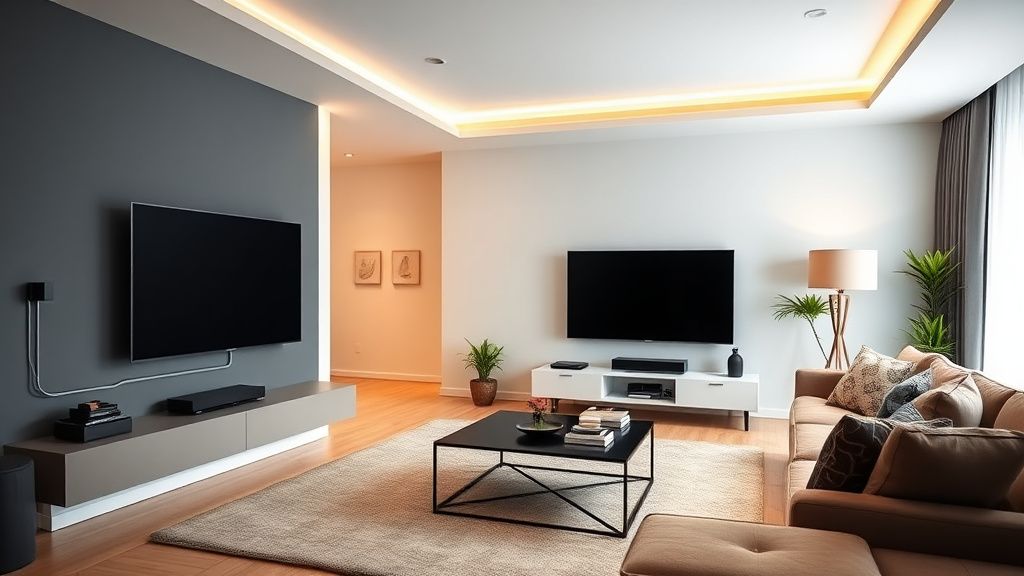
- Optimize the Environment: Use bias lighting behind the TV. This reduces the strain on your eyes and makes the contrast transitions appear less jarring, effectively masking the VA panel’s smearing.
FAQ
Is ghosting on the Hisense U8N a sign of a defective panel?
Can firmware updates fix ghosting?
Does "Game Mode" help reduce ghosting?
Why do some people say OLED calibration fixes this TV?
Is there a specific setting that makes ghosting worse?
Conclusion: The Operational Reality
The Hisense U8N is a marvel of engineering for its price point, but it requires a user who understands that they are buying a high-performance LED, not a substitute for an OLED. The "ghosting" debate is a symptom of the industry pushing LCD technology to its absolute limit to compete with superior display tech. Instead of obsessing over hidden service menus or perfect calibration, focus on optimizing your source and your own viewing environment. In the end, the most effective "fix" is often the one that acknowledges the limitations of the hardware while maximizing the brilliance of the image it can produce.