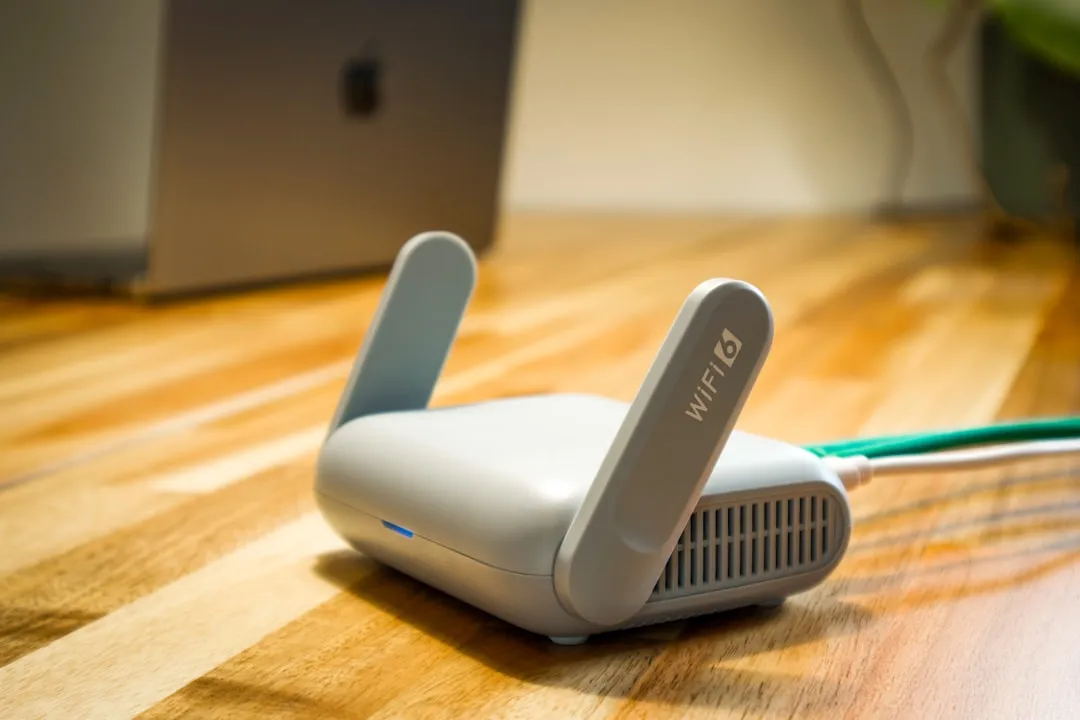
The promise of Wi-Fi 7, specifically the BE9800 class hardware, is often marketed as a panacea for the modern, congested digital household. You see the glossy marketing materials: 320 MHz channels, Multi-Link Operation (MLO), and the theoretical throughput of nearly 10 Gbps. But once you move the equipment out of the sterile lab environment and into a real-world home—with its concrete load-bearing walls, interference-heavy appliances, and legacy client devices—the reality of signal attenuation sets in quickly. If you are struggling with intermittent drops, "stuck" steering, or the dreaded "weak signal" notification on your BE9800 router, you are not alone; we have a comprehensive guide if your Wi-Fi 7 router is dropping connections. You are experiencing the friction point where cutting-edge 6GHz spectrum meets the unforgiving physics of residential architecture.
The Physics of 6GHz and Signal Attenuation in High-Performance Mesh Networking
The core of the Wi-Fi 7 experience resides in the 6GHz band. While it provides the vast, uncongested channels necessary to hit that "BE9800" badge, it is also the most fragile. Physics dictates that higher frequencies have poorer penetration capabilities. When you add high-order modulation like 4K-QAM (which requires an exceptionally clean Signal-to-Noise Ratio), even minor obstacles become catastrophic failures.
In the forums—specifically across r/HomeNetworking and various enthusiast Discord servers—the narrative is consistent: "It worked perfectly in the living room, but the moment I walked into the master bedroom, the backhaul collapsed." This is not necessarily a hardware failure; it is a fundamental limitation of the protocol's reliance on clear line-of-sight for its highest data rates. When the BE9800 system struggles with signal attenuation, it’s usually because the MLO (Multi-Link Operation) is trying to aggregate a 6GHz channel that is already at the edge of its effective range; for strategies to improve stability, check out our article on fixing MLO stability issues when Wi-Fi 7 is dropping packets.
Operational Reality: When MLO Fails the Range Test
Multi-Link Operation is the flagship feature of Wi-Fi 7, allowing a client to transmit across multiple bands simultaneously. However, in practice, if your router is attempting to maintain an MLO connection while the 6GHz link is suffering from severe attenuation, the internal logic of the radio can become erratic. Some firmware versions have shown difficulty in cleanly handing off traffic from the 6GHz "fast lane" to the 5GHz or 2.4GHz fallback without causing a micro-stutter in latency-sensitive applications like Zoom or competitive gaming.
Users on GitHub issues tracking open-source firmware projects have pointed out that many manufacturers are still struggling to tune the "threshold for band-steering." If your signal attenuation is caused by a wall, the router might hold onto that 6GHz connection far longer than it should, resulting in packet loss that feels like a dead connection.
Troubleshooting Channel Width and Interference
One of the most common mistakes users make when attempting to "fix" signal attenuation on BE9800 routers is manually locking the channel width to 320 MHz. While this is the headline feature, it is also the most susceptible to environmental noise. In a crowded apartment complex or a dense suburban neighborhood, the noise floor in the 6GHz spectrum—which should be empty—is rapidly filling up.
- Audit your spectrum: Use a Wi-Fi analyzer tool that supports 6GHz. If you see high levels of non-Wi-Fi interference, your 320 MHz channel will force the radio to work harder, increasing power consumption and heat, which paradoxically leads to thermal throttling and further signal degradation.
- Down-clocking for stability: Sometimes the most "pro" move is to manually force your primary backhaul channel to 160 MHz. You lose the theoretical peak throughput, but you gain a significantly more robust SNR margin that can penetrate walls better than a wide, thin, and fragile 320 MHz pipe.
Real Field Report: The "Concrete Room" Problem
A network engineer documenting their home deployment noted a recurring issue: a BE9800 mesh satellite placed 15 feet from the main unit, separated by a double-brick wall, would show a "Great" signal quality, yet packet loss remained at 4-6%. The culprit? The beamforming algorithms were miscalculating the reflections off the dense masonry, leading to multipath interference that the Wi-Fi 7 chipset couldn't resolve in real-time. The workaround involved manually placing the node in a slightly less "ideal" spot—an open doorway—where the signal had to travel 25 feet but had a clear line-of-sight. The lesson here is clear: In the world of Wi-Fi 7, path quality consistently beats distance.

Counter-Criticism: Is BE9800 Over-Engineered for Residential Use?
There is a growing sentiment among IT professionals that the BE9800 class hardware is being pushed into markets that simply do not have the client density or the infrastructure to justify it. When you analyze the telemetry data from various home users, it is clear that 90% of traffic is still being consumed by devices that are Wi-Fi 6 or even Wi-Fi 5.
The critics argue that by obsessing over Wi-Fi 7 signal metrics, users are missing the point: most "attenuation errors" are simply the result of attempting to force high-bandwidth protocols through hardware that isn't yet fully mature. We are effectively in the "beta phase" of the Wi-Fi 7 rollout. The firmware updates we see every month are not just "bug fixes"—they are ongoing engineering efforts to rectify fundamental flaws in the initial hardware releases.
Managing Firmware Cycles and The "Update Paradox"
In the current ecosystem, updating your firmware is a double-edged sword. While manufacturer changelogs boast of "Improved Stability" and "Enhanced Beamforming," users often report that these updates shift the performance goalposts. A patch that fixes signal attenuation in one corner of the house might inadvertently cause roaming issues between mesh nodes.
My advice: maintain a "stable-only" branch for your primary network. If you are experiencing issues, check the manufacturer's official support forum before jumping on a firmware update released less than a week ago. Watch for the "community sentiment" score on platforms like Reddit. If there are multiple threads titled "My satellite node dropped after the update," stay on the previous version.
The Role of Backhaul: Wireless vs. Ethernet
If you are dealing with persistent attenuation on your BE9800 system, you must accept the hard truth: wireless backhaul has a limit. Regardless of how sophisticated the 6GHz radio is, it cannot compete with the sheer physical reliability of a CAT6a or CAT7 ethernet cable.
- Ethernet Backhaul: If you have even the slightest ability to run a cable between your main router and your satellite, do it. It instantly offloads the 6GHz/5GHz radios, allowing them to focus entirely on client connectivity rather than fighting each other for bandwidth to talk to the main router. This is the single most effective way to eliminate "signal attenuation" errors, as the backbone of your network will no longer be subject to environmental interference.
Addressing the "Hidden" Power Issues
Another often-overlooked factor is the power supply. BE9800 routers are power-hungry devices. In many cases, signal instability—specifically sudden disconnects that mimic attenuation—is caused by a power supply unit (PSU) that cannot maintain a steady voltage during peak traffic periods when all radios are firing at maximum output. If your router is plugged into a cheap, overloaded power strip, you might be causing your own interference. Ensure your high-performance hardware is connected to a stable power source, ideally with surge protection that is rated for high-wattage electronics.
Why Your Devices Might Be the Problem
Sometimes, the "attenuation" reported by the router is actually a result of the client device's inability to negotiate the newer Wi-Fi 7 handshake. If you are using a slightly older laptop with a Wi-Fi 6E card, it may struggle to re-authenticate with the BE9800 access point when the signal dips below a certain threshold. This isn't the router failing; it's the client device failing to handle the sophisticated MLO handoff correctly.
Final Thoughts on Scaling and Future-Proofing
Building a robust home network with BE9800 hardware is as much about architecture as it is about technology. Avoid the trap of "maximalist" thinking—you do not need the widest channel width in every room. You need a network that is balanced. Place your nodes where they have the best line-of-sight, prioritize ethernet backhaul whenever possible, and be patient with the firmware evolution. We are living in a period of rapid transition, and the "bugs" you see today are simply the growing pains of a new standard finding its footing in the unpredictable reality of the home.
FAQ
Why does my Wi-Fi 7 router show "Weak Signal" even when I am close to it?
Does the BE9800 router really need a 2.5GbE or 10GbE internet plan?
Is MLO (Multi-Link Operation) actually worth it right now?
Why do my satellite nodes keep disconnecting?
Should I force my channels to 320 MHz for better speed?
Bu makale affiliate linkleri içermektedir.