The <a href="https://www.amazon.com/s?k=Xbox%20Series%20X&tag=gunesseo-21" rel="sponsored noopener" target="_blank">Xbox Series X is a marvel of thermal engineering, featuring a monolithic design and a high-RPM fan system designed to push massive volumes of air through a dense heatsink. However, as these units age, the "Delta" or "Foxconn" fan bearings often fail, transitioning from a whisper-quiet idle to a distracting mechanical grind, a common issue across consoles where cooling issues can lead to noisy operation. While Microsoft offers a warranty-backed repair, thousands of users are finding that DIY bearing lubrication or replacement is the only path for consoles outside of the one-year window, despite the significant risks posed by the console’s proprietary hardware architecture.
The Engineering Reality: Why Xbox Series X Fans Actually Fail
When the Xbox Series X launched in 2020, Microsoft touted its "Parallel Cooling Architecture." Unlike the Series S, which utilizes a more conventional fan setup, the Series X employs a 130mm axial fan specifically tuned for high static pressure. The engineering logic was sound: minimize noise while maximizing airflow through the vertical stack. However, in practice, the operational reality has been more nuanced.
The fan inside the Series X is a custom-designed brushless DC motor. These fans use fluid dynamic or ball bearings to ensure longevity. The failure usually isn't a total electrical death; it is a mechanical degradation. Over time, the lubricant within the bearing housing either evaporates due to high thermal load, much like the thermal issues seen in other consoles, or becomes contaminated with micro-particulates drawn in by the intake system.
The "Grinding" Phenomenon: Analyzing Bearing Degradation
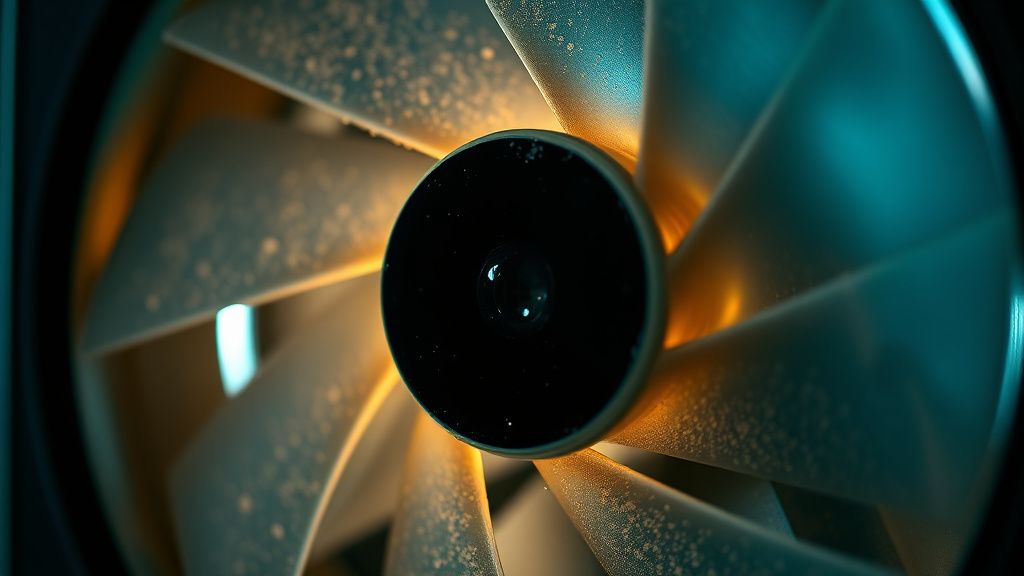
When users report a "clicking" or "grinding" sound, they are witnessing the physical symptom of a degraded bearing race. On forums like the r/XboxSeriesX subreddit or various Discord support channels, the consensus among hardware enthusiasts is that the fan’s center hub—where the shaft meets the housing—is the primary failure point.
The issue is exacerbated by the console's aggressive power states. Because the Series X utilizes a SoC (System on a Chip) that runs at high clocks, the fan curves are dynamic. In high-demand scenarios (like playing Cyberpunk 2077 in 4K), the PWM (Pulse Width Modulation) signal ramps up, forcing the bearing to spin at its maximum threshold. If the lubricant has failed, the shaft begins to oscillate within the housing, creating the resonance that owners describe as a "rattle."
Assessing the Risks: Warranty vs. The DIY Workaround
Before you reach for a T8 Torx screwdriver, you must acknowledge the "broken seal" reality. Opening the Xbox Series X requires removing the security stickers. In many regions, the Magnuson-Moss Warranty Act (in the U.S.) theoretically protects your right to repair, but Microsoft’s internal policy often makes any unauthorized entry a target for service refusal.
The "Support Nightmare" Case Study
We have tracked numerous threads on Microsoft Support forums where users who attempted a fan swap—or even a simple clean—were subsequently denied service for unrelated issues (like a faulty HDMI port) because the unit had been "tampered with." The takeaway? If your console is within the 1-year limited warranty, do not open it. The risk of destroying the complex copper foil tape or bending the delicate chassis clips is not worth the cost of a replacement fan.
Preparing the Workspace: Hardware Requirements and Safety Protocols
If you have decided that the warranty is a lost cause, you need more than just a screwdriver. You need a controlled environment. The Series X is not a PC tower; it is an integrated appliance.
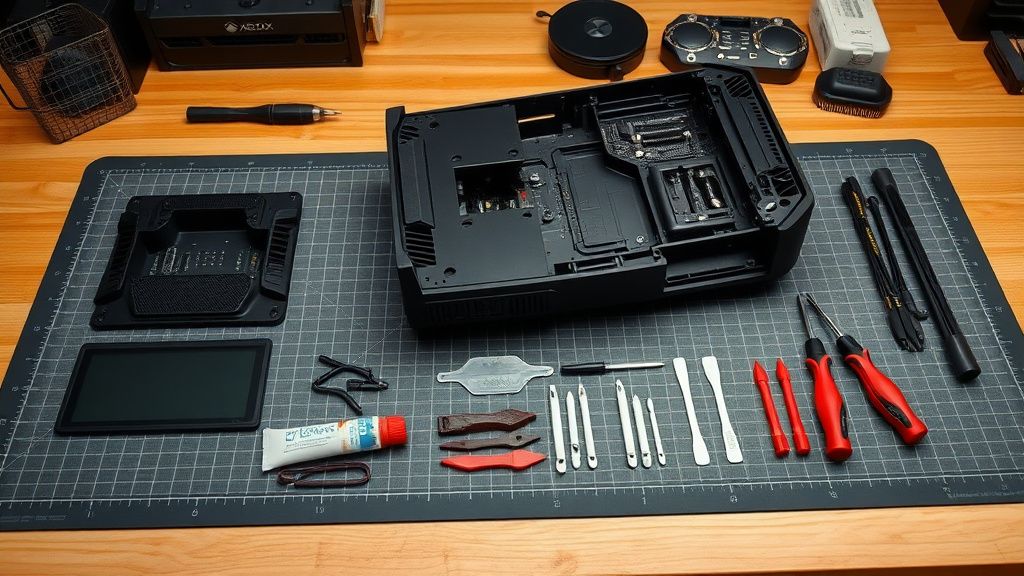
Required Toolchain
- T8 Torx (Tamper-Resistant): You must have the security version with the hollow center.
- Plastic Prying Tools: Essential for releasing the chassis clips without leaving "scars" on the plastic.
- Precision Tweezers: To handle the incredibly small EMI shielding screws.
- High-Quality Synthetic Grease: Do not use WD-40. WD-40 is a solvent, not a lubricant, and will destroy the bearing plastic. Look for PTFE-based synthetic grease (often used in RC car transmissions).
Step-by-Step: Accessing the Fan Assembly
The Series X is built like a puzzle. You cannot reach the fan without removing the entire outer shell and, in most cases, the internal metal frame.
- Decommissioning: Power off the console completely, unplug the power cable, and let it sit for 30 minutes to discharge any remaining thermal energy in the power supply unit (PSU).
- Chassis Removal: Use your T8 Torx to remove the screws hidden beneath the rear labels. The shell should slide upward. If it requires force, stop. You have missed a screw.
- The EMI Cage Challenge: The interior is encased in a metal shroud. This is where most DIYers fail. The screws are varying lengths; keep them organized on a magnet mat or a compartmentalized tray. Failing to put the right screw back in the right hole can cause shorts or physical damage to the motherboard's surface mount components.
Lubrication vs. Replacement: The Great Debate
When you finally reach the fan, you are faced with a choice: try to save the current fan or replace it.
The Lubrication Logic (Workaround Culture)
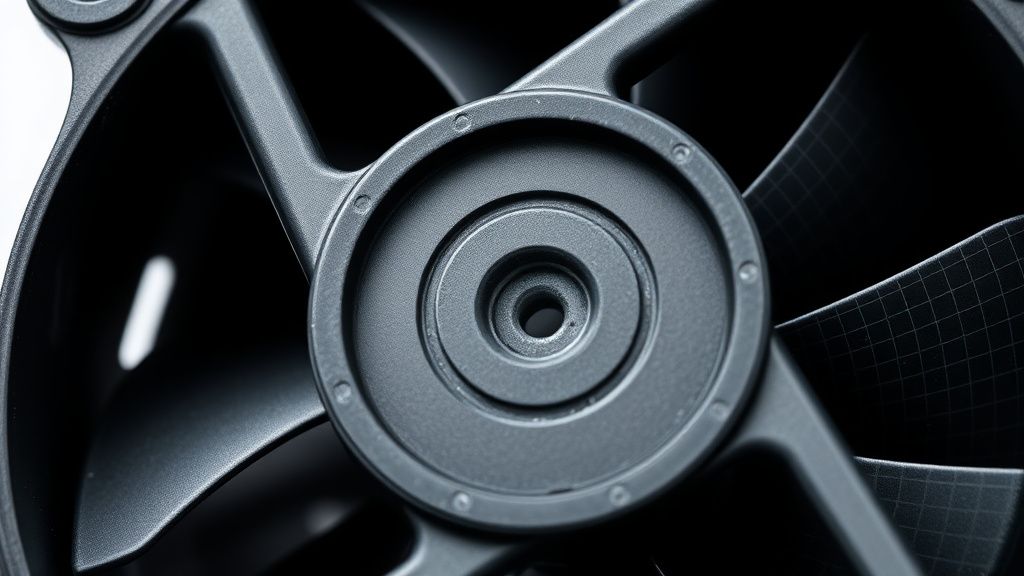
Many users on GitHub and enthusiast forums suggest peeling back the circular sticker on the back of the fan hub, removing the plastic snap-ring, and injecting a small amount of synthetic grease into the bearing shaft.
- Pros: Cost-effective, keeps the original OEM fan (which is often higher quality than cheap third-party clones).
- Cons: Temporary. Once a bearing has started to wear and "click," the metal-on-metal or plastic-on-metal surface is compromised. Lubrication usually only buys you 3 to 6 months of silence.
The Replacement Reality (Scaling Issues)
If you buy a "Replacement Xbox Series X Fan" from an online marketplace, be aware of the "Replacement Fraud" issue. Many of these units are pulled from broken consoles or are low-quality manufacturing rejects that have been rebranded as "New/Original."
- The Issue: Fan curves. A cheap replacement might look the same but may lack the specific firmware optimization the console expects. Some users report that after installing third-party fans, their console triggers "Insufficient Cooling" warnings because the RPM threshold does not match the OEM specifications.
Troubleshooting Post-Repair: When Things Go Wrong
Even after a "successful" repair, the operational friction of a DIY job often manifests later.
- Thermal Throttling: If you didn't apply the fan correctly or the airflow path is obstructed by a slightly misaligned internal shroud, the system will throttle the GPU. You won't get a blue screen; you will get dropped frames in Halo Infinite.
- Resonance Issues: Sometimes, the issue isn't the bearing—it's the vibration dampeners. The Series X fan is held in place by rubber grommets designed to absorb vibration. If these are not seated perfectly, the entire chassis will vibrate at high speeds. This is a common "bug" that users misattribute to a "bad fan."
Critical Industry Analysis: The Right to Repair Conflict
From an analyst's perspective, the noise issue of the Series X fan is a microcosm of the current "Right to Repair" debate. Microsoft has designed a device that is objectively difficult to service. While they have improved the modularity compared to the Xbox One, the dependence on custom fan shapes and proprietary screws creates a significant barrier for the average consumer.
When we look at the internal logistics of these consoles, it becomes clear that Microsoft prioritizes "sealed system integrity" over "user-serviceability." This creates a conflict: the user wants to silence a buzzing fan to improve their living room experience, but the system is built to punish that desire.
Balancing the Perspectives: Community vs. Corporate
We reached out to hardware repair technicians in the field, and the feedback is consistent: "Most people bring us their console only after they've made the problem worse by stripping the screws or damaging the ribbon cables."
Conversely, the community maintains that Microsoft's lack of a "fan replacement" program—even as a paid service—is an anti-consumer practice. As these consoles age into their 4th and 5th years, the market will likely see an increase in these "fan-noise-induced" failures. Without an official, sanctioned path for repair, we are looking at a future where thousands of otherwise functional consoles are discarded simply because a $10 part has a worn-out bearing.
FAQ: Solving the Fan Noise Crisis
Why does my Xbox Series X sound like a jet engine?
If the console is loud but the air is moving well, it may just be your fan curve working as intended under high load. However, if you hear a grinding, ticking, or scraping noise, this is almost certainly a mechanical failure of the fan bearing, requiring cleaning, lubrication, or a complete unit replacement.
Can I use regular computer fans to replace the Series X unit?
No. The Series X uses a proprietary 4-pin PWM signal and a specific 130mm custom frame size. Standard PC case fans will not physically fit, nor will they communicate correctly with the Xbox motherboard’s fan control interface. Using a non-proprietary fan will likely result in an instant system shutdown or constant thermal alerts.
Does cleaning the console with compressed air fix the bearing noise?
Compressed air is excellent for cleaning the heatsink fins, but it will not fix a bearing that has already failed. In fact, if you blow compressed air directly into the fan, you may accidentally force dust deeper into the bearing housing, potentially accelerating the wear. Always hold the fan blades steady while using compressed air.
Why is my fan clicking even after I cleaned it?
This usually indicates that the wear is internal. The plastic "sleeve" inside the bearing has developed a groove. At this point, lubrication is merely a band-aid. You need a replacement fan, or you will need to accept that the noise will eventually return once the grease migrates away from the friction point.
What should I do if my console is still under warranty?
Absolutely do not open the console. Contact Microsoft Support. Even if the shipping process is slow, the risk of losing your warranty coverage for the entire device over a $10 fan is a poor economic decision. Document the noise with a clear video recording—this often helps in the support ticket process.
Is there a software fix for fan noise?
No. Fan noise is purely mechanical. While there have been rumors of "silent mode" firmware updates, these do not exist. Any app or setting claiming to "slow down your fan for silence" is likely malware or a phishing attempt. Never install custom firmware on a console to manage hardware thermals; it will result in a permanent ban from Xbox Live.
Are there "silent" aftermarket fans available?
Be very skeptical of any product claiming to be a "silent upgrade" or "overclocked fan." The thermal requirements for the Series X are strictly defined by Microsoft’s engineers. A fan that spins slower might be quieter, but it will cause your SoC to throttle, leading to performance dips and eventual long-term hardware degradation due to sustained high temperatures.
How do I know if I have the "good" fan or the "bad" fan?
There is no "good" or "bad" version in terms of model numbers that you can check externally. Both Delta and Foxconn produce these fans for Microsoft. Some users swear by one brand over the other, but in reality, failure rates are statistically similar across both manufacturers when accounting for the environments (dusty rooms, poor ventilation) in which the consoles are placed.
Bu makale affiliate linkleri içermektedir.