
If your Xbox Series X has begun to resemble a jet engine during low-intensity tasks, you are likely dealing with dried-out thermal interface material (TIM) or an accumulation of dust in the heat sink. The fix is a high-stakes surgery: a full teardown, deep cleaning, and re-pasting of the APU. It requires precision tools, patience, and a high tolerance for voiding your warranty.
The Architecture of the Silent Beast: Thermal Design and Airflow Dynamics
The Xbox Series X is, from an engineering perspective, a triumph of vertical integration. Microsoft opted for a split-motherboard design—a "tower" layout that forces air through the chassis in a single, unidirectional path. While this creates a remarkably efficient thermal envelope, it also makes the device a high-velocity vacuum cleaner, highlighting the importance of keeping your console dust-free and running quiet.
When you look at the internal topography, the massive 130mm axial fan sits at the summit, pulling air from the bottom intake and exhausting it through the top. This design relies on a large vapor chamber and a dense aluminum heat sink stack. However, the operational reality of this system is that it operates under constant thermal throttling pressures. Once the internal delta temperature (the difference between the heat sink and ambient air) exceeds a specific threshold, the PWM-controlled fan controller ramps up to protect the SoC (System on a Chip).
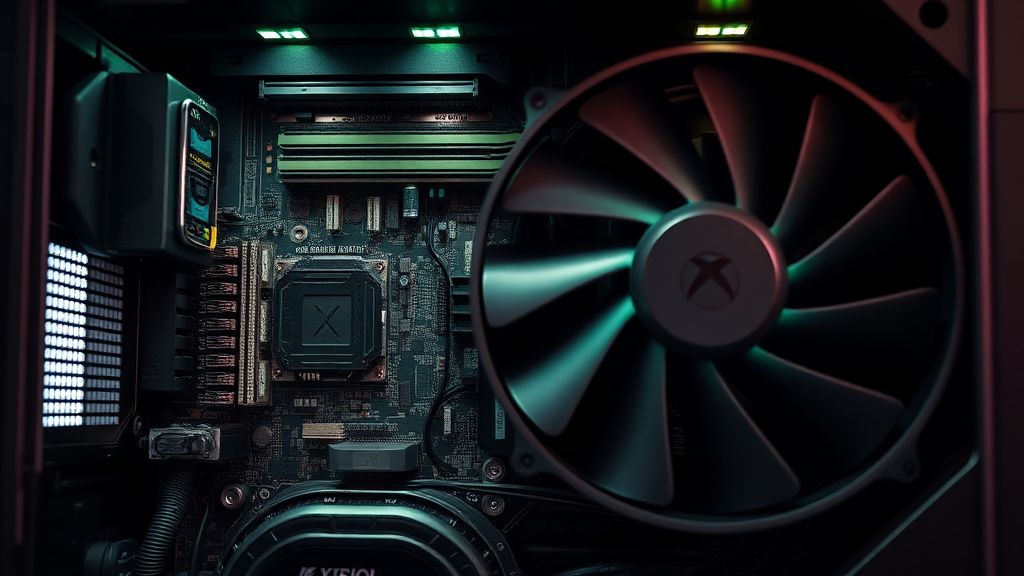
The common "jet engine" complaint often stems from a breakdown in the thermal pathway. If the factory-applied thermal paste—which has historically been criticized for inconsistent application—migrates or dries out, the heat transfer from the APU to the vapor chamber slows down. The sensors detect this, the fan ramps up, and you’re left with a loud, potentially degrading console.
Reality Check: The Warranty and Maintenance Paradox
Before you grab a Torx T8 driver, understand the institutional friction involved here. Microsoft’s official stance is that internal maintenance is a "no-go zone." The moment you peel back the sticker concealing the rear screw, your warranty is effectively null and void.
Many users on forums like r/XboxSeriesX or the Xbox Support subreddits often debate the necessity of this. Is the noise actually an "issue" or is it just the console doing its job? The consensus among power users is split:
- The Purists: Argue that modern hardware is designed to be "set it and forget it," and that hardware noise is a byproduct of high-performance gaming.
- The Modders: View the factory thermal application as the weakest link in the supply chain, arguing that a premium thermal compound (like Kryonaut or MX-6) can drop temperatures by 5-8°C, extending the lifespan of the electrolytic capacitors and the APU itself.
The Engineering Anatomy: Preparing for the Teardown
If you choose to proceed, you aren't just cleaning a console; you are performing an invasive hardware intervention. You need a specialized toolset: a T8 Torx security bit (the one with the hole in the center), a spudger, fine-tipped tweezers, and high-purity isopropyl alcohol (99%).
The Step-by-Step Methodology:
- Accessing the Core: Removing the rear housing requires removing two screws hidden under the warranty/chassis stickers. This is the "point of no return."
- The Fan Assembly: The fan is connected via a proprietary header. Be extremely careful; the plastic connectors are brittle. Users often report snapping the tabs on these connectors when trying to disconnect the fan.
- The Vapor Chamber: This is where the risk increases. The heatsink is bolted down with high-tension springs. If you remove these unevenly, you risk micro-fractures in the PCB or damage to the delicate thermal pads surrounding the APU.
Common Failure Points and Community Troubleshooting
The internet is filled with "bricked console" horror stories. Most of these don't come from the cleaning process itself, but from the reassembly.
- The Thermal Pad Nightmare: The Xbox Series X uses custom-thickness thermal pads on the GDDR6 memory modules. If you accidentally discard them or replace them with the wrong thickness, the heat sink won’t make proper contact with the APU. I’ve seen countless reports on Discord servers where users "fixed" their noise problem, only to have the console shut down due to overheating ten minutes later because they didn't account for the thermal pad compression.
- The Connector Snap: The ribbon cables used inside the chassis are fragile. If you pull too hard, you risk damaging the front panel board, which handles the power button and sync function.
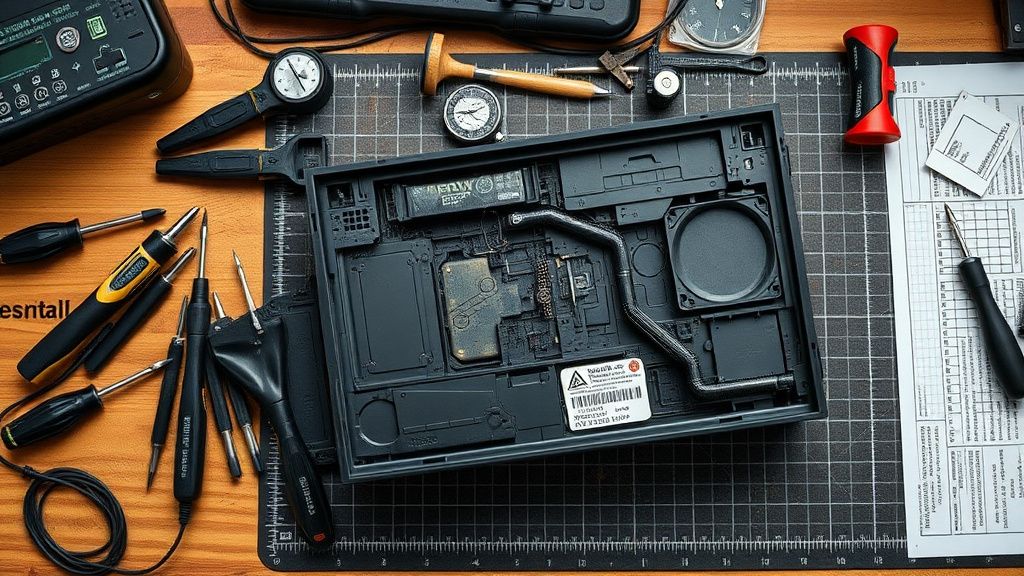
Analyzing Thermal Interface Material (TIM) Application
There is a running joke in the hardware enthusiast community about "factory slop." Some users have opened their units to find excess thermal paste bleeding off the APU die, while others find dry patches where the paste never spread correctly.
When applying your new thermal compound, the "pea-sized drop" method is the industry standard for a reason. Do not spread it manually if you don't have to; let the mounting pressure of the heat sink do the work. Spreading it manually often introduces air bubbles, which act as insulators rather than conductors—the exact opposite of your goal.
The Scaling Problem: When Cleaning Isn't Enough
Sometimes, the fan noise isn't a result of dust or bad paste, but a failing fan bearing. The Series X fan is a specific, high-airflow design. Replacements on marketplaces like eBay or AliExpress are often refurbished or low-quality clones. If you replace a noisy fan with a cheap clone, you will often find that it is even louder or suffers from a "clicking" sound due to poor balancing.
Always check the fan's behavior in the dashboard when the console is idling. If it is oscillating (increasing and decreasing RPM rapidly), you might be looking at a firmware or sensor issue rather than a physical dust blockage. In these cases, a factory reset might be worth trying before you open the case.
Field Reports: Successes and Catastrophes
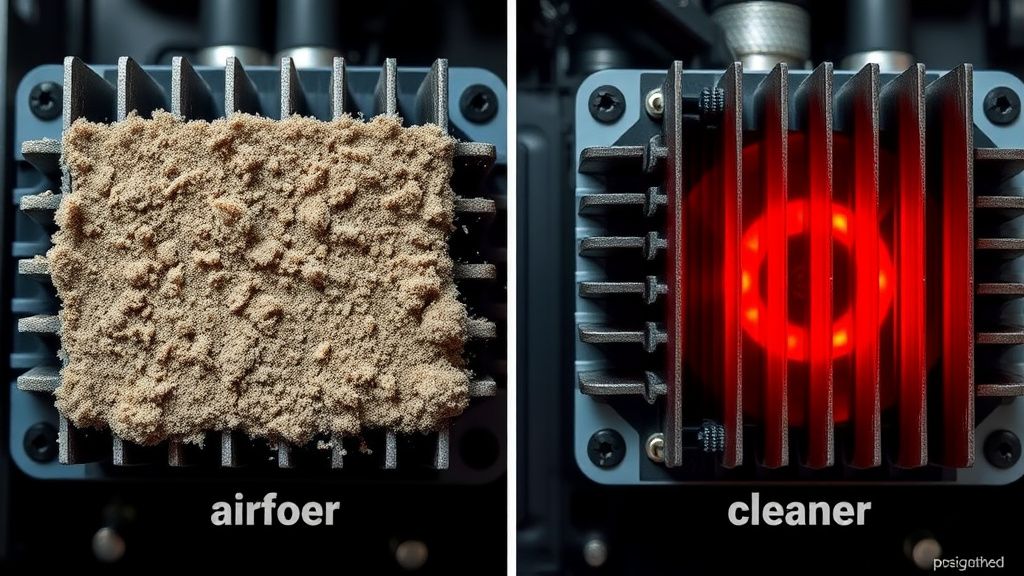
- User A (The Success): "I noticed my Series X sounded like a jet at the dashboard. After tearing it down, I found a 'felt mat' of dust covering the heat sink fins. I cleaned it with compressed air and replaced the factory paste. It’s silent now, even during 4K gameplay."
- User B (The Cautionary Tale): "I tried the thermal paste replacement, but I didn't tighten the heat sink screws in an X-pattern. My console now gets 'Your Xbox is not ventilated properly' errors, even though the case is clear. I must have uneven mounting pressure."
Balancing Hype vs. Reality: Does Everyone Need This?
The reality is that for 90% of users, the "thermal overhaul" is overkill. If your console is well-ventilated, stands vertically, and isn't placed inside a closed cabinet, the stock configuration is sufficient. Most "noise" complaints are actually issues of poor console placement.
However, if you own a unit that has been in a high-dust environment (like a room with pets or carpets) for over two years, internal dust accumulation is inevitable. The "jet engine" noise is the system’s last-ditch effort to keep the silicon from reaching its thermal trip point.
The Role of Software Updates and Power Modes
Microsoft has periodically updated the power management firmware. "Instant-On" mode vs. "Energy Saver" mode changes how the fan behaves in standby. If your console is constantly running the fan in standby, it might be due to a background update or index task. Before breaking the seal on your console, perform a full "hard shutdown"—unplug it for a minute to bleed all remaining power from the capacitors. This often resets the fan controller logic.
Technical Synthesis: Beyond the Hype
The Xbox Series X is a marvel of miniaturization. The primary conflict between users and the hardware is the lack of "user-serviceable" parts. This is a design philosophy that prioritizes aesthetic minimalism over repairability. When the system eventually fails, it creates a massive amount of electronic waste because the average user lacks the skills or the inclination to perform a deep-level overhaul.
If you decide to open your console:
- Document everything: Take photos of every screw location. There are different lengths, and putting a long screw into the wrong hole can puncture the motherboard.
- Static Safety: Use an anti-static wrist strap. The components in the Series X are sensitive to ESD (Electrostatic Discharge), especially the SoC.
- Manage Expectations: This is not a "magic fix." If your GPU is dying or your fan motor is burnt out, no amount of thermal paste will resolve the underlying hardware failure.
Is it normal for the Xbox Series X to make a 'clicking' noise?
A clicking sound is rarely a thermal issue. It usually indicates a mechanical failure in the fan bearing or a piece of debris trapped in the blades. If you hear rhythmic clicking, the fan likely needs a full replacement, not just a cleaning.
Does the thermal paste type really matter?
Absolutely. Avoid cheap, generic silicone-based pastes. You need a high-performance, non-conductive paste like Arctic MX-6 or Thermal Grizzly Kryonaut. Given the vertical orientation of the console, avoid very thin, runny pastes that might migrate over time due to gravity and thermal cycling.
How often should I clean the exterior of the console?
You should use a microfiber cloth on the exterior intakes at least once every two weeks. If you have pets, consider an air purifier in the same room. Prevention is significantly more effective than the invasive surgery of a deep clean.
What happens if I break the internal ribbon cable?
The internal ribbons are proprietary and not sold by Microsoft as spare parts. If you break one, you are limited to buying parts-only consoles on eBay to harvest replacements. It is a high-risk scenario for a novice.
Is the "Ventilation" warning a sign of a bad fan?
Usually, it is a sign of a clogged heat sink. The console is sensing that the air pushed by the fan is not effectively cooling the vapor chamber. It’s an indication that airflow is blocked, not necessarily that the fan is electrically dead.
Is it safe to use compressed air directly into the console?
Do not use high-pressure canned air directly into the fan blades while they are spinning freely. This can induce a current (the fan acts as a generator) and potentially damage the motherboard’s fan header. Always secure the fan blades with a toothpick or a small non-conductive tool while blowing air.
Can I upgrade the thermal pads?
Yes, but you must be exact with the thickness. If the manufacturer uses 1.0mm pads, you must replace them with 1.0mm pads. Replacing them with 1.5mm pads will prevent the heat sink from sitting flush on the APU, leading to instant overheating.
Why does the fan seem to speed up even when I'm just on the home screen?
The UI of the Xbox Series X is surprisingly heavy on the GPU, especially if you have dynamic backgrounds or 4K assets loading in the background. If it happens consistently, it might indicate that the thermal paste has lost its "pump-out" resistance, and heat is pooling on the die.
Does vertical orientation make a difference?
Microsoft engineered the console to operate vertically, but many users find that horizontal placement, while potentially trapping more dust on the bottom, can lead to different thermal dynamics. However, the vertical chimney effect is technically superior for heat dissipation if the intakes are not blocked.
Is there a software tool to monitor internal temps?
No. Microsoft locks down the telemetry to prevent user tampering. You cannot see the actual junction temperatures of the SoC, which makes the "troubleshooting" process largely empirical—based on sound and fan speed rather than hard data.
Bu makale affiliate linkleri içermektedir.