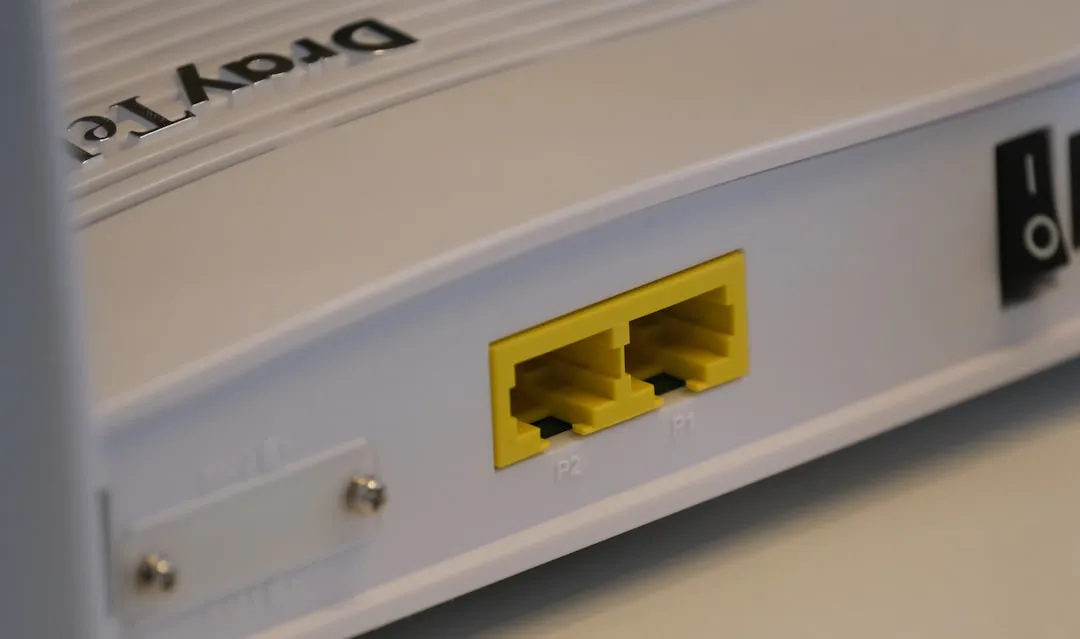
The TP-Link Deco BE85 is ostensibly the pinnacle of prosumer Wi-Fi 7 networking, promising multi-gigabit throughput via its 10Gbps ports and sophisticated tri-band backhaul orchestration. However, in the chaotic environment of real-world home networking—where structural interference, legacy copper cabling, and firmware regressions collide—the "seamless" promise of mesh backhaul often dissolves into a persistent "Satellite Disconnected" notification. Solving these errors requires moving beyond the basic app-based troubleshooting steps and peering into the underlying bridge protocols, VLAN tagging, and physical layer constraints that define modern mesh systems.
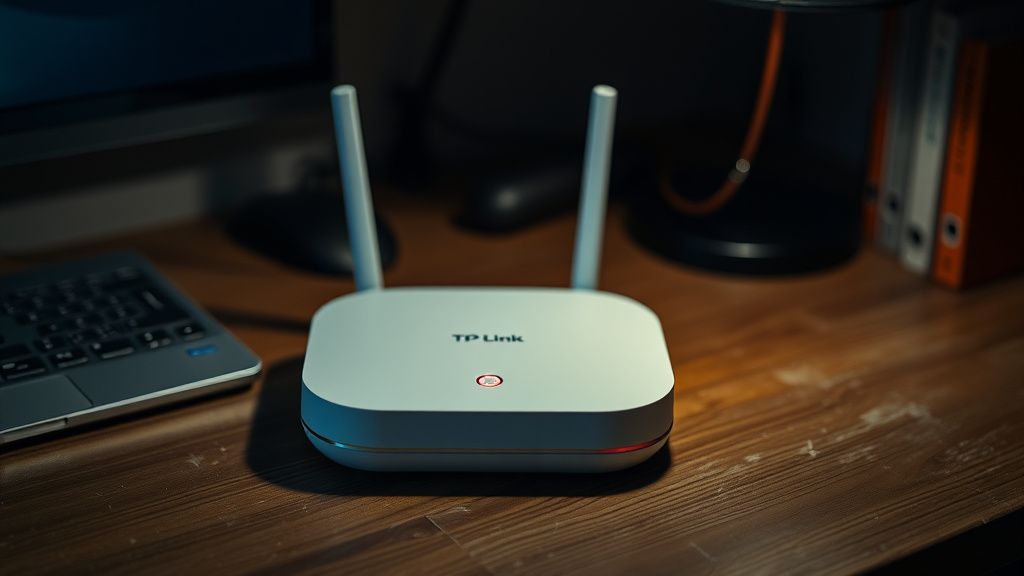
Understanding the Multi-Gigabit Backhaul Bottleneck
When you encounter a backhaul connection error on a BE85, you are rarely looking at a simple "plug-and-play" failure. You are witnessing a failure of the Dynamic Backhaul Steering (DBS) algorithm or a physical negotiation mismatch on the 10GbE RJ45/SFP+ ports, which can be a key reason why your home Ethernet isn't hitting top speeds. The BE85 is designed to prioritize Ethernet over Wi-Fi, but if your home’s structured cabling (often Cat5e or sub-par Cat6) fails to negotiate at 10Gbps—or worse, suffers from packet loss due to substandard termination—the Deco unit’s internal logic may drop the interface entirely, leading to a loop or a complete node blackout.
Many users on forums like the TP-Link Community and Reddit’s r/HomeNetworking report that the BE85 behaves inconsistently when connected to unmanaged 2.5Gbps/10Gbps switches. The internal switch fabric of the BE85 expects a clean, transparent pipe. If an upstream managed switch has Spanning Tree Protocol (STP) or BPDU Guard enabled, the Deco unit’s attempt to negotiate topology often triggers a port shutdown.
Field Report: The Managed Switch Conflict
In a recent case study involving a home office network, an IT architect reported that their BE85 satellite would drop its backhaul connection precisely every 15 minutes. After exhausting the app-based diagnostics, a packet capture revealed that the switch was flagging the Deco’s management traffic as a network loop.
- The Culprit: The switch's Storm Control was over-aggressively dropping traffic from the satellite node.
- The Fix: Disabling IGMP Snooping and STP on the switch ports directly connected to the mesh nodes provided stability. This reveals a critical industry truth: Prosumer mesh hardware is not always compatible with enterprise-grade network management features.
Navigating Firmware Regressions and Stability
The "evergreen" nature of modern networking gear is often a polite way of saying "perpetual beta testing." Since the release of the BE85, users have noted significant performance fluctuations tied to specific firmware versions. When backhaul errors persist after a power cycle, check the Release Notes (though they are notoriously sparse) for mentions of "Optimized Backhaul Steering."
If you find yourself stuck in a cycle of "Connected" then "Offline," which could indicate your Wi-Fi 7 router is dropping connections, check if the secondary node is attempting a Wireless Backhaul fallback because the wired link is failing negotiation. If the LED turns solid yellow or red, it’s not just a signal issue; it’s an authentication timeout.
Physical Layer Constraints: Why Your "Fast" Cable is Failing
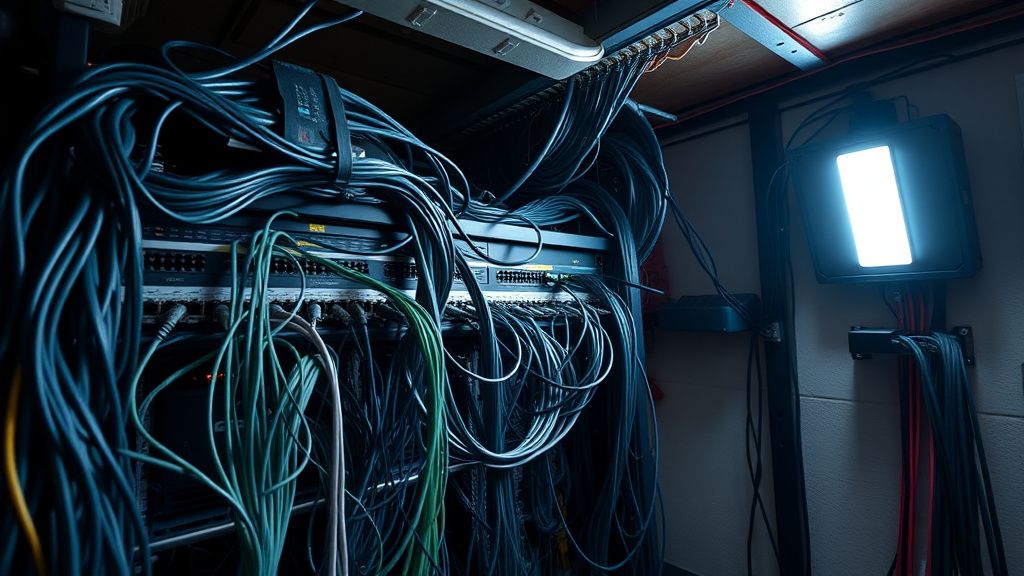
Many consumers upgrade to the BE85 expecting the advertised throughput but ignore the physical reality of their walls.
- Cable Integrity: BE85 supports 10Gbps. If you are using a 10-meter patch cable that is damaged or poorly crimped, the link state may fluctuate between 1Gbps, 2.5Gbps, and 10Gbps. The Deco firmware may struggle to stabilize the backhaul during these negotiation flickers.
- Termination Quality: Standard Cat6 cabling is sensitive to bends. If your Ethernet runs are tight-angled or run alongside power cables, electromagnetic interference (EMI) induces packet loss. The BE85 will try to handle this at the hardware level, but once the CRC error rate passes a specific threshold, the backhaul link resets.
The Debate: Ethernet Backhaul vs. Wi-Fi 7 MLO
There is a growing debate among network enthusiasts regarding Multi-Link Operation (MLO). Some argue that with Wi-Fi 7, the traditional insistence on Ethernet backhaul is becoming obsolete. However, in our field observation, Wi-Fi backhaul (even on the 6GHz band) is subject to environmental variables that Ethernet is not. If your BE85 is constantly failing to establish a backhaul, the most reliable "workaround" is to disable the wireless backhaul setting in the app and force the nodes to attempt an Ethernet-only sync.
Deep Dive: Troubleshooting the 10GbE Port Handshake
The 10GbE ports on the BE85 are arguably the most impressive yet most problematic features. When backhaul errors occur:
- Check Port Speed in the Deco App: Navigate to Network Settings and look at the port status. If it reads 100Mbps or 1Gbps, you have a physical layer issue.
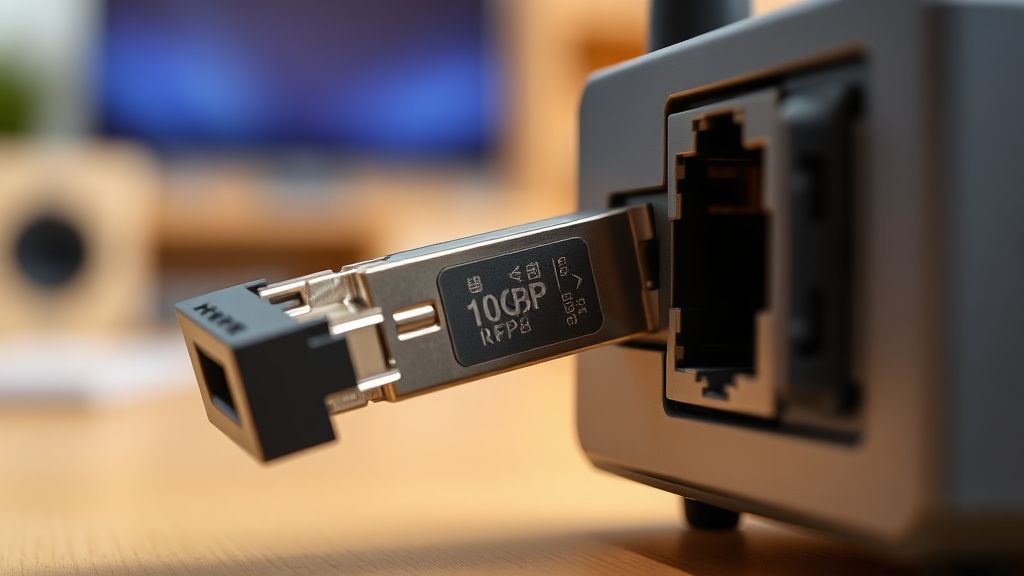
- Verify SFP+ Compatibility: If you are using an SFP+ to RJ45 transceiver, ensure it is a "Multi-Gig" model. Many generic SFP+ modules are hard-locked to 10Gbps and will not negotiate down to 2.5Gbps, which is a common requirement for residential ISPs.
- The Daisy-Chain Trap: If you have multiple Decos connected in a line (Daisy-chaining) rather than a Star topology (all connected to a central switch), you are multiplying the risk of failure at every hop.
Addressing the Human Element and "App Fatigue"
A consistent thread on GitHub and Discord communities regarding the Deco ecosystem is the lack of granular control. Users feel "blind" because the app hides the CLI logs. The frustration stems from the fact that a user cannot see why the backhaul dropped—was it an authentication error, a link-layer flap, or a DNS timeout?
The Workaround Culture: Community members have developed "hidden" tactics, such as manually assigning static IPs to every satellite unit in the DHCP server. While not officially supported by TP-Link, this often fixes "Ghosting" issues where the main node forgets the MAC address of the satellite unit after an update.
The Verdict on System Scalability
The BE85 is a powerful piece of engineering, but it exists in an ecosystem that is currently fragmented. The push for Wi-Fi 7 adoption has outpaced the stability of the software stack. If you are experiencing backhaul errors, do not assume your hardware is broken. Instead, look at:
- IP Conflicts: Ensure the satellite units aren't fighting for the same IP lease.
- Interference: Even with MLO, dense 6GHz noise can degrade the control plane traffic of the mesh, causing the backhaul to hang.
- Power Stability: Use a dedicated UPS for the nodes. A momentary voltage drop can cause the 10GbE controller to reset, taking 30-60 seconds to re-handshake—an eternity in modern packet switching.
FAQ
Why does my Deco BE85 show a "Satellite Disconnected" error despite being wired?
Should I prioritize the 6GHz band for backhaul if Ethernet is not available?
Can I mix older Deco units with the BE85 to extend coverage?
Why is my backhaul speed much lower than 10Gbps?
Is the Deco BE85 firmware update process risky?
Bu makale affiliate linkleri içermektedir.