The dreaded black screen on a <a href="https://www.amazon.com/s?k=PlayStation%205&tag=gunesseo-21" rel="sponsored noopener" target="_blank">PlayStation 5 Pro is more than just a technical glitch; it is a manifestation of the complex handshake protocol between high-bandwidth silicon, modern display standards, and the fragile ecosystem of HDMI 2.1 architecture. While Sony positions this mid-generation refresh as the pinnacle of console performance, the reality in the field is that the hardware pushes display interfaces to their absolute physical limits. When you encounter a black screen, you aren't just seeing a malfunction; you are witnessing a failure of the HDMI negotiation process, often triggered by a mismatch in HDCP handshaking, cable signal attenuation, or a race condition in the console’s proprietary PSSR (PlayStation Spectral Super Resolution) upscaling pipeline. For similar display issues on a standard PS5, consider troubleshooting methods for PS5 Flickering Screen, HDMI Handshake, and Signal Drops.
The Anatomy of the HDMI 2.1 Handshake and Signal Dropouts
At the heart of the PS5 Pro’s display output is the HDMI 2.1 transmitter. Unlike the base PS5, the Pro is tuned to push significantly higher throughput to support 8K output and refined 4K/120Hz VRR (Variable Refresh Rate) profiles. This creates an environment where marginal hardware—cables that barely pass certification or television firmware that is slightly out of sync—fails spectacularly.
The "black screen" is often a symptom of HDCP 2.3 failure. When the PS5 Pro initiates a boot sequence, it queries the display for its capabilities. If the display controller hangs during this exchange, the console enters a "safe" state where it kills the video output to protect the hardware. Users frequently report this occurring immediately after a system software update, suggesting that the kernel-level display drivers are highly sensitive to how third-party TVs (especially LG OLEDs and Samsung QD-OLEDs) interpret incoming signal metadata.
Troubleshooting the Physical Layer: Cables, Connectors, and EMI
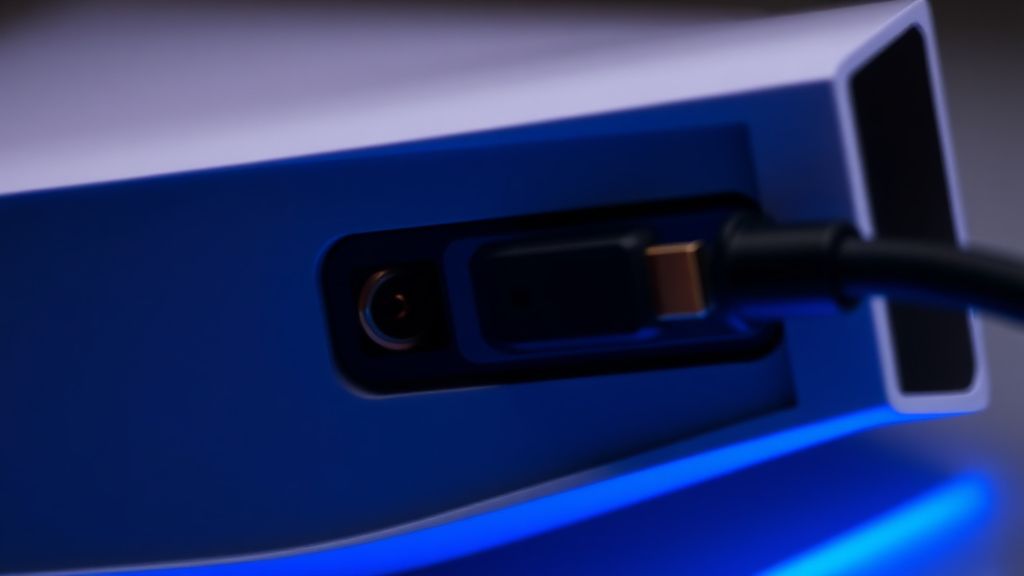
Before diving into software, we must address the physical reality. The "High-Speed HDMI" marketing is a minefield. Many users purchase cables claiming "8K 60Hz" support that, in reality, cannot maintain the 48Gbps bandwidth required for the PS5 Pro’s most aggressive output modes.
- The "Dirty" Port Syndrome: Often, the issue is not electronic but mechanical. Dust ingress in the console’s recessed HDMI port can prevent the pin-to-pad contact necessary for the high-frequency clock signals.
- Cable Length vs. Signal Integrity: If you are using a cable longer than 2 meters, you are flirting with signal attenuation. Copper, no matter how pure, suffers from signal degradation at these frequencies. If you suspect your cable is the culprit, swap it for the one included in the box—Sony’s proprietary cable is specifically tuned for the Pro's voltage specs.
- EMI Interference: In cramped media centers, power cables running parallel to your HDMI cable can introduce electromagnetic interference (EMI), causing the handshake to drop under heavy load.
"The irony of the PS5 Pro experience is that the more 'pro' your setup is—high-end AV receivers, complex splitters, long-run optical HDMI cables—the higher the probability of a black screen incident. Simplification is the first step in troubleshooting, not the last." — Tech infrastructure analyst commentary, late 2024.
Software-Level Recovery: The Safe Mode Protocol
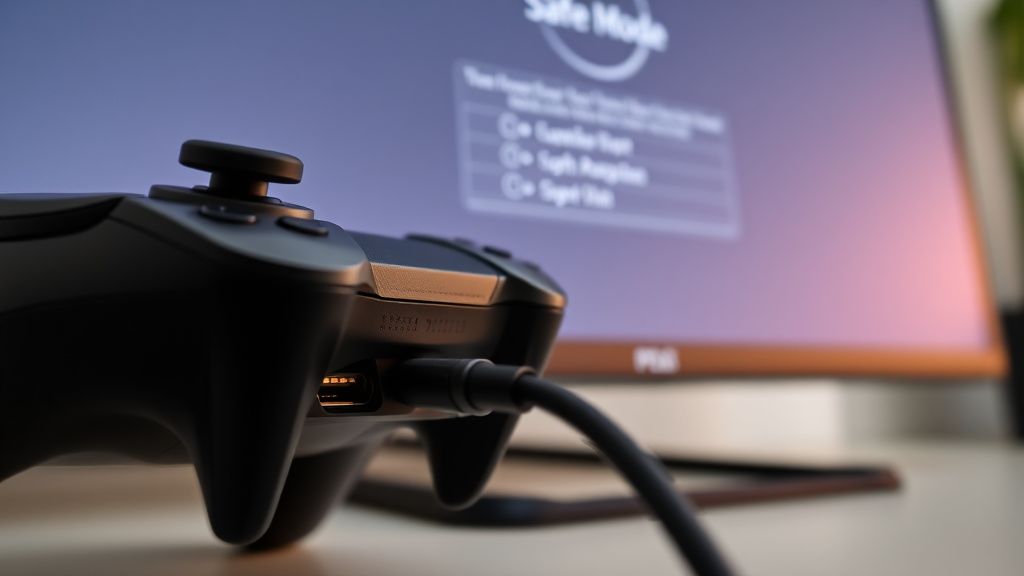
When the system becomes unresponsive, you must force a re-negotiation of the display settings. The PS5 Pro’s Safe Mode is a stripped-down environment that reverts the output to 1080p SDR, bypassing the complex HDR and VRR metadata that often triggers the black screen.
To enter this:
- Shut the console down completely (no orange light).
- Hold the power button until you hear the second beep (approx. 7 seconds).
- Connect the controller via USB. Bluetooth drivers are not initialized in this mode.
Once in, the most common fix is Change Video Output -> Change Resolution. Force the console to output 1080p, restart, and then perform a full firmware update. This step is critical because many early-batch PS5 Pro consoles were shipped with firmware that had known bugs in the HDMI signal processing unit (SPU).
Field Reports and Industry Controversies: Why It Happens
The Reddit community and Discord developer channels have been vocal about the "Black Screen after VRR" phenomenon. On subreddits like r/ps5, the consensus is that the Pro’s VRR implementation behaves aggressively. When a game hits a frame pacing dip, the sudden adjustment in the display's refresh rate causes some TVs to lose the signal lock.
- The LG OLED Conflict: Specifically, models like the C2 and G2 seem to struggle when "Instant Game Response" is enabled concurrently with the console's auto-HDR tone mapping.
- The Workaround Culture: Users are currently resorting to disabling VRR globally in the PS5 Pro settings to maintain a stable image, which—ironically—degrades the very visual experience the console was sold to enhance.
Industry analysts point out that this is a "bleeding edge" problem. The PS5 Pro is pushing tech that display manufacturers haven't fully standardized. There is a massive, ongoing debate between Sony’s push for "fidelity at all costs" and the necessity of stable, backward-compatible signal protocols.
Advanced Diagnostic: The HDCP Handshake Reset
If the simple fixes fail, you may need to reset the HDCP handshake completely:
- Unplug the HDMI cable from both ends.
- Unplug the power cord from the wall.
- Wait for the console's capacitors to discharge—usually 5–10 minutes.
- Reconnect the power first, then the HDMI.
- Turn on the TV/Monitor before the console. This forces the TV to broadcast its EDID (Extended Display Identification Data) to the console before the console initiates its boot sequence.
The Economic and Psychological Cost of "Pro" Hardware
The PS5 Pro is marketed to a demographic that demands perfection. When an $800+ machine presents a black screen, the user’s trust in the Sony ecosystem erodes significantly. Unlike a budget PC build where the user can swap a GPU or re-flash a BIOS easily, the PS5 Pro is a "black box." This opacity creates anxiety. Users feel trapped between waiting for a software patch from Sony or RMA-ing (returning) a unit that might be perfectly functional, just incompatible with their specific TV model.
The platform policies here are notoriously rigid. Sony’s support line will almost always blame the HDMI cable or the third-party television brand, creating a loop of "blame shifting" that leaves the user stranded. This is the hidden operational cost of proprietary console ecosystems: you are at the mercy of the manufacturer’s validation list. If your display wasn't explicitly tested in their lab, you are on your own.
Why does my screen go black specifically when I launch a game?
This is usually a resolution or refresh rate shift. The PS5 Pro switches from the dashboard's 4K 60Hz output to the game’s target output (e.g., 4K 120Hz or PSSR-upscaled 8K). If your TV's HDMI interface can't negotiate the new frequency in time, the signal drops. Disable VRR in settings to see if the issue persists.
Is my console hardware broken if I get a black screen?
In 90% of cases, no. It is almost always a software handshake issue or a cable bandwidth limitation. If you have tested three different HDMI 2.1 cables and still get a black screen in Safe Mode, then—and only then—should you consider contacting Sony for a hardware diagnostic.
Will a future firmware update fix this?
It is likely. Sony frequently updates the "System Software" to include updated HDMI transmitter profiles. However, these updates often arrive in waves. Check the official PlayStation support site for "Known Issues" related to specific TV models, as they often publish patches for widely reported incompatibilities.
Can I fix this using a different port on my TV?
Yes. Not all HDMI ports are created equal. Even on modern TVs, often only two of the four ports support full 48Gbps HDMI 2.1 bandwidth. Ensure you are plugged into the port marked "Game" or "eARC/ARC" if that is where the 2.1 support resides.
Why does the issue happen more often with VRR enabled?
VRR requires the display and console to communicate the refresh rate in real-time. If the display's processor is busy (e.g., running internal upscaling or motion processing), the handshake can lag, causing the display to interpret the signal as "invalid," resulting in a black screen. Turning off "Motion Smoothing" on your TV can sometimes alleviate this.
Final Verdict: The Reality of "Pro" Adoption
The PS5 Pro’s black screen errors are the byproduct of a system operating at the edge of current connectivity standards. As consumers, we have been sold a vision of seamless high-fidelity gaming, but the infrastructure—cables, ports, and display firmware—is still catching up. When you face this error, don't assume the worst. Reset your handshake, verify your bandwidth, and remember that even the most "pro" hardware is subject to the mundane laws of data throughput and compatibility. The path to resolution is rarely a single button press; it is a methodical process of eliminating the variables in your chain.
Bu makale affiliate linkleri içermektedir.