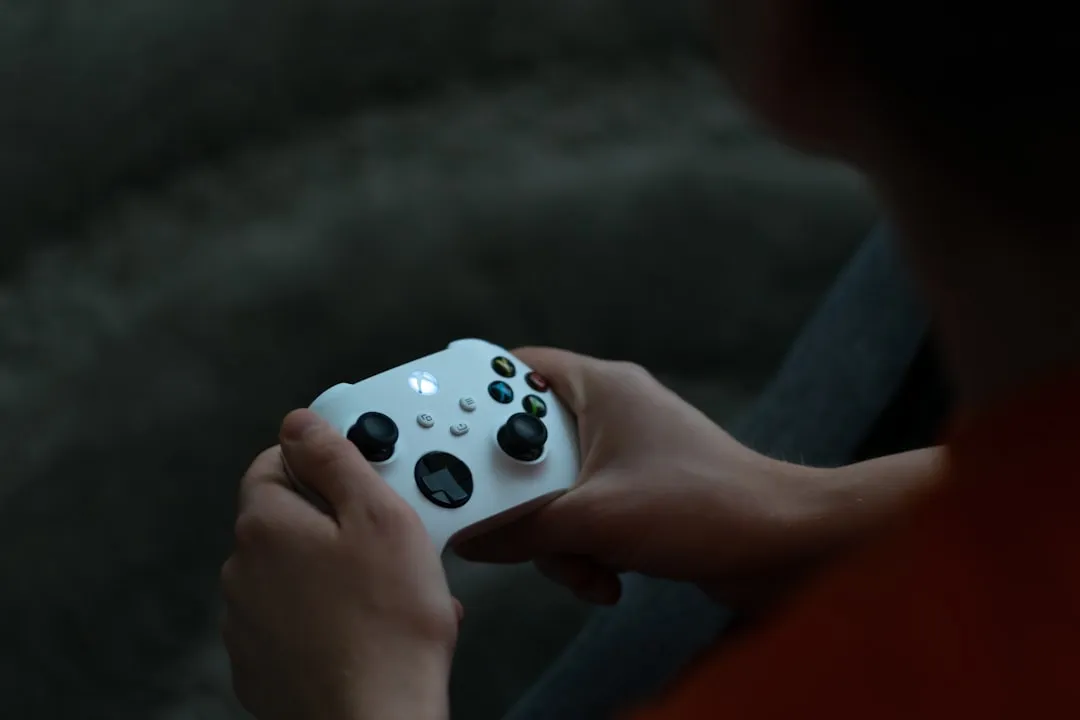
If you are experiencing persistent controller disconnects on your <a href="https://www.amazon.com/s?k=Xbox%20Series%20S&tag=gunesseo-21" rel="sponsored noopener" target="_blank">Xbox Series S in 2026, the issue is rarely a single hardware failure. Start by performing a hard power cycle on the console, followed by a manual firmware update for the controller via the Xbox Accessories app. If the problem persists, check for wireless interference from 2.4GHz routers or nearby smart home devices, which remain the leading culprits for signal dropouts in crowded residential environments; a comprehensive troubleshooting guide for Wi-Fi connection drops can offer further insights.
The Anatomy of a Dropped Connection: Why 2026 Isn't So Different
The Xbox Series S, despite its sleek form factor and impressive hardware efficiency, inherits the same underlying connectivity philosophy as its predecessors. When your controller suddenly blinks and loses sync, you aren't just dealing with a "broken" accessory; you are dealing with a complex negotiation between the controller’s proprietary Xbox Wireless Protocol and the console’s internal radio module.
In 2026, we see a recurring pattern in support threads on Reddit’s r/XboxSeriesS and various Discord servers: users describe a "phantom disconnect." The controller is powered on, the light is solid, but the input lag spikes to seconds, followed by a full drop, a scenario not unlike when an Nvidia Shield TV Pro remote is lagging. This is rarely a result of a broken "SYNC" button. Instead, it is an architectural friction between the console’s radio hardware and the increasingly congested 5GHz and 2.4GHz spectrums inside modern homes.
The Interference Myth and Wireless Protocol Congestion
There is a common misconception that since the Series S uses a proprietary protocol, it is immune to Wi-Fi interference. This is false. The Xbox Wireless Protocol operates in a frequency range that frequently overlaps with crowded home Wi-Fi setups. If your console is tucked away in a cabinet or behind a metal-framed TV stand, you aren't just blocking the signal; you are creating a "Faraday cage" effect that forces the controller to ramp up its transmission power, leading to battery drain and increased probability of packet loss.
- The 2.4GHz Conflict: Many modern routers use band steering. If your console is close to a router that is aggressively switching between bands, the electromagnetic noise floor increases significantly.
- The Metal Cabinet Barrier: The Series S is small, making it tempting to hide. However, placing it behind glass, metal, or dense wood acts as a signal attenuator.
Field Report: The "Update Loop" Nightmare
In early 2026, a specific firmware update (v.5.11.x) triggered a wave of reports on the Xbox Support forums. Users noted that their controllers would connect perfectly for 10 minutes, then exhibit a "hard crash" that required a battery pull.
The community response was telling. Users on the r/XboxSupport subreddit identified that the issue stemmed from a conflict between the controller's haptic feedback driver and the console's energy-saving state. When the console entered a specific power-down state, the controller’s handshake protocol would corrupt. This wasn't a "fixable" issue by the user—it was a software architecture failure. The workaround? Disabling "Instant On" mode and performing a full cold boot. This incident highlights that sometimes the "broken" hardware is actually a victim of aggressive power management policies meant to meet environmental efficiency regulations.
Troubleshooting the Physical Hardware: Analog Stick Drift and Sync Button Failures
When the connection isn't the issue, but the controller seems to be dying, the failure is often structural. The Xbox Series S controller, while ergonomic, uses potentiometers for the joysticks that are prone to wear, much like issues seen with other controllers experiencing stick drift.
- The Sync Button Fatigue: The pairing button on the top of the controller is a mechanical switch. If you have a household where the controller is passed around often, this switch can become stuck or lose its tactile "click." Use a small amount of high-purity isopropyl alcohol (99%) on a cotton swab to clean the perimeter of the button. Do not soak it.
- Battery Terminal Corrosion: Even with standard AA batteries, leakage—however microscopic—creates a film on the metal terminals. This increases resistance. If your controller disconnects during high-vibration moments (e.g., intense gameplay with heavy haptics), it’s almost certainly a momentary power cut caused by loose battery springs or corroded contacts.
The "Workaround" Culture: Why Official Support Struggles
If you search for "Xbox Series S Controller Disconnect" on Microsoft’s official forums, you are met with a standardized response tree: Power Cycle, Sync, Update, Replace.
The frustration within the community comes from the fact that this assumes the user hasn't already tried these steps. The "workaround culture" has emerged as a result:
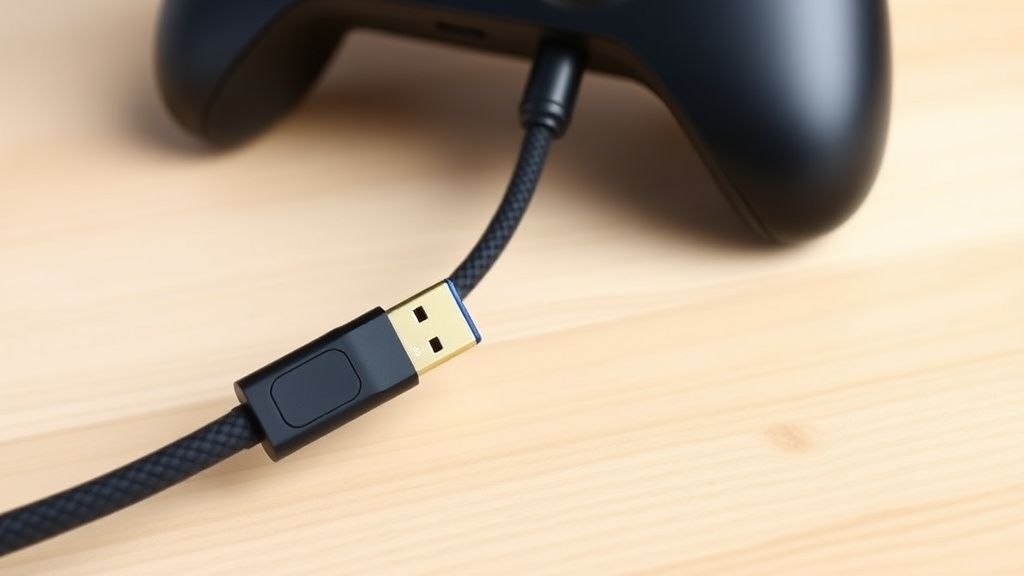
- The USB-C Tether: Most professional players in the competitive scene have abandoned wireless entirely, opting for high-quality, braided USB-C cables. This eliminates interference but creates a new "cable management" problem.
- The External Radio Dongle: Some power users have begun experimenting with third-party wireless adapters, though these are rarely officially supported, creating a landscape of "use at your own risk" hardware modifications.
Debating the "Planned Obsolescence" Narrative
There is an ongoing, heated debate in the enthusiast community regarding whether the controller connectivity issues are an intentional side effect of cost-cutting in the controller’s radio module. Critics argue that by choosing lower-cost antennas to keep the Series S price point under $300, Microsoft inadvertently created a device that is hyper-sensitive to external interference.
Defenders point to the millions of units sold, arguing that the failure rate is within expected manufacturing tolerances (usually 1-3%). However, for a user whose controller drops out mid-match, these statistics offer little comfort. The discrepancy between "statistically insignificant" and "personally infuriating" is where the current platform-wide tension lies.
Advanced Maintenance: Firmware and Signal Integrity
If you have ruled out physical damage and standard interference, you must look at the software bridge between the console and the peripheral.
Step-by-Step Firmware Re-flashing
If the controller is being detected but acting erratically, the internal firmware may be corrupted.
- Connect the controller to the Xbox Series S via a data-capable USB-C cable.
- Open the Xbox Accessories app.
- Check for "More options." If the update button is greyed out, it implies the controller is currently on the latest version.
- If it persists, attempt to force a firmware revert if the app provides a "Revert Firmware" option under the advanced settings (this feature is periodically enabled/disabled by Microsoft).
Managing the Signal Floor
If your living space has heavy traffic, consider these environmental changes:
- Move the Router: Ensure the Xbox isn't sitting on top of or directly beneath your 5GHz wireless access point.
- USB 3.0 Interference: USB 3.0 ports and drives are notorious for emitting electromagnetic interference in the 2.4GHz range. If you have an external SSD plugged into the front or rear port of your Series S, disconnect it temporarily to see if your controller stability improves. This is a common, overlooked "edge-case" failure.
Why does my controller disconnect only when I play demanding games?
This is usually a power-draw issue. High-intensity gaming increases haptic feedback and rumble motor usage. If your battery level is low or your battery terminals have high resistance, the surge in power required for the rumble motors causes a voltage dip. The radio chip then resets, leading to a disconnect. Try fresh batteries or a fully charged battery pack.
Is it normal for the Xbox Series S to lose controller signal through walls?
No. The Xbox Wireless Protocol is designed for line-of-sight or short-range transmission. While it can penetrate thin walls, its reliability drops off exponentially. If your console is in another room or behind a heavy obstacle, the latency will spike, and the radio handshake will fail as it struggles to maintain a consistent bit rate.
Does the "Power Cycle" actually do anything or is it just a placebo?
A hard power cycle (holding the power button for 10 seconds) does more than turn it off; it clears the volatile cache of the console’s radio controller module. In many cases, the console’s wireless driver hangs in a "zombie state" where it continues to broadcast but refuses to accept new packets. A hard reset flushes this buffer.
What should I do if the controller light just blinks forever?
This indicates a failure to "handshake" with the console’s security chip. Try syncing via the cable first. If that fails, perform a factory reset of the controller by holding the sync button and the pairing button simultaneously for 15 seconds. If the light remains steady but the console ignores it, the console’s wireless antenna may be failing.
Could a nearby Bluetooth device be causing this?
Yes. While Xbox uses a proprietary protocol, Bluetooth devices (headphones, smart home hubs) can create enough noise in the 2.4GHz band to force the controller to constantly re-transmit packets. If you are in a dorm or apartment complex, you are essentially living in a high-noise environment that will always be more prone to these issues than a standalone home.
Bu makale affiliate linkleri içermektedir.