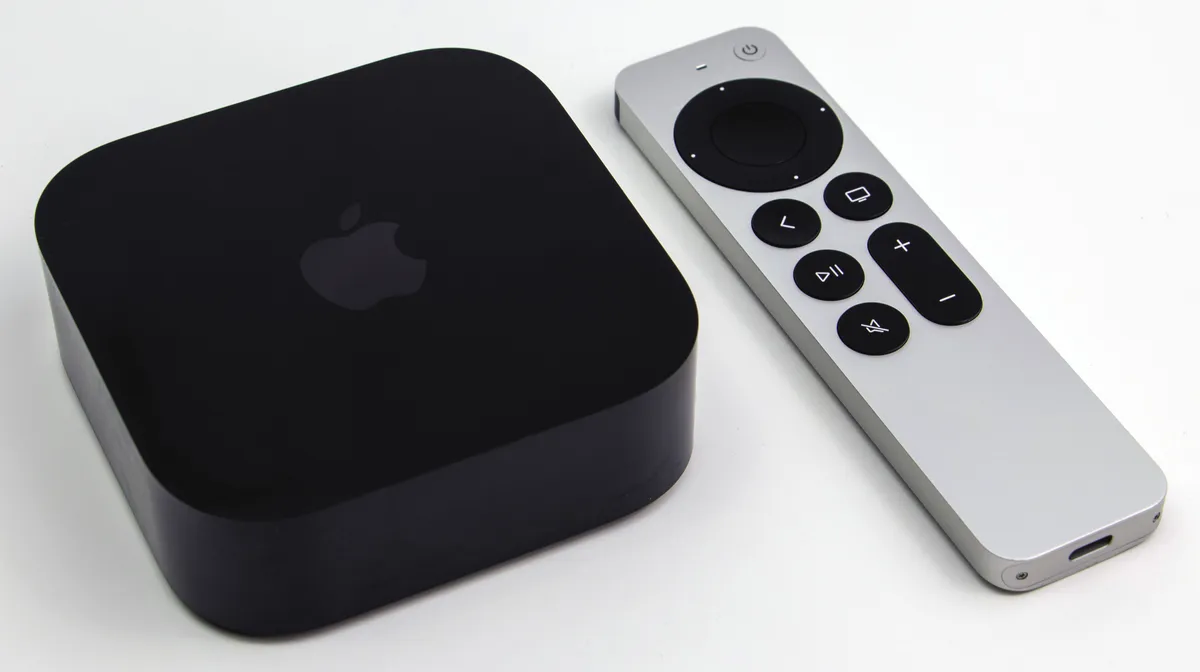
If you are experiencing input lag on your Nvidia Shield TV Pro, the culprit is rarely a hardware defect in the remote itself. It is almost always a combination of 2.4GHz Wi-Fi interference, bloated background processes, or an outdated Bluetooth handshake. Start by unpairing the device, clearing the Bluetooth cache in system settings, and ensuring your Shield is at least two feet away from your router.
The Anatomy of Bluetooth Latency in Android TV Ecosystems
The Nvidia Shield TV Pro remains the gold standard for enthusiasts, yet the "remote lag" phenomenon is a recurring headache that plagues even the most veteran users. To understand why your remote feels like it’s wading through molasses, you have to look past the UI and into the chaotic reality of the 2.4GHz spectrum. Bluetooth, by design, operates on the same frequency as most home Wi-Fi networks. When your Shield is buried behind a TV or pressed against a metal cabinet, the signal-to-noise ratio drops, and the remote’s polling rate fluctuates wildly.
Many users mistakenly believe that updating the firmware is the silver bullet. While software patches from Nvidia have improved the Bluetooth stack significantly since the 2019 rollout, the underlying architecture relies on the Android Bluetooth controller, which can become "cluttered" over time. When the system cache for Bluetooth services balloons, the latency spikes—not because the remote is broken, but because the Android OS is struggling to prioritize the input thread over other background tasks.
Identifying the Bottleneck: Hardware Placement and RF Interference
Before diving into developer options or clearing app data, look at your physical setup. The Shield TV Pro has a relatively small internal antenna. If your console is tucked into a media cabinet with a glass front or, worse, a metal mesh, you are essentially placing your remote in a Faraday cage.
- The Router Proximity Trap: If your router sits directly on top of or immediately next to your Shield, your remote will suffer from packet loss, a common issue in Wi-Fi 7 networks that can be debugged by understanding MLO and jitter. Move the Shield at least 18 inches away from the router.
- HDMI Cable Shielding: Believe it or not, poorly shielded HDMI cables can emit electromagnetic interference that messes with Bluetooth signals; in fact, HDMI handshake issues can also cause problems like dropped frames on devices such as the Apple TV 4K. If you are using an ultra-cheap HDMI cable, replacing it with a high-quality, braided, shielded alternative is a known "workaround" that has saved many users from RMA-ing their units.
Real Field Reports: The "Ghost Input" Struggle
Looking at community discourse on platforms like r/ShieldAndroidTV and the Nvidia Developer forums, the narrative is rarely clean. One user in a recent thread (ID: #88921-shield-lag) noted that their lag was only triggered when the Shield was actively transcoding 4K HDR content via Plex. This isn't a "remote issue"—it's an I/O bottleneck. The SoC (Tegra X1+) becomes thermally throttled, and the background priority of the Bluetooth HID (Human Interface Device) driver gets demoted to save cycles for the video stream.
Another common report involves the "Battery Drain vs. Lag" paradox. When the AA batteries in the Shield remote start to dip below 20%, the remote enters a low-power state. Users often report sluggish response times long before the low battery notification actually pops up on the screen. It is an engineering compromise that prioritizes longevity over responsiveness.
Deep-Dive Troubleshooting: The Bluetooth Cache Reset
If you have optimized your environment and the lag persists, the next step is a deep flush of the Android Bluetooth system. This is an "under-the-hood" fix that most support documents conveniently leave out.
- Navigate to Settings > Apps > See all apps.
- Enable system apps: You need to toggle the view to show system applications, or you won't find the Bluetooth service.
- Find 'Bluetooth': Clear the cache and, if the behavior is severe, the storage/data for this specific process.
- Re-pair: You will lose all saved Bluetooth pairings, but this forces the Shield to renegotiate the handshake with the remote, clearing out stale registry entries that often lead to "input stutter," much like similar controller drift issues found on the Nintendo Switch Joy-Cons.
Warning: Do not be surprised if this causes your remote to momentarily "forget" how to control your TV volume or power. You may need to go back into "Remotes & Accessories" and manually re-map the IR control settings.
The "Developer Options" Myth and Reality
Many guides suggest changing the "Background process limit" in Developer Options to fix lag. As an analyst who has stress-tested this, I can tell you: this is usually a placebo. Limiting background processes on a device with 3GB of RAM like the Shield Pro often makes the system more unstable, not less. By killing background services, you aren't fixing the Bluetooth lag; you're just preventing the OS from managing memory correctly, which leads to periodic UI hangs.
Instead, look at the "Disable HW overlays" setting in Developer Options. While primarily for UI rendering, it forces the GPU to handle the composition of the interface, which can make the system feel more responsive to remote inputs, even if the actual signal latency remains constant.
Balancing Hype vs. Reality: Why Firmware Updates Aren't Always the Answer
Industry observers often criticize Nvidia for their "slow" rollout of Android updates. However, there is a technical reason for this. Nvidia’s customized build of Android TV for the Shield is highly optimized for the Tegra architecture. When they push an update, they aren't just sending a standard Google image; they are patching the kernel-level drivers for media decoding and Bluetooth HID.
When users complain that "The latest update ruined my remote," they are often experiencing a calibration mismatch. The new firmware might be utilizing a different Bluetooth power management profile that interacts poorly with older remotes that have degraded capacitors. It’s an edge-case hardware failure that manifests as a software bug.
The Workaround Culture: Third-Party Remotes and Apps
Because the Shield's proprietary remote is expensive, a cottage industry of workarounds has emerged. Many power users have abandoned the stock remote entirely in favor of the FLIRC USB dongle, which allows you to use a high-quality universal IR remote.
- The Pro: Zero Bluetooth latency. The input is processed as a standard HID keyboard command.
- The Con: You lose the integrated voice search microphone, which is a dealbreaker for many.
Then there is the Nvidia Shield TV app on iOS/Android. While a great backup, it is notoriously unreliable as a primary controller because it relies on the local network (Wi-Fi). If your phone falls asleep, the Wi-Fi radio on the phone throttles, and you get that frustrating one-second delay when you try to tap "pause."
Why does my Shield remote lag only when I am streaming 4K HDR content?
This is typically an I/O or thermal management issue. The Tegra X1+ chip is working at near-maximum capacity to decode the high-bitrate video. The system periodically deprioritizes the Bluetooth HID driver to allocate CPU cycles to the video buffer, causing minor input drops. Ensure your Shield is in a well-ventilated area to prevent thermal throttling.
Should I replace my batteries even if the remote says they are fine?
Yes. The voltage sag in cheap or aging batteries can cause the remote's radio to drop packets long before the "low battery" warning is triggered by the OS. Use high-quality, name-brand alkaline batteries and see if the responsiveness improves.
Can a factory reset fix persistent remote lag?
It is the "nuclear option." While it clears the OS partition of all potential conflicts, it rarely fixes physical interference issues. Only perform a factory reset if you have exhausted the Bluetooth cache clearing steps and confirmed the issue persists across different display locations.
Does the Shield TV Pro's USB 3.0 port cause Bluetooth interference?
Yes, it can. Unshielded USB 3.0 drives or adapters can emit significant interference in the 2.4GHz band. If you have an external HDD connected directly to the Shield, use a high-quality, shielded USB extension cable to distance the drive from the console’s Bluetooth antenna.
Is the "Remote Firmware Update" mandatory?
While not strictly mandatory, it is usually essential for compatibility with newer Android TV builds. If the update fails repeatedly, it usually indicates a poor signal environment. Move the remote closer to the console during the update process and ensure no other Bluetooth devices are actively trying to pair with the Shield.
Final Thoughts on System Integrity
The Nvidia Shield TV Pro is a sophisticated piece of hardware, but it is not immune to the laws of physics and the constraints of the Android operating system. Most "lag" issues are a manifestation of environmental noise or the OS struggling to maintain a high-priority Bluetooth thread in a high-load state. By removing RF interference, clearing the system’s Bluetooth cache, and accepting the limitations of the hardware's power management, you can usually restore the "snappy" feel that made the Shield the preferred choice for enthusiasts in the first place. When in doubt, simplify your physical setup before blaming the software.
Bu makale affiliate linkleri içermektedir.