Retrofitting a smart electrical panel is less of a "plug-and-play" consumer electronics upgrade and more of an industrial-grade surgical procedure for your home’s central nervous system. While marketing collateral promises seamless energy management, AI-driven load shedding, and granular circuit-level insights, the reality in the field is a messy collision of legacy wiring standards, aggressive firmware release schedules, and the sheer physical constraints of a 40-year-old steel box buried in a basement wall.
The Anatomy of the Smart Breaker Retrofit and Sub-Metering Hardware
At its core, a smart panel upgrade usually involves replacing traditional mechanical thermal-magnetic circuit breakers with digitized, CT-equipped (Current Transformer) modules or installing a high-density monitoring hub that clamps onto the busbars. You are moving from a "dumb" system that only reacts to catastrophic thermal failure to a software-defined power environment. The primary friction point here is the form factor. Most modern smart panels, like those from Schneider Electric (Wiser/Square D) or Eaton (Smart Breaker systems), require a depth of cabinet that older electrical panels simply don't provide.
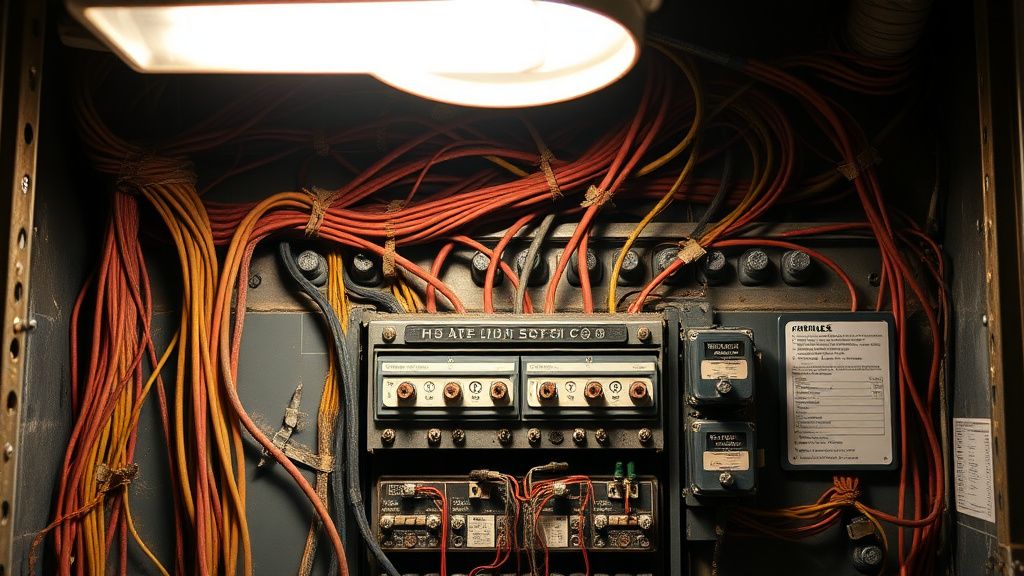
When you start pulling out an old breaker, you aren't just handling electricity; you are dealing with the cumulative failures of every electrician who touched that box since the 1970s. You will inevitably find "workaround" wiring—neutral wires shared across circuits, illicit double-taps on breakers that were never rated for them, and insulation that flakes off at a touch.
Identifying Potential Failure Points in Advanced Power Distribution Units
The most common "Day One" failure during a retrofit is Connectivity Instability, particularly for devices that rely heavily on 2.4GHz Wi-Fi or, in more robust cases, Zigbee/Thread mesh networks. If your utility closet is surrounded by concrete and rebar—the classic "Faraday cage" scenario—the smart panel becomes a very expensive, very dumb paperweight, especially if your Wi-Fi is dropping packets.
- Firmware Mismatch: Users on forums like r/HomeAutomation frequently report "bricked" modules during the initial OTA (Over-the-Air) update sequence. If the gateway loses power during a handshake, the module may fail to handshake with the main bus, much like when a Wi-Fi 7 connection keeps dropping for other smart devices, leading to communication failures.
- CT Calibration Errors: Current transformers require precision placement. If your installer fails to verify the phase alignment (the direction of the current flow), your dashboard will show "negative usage" or massive power spikes when you turn on a toaster, confusing the cloud-based analytics engine.
- The "Shadow" Load Problem: Often, smart panels report usage that doesn't match the utility meter. This isn't always a bug. Often, it’s a failure to account for "phantom loads"—the small, continuous current draw of LED drivers, standby power supplies, and vampire devices that standard residential meters might smooth over but high-precision smart sensors catch immediately.
Real Field Report: The "Ghost Circuit" Syndrome
In a recent field observation involving a Leviton Load Center retrofit, a contractor noted that a specific circuit would trigger a "Ground Fault Trip" alarm every 48 hours without exception. After replacing the smart breaker twice, it was discovered that the homeowner had an old hot tub pump on the same neutral line, located three rooms away. The "smart" nature of the breaker was so sensitive to the noise on the neutral wire caused by the pump's aging capacitor that it registered as an arc fault.
This is the hidden cost of smart retrofits: You are suddenly made aware of every single degradation point in your home’s electrical health. If your home’s wiring is "dirty," a smart panel will highlight that chaos in real-time, often leading to a "support nightmare" where the homeowner blames the device for exposing existing, long-ignored infrastructure flaws.
Navigating the Ecosystem Fragmentation: From Modbus to Cloud APIs
There is a massive divide between the promise of "interoperability" and the reality of Siloed Ecosystems. Manufacturers like Span, Lumin, and Schneider hold their data behind proprietary APIs. You want to integrate your panel with your Home Assistant instance? You might find yourself reverse-engineering undocumented local APIs or relying on a fragile cloud-to-cloud bridge that breaks every time the manufacturer updates their terms of service.
The "Workaround" culture is rampant here. Maintainers on GitHub repositories dedicated to smart panel integrations spend months reverse-engineering MQTT traffic because official documentation doesn't exist for the "end user." When an update happens, the community scrambles to fix the packet structure before the data feeds go dark again.
Scaling and Infrastructure Stress: Why 200A isn't 200A
The industry is currently pushing for "all-electric" homes (EVs, heat pumps, induction ranges). A common mistake during a smart panel retrofit is failing to perform a Load Calculation. Just because you install a "smart" monitor doesn't mean you have expanded your service capacity. We see users installing massive 100A EV chargers, convinced that the smart panel’s "load shedding" feature will magically prevent a main breaker trip.
Reality Check: If your service entrance is maxed out, the smart panel can only shift when you use energy; it cannot create capacity. If the software lags by even a few hundred milliseconds, you still risk a mechanical trip of your main service disconnect.
Counter-Criticism: The "Privacy and Dependency" Debate
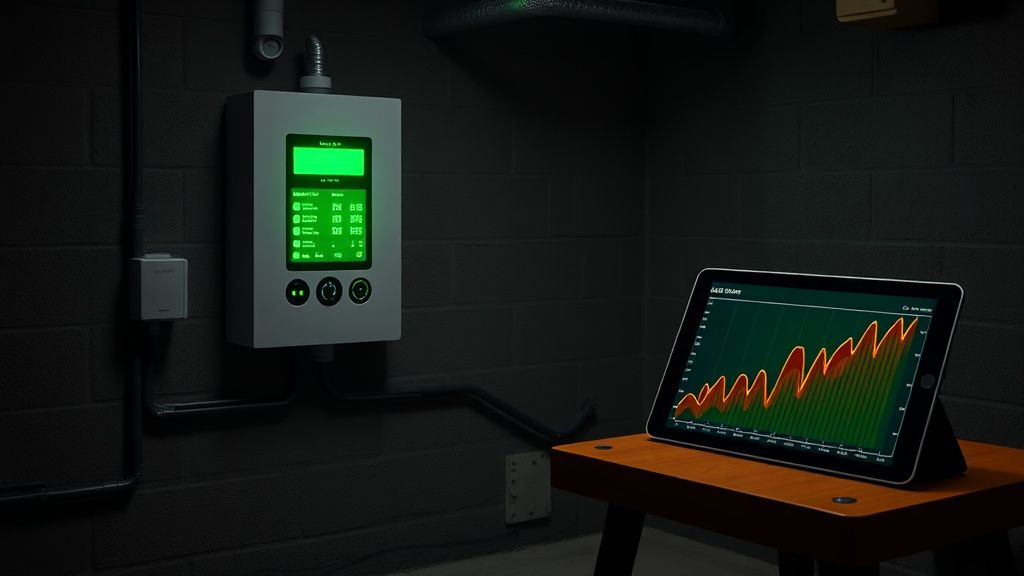
Critics in the cybersecurity community often point out that smart panels are essentially surveillance devices for your daily habits. By monitoring your "power signature" (or load profiling), a service provider or an attacker can determine exactly when you are home, what appliances you are using, and whether you are sleeping.
Furthermore, the Subscription Lock-in is becoming a critical point of industry tension. Some newer panels charge monthly fees for "advanced analytics" or "grid-interactive features." This has sparked significant backlash on platforms like Hacker News, where users argue that once you own the hardware, you should own 100% of the data it generates without recurring costs.
Troubleshooting Workflow: A Tactical Guide
When the "Smart" stops being smart, follow this hierarchy of diagnostics:
- The Physical Layer: Check the busbar connection. Are the smart breakers firmly seated? If they feel "mushy," the contact pressure is insufficient, leading to voltage sag—a common cause of the "random reboot" phenomenon.
- The Network Layer: Check your signal-to-noise ratio (SNR) for the panel’s Wi-Fi. If it's below -70dBm, install a dedicated wireless access point (WAP) closer to the panel. Do not rely on whole-home mesh nodes located through two walls.
- The Firmware/API Layer: Check your device’s status in the developer dashboard or the manufacturer's GitHub/Support portal. Is there a known issue with the latest build? If the logs show "Gateway Offline," assume a server-side handshake failure before you start tearing out breakers.
- The Noise Floor: If you are seeing erratic sensor readings, look for high-frequency noise sources (dimmers, cheap LED ballasts, or variable speed motor drives) on those specific circuits. They can swamp the low-voltage sensing circuitry inside the smart breakers.

Why does my smart panel report a "High Voltage" alarm when my multimeter reads 120V?
This is usually a calibration offset error within the module’s ADC (Analog-to-Digital Converter). Check if your panel firmware allows for a manual voltage offset calibration. If not, this is a hardware defect. However, ensure your neutral-to-ground bond is solid; floating neutrals can cause transient voltage spikes that the sensitive smart sensor captures, even if your handheld multimeter is too slow to register them.
Can I install these myself to save on labor costs?
Strictly speaking, no. In most jurisdictions, modifying the service entrance or the main bus of your panel requires a licensed electrician and, crucially, a building permit. Beyond the legalities, the risk of arc-flash during the installation of a smart-bus monitoring system is significant. An error here won't just trip a breaker; it can result in a catastrophic fire or an explosion that your homeowner's insurance will refuse to cover.
Is the data from my smart panel truly private?
That depends entirely on your manufacturer’s privacy policy. Most cloud-connected panels send granular usage data to servers for "AI optimization." If privacy is your primary concern, look for systems that support local-only control (like Home Assistant integration via Matter or locally hosted MQTT) and ensure your router is configured to block the panel from reaching external WAN addresses if you don't require the cloud-based "grid-edge" features.
Why do my smart breakers trip when I plug in a vacuum or a power tool?
You are likely triggering the AFCI (Arc Fault Circuit Interrupter) sensor. Power tools with brushed motors create significant electrical "noise" that mimics an arc fault. This is a classic false-positive. Try moving the device to a circuit without an AFCI-enabled breaker or contact the manufacturer to see if there is a "sensitive load" setting in the firmware.
Is this tech "evergreen" or will it be obsolete in 5 years?
The hardware (the relay and the CT sensor) is evergreen, but the "smart" component is inherently tied to the software stack. Expect your smart panel to feel dated within 5-7 years, not because the electrical functionality breaks, but because the connectivity protocols (e.g., specific Wi-Fi standards or cloud API versions) will likely be deprecated. Budget for the hardware to last 20+ years, but realize the "smart" features are a 5-10 year investment.
Bu makale affiliate linkleri içermektedir.