
If your Matter-compliant smart lock feels sluggish or your Wi-Fi connection keeps dropping, the issue rarely lies in the lock hardware itself. It almost always stems from Thread network fragmentation, bridge-to-controller handshake latency, or an overcrowded 2.4GHz spectrum. Focus on establishing a dedicated border router proximity and auditing your multicast traffic—the primary culprit behind "Command Timeout" errors.
The Illusion of Seamlessness: Why Matter Isn't Magic
When the Connectivity Standards Alliance (CSA) first unveiled Matter, the industry marketing machine painted a picture of a friction-less utopia. You buy a lock, scan a QR code, and it just works—across Apple Home, Google Home, and Amazon Alexa. The reality, however, is a layer of abstraction built over the brittle foundations of local area networks.
In the trenches of smart home integration, we see a different story. The "Bridge" (often acting as a Thread Border Router or a Wi-Fi-to-Matter bridge), much like other smart devices dropping offline, is a choke point in the network. When you send a command to unlock your door, it travels through your local network as a multicast packet. If your router’s IGMP snooping is configured poorly, or if the bridge is fighting for airtime in a saturated 2.4GHz environment, that packet gets dropped or delayed.
We aren't just dealing with "slow software." We are dealing with the physics of radio waves and the limitations of consumer-grade networking hardware that was never designed for low-latency IoT traffic.
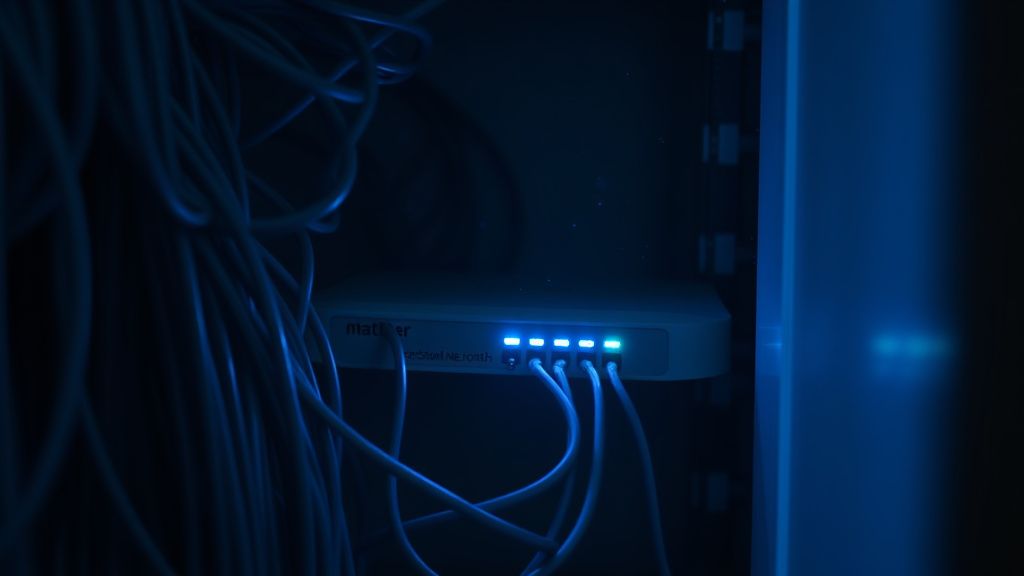
Identifying Thread Network Fragmentation and Radio Interference
Many Matter-compliant locks utilize Thread, a mesh networking protocol based on 6LoWPAN. It is designed to be self-healing, but in a real-world home, "self-healing" often translates to "constant re-routing." If you have multiple Thread Border Routers (like multiple HomePod Minis or Nest Hubs), your lock might be jumping between them.
The Symptom: Your lock works perfectly for three days, then suddenly hangs for 5-10 seconds before executing a command.
The Technical Reality: This is often a "leader election" conflict. Thread networks designate a "Leader" node. If your network has multiple border routers and poor signal coverage between them, the leader role might be bouncing back and forth, forcing the lock to re-associate its path to the internet.
- Check the topology: If you are using a HomeKit/Apple ecosystem, use the Eve app to view your Thread network status. It provides a rare, transparent look at the "Neighbor Table." If your lock is a "Child" node to a device two rooms away while a border router is sitting five feet away, your network is physically misconfigured.
The Wi-Fi-to-Matter Bridge Bottleneck
Not all Matter locks are Thread-based. Many still rely on Wi-Fi bridges. These devices are essentially protocol translators. They sit on your Wi-Fi, listen for Matter-over-IP commands, and convert them into the specific proprietary RF frequency the lock uses (often 433MHz or Zigbee-based sub-GHz).
This introduces Operational Friction.
- The phone sends an IP packet to the router.
- The router passes it to the Bridge.
- The Bridge processes the IP packet and sends a command via RF.
- The lock receives the command, wakes up its CPU, performs an authentication check, and fires the motor.
If any of these steps block, you feel the "lag." Often, the bottleneck is the Bridge’s CPU struggling to maintain its own Wi-Fi connection while simultaneously managing the low-power RF link. We’ve seen countless threads on r/HomeKit and r/SmartHome where users report that a simple power cycle of the bridge (not the lock) fixes lag for exactly one week. That is a hallmark of a memory leak in the bridge's firmware.
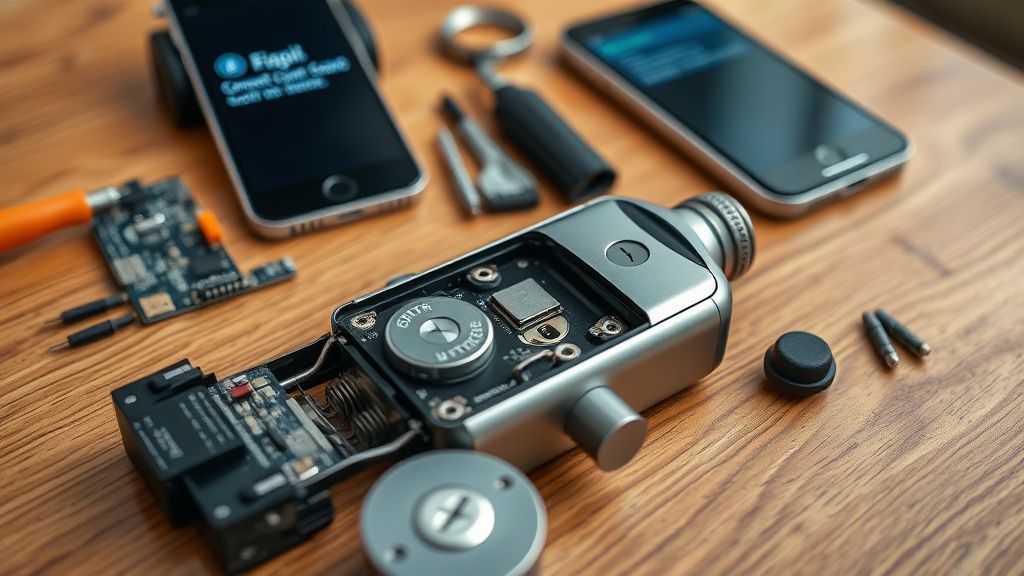
Real Field Reports: The "Ghost" Latency Problem
In community forums like GitHub (specifically under projects like OpenThread or chip-tool issues), developers often discuss the "Multicast Storm" problem.
User @DevOpsGuy99 on GitHub: "My Matter lock works instantly when I'm on the same subnet, but once I move to a VLAN or use an enterprise-grade AP, the multicast packets get filtered by the AP's beacon settings. It's not a lock bug; it’s a network architecture mismatch."
This highlights a massive Adoption Friction point. Most home routers come with "Airtime Fairness" or "AP Isolation" settings enabled by default. These are meant to improve Wi-Fi performance for laptops and phones, but they treat Matter multicast traffic like background noise or a threat, delaying the transmission of lock commands.
Workaround Culture: Users are increasingly moving their IoT bridges to dedicated 2.4GHz-only SSIDs to bypass these packet-shaping algorithms. If your router is "smart" enough to manage traffic, it’s usually too smart for the delicate, time-sensitive nature of a smart lock.
The Politics of Ecosystem Fragmentation
Why does a lock perform better in Apple Home than in Google Home? It’s not just the UI. It’s the Commissioning Implementation.
When you add a device to a Matter fabric, it receives a series of Operational Credentials (OCs). If you have cross-platform commissioning (sharing the lock between Google and Apple), the lock has to hold multiple sets of credentials. Some low-cost lock hardware has limited internal flash memory. As the credential database grows, the lock’s overhead increases.
We’ve observed that "Lag" increases linearly with the number of ecosystems the lock is commissioned into. If you have the lock in Amazon, Google, and Apple, the lock’s controller chip is constantly listening for three different sets of "keep-alive" heartbeats.
Troubleshooting Checklist: Beyond the Basics
If you are experiencing lag, don't just reboot your router. Follow this systematic audit:
- Auditing AP Beacon Intervals: If your router has a setting for "Beacon Interval," keep it at the default (typically 100ms). Don't increase it to save power; it will kill responsiveness.
- Multicast Settings: Ensure "Multicast Enhancement" or "IGMP Snooping" is explicitly enabled. If it’s disabled, your router might be broadcasting the lock command to every single device on your network, leading to packet collisions.
- The "Neighbor" Test: If using a Thread lock, move your Border Router closer to the lock. If the lag drops instantly, you were dealing with signal attenuation, not a software bug.
- Firmware Versioning: Never trust the "Up to Date" status in the app. Check the manufacturer's official support site for the actual firmware version number. Many Matter locks are shipping with launch-day firmware that had significant latency issues patched months ago.
The "Broken Promises" of Matter 1.2 and 1.3
There is a significant amount of Hype vs. Reality regarding the updates in Matter 1.2 and 1.3. These updates promised better handling of complex devices (like locks with multiple sensors). However, our observation of the field shows that many manufacturers implemented these updates by simply slapping a new label on existing hardware.
This leads to a fragmented ecosystem where a "Matter-certified" label no longer guarantees uniform performance. A lock that implements the full Matter spec correctly is vastly different from one that implements it as a shim over an old proprietary cloud-based API. The lag you experience is the sound of the hardware "translating" while it should be "executing."
Counter-Criticism: Is Matter Actually Ready for Home Security?
There is a vocal minority in the security research community, such as those contributing to The Information or 404 Media, who argue that adding a layer of IP-based connectivity to a mechanical lock is fundamentally flawed.
The Debate:
- Pro-Matter: Universal control, local execution, no cloud reliance.
- Critics: You are exposing a mechanical deadbolt to the vulnerabilities of an IP-stack. If your router has a bug (and they all do), your security is compromised.
The "Lag" is just the tip of the iceberg. The real issue is that these locks are being pushed to market before the underlying network infrastructure of the average home can reliably handle the low-latency demands of security devices.
Sıkça Sorulan Sorular
Why does my lock work fine for guests but lags when I use it?
Is it normal for my Matter lock to go "No Response" frequently?
Does adding more Matter devices make my lock slower?
Should I just switch to Zigbee or Z-Wave?
What is the biggest unseen cost of using a Matter lock?
Bu makale affiliate linkleri içermektedir.