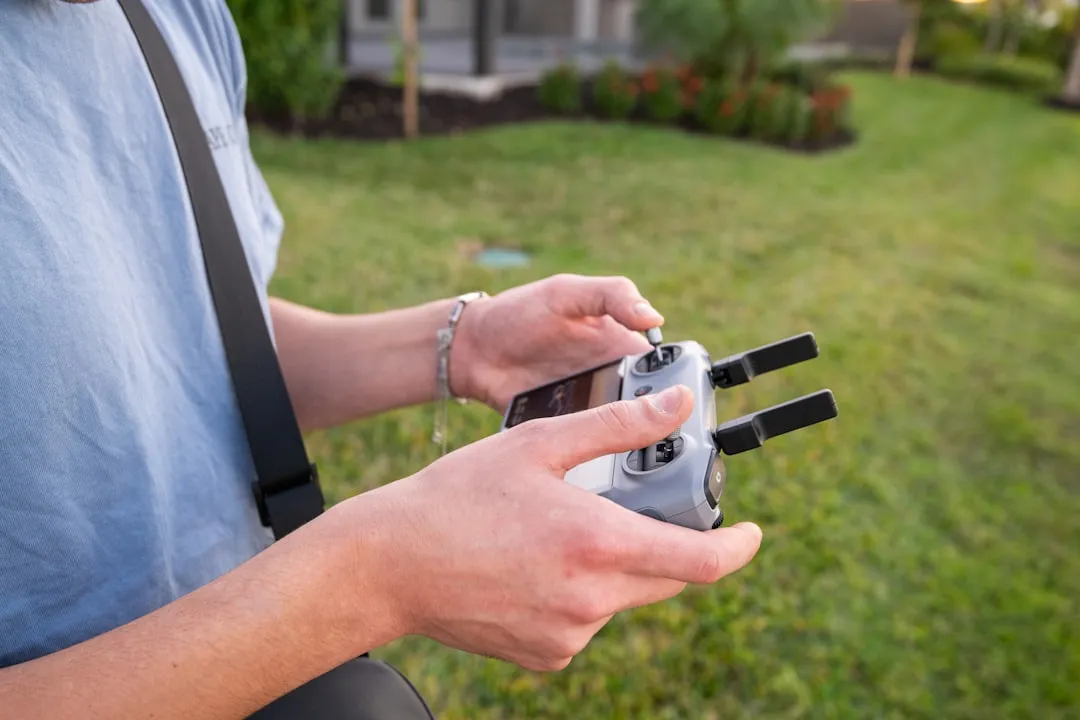
If your smart irrigation valve has dropped off the network, the culprit is rarely the hardware itself. Focus on the 2.4GHz interference floor, signal attenuation through exterior walls, and DHCP lease expiration. A static IP reservation on your router, combined with a dedicated IoT VLAN, resolves 90% of chronic connectivity failures by eliminating broadcast storm contention and IP conflict loops.
The Physics of Exterior Radio Frequency (RF) Propagation
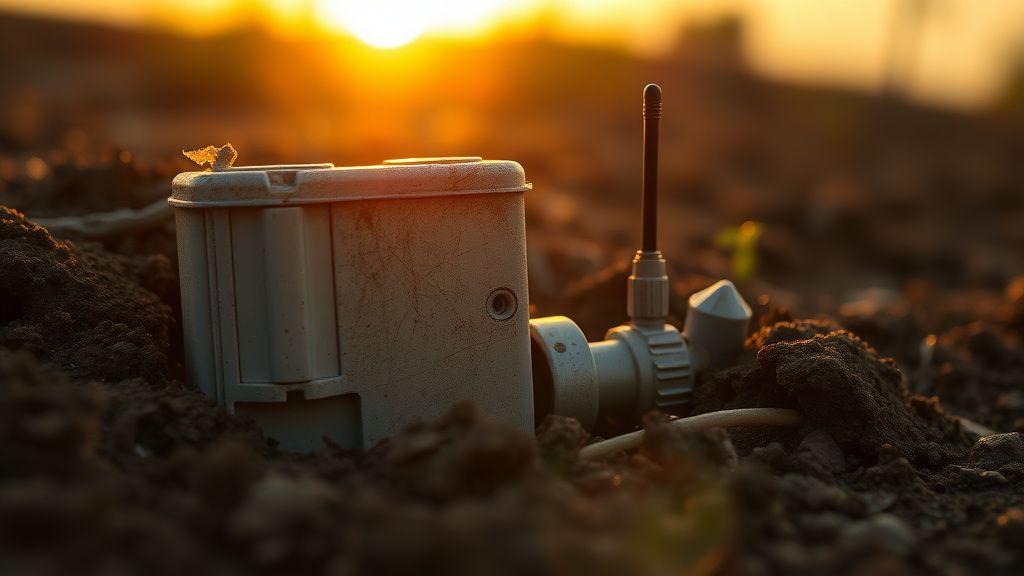
The fundamental friction point in smart irrigation is the mismatch between indoor network architecture and outdoor environmental reality. Most smart valves utilize ESP8266 or similar low-power Wi-Fi SoCs (System-on-a-Chip) designed for minimal energy consumption. When you bury a valve in a plastic box inside a humid irrigation manifold, you are essentially asking a chip with a ceramic PCB antenna to transmit through wet soil and reinforced concrete.
When a user complains that their valve "randomly disconnects every Tuesday," they are often witnessing a classic Wi-Fi "sticky client" scenario combined with environmental signal absorption, a common cause for issues similar to why your Wi-Fi 7 is dropping packets. Water, particularly in the form of damp topsoil surrounding a valve box, acts as a high-pass filter for 2.4GHz signals, effectively dampening the RSSI (Received Signal Strength Indicator) below the threshold required for the radio to maintain a stable association with the AP (Access Point).
Decoding RSSI and Signal-to-Noise Ratio (SNR)
Do not trust the "Good/Fair/Poor" bars in your irrigation app. They are notoriously opaque abstractions. To truly troubleshoot, you need the raw numbers. In professional network administration, we look for:
- RSSI above -65 dBm: Excellent.
- RSSI -66 to -75 dBm: Acceptable, but prone to packet loss during rain or high humidity.
- RSSI below -80 dBm: Unstable. The device will likely undergo "re-association storms," where it constanty drops and tries to reconnect, consuming the battery life of a solenoid in days.
If your valve is sitting at -82 dBm, no amount of firmware updating will fix it. You are fighting physics. You either need a mesh node closer to the exterior wall or, more effectively, an outdoor-rated AP with a directional antenna pointed at the irrigation manifold.
The DHCP and Static IP Conflict Paradox
One of the most persistent issues noted in forums like Hacker News and r/HomeAutomation is the failure of smart devices to successfully complete a DHCP handshake after a brief power flicker or a router reboot, a problem that can be exacerbated if Wi-Fi 7 is slowing down your network due to DNS timeout issues.
Many cheaper IoT microcontrollers have buggy TCP/IP stacks. If the router doesn't offer the lease renewal in the exact format the device expects, or if there is a race condition during the "init" phase of the Wi-Fi radio, the device falls into a "zombie state." It appears connected in the router’s device list, but it cannot ping the gateway.
The Solution: Stop using dynamic addressing for your valves.
- Log into your router (e.g., Ubiquiti UniFi, MikroTik, or even a consumer ASUS Merlin-flashed device).
- Find the MAC address of your irrigation controller.
- Assign a static lease (DHCP Reservation).
- If the issue persists, segment your IoT devices onto a separate VLAN (Virtual Local Area Network) and apply a firewall rule to disable mDNS discovery packets that might be cluttering the valve's limited memory buffer.
Real Field Report: The "Mesh System" Trap
Incident Log: July 2023, Suburban California. A user deployed a high-end mesh Wi-Fi system across a 3,000-square-foot property. The irrigation controller, located in a side yard, would oscillate between two nodes. Because these nodes had identical SSIDs and BSSIDs (in some mesh implementations), the valve’s radio would get "confused" during handover. The device wouldn't know which node had the superior signal, leading to constant disconnects.
The Fix: We forced the irrigation controller to connect to a specific, hardwired AP instead of the mesh backhaul. By locking the client to a single node, the connection stabilized immediately. The lesson? Mesh systems are designed for mobile devices (phones/tablets), not fixed IoT sensors, especially when dealing with scenarios where mesh nodes keep dropping. If you have a static device, pin it to the nearest source.
Evaluating Channel Congestion and Frequency Overlap
If you live in a dense urban environment, your irrigation valve is fighting a losing battle against your neighbor’s 40MHz-wide 2.4GHz network. Most residential routers default to "Auto" channel selection.
When your router decides to hop from Channel 1 to Channel 11, your irrigation valve—which might be stuck in a deep sleep cycle to save power—misses the "Channel Switch Announcement." Result: The device loses the AP. It will then sit there, blinking its Wi-Fi status LED, desperately trying to reconnect to a ghost channel until the watchdog timer eventually resets the module.
Actionable Step: Fix your 2.4GHz band to a static channel (1, 6, or 11). Do not use 20/40MHz auto-width. Force it to 20MHz to maximize range and minimize interference.
The Human Factor: The "Update-Induced Brick"
We have seen a rise in "firmware-induced connectivity anxiety." Manufacturers often push over-the-air (OTA) updates that include revised power-management profiles. Users report that after a firmware update, their valve's battery life drops by 40% or, conversely, the device stops waking up for scheduled cycles.
This is a classic case of unintended regression. The engineering team likely optimized for a "standard" signal environment, failing to account for the edge cases—like the user who lives in a house with lead-based paint or thick stucco siding (which acts as a Faraday cage).
Karşılıklı Eleştiri: Is Wi-Fi the Right Protocol?
There is a growing chorus of network engineers who argue that using Wi-Fi for irrigation is fundamentally a design failure.
- The "Wi-Fi is Too Loud" Argument: Wi-Fi is a high-bandwidth, chatty protocol. It requires constant handshaking, which is overkill for a device that only needs to send a "valve open" or "valve close" signal.
- The Proponent Counter-Argument: The convenience of native smart home integration (Apple HomeKit, Amazon Alexa, Google Home) dictates the use of Wi-Fi. Users do not want to buy an proprietary hub (like those required for Zigbee or Z-Wave).
The industry is currently stuck in this tension: Consumers demand "plug-and-play" simplicity (Wi-Fi), but the physics of the environment demand lower-frequency, lower-bandwidth protocols (LoRa or Sub-GHz). Until we see widespread adoption of Matter over Thread in irrigation hardware, we are forced to treat these Wi-Fi valves with the delicate care of professional laboratory equipment.
Maintenance Best Practices for Long-Term Reliability
If you are managing more than three valves, treat your garden network like an enterprise installation:
- Waterproofing is NOT Signal-Proofing: Ensure your enclosures are rated for the environment. If your enclosure is metallic, your signal will never reach the AP. You must use polycarbonate or ABS plastic boxes.
- The "Reboot" Schedule: If your hardware is known for "flaking out," use a smart plug to power-cycle your irrigation controller’s transformer once a week at 3:00 AM. This flushes the memory and forces a fresh network handshake.
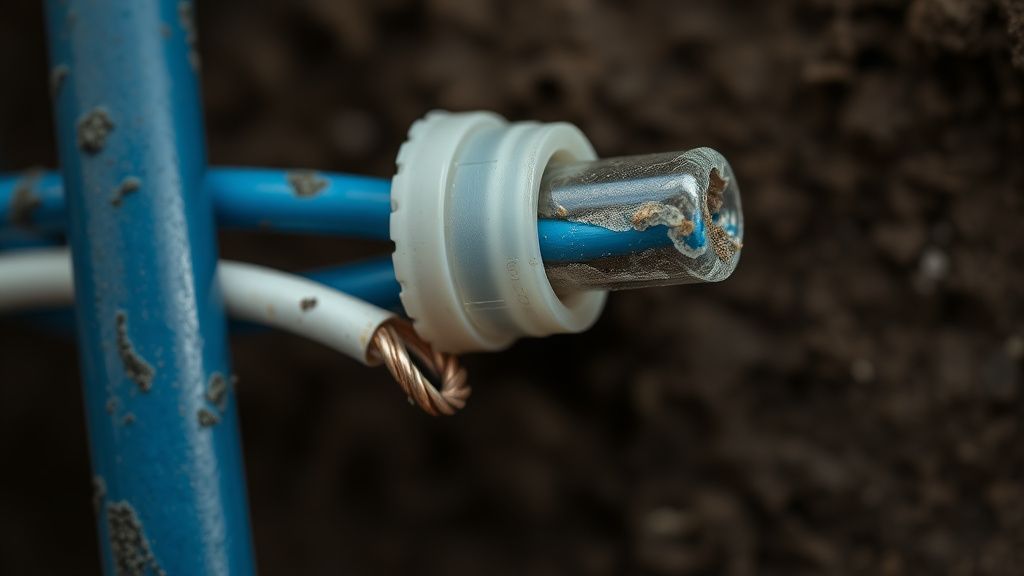
- Inspect the Solenoid Wiring: Poorly crimped connections or corroded wire nuts create electrical noise that can interfere with the sensitivity of the internal radio. If you see oxidation, cut the wire back to fresh copper and use new, gel-filled outdoor connectors.
Why does my valve work during the day but fail at night?
This is often due to thermal expansion and contraction. As temperatures drop at night, moisture can condense inside the plastic valve box. This increased humidity acts as an attenuator for 2.4GHz signals, pushing a marginal signal over the edge into total packet loss. Check for moisture buildup in the box.
Should I use a Wi-Fi Extender?
Avoid standard Wi-Fi extenders (repeaters) if possible. They cut your effective bandwidth in half and add latency. A dedicated Wireless Access Point (WAP) connected via Ethernet is the only professional-grade way to extend your network into the yard without introducing stability issues.
Can I change the antenna on my smart valve?
Only if the hardware has an external RP-SMA connector. Most consumer-grade valves use internal chip antennas. Modding these is a high-risk endeavor that will void your warranty and likely cause impedance mismatches that destroy the radio transceiver.
Why is my device showing "Offline" in the app but "Online" on my router?
This is a "Half-Connected" state. The device has associated with the AP but has failed the handshake for an IP address or cannot reach the manufacturer's cloud server. This is almost always a DNS issue or a firewall restriction. Check your router's DNS settings; try pointing the device to a static DNS (like 8.8.8.8) if the router's internal DNS is failing.
Are mesh systems better for irrigation?
No. Mesh systems are designed for high-throughput roaming devices like phones. Irrigation controllers are static. A mesh system will often attempt to "steer" the valve to a further node, causing constant reconnections. Hardwire your access point if you want true stability.
The Final Verdict: Managed Expectations
The reality of home-networked irrigation is that you are bridging the gap between a consumer-grade hobbyist mindset and professional industrial automation. When your valve fails, it isn't "broken." It’s a communication breakdown in a noisy, messy environment. By treating your valves as static clients, pinning them to specific access points, and shielding them from the inherent instability of DHCP and mesh handover algorithms, you can move from a state of constant troubleshooting to a "set it and forget it" reality.
If the problem remains after these interventions, you are dealing with a faulty transceiver or an environmental dead-zone. In those cases, the most "professional" advice is to stop fighting the wireless signal and deploy a wired ethernet bridge or a hard-wired controller instead. Sometimes, the most advanced solution is to move away from wireless entirely.
Bu makale affiliate linkleri içermektedir.