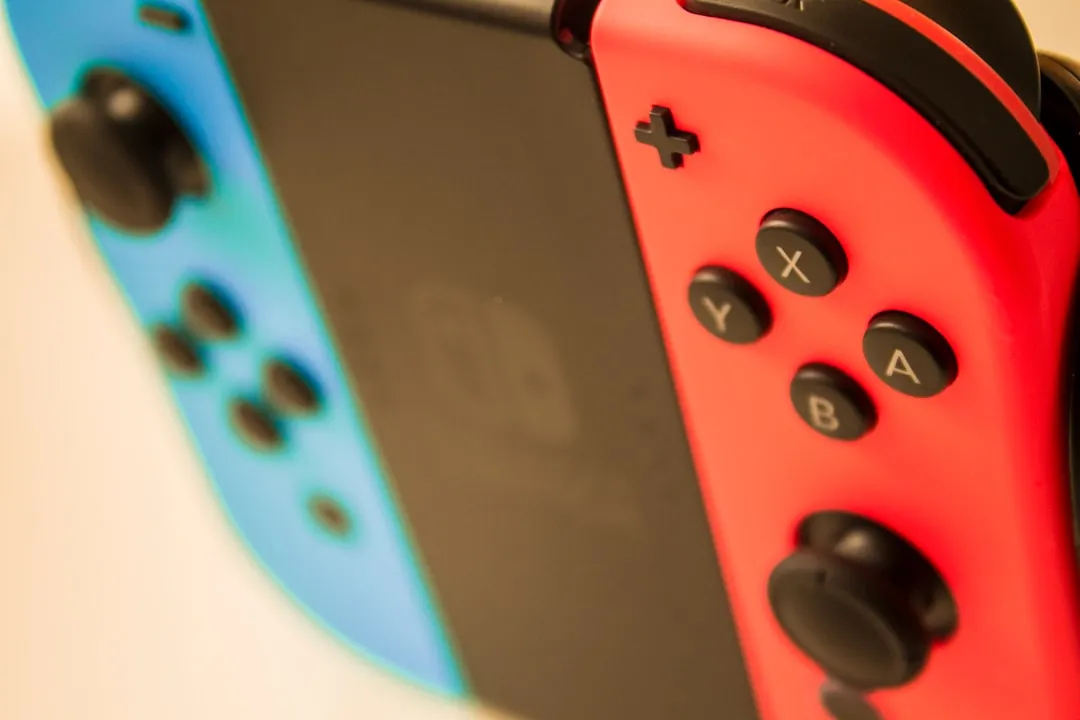
If your Nintendo Switch has encountered liquid, the survival rate depends entirely on your speed and the specific conductivity of the fluid. Immediately power off the device completely—do not sleep mode it—and cease all charging. The primary objective is to arrest electrochemical corrosion by removing power from the logic board before the electrolyte bridge causes shorts across the delicate capacitors and PMIC (Power Management IC).
The Anatomy of Failure: Why Electrolysis Destroys the Motherboard
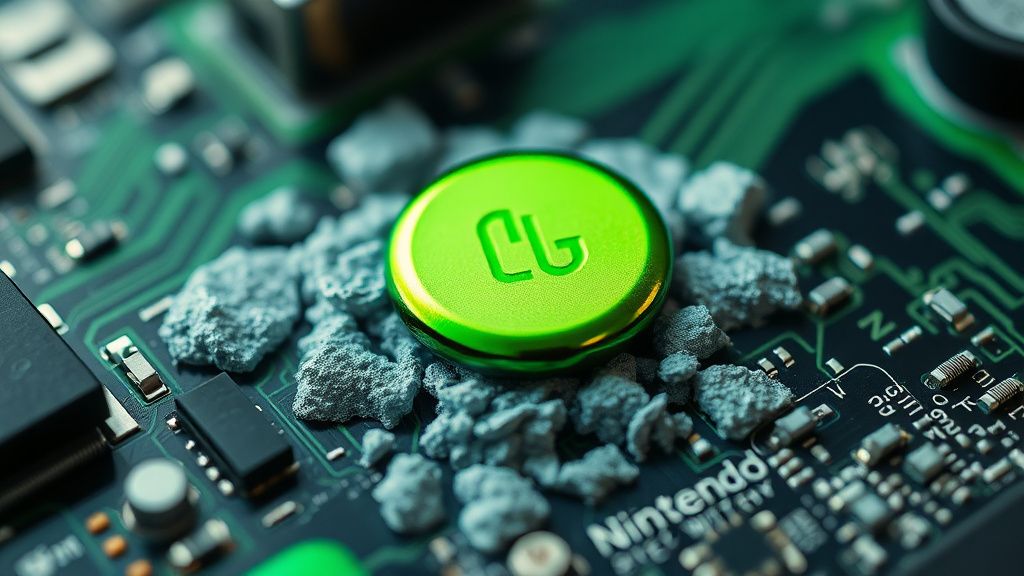
The Nintendo Switch, particularly the V1 (Erista) and V2 (Mariko) models, relies on a highly dense motherboard layout. Unlike older consoles where components were spaced out, the Switch’s PCB is a landscape of microscopic traces, high-density interconnections (HDI), and fragile BGA (Ball Grid Array) chips. When liquid—especially ionized liquids like soda, coffee, or salt water—bridges these connections, it creates an unintended path for electricity.
This is not just "wetness." This is a rapid electrochemical reaction. The moment electricity flows through an electrolyte, metal migration begins. Copper traces start to dissolve, and dendrites—tiny, conductive crystalline structures—grow between pins. If you leave the battery connected, you are essentially accelerating the decomposition of your console’s digital nervous system, which can exacerbate issues like a Nintendo Switch dying too fast due to battery drain.
Operational Reality: Why "The Rice Myth" Is Killing Your Hardware
On subreddits like r/NintendoSwitchRepair and various Discord DIY tech channels, the "rice method" is widely mocked as a "death sentence for electronics." The logic is simple: rice does not extract moisture from the internal shielded compartments of a Switch. Instead, it introduces starchy dust and particulates into the fan intake and USB-C port, which, when combined with the remaining moisture, creates a conductive paste that makes future professional repair significantly harder.
The Reality: The Switch is a sealed-ish ecosystem. It doesn’t "breathe." If you drop it in water, the liquid is trapped behind the heat sink and inside the metal shielding (the "cages"). Silica gel packets, if used in a sealed Ziploc bag, are marginally better, but they are still ineffective against the minerals left behind. Once the water evaporates, the minerals remain. That thin layer of conductive salt is what kills a Switch three weeks after the initial spill.
Initial Triage: Beyond the "Off" Switch
If you are in the field and a spill occurs, your steps must be surgical:
- Immediate Power Cut: Do not check if the screen works. Do not try to charge it to "see if it will turn on." You are looking for a complete isolation of the battery. If you have the Y-tip and Phillips screwdrivers required to open the shell, disconnect the battery connector (JST connector) immediately.
- Assess the Liquid: If it was water, you have a better chance. If it was sugary or acidic (soda/juice), the sugar will act as a hygroscopic agent, pulling moisture from the air and maintaining a corrosive environment indefinitely. This requires an immediate teardown and a full bath in 99% Isopropyl Alcohol (IPA).
- The USB-C Port Paradox: The Switch USB-C port is a common point of failure. It is notoriously fragile. If liquid entered here, check for "blackened" pins under a magnifying glass. If the port is corroded, do not attempt to charge. You will likely short the M92T36 power delivery chip, a very common repair for professional techs.
The Professional Cleaning Protocol: A Technical Deep Dive
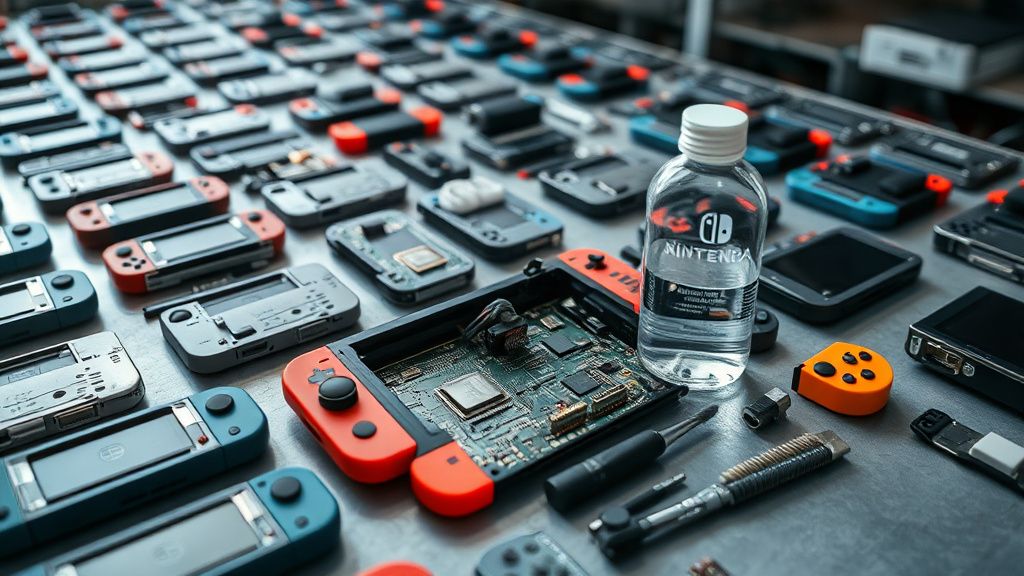
If you are comfortable with an iFixit-level teardown, the goal is to remove the logic board and neutralize the corrosion, a crucial internal cleaning process similar to addressing why a PS5 Slim might be overheating due to accumulated dust. Merely wiping the board is insufficient; thorough internal cleaning is required to address the hidden residues, much like when you need to safely clean and fix an Xbox Series X that has become unusually loud.
- The IPA Bath: Use 99% Isopropyl Alcohol. Do not use 70% or hardware store "rubbing alcohol," which contains water and oils. Immerse the affected area—or the whole board if necessary—and use a soft-bristled ESD brush to scrub the areas where you see white or blue-green residue (corrosion).
- Ultrasonic Cleaning: Professional repair shops use ultrasonic cleaners. These vibrate at frequencies that shatter the mineral deposits in places your brush cannot reach, such as under BGA chips. If you are doing this at home, you are limited to what you can reach mechanically.
- The Shielding Cage Challenge: The Switch has metal EMI shields soldered or clipped over the main chips (Tegra X1, RAM, etc.). Often, liquid seeps under these shields. If the damage is severe, you may need to desolder these shields to clean underneath them. This is an advanced technique that risks lifting pads on the PCB.
Real Field Reports: The "Ghost In The Machine" Phenomenon
We spoke with lead technicians from three different independent repair shops in the US and Europe. A recurring theme emerged: the "Ghost." A client brings in a device that had a "small spill" and has been working perfectly for a month. Then, suddenly, the console begins ghost-touching the screen, or the Joy-Con rails stop communicating with the system.
This is the "delayed failure" cycle. The initial spill wasn't cleaned properly; it just dried. Over the next few weeks, the trace resistance increases as the oxidation continues to creep along the copper. Eventually, the signal path to the controller or the digitizer is interrupted. The lesson here is that a dried-out console is not a fixed console. If liquid entered the chassis, the minerals must be removed chemically, regardless of whether the device currently functions.
Counter-Criticism: Should You Even Attempt It?
There is an ongoing debate in the repair community regarding "DIY vs. Professional." Critics of home-repair tutorials argue that the average user lacks the equipment to properly test for shorts (a multimeter is non-negotiable) or to reflow chips if the corrosion has eaten a trace.
- The Risk of Reflow: If you attempt to use a heat gun to "dry out" the board, you risk bridging solder balls under the SoC (System on a Chip). The Switch's lead-free solder is notoriously stubborn and requires specific temperature profiles.
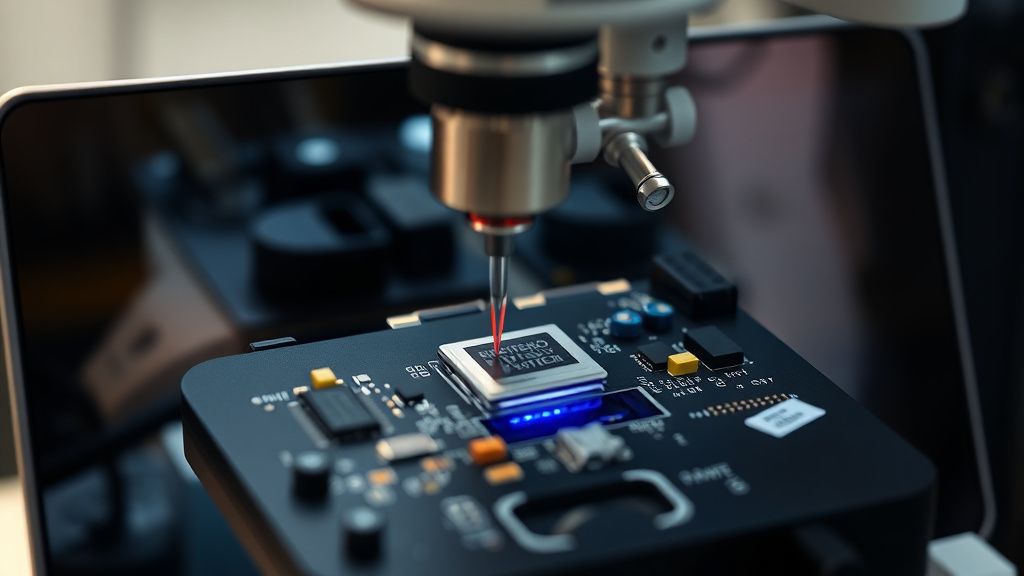
- The M92T36 Trap: The power management IC is the most common casualty. If your board has liquid damage and fails to charge, you are likely looking at a chip-level micro-soldering job. If you do not have a microscope and a hot-air rework station, you are almost certain to damage the board beyond repair by attempting this yourself.
Economic Realities: To Repair or Replace?
When weighing the cost, consider the market value of the model. A V1 unpatched Switch has significant value to the modding community. A V2 or OLED model is cheaper to replace with a refurbished unit than to pay for a board-level repair if the damage is extensive (e.g., destroyed traces under the CPU).
If you are paying a shop, the diagnostic fee + labor for a chemical clean is usually $60–$100. If chips need replacing, that price climbs to $150+. If your console is worth $200 used, you are rapidly reaching the point of "economic total loss."
How do I know if the liquid has caused permanent damage?
If you power the unit on and it exhibits "boot looping," screen flickering, or refusal to detect controllers, the corrosion has already affected the logic traces. These symptoms indicate that the control signals are being disrupted by either a short circuit or an open (broken) trace.
Is the OLED model easier or harder to clean?
The OLED model is significantly harder. The display assembly is glued to the frame much more aggressively than in the original models, and the internal board layout is even tighter. If you crack the OLED panel during the teardown—which is very easy to do—the repair cost triples immediately.
Can I use a hair dryer to speed up the drying process?
Absolutely not. Hair dryers blow dust into the board, create static electricity which can fry sensitive CMOS components, and the intense, uneven heat can warp the plastic casing or stress the solder joints on the BGA chips.
If it works fine now, do I still need to open it?
Yes. If you know liquid entered, you are essentially driving a car with a slow leak in the brake line. The corrosion will continue as long as there is humidity in the air. Opening it to perform a 99% IPA scrub is the only way to "stop the clock" on the inevitable failure.
Why does my Switch turn on but the touch screen doesn't work?
The digitizer (touch screen) connector is located near the fan and is extremely susceptible to liquid ingress. A tiny amount of moisture can corrode the pins on the FPC (Flexible Printed Circuit) connector. Often, simply cleaning this connector with IPA and a soft brush restores functionality, provided the ribbon cable itself isn't damaged.
What is the most common "invisible" damage?
The Battery Management System (BMS) board. It’s a tiny circuit board attached to the battery cell itself. If liquid hits it, it can trick the console into thinking the battery is dead or, worse, prevent it from charging safely. If your Switch works only while plugged in, look at the battery connector and the battery’s own small PCB.
The Role of Preventive Maintenance
If you live in a humid climate, your Switch is already fighting a slow battle against oxidation. Many users find that keeping the console in a hard-shell case with a small desiccant packet helps during storage. However, the most critical defensive measure is avoiding the "liquid zone"—the vicinity of gaming areas where drinks are present. If you must have a beverage nearby, treat your Switch like a laptop; keep it elevated and away from the spill trajectory.
Ultimately, liquid damage is a game of patience and chemistry. If you act fast, the survival rate is high. If you wait, you are merely waiting for the electro-chemical process to eat through the critical infrastructure of the device. Professional repair is always the safest route, but for the motivated individual, a methodical, alcohol-based cleaning is the only way to save a console from the scrap heap.
Bu makale affiliate linkleri içermektedir.