
If your Nintendo Switch is reporting 20% battery remaining before suddenly jumping to 1% or shutting down entirely, your Battery Management System (BMS) has lost its "reference point." While calibration isn't a magic fix for dead cells, it is the standard procedure to resynchronize the operating system's software fuel gauge with the physical voltage state of the lithium-ion pack; if you need to recalibrate your Nintendo Switch battery, refer to our detailed guide.
The Physics of Lithium-Ion Decay and BMS Drift
In 2026, the youngest Nintendo Switch consoles are entering their twilight years. Lithium-ion chemistry is fundamentally volatile; it doesn't degrade linearly. A battery’s state-of-charge (SoC) is typically estimated by the system through voltage sensing and Coulomb counting—tracking the current flowing in and out of the battery.
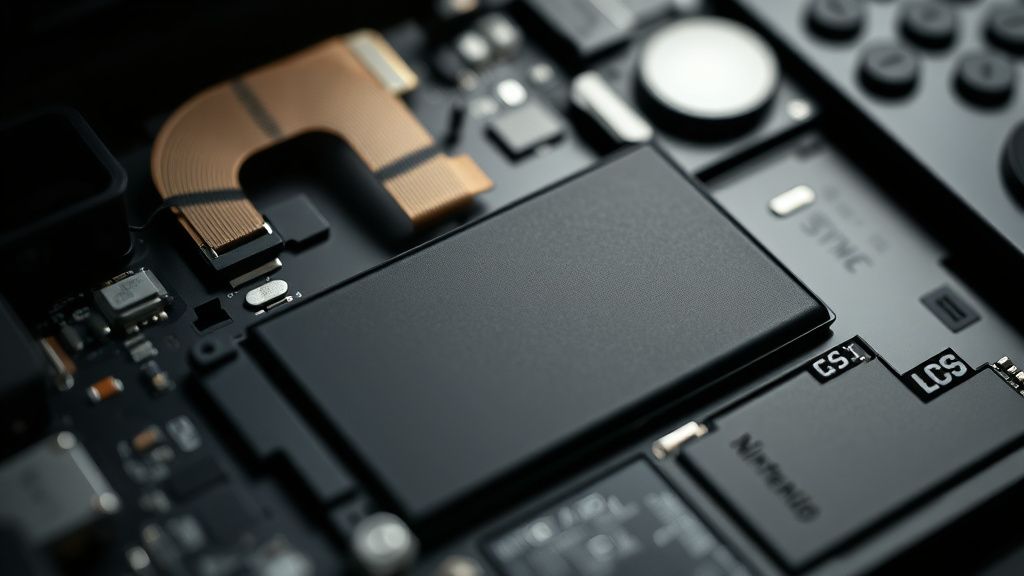
The problem arises when the BMS (the small circuit board physically attached to the battery pack) loses track of the "full" and "empty" thresholds. Over hundreds of charge cycles, micro-fluctuations in voltage readings caused by internal resistance buildup lead to "drift," a phenomenon not unlike the stick drift that can plague PS5 DualSense controllers and often requires recalibration. Your console thinks it is at 10%, but the physical chemical state is closer to the cutoff voltage (approx. 3.2V–3.4V). When the system pulls a heavy load—like loading a high-fidelity shader in The Legend of Zelda—the voltage sags below the critical threshold, triggering an emergency shutdown. This isn't a "broken" battery; it’s a failure of communication.
The Reality of Calibration: Why It Often Fails
There is a persistent myth on community hubs like r/NintendoSwitch and various technical Discord servers that calibration is a "cure-all," similar to how many users struggle with Nintendo Switch Joy-Con drift and seek effective solutions. It is not. If your battery has high internal resistance (a hallmark of chemical aging), calibration is akin to measuring a shrinking ruler. You are teaching the system to recognize a smaller capacity, not restoring the capacity itself.
The "Ghost Shutdown" Phenomenon: Many users report that even after a full calibration cycle, the console persists in dying at 15%. This often indicates an internal cell imbalance. A multi-cell or high-capacity pack relies on the BMS to keep cells balanced. If one parallel group in the pack reaches critical low voltage while others are fine, the protection circuit cuts power to prevent fire or terminal damage. No software calibration can fix an unbalanced hardware pack.
The Standard Calibration Workflow (And Where It Breaks)
If you want to attempt a calibration, follow these steps with the understanding that they are physically taxing on the hardware:
- The Depletion: Let the Switch run until it hits 1%. Do not try to force it back on after it sleeps.
- The Deep Sleep: Leave it powered off and disconnected for at least 6–12 hours. This allows the resting voltage to stabilize and the BMS to confirm the "empty" state.
- The Continuous Charge: Plug it in and do not touch it for at least 4 hours. Use the official AC adapter or a USB-C PD (Power Delivery) charger that hits at least 15V. Do not use low-power phone bricks; they can cause the charging controller to cycle incorrectly.
Why this fails in the field: Many users are too impatient. They see 100% on the screen after 90 minutes and unplug. The BMS often enters a "trickle charge" state at the end of the curve to ensure all cells are balanced, and interrupting this prevents the system from locking in the new capacity reference.
Case Study: The "Docking Bias" and Controller Power Draw
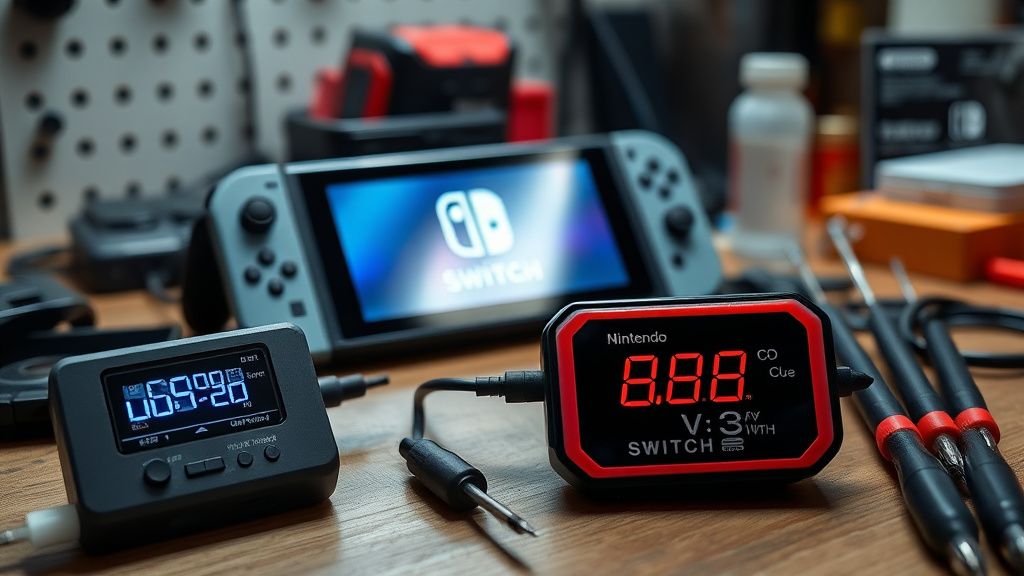
Field reports from repair shops indicate a specific trend: users who play primarily in the dock rarely observe BMS drift, but they suffer from "swollen battery" issues due to constant thermal stress. Conversely, handheld-only users report massive calibration drift.
When a Switch is docked, it often ignores the battery state as the primary power source, drawing directly from the AC adapter. This creates a disconnect. If you move your console from a permanent docked state to handheld play, the system is often "surprised" by the battery's real-world capacity. We see numerous reports on Hacker News and GBATemp where users claim their console "died overnight" after months of constant docking. The system hadn't updated its SoC calibration in weeks, leading to a massive discrepancy between predicted and actual voltage.
The Hardware Reality: When Calibration Isn't Enough
If you have calibrated your BMS three times and the console still shuts down prematurely, you are likely looking at Cell Degradation.
- Internal Resistance: As the electrolyte breaks down, the battery’s internal resistance increases. Even if the voltage looks "full" at rest, the moment you put the console under load, the voltage sags below the cut-off point.
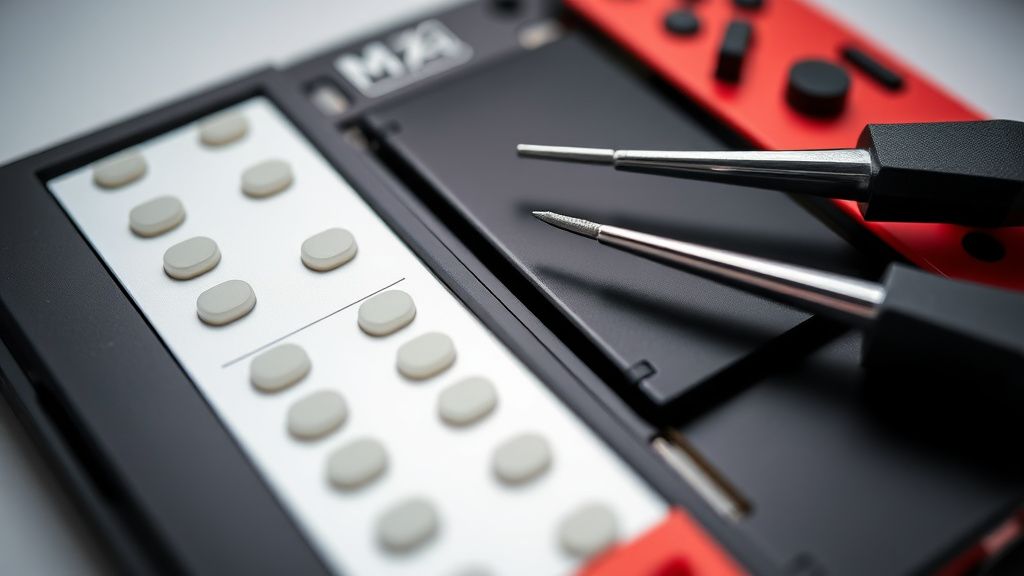
- The "Tape and Prayer" Engineering: The Switch is an incredibly tight, dense device. Replacing a battery is not for the faint of heart. The adhesive holding the battery down is notoriously strong—often requiring heat guns or high-percentage isopropyl alcohol. There have been countless reports of users puncturing the battery pouch during removal. Do not force it. If you feel resistance, apply more heat (carefully) or alcohol.
Counter-Criticism: Does the Software Update Fix It?
Nintendo’s support pages often suggest "Updating your console" as a fix for battery drain. Is this PR fluff or technical reality?
There is truth to this. Nintendo has, on several occasions, pushed firmware updates that adjust the charging logic for older hardware. By loosening the voltage detection parameters, they can prevent a console from "panicking" when it sees a slight voltage drop. However, this is just a software band-aid on a hardware problem. It prevents the shutdown, but it does not fix the battery life. It essentially tells the OS: "If the battery reports 5% but still has enough voltage to run for ten more minutes, ignore the 5% alert."
Scaling and Infrastructure Stresses
The Switch ecosystem is fragmented. You have the original V1 (Erista), the V2 (Mariko), and the OLED model. The BMS behavior varies across these. The OLED model uses a slightly different power management IC (PMIC). We have seen community-led studies on specialized subreddits noting that the OLED units seem to handle voltage drops more gracefully, likely due to a more modern, efficient PMIC design. However, even these units are not immune to the fundamental laws of lithium-ion aging.
Maintenance Recommendations for 2026
- Stop the 100% Habit: Lithium-ion cells hate being at 100% charge for long periods. If you are a stationary player, try to keep your charge between 20% and 80%.
- Thermal Awareness: Heat is the ultimate killer. Do not charge your Switch while it is inside a thick, protective carrying case. The trapped heat will accelerate chemical degradation of the BMS-monitored cells.
- The "Slow Charge" Fallacy: Some users prefer charging via a PC USB port to "protect" the battery. This is largely unnecessary. The Switch’s internal power controller is smart enough to regulate current. The danger isn't the speed of charging, it's the depth of discharge and the ambient temperature.
FAQ
Is it possible to replace the BMS board separately from the battery?
Can I use a third-party battery to fix my calibration issues?
What is the tell-tale sign that the battery is physically swelling?
Does "Fast Charging" ruin my battery health?
Why does my Switch drain while in Sleep Mode?
Bu makale affiliate linkleri içermektedir.