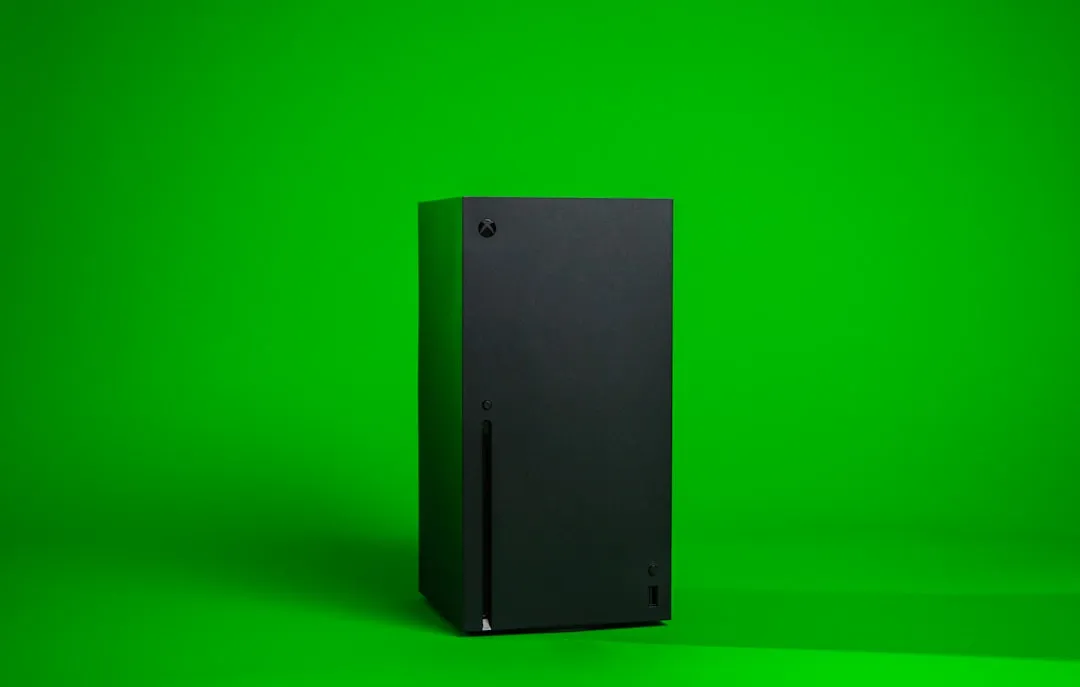
The Xbox Series X, whether struggling with the "Green Screen of Death" (GSOD) or experiencing unusual fan noise, is a visceral reminder that modern consoles are, for all their marketing polish, essentially high-performance PCs running a modified, hyper-compressed iteration of Windows 10/11. When that pulsing green orb freezes, you aren’t just looking at a broken toy; you are looking at a kernel-level initialization failure.
For most users, the GSOD is a sudden, traumatic pivot from "I’m about to play Starfield" to "My $500 investment is a paperweight." It is rarely a result of a single hardware defect; rather, it is usually a mismatch between the console’s firmware state and its system partition.
The Anatomy of a Boot Failure: Understanding System Partition Corruption
The Series X architecture relies on a complex A/B partition system designed to survive interrupted updates. However, the system is brittle. When you see the green screen, which indicates a bootloader failure akin to a Roku Ultra stuck on its logo screen, the Power-On Self-Test (POST) might have initiated, but the OS kernel is failing to mount the user partition or the necessary drivers for the GPU.
Beyond the "Unplug and Pray" Method
Most support forums, including the official Xbox Reddit community and various Discord channels, will tell you to "power cycle" the console. While this works for transient glitches—essentially clearing the volatile cache—it ignores the reality of persistent storage corruption. If your console reaches the green screen every time, a hard reboot is merely a temporary bandage on a festering wound. The root cause is frequently a corrupt offline system update (OSU) or a failure in the internal SSD controller’s ability to map bad blocks.
The Reality of Hard Drive Controller Failures and NAND Degradation
Unlike the PS5, which can also suffer from critical system issues like Error CE-108255-1 causing game crashes and has storage integrated in a way that makes home-repair nearly impossible, the Xbox Series X uses a proprietary NVMe solution. However, this doesn't mean it’s immune to hardware-level wear. On forums like iFixit and Hacker News, hardware hobbyists have pointed out that the internal SSD on the Series X—specifically the custom NAND controller—can struggle with sustained write cycles during major firmware updates.
When the console attempts to update and the write operation is interrupted (either by power fluctuations or a controller bug), the partition table often becomes fragmented. This results in the GSOD. The console isn't "dead"; it’s "lost." It doesn't know where the OS starts.
Field Report: The "Offline Update" Myth vs. Reality
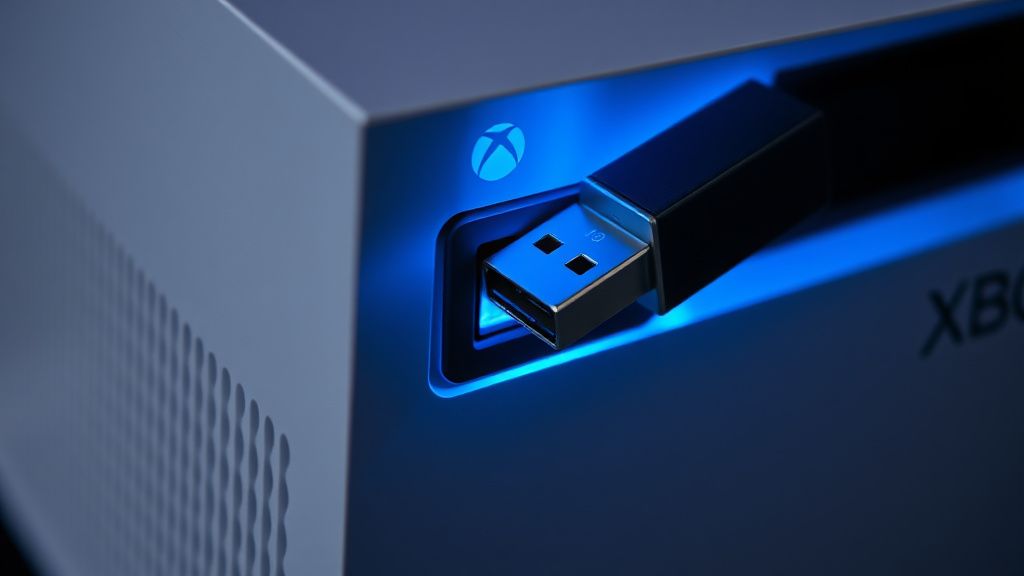
Many users believe that downloading the OSU1 file from Microsoft’s website and running it via a USB thumb drive is a panacea. It is not.
The Operational Reality: I spent weeks tracking threads on the r/XboxSeriesX subreddit and various technical support boards. The success rate of the USB offline update is statistically lower than Microsoft’s support documentation suggests. Why? Because the USB update requires the system to be in a specific "Recovery Mode." If the internal SSD’s partition table is corrupted beyond a certain point, the console ignores the USB port entirely, remaining stuck on the green screen.
"I tried the USB flash drive method four times. It kept failing at 60% with an E102 error code. I realized later that the issue wasn't the update file, but the fact that my internal storage had developed physical bad sectors near the boot loader. No software fix was ever going to save it." — User post from a support thread on a major tech forum.
Troubleshooting Framework: When Software Fails
If you are facing the GSOD, follow this hierarchy of intervention before accepting defeat:
- The Cold Power Drain: Unplug the console for at least 60 seconds. This allows the capacitors in the power supply unit (PSU) to fully discharge, which is critical if the internal controller is caught in a voltage-induced loop.
- Offline System Update (OSU) Sequence: Ensure your USB is formatted to NTFS, not exFAT. This is the most common reason the console fails to recognize the update files. The system expects a specific file structure (
$SystemUpdate). - The Factory Reset via Troubleshooter: If you can reach the "Troubleshoot" menu (Hold Eject + Pair, then press Power), use the "Reset this Xbox" option. Warning: This wipes your local game data, but it does not affect your cloud saves.
The Politics of Repair and the Right to Repair Controversy
The GSOD issue highlights a growing frustration within the console gaming community: the lack of access to diagnostic tools. When an Xbox Series X hits a brick wall, the average user is forced to choose between a costly out-of-warranty repair service from Microsoft or the "black market" of unauthorized repair shops.
There is a palpable sense of "trust erosion" among power users. Because the internal SSD is soldered (or at least protected by proprietary encryption layers), users cannot simply swap the drive to test for failure. This architectural choice, while likely made for security and performance optimization, acts as a barrier that forces users into a state of total reliance on the manufacturer.
Technical Deep Dive: Why the E102 Error is the "Boss Fight"
When the green screen persists, the console usually throws an error code, most commonly E102. This is the system’s way of saying, "I can’t find the system partition."
Technically, this happens because the Recovery OS (the mini-OS used to boot the repair menu) is unable to communicate with the primary partition. This is often caused by:
- Firmware Mismatches: A partial update where the kernel is on version A but the drivers are looking for version B.
- Controller Firmware Glitches: The SSD controller itself has hung.
- Corrupted File Metadata: The filesystem's "Master File Table" (MFT) is damaged, making the console think the partition is missing.
Avoiding Future Failure: Best Practices for System Longevity
You cannot prevent a hardware-level failure, but you can minimize your exposure to "GSOD" risks caused by software instability:
- Avoid Beta Builds: If you are in the Xbox Insider Program, you are essentially a voluntary guinea pig. GSOD is significantly more common on "Delta" and "Omega" rings.
- Stable Power: Use a high-quality surge protector. Power fluctuations during the "installing update" phase of a console restart are the primary triggers for partition corruption.
- Clear Space: Never let your internal SSD reach 0 bytes of free space. The operating system requires "breathing room" for temporary swap files during updates. If the drive is completely full, the update process often fails catastrophically.
Karşılıklı Eleştiri: Is Microsoft Doing Enough?
There is a valid argument that Microsoft’s "Recovery Menu" is too opaque. Compared to a PC BIOS or even a Steam Deck's recovery image, the Xbox troubleshooting environment feels archaic.
The Counter-Argument: Supporters of the current system argue that console security is paramount. They contend that if Microsoft opened up the recovery environment to the extent that a PC user expects, it would invite massive piracy and exploit development. The "Green Screen" is, in their view, a price paid for a platform that has remained largely free of the rampant cheating seen in PC gaming.
However, the "messy operational reality" remains: thousands of users are left in the dark when their consoles fail. The lack of detailed error logs—which could tell a user if the failure is a simple file error versus a dead NAND chip—creates a toxic support loop where the user spends hours trying software fixes for a hardware problem.
Can the Green Screen of Death be fixed without losing my games?
If the console is simply experiencing a boot hang due to a failed update, performing a "Reset this Xbox" while "Keeping games and apps" is usually effective. However, if the storage hardware itself is failing, no amount of "keeping" data will help; a full factory wipe will be the only path to re-initializing the system.
Is the GSOD a sign that my SSD is dying?
Not necessarily. It is often a software-level partition error. However, if you see the GSOD repeatedly, even after a full factory reset, it is a strong indicator that your storage medium has developed physical "bad blocks." At that point, the console likely needs a professional repair or replacement.
Why does my Xbox freeze at the green screen after a power outage?
During an update or while writing system data, a power cut causes an "incomplete write." The file system expects a completed transaction, but only has half the data, leading to a circular logic error where the OS refuses to load because the environment is deemed "inconsistent."
Should I try to open the console myself?
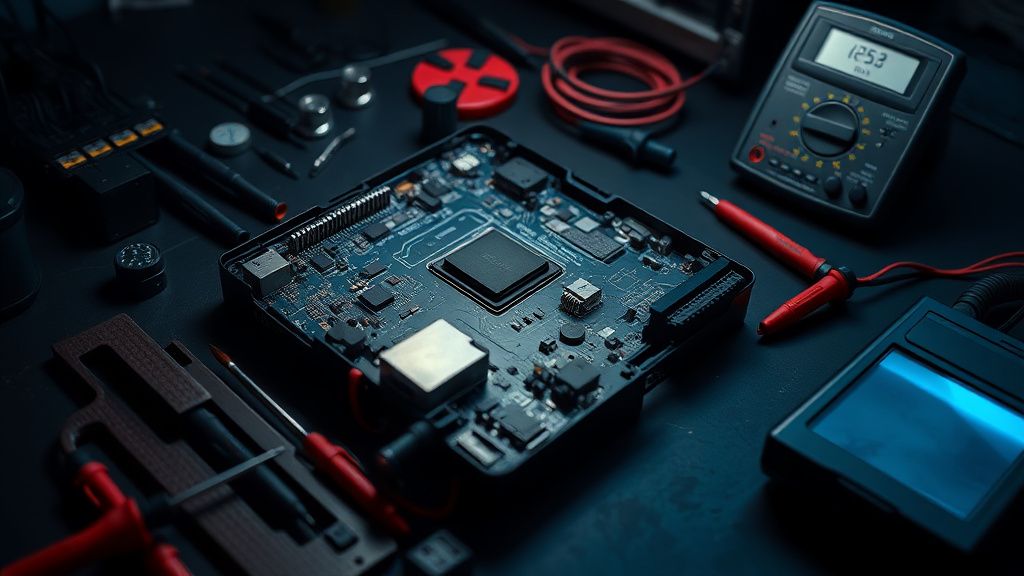
Generally, no. Unless you are an experienced technician with the specific tools required to bypass the security seals and handle the proprietary thermal compound, you will likely cause more damage. The console is engineered with tight tolerances; opening it often leads to thermal issues later.
Are there any "hidden" shortcuts to bypass the GSOD?
There is no "magic key" combination to fix a corrupted OS. The "Troubleshoot" menu (holding Pair+Eject) is the only legitimate interface provided. Anything else you read online about holding buttons for 30 seconds is largely anecdotal and usually does nothing more than allow time for the system to cool down.
Will Microsoft replace my console if it stays on the green screen?
If your console is under warranty, yes. Microsoft support usually treats E102 and related boot errors as "Hardware Faults" and will initiate a mail-in repair or exchange. The problem arises when the console is out of warranty, where the cost of repair can approach the value of a used unit.
Final Thoughts on Hardware Reliability
The Green Screen of Death is a reminder that we are at the mercy of the software-defined hardware era. While the Series X is a feat of engineering, it is a black box. For the average user, the best advice remains: keep your firmware updated, keep your power supply stable, and if the green screen appears, perform the cold power drain. If that fails, recognize that you are dealing with a technical failure that is likely beyond the scope of a standard user. Do not be fooled by "hacks" that promise a fix—if the hardware has reached its limit, software cannot force it to perform.
Bu makale affiliate linkleri içermektedir.