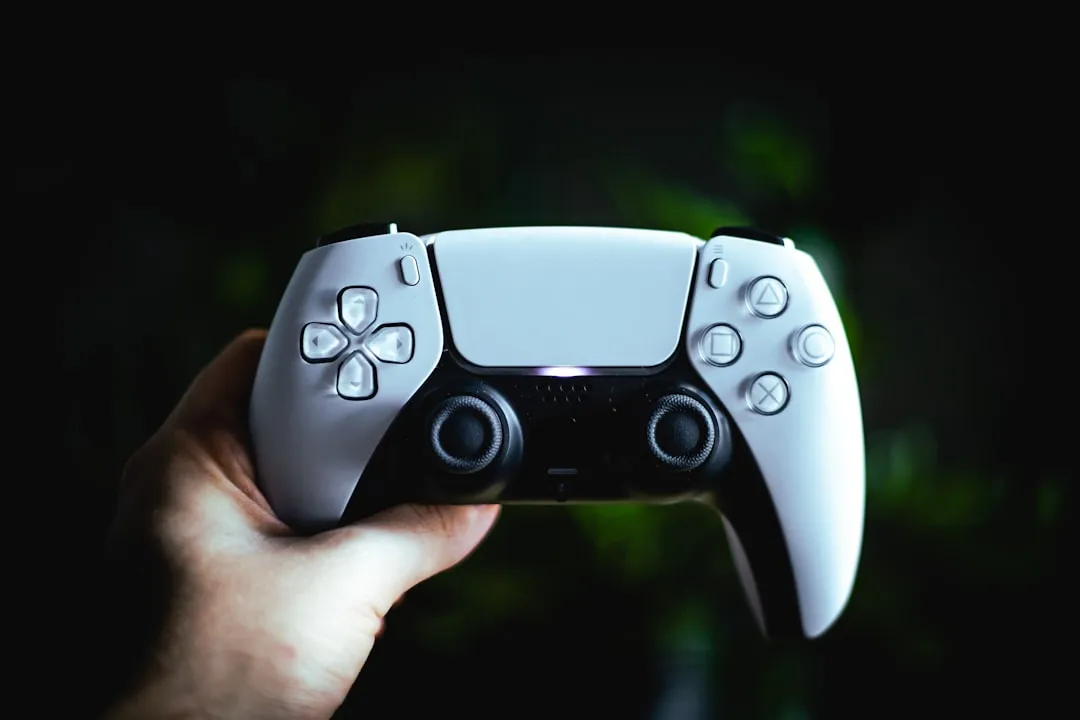
The "DualSense drift" phenomenon is rarely a singular hardware failure; it is a complex intersection of resistive element wear, potentiometer debris, and spring-tension fatigue. For a more comprehensive approach to fixing this common issue, consider consulting a DIY calibration guide for PS5 DualSense stick drift. If you are experiencing unintended input movement, recalibration via software is often a temporary placebo, while physical cleaning or modular replacement of the joystick assembly remains the only verifiable long-term engineering solution to this mechanical degradation.
The Physics of Potential: Understanding ALPS Joystick Architecture
To fix a DualSense controller, one must first respect the engineering—and the inherent flaws—of the ALPS Alpine joystick modules used inside Sony’s flagship hardware. These modules rely on two potentiometers: one for the X-axis and one for the Y-axis. Inside these potentiometers, a wiper (a small, conductive metal arm) scrapes across a resistive carbon-track arc.
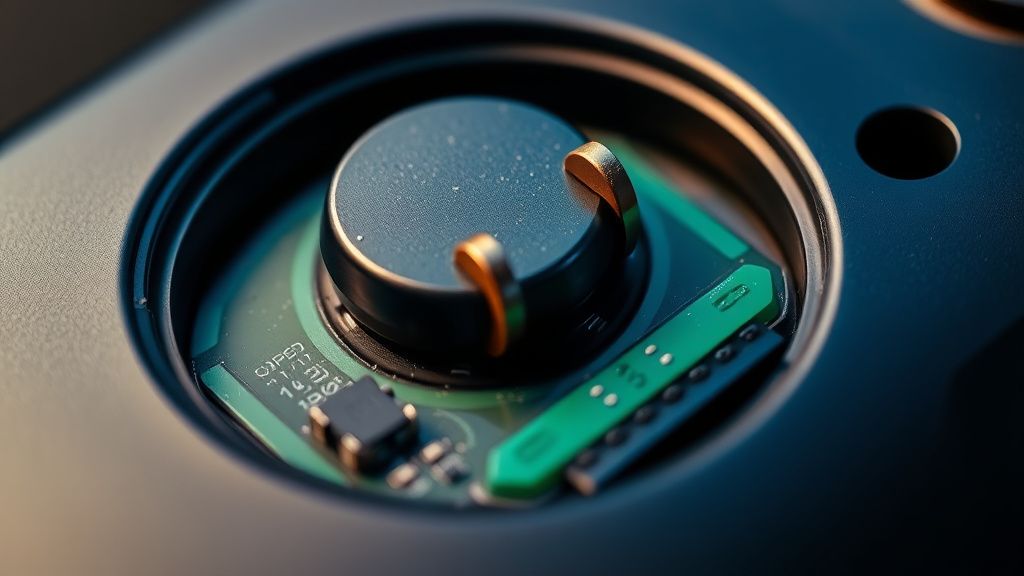
The "drift" occurs when the contact point between the wiper and the track is compromised. This can happen due to:
- Carbon buildup: As the track wears down, microscopic flakes of conductive carbon bridge the gap, causing the microcontroller to receive inconsistent voltage signals.
- Tension loss: The centering springs lose their elastic modulus over hundreds of hours of high-intensity play, particularly in titles like Call of Duty or Elden Ring, where aggressive "L3/R3" inputs are constant.
- Structural housing wear: The plastic socket holding the potentiometer can develop minute gaps, leading to "play" that the sensor misinterprets as user input.
Why Software Calibration Rarely Stops Drift
The internet is rife with "reset" tutorials. You’ve likely seen the advice: Press the pinhole button on the back, power cycle the console, wipe the cache. While these steps reset the controller's handshake with the Bluetooth stack, they do not—and cannot—correct physical resistance changes.
When a user complains that "it works for a day then drifts again," they are experiencing the "dirty contact" oscillation. A software reset might calibrate the deadzone settings in a game, but it does not remove the debris on the potentiometer. As you continue to play, the debris shifts, the resistance changes again, and the drift returns. This is why many professional repair technicians in the subreddit r/Controller advise against obsessing over console settings—you are chasing a ghost in the machine that doesn't exist.
Field Report: The Cleaning vs. Replacement Conflict
In the repair community, a quiet war persists between the "Cleaners" (those who use contact cleaner like DeoxIT) and the "Swappers" (those who solder on brand-new ALPS modules). These physical intervention debates are common in console repair, much like discussions on how to safely clean and fix an Xbox Series X when it becomes louder than usual due to dust.
- The Case for DeoxIT: Proponents claim that a few drops of high-grade electronic contact cleaner, applied directly into the potentiometer casing without full disassembly, can flush out oxidation and dust.
- The Reality: While effective for weeks, this is a stopgap. The carbon tracks are physically eroding. Once the coating is gone, cleaning can no longer restore the signal continuity. Eventually, the wiper scrapes the plastic underneath, leading to "ghosting" that no amount of spray can fix.
The Risks of DIY Disassembly
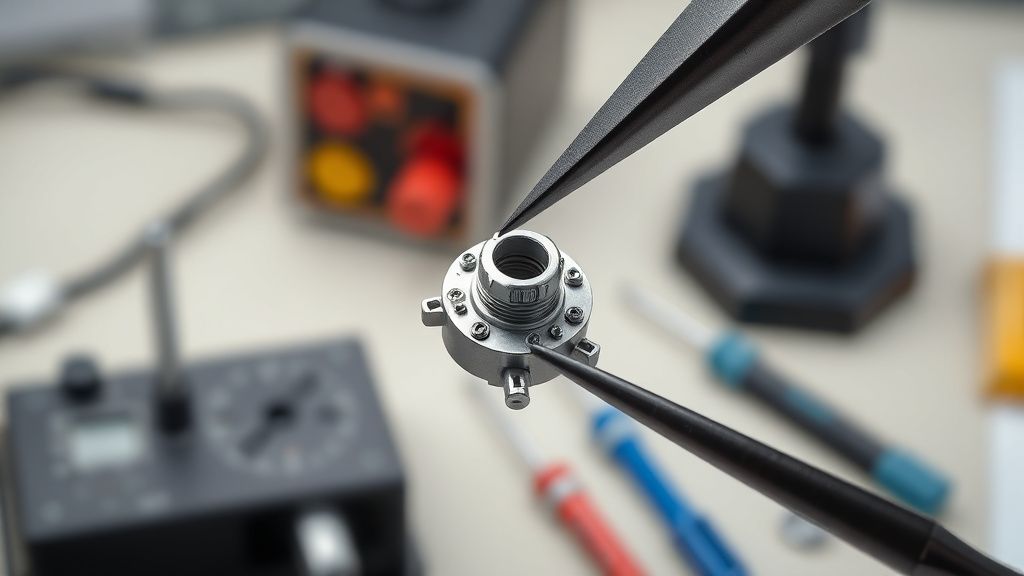
If you decide to open your DualSense, you are entering a high-friction environment. Just as with fixing stick drift, physical maintenance is often key to keeping your PS5 Slim running smoothly and preventing other hardware issues. Sony’s internal design is intentionally "anti-repair" in several spots. The ribbon cables—specifically the ones for the adaptive triggers and the haptic feedback motors—are notoriously fragile.
Common Failure Points During Repair:
- Ribbon Cable Snapping: The tiny ZIF connectors are prone to snapping if the flap is lifted with too much force.
- Spring Ejection: Opening the trigger assembly usually results in two tiny springs flying into the furthest, darkest corner of your room. Always work inside a clear plastic bag if you are a beginner.
- Haptic Motor Desoldering: The rumble motors are often glued or soldered in a way that requires significant heat to remove, risking damage to the logic board.
Advanced Diagnostics: Testing Input Jitter
Before taking a screwdriver to your controller, you need empirical evidence. Do not trust your eyes; trust the polling rate. Use a tool like Gamepad Tester via a PC connection.
If you see the raw input axis fluctuating between -0.05 and +0.05 even when you aren't touching the stick, you have hardware degradation. If the input stays at a solid 0.00 but "jumps" only when you move the stick, you likely have a mechanical obstacle, such as a piece of hair or lint trapped in the gimbal of the stick.
The Hidden Cost of "Hall Effect" Modding
A recent trend on platforms like YouTube and Twitter/X involves "Hall Effect" upgrades—replacing the standard potentiometers with electromagnetic sensors. While theoretically superior (no physical contact means no wear), this is not a plug-and-play solution.
- The Technical Hurdles: Hall effect modules require precise recalibration of the center point. Because the magnets in the replacement modules rarely match the exact specifications of the original Sony assembly, users often find themselves with "stick drift in the other direction."
- The Ecosystem Problem: There is no standard for these aftermarket modules. A board purchased from a bulk supplier on AliExpress might be "Version 2.1," which behaves differently than the "Version 2.0" expected by the firmware. This leads to a nightmare of support threads where users report that their controllers now show 10% drift in the opposite direction after the "upgrade."
Karşılıklı Eleştiri (Counter-Criticism): The Planned Obsolescence Argument
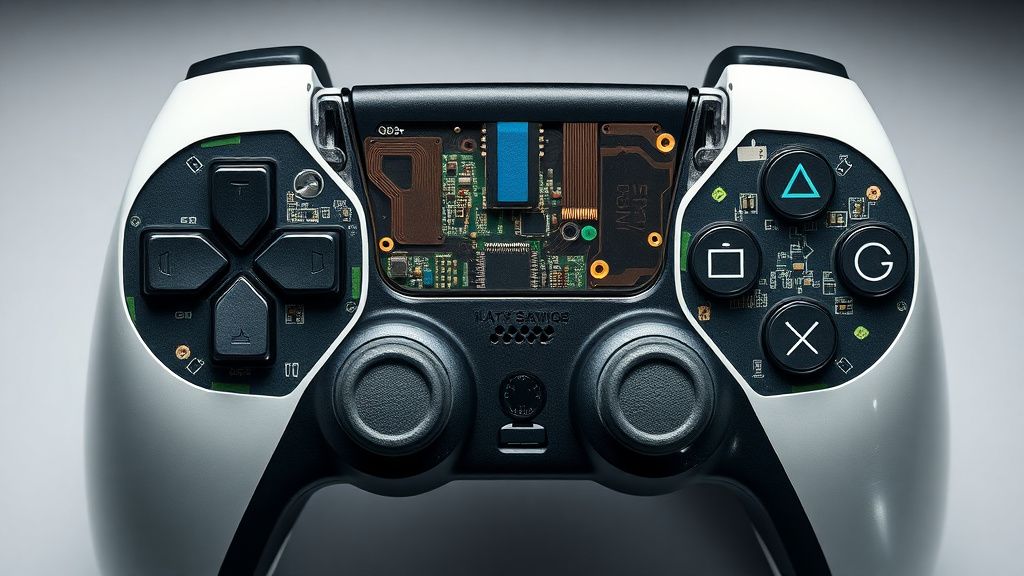
Critics frequently argue that the DualSense drift is a result of Sony’s focus on immersion (haptics/adaptive triggers) at the expense of structural reliability. By packing so much tech into a compact shell, the thermal dissipation is poor, and the vibration—while immersive—creates a constant low-frequency fatigue on all internal solder joints.
Conversely, industry defenders point out that at the $70 price point, producing a controller with the complexity of a DualSense requires compromises. If Sony used premium, industrial-grade potentiometers (like those found in $200+ pro controllers), the price-to-performance ratio would alienate the average consumer. The "drift" is effectively an economic compromise: you are paying for feature-density, and the cost is the physical durability of the input modules.
Troubleshooting Workflow: A Tiered Approach
- Level 1: The External Flush. Use compressed air around the base of the stick while rotating it. This removes surface dust. Do not use heavy solvents.
- Level 2: The Logic Reset. Use the pinhole reset button. If this doesn't fix it, use a PC to check the deadzone logs.
- Level 3: The DeoxIT Method. Apply a tiny amount of contact cleaner directly into the potentiometer slit. Move the stick vigorously for 60 seconds. Let it dry for two hours. Warning: If you use the wrong cleaner, it can dissolve the plastic.
- Level 4: Modular Replacement. Requires a soldering iron (T12 tip recommended), a steady hand, and a replacement ALPS potentiometer (RKJXV series). This is the "Nuclear Option."
Why does my controller drift only in specific games?
Some games (like competitive shooters) have very small deadzones, making them hypersensitive to minor drift. Other games (like RPGs) have larger, baked-in deadzones that hide the drift. If it drifts in a low-deadzone game, the hardware is failing, regardless of how it performs in other titles.
Can I calibrate the sticks using the PS5 system menu?
No. The PS5 operating system does not currently offer a native, deep-level stick calibration tool for the DualSense. Any "calibration" you see mentioned in forums is either a placebo or a game-specific setting that only applies to that specific software.
Is Hall Effect sensor replacement worth the risk?
Only if you are an expert at soldering. The risk of ruining the motherboard traces or misaligning the magnets is high. For 99% of users, replacing the entire ALPS module with a factory-spec one is safer and more reliable than attempting a Hall Effect conversion.
Why do my triggers feel "mushy" after I open the controller?
This usually means the spring tensioner on the adaptive trigger assembly was not seated correctly. The springs are tiny, coiled pieces of steel that must be hooked into specific plastic notches. If they are slightly off, the trigger will lose its physical resistance.
Is "stick drift" a valid reason for a warranty claim?
Yes, provided you have not opened the controller. If you have voided the warranty sticker (or simply opened the case), Sony will almost certainly refuse service. If you are in the US or EU, check your local consumer protection laws regarding "Right to Repair," as these can sometimes compel manufacturers to honor warranties even if the device has been opened.
The Future of Input Reliability
As we look at the next iteration of input devices, the reliance on mechanical potentiometers is clearly a bottleneck. The industry is currently locked in a "race to the bottom" regarding manufacturing costs, while users are demanding higher precision. Unless Sony shifts to contactless magnetic sensors in their base models—a change that would significantly increase BOM (Bill of Materials) costs—drift will remain the most common failure point in the lifecycle of any modern console gamepad.
When you pick up your controller tonight, remember: it isn't just a toy. It is a fragile collection of mechanical wipers and springs, vibrating under the stress of your gameplay, performing millions of microscopic electrical signals per hour. Treating it with the mechanical respect it deserves—or being prepared to learn the art of the solder—is part of the modern gaming experience.
Bu makale affiliate linkleri içermektedir.