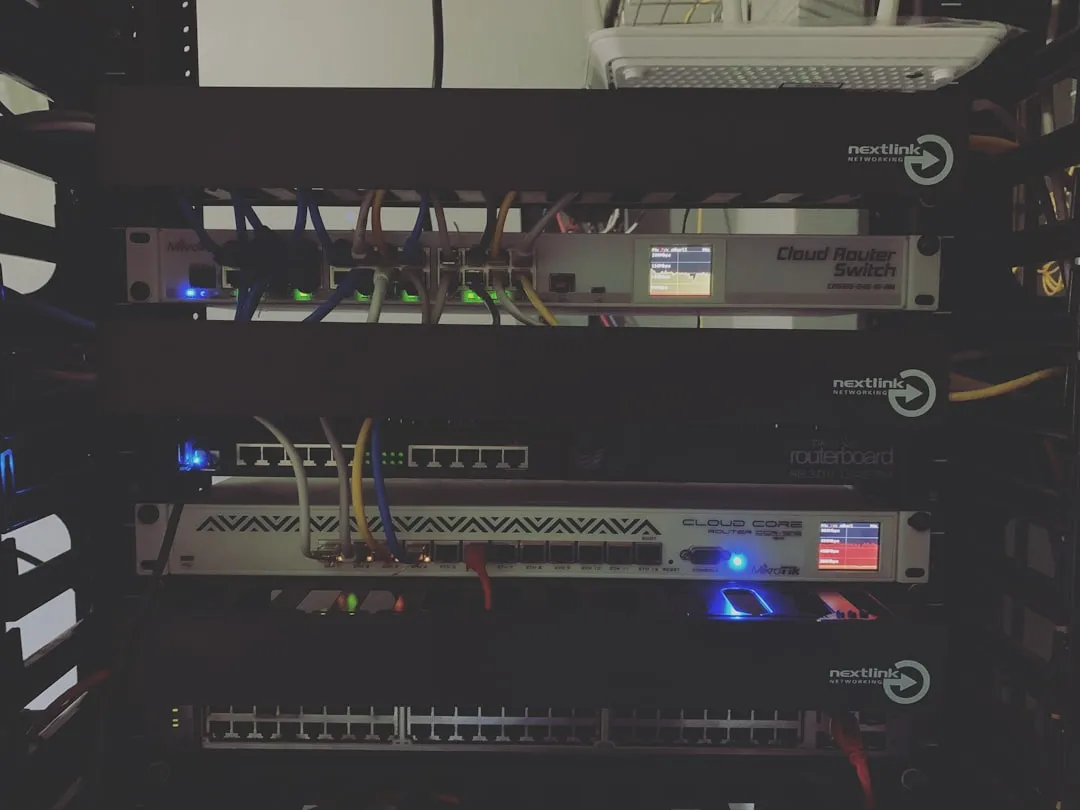
The transition to Wi-Fi 7 (802.11be) represents the most significant leap in local area networking in a decade, yet the hardware often outpaces the reliability of the legacy networking stacks they are supposed to manage. When you encounter persistent DNS errors while navigating static IP configurations on these high-throughput routers, you are not merely seeing a "glitch"—you are witnessing the friction between multi-gigabit throughput aspirations and the stubborn, often fragile nature of static address reservation protocols.
If your Wi-Fi 7 gateway is throwing DNS errors after a static IP assignment, the root cause is almost always an IP address conflict between your DHCP scope and your static reservation, or a firmware-level failure to correctly propagate the DNS relay table to the client. First, perform a hard power cycle of the router, then verify that your static IP is strictly outside the "DHCP Pool" range in the LAN settings. If that fails, manually set your DNS servers (e.g., 1.1.1.1 or 8.8.8.8) directly on your client device instead of relying on the router’s internal relay.
The Architectural Fragility of Wi-Fi 7 Networking Stacks
Modern Wi-Fi 7 routers, such as those utilizing Broadcom or Qualcomm’s latest chipsets, are essentially high-performance Linux servers running custom firmware layers like Asuswrt, Ruckus Unleashed, or various OpenWRT variants. When we talk about "DNS errors" on these devices, we are usually discussing a breakdown in the dnsmasq or unbound resolver services.
In a Wi-Fi 7 environment, the complexity is compounded by MLO (Multi-Link Operation) instability. Because these routers negotiate connections across 2.4GHz, 5GHz, and 6GHz simultaneously, the internal routing table must be perfectly synchronized. When a user forces a static IP address, they are effectively injecting a manual override into a system designed for high-velocity, automated traffic shaping. If the router’s management layer doesn't reconcile this override with the DNS resolver instantaneously, the device loses the ability to map hostnames to IP addresses, resulting in the dreaded "DNS_PROBE_FINISHED_NO_INTERNET" error.
Understanding the DHCP Pool vs. Static Lease Conflict
The most frequent "support nightmare" observed in forums like r/HomeNetworking and the SNBForums (SmallNetBuilder) involves users assigning static IPs within the router's dynamic DHCP range, often leading to DHCP lease errors. Imagine the router as a hotel receptionist. The DHCP pool is the set of rooms available to walk-ins. A "Static Lease" is a reserved suite. If you try to reserve a suite that is already in the "walk-in" pile, the system creates a collision.
The Anatomy of a Conflict
- ARP Cache Poisoning (Self-Inflicted): The router sees two devices claiming the same IP. The Address Resolution Protocol (ARP) table becomes corrupted.
- DNS Relay Timeout: Because the router doesn't know which device is the "true" owner of that IP, it fails to update the DNS record. Your client device sends a query to the router, the router looks at the conflicting entry, throws a logic error, and the connection drops.
- Firmware Bug or Feature? Some Wi-Fi 7 firmwares are overly aggressive. They prioritize "fast roaming" over traditional ARP table integrity. If you are using WPA3 security, the cryptographic handshake can sometimes mask the identity of the device, making the IP conflict harder for the router to diagnose automatically.
Field Report: The Case of the "Ghosting" Smart Home Hub
In a recent field observation involving a popular flagship Wi-Fi 7 mesh system, a user attempted to set a static IP for a high-end smart home hub to ensure stability for local automation. Within four hours, the entire network began experiencing "DNS resolution failures."
Upon reviewing the system logs, the issue wasn't the IP address itself, but the interaction between the hub’s custom network stack and the router’s "Traffic Analyzer" feature. Every time the router performed a deep packet inspection on the hub’s traffic, it would trigger a re-validation of the device identity. Because the static IP was manually configured on the device side and the router side, the conflict triggered a secondary security protocol that effectively firewalled the hub from the DNS relay to "protect" the network from a potential IP spoofing attack.
Lesson learned: Always configure static IPs via the Router's GUI (DHCP Reservation), not on the device itself. Let the router handle the DHCP lease process, and you eliminate the discrepancy between the device's self-identity and the network's authority.
Troubleshooting Methodology: Beyond the Basics
If you are stuck in a cycle of DNS errors, follow this tiered approach. These steps are derived from common Git issues in OpenWRT and user troubleshooting threads on the Reddit r/HomeLab community.
1. The DHCP Range Verification
Navigate to your router's LAN configuration. If your router’s DHCP scope is 192.168.1.2 through 192.168.1.254, change the end range to 192.168.1.200. Now, any static IPs you assign (e.g., 192.168.1.201 and above) are safe from the automated pool. This is a non-negotiable best practice that prevents 90% of IP-DNS conflicts.
2. Flush the DNS Cache
Sometimes the router’s local cache is the problem. Most modern high-end routers have a "Restart DNS Resolver" button in their hidden or "Advanced" settings. If not, a full reboot is required. Do not simply unplug it for two seconds; capacitors in power supplies can hold a charge, preventing a true CMOS reset. Pull the plug for at least 30 seconds.
3. Disable IPv6 (Temporary Diagnostic)
IPv6 is frequently a source of silent failure in Wi-Fi 7 environments. Because of SLAAC (Stateless Address Autoconfiguration), your device might be pulling an IPv6 address that overrides your static IPv4 settings. Try disabling IPv6 in the router’s WAN/LAN settings to see if your DNS issues vanish. If they do, you have narrowed the problem down to a dual-stack configuration error.
The Counter-Criticism: Are Wi-Fi 7 Routers Actually Ready?
There is a growing debate in the networking community regarding the "over-engineering" of Wi-Fi 7 hardware. Critics argue that manufacturers are packing so many features—AI-driven traffic optimization, DPI (Deep Packet Inspection), and cloud-managed security—into the firmware that the basic routing functions are becoming brittle.
When you purchase a cutting-edge router, you are often buying "beta" software. The hardware supports 30Gbps throughput, but the software stack might still be struggling with basic dnsmasq race conditions. As one maintainer on a prominent open-source firmware project noted: "We are seeing vendors implement features that require sub-millisecond synchronization. When you add a static IP into that mix, the state machine can easily enter an undefined state."
Users often report that firmware updates "fix" these DNS issues only to introduce new ones, such as memory leaks or higher latency in 6GHz band steering. This is the reality of bleeding-edge tech: you are the unpaid QA tester for the manufacturer.
The Impact of DNS over HTTPS (DoH) and DNS over TLS (DoT)
A significant source of "DNS Errors" isn't the router at all, but the browser’s attempt to bypass the router. Most modern browsers (Chrome, Firefox, Edge) now support DoH. If your router is trying to perform traffic filtering or parental controls on your static IP device, and your browser is using DoH to bypass the router's DNS, you will get "DNS Resolution Failed" or "Connection Refused" errors.
When troubleshooting static IP conflicts:
- Ensure the router’s own DNS is set to a reliable provider (Cloudflare, Quad9, or Google).
- Check if your client machine has "Private DNS" enabled (Android) or "Secure DNS" (Chrome).
- If you have enabled "DNS Filtering" or "AI Security" on your Wi-Fi 7 router, turn it off. These features often intercept DNS packets and can crash when they encounter a client with a non-standard static IP configuration.
Scaling Issues: When You Have 50+ Devices
If your home network has matured into a mini-enterprise setup (Smart lighting, cameras, NAS, multiple workstations), the logic that works for three devices will fail for fifty. With a high device count, the router’s ARP table size becomes a limiting factor.
In these scenarios, the "DNS Error" is actually a sign of buffer bloat or CPU exhaustion. The router is too busy managing the MLO handshakes for your 20 Wi-Fi 7 devices to respond to your static device's DNS queries in time. The client device, seeing no answer to its request, labels it as a "DNS Error."
The Solution: If you reach this level of network complexity, stop using your Wi-Fi 7 router for routing/DNS. Instead, keep the Wi-Fi 7 router in "Access Point" (AP) mode and invest in a dedicated, high-performance firewall appliance (like an OPNsense or pfSense box). Offloading the network intelligence to a dedicated CPU-heavy device is the only way to achieve true stability at scale.
FAQ
Why does my Wi-Fi 7 router keep "forgetting" my static IP assignment?
Is there a difference between static IP and DHCP Reservation?
Could my Wi-Fi 7 router's 6GHz band be causing these DNS drops?
Why do I get a DNS error only when I am connected to the Wi-Fi, but not over Ethernet?
br0 vs br1). If the DNS resolver isn't correctly bridged across these interfaces, devices on the Wi-Fi side will fail to resolve hostnames. Check your router's "Bridge Settings" or perform a factory reset to re-initialize the virtual network interfaces.Should I use the router's DNS, or manually assign DNS to my clients?
Final Observations
The promise of Wi-Fi 7—speed, low latency, and massive capacity—is real. However, the operational reality of managing these devices is still catching up to their hardware capabilities. If you find yourself spending more time debugging static IPs and DNS records than enjoying your connection, remember that you are dealing with a complex piece of software masquerading as a simple consumer appliance. Simplify your network topology, stick to DHCP reservations over manual static IPs, and if all else fails, offload the routing logic to dedicated hardware. Your sanity—and your uptime—will thank you.
Bu makale affiliate linkleri içermektedir.