
Conducting a cybersecurity audit on your home network is less about buying expensive hardware and more about exposing the "invisible" sprawl that has accumulated in your living space. Most home networks today are fragile ecosystems—an organic mess of legacy Wi-Fi extenders, cheap IoT devices with abandoned firmware (such as a smart thermostat wasting energy), and unpatched mobile handsets that bridge the gap between your secure workstation and the public internet. This guide moves beyond the "change your password" advice found in generic blogs, focusing instead on the actual forensic reality of network hygiene and the persistent threat of lateral movement within private segments, which can sometimes involve advanced solutions like understanding how secure a Raspberry Pi WireGuard VPN actually is.
Mapping the Attack Surface: Why Default Gateway Security is a Myth
The operational reality of a modern home network is fragmentation. You likely have a mix of 2.4GHz smart bulbs that haven't seen an update since 2019, a game console acting as a secondary media server, and a primary PC used for sensitive work. The "perimeter" is no longer the front door; it is every single MAC address currently negotiating an IP via DHCP.
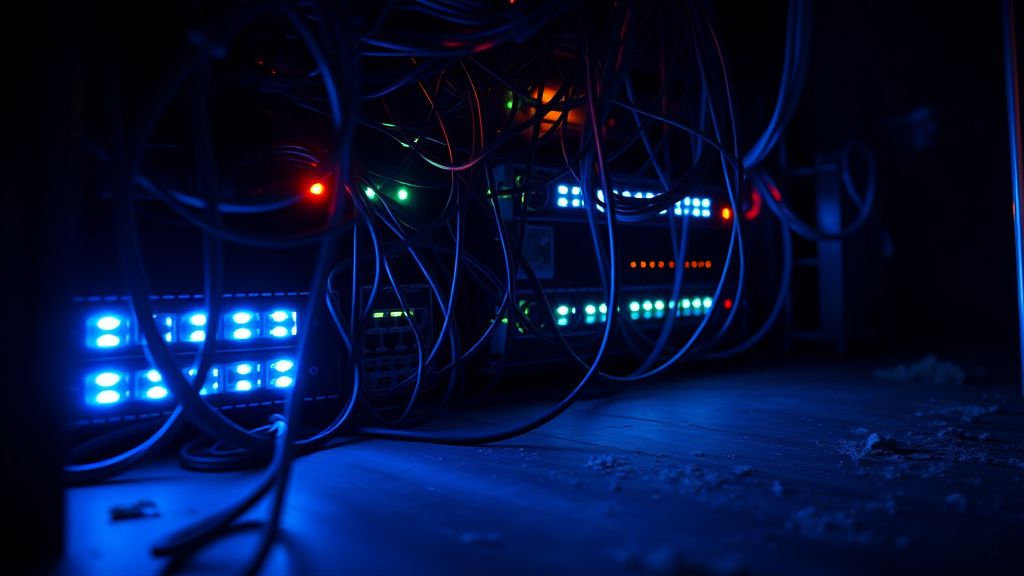
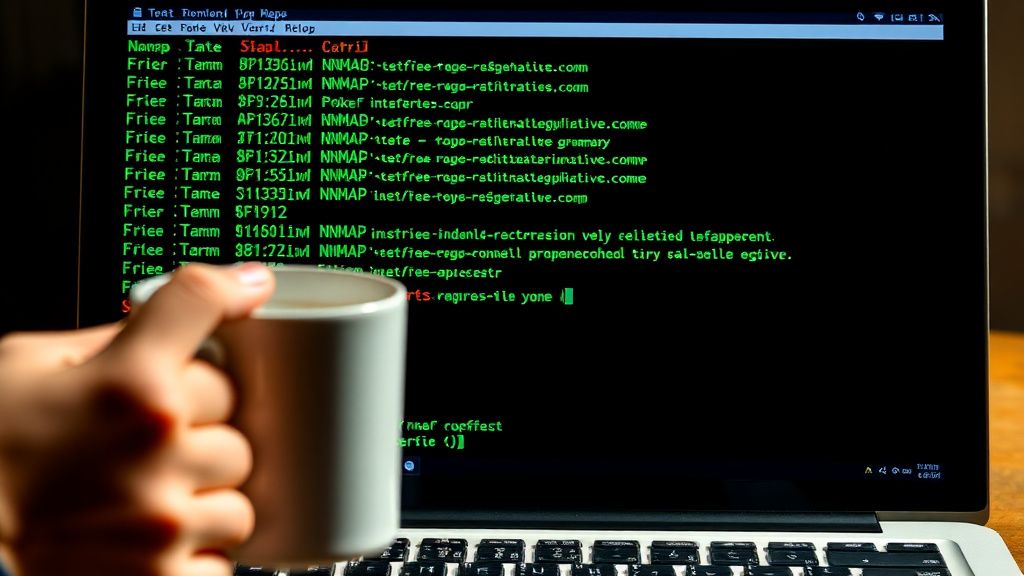
When auditing, you must first acknowledge that your ISP-provided router is a black box, and understanding its configurations, such as why port forwarding might be failing on your new Wi-Fi 7 router, is critical. Most provide the bare minimum for connectivity but often include hidden remote management features designed for technician access—features that hackers have historically exploited to gain persistent access to home gateways. Start your audit by mapping every device. Use tools like nmap or Advanced IP Scanner to create an inventory. If you find a device you don't recognize—perhaps a legacy tablet or a smart fridge—it isn't just an audit finding; it’s a potential entry point for lateral movement.
The Firmware Rot and the IoT Vulnerability Gap
The biggest technical failure point in home networking is the "set it and forget it" mentality regarding IoT devices. When you audit, you aren't just looking for "bad passwords." You are looking for devices that have reached "end of life" (EOL) status. If your smart camera manufacturer went bankrupt two years ago, their cloud servers are likely unpatched, and your device is essentially a beacon for botnet recruitment.
Operational Reality Check: Many users attempt to secure their network by hiding their SSID. This is a "security by obscurity" fallacy. It does not stop a motivated actor using a packet sniffer like Wireshark or Kismet. The real audit step is verifying if your router supports WPA3. If it doesn't, you are relying on WPA2-AES, which is susceptible to dictionary attacks if your pre-shared key (the password) isn't cryptographically robust.
“The most common failure I see in home network audits isn’t a lack of tools, it’s the inability to segment. People treat their guest devices with the same network-level trust as their primary bank-access machine. That is how a compromised $10 smart plug leads to a ransomware vector on your personal server.” — Senior Network Security Researcher (Anon)
Segmenting the Digital Household: VLANs and Guest Networks
If your router supports VLANs (Virtual Local Area Networks) or even just a robust "Guest Network" feature, utilize it. Your home audit must verify that your IoT devices are physically or logically isolated from your high-trust devices.
- Management Segment: Admin interfaces, NAS devices, workstations.
- IoT/Untrusted Segment: Cameras, smart appliances, random gadgets.
- Guest Segment: Transient devices that get no access to internal resources.
The friction here is high. Many smart home hubs (like Philips Hue or Sonos) require mDNS (multicast DNS) to function, which often breaks when you push them into a separate VLAN. This is where the workaround culture kicks in: users end up disabling the security controls because the "user experience" is too clunky. If you’re performing an audit, you must decide if the operational convenience is worth the risk of a breach.
Real Field Report: The "Double-NAT" Catastrophe
A common trend in recent years, particularly among home-office users trying to bolster their security, is the implementation of "Double-NAT" (Network Address Translation). The theory is that placing your own high-end router behind the ISP gateway creates a second layer of defense. In practice, this often results in a support nightmare. I have reviewed multiple community threads on platforms like Reddit's r/homelab where users complained about "random connectivity drops" that were actually caused by the ISP gateway's state table overflowing because it was handling the NAT translation for thousands of packets initiated by the user's secondary router.
The audit lesson here? Complexity is the enemy of security. A simple, well-maintained router with updated firmware is infinitely better than a "fortress" architecture that you don't know how to troubleshoot when the ISP push-updates the modem at 3 AM.
Hardening DNS and Controlling Outbound Traffic
Your audit should include a deep dive into DNS leakage. By default, your ISP logs every single domain you visit. They use this data to build profiles. Auditing your network means shifting to a privacy-focused recursive resolver like Quad9 (which filters malicious domains) or Cloudflare (1.1.1.1).
- DNS-over-HTTPS (DoH): Ensure your router or individual devices use DoH to prevent man-in-the-middle sniffing of your DNS queries.
- Outbound Traffic Filtering: If you are truly serious, look at a solution like Pi-hole or AdGuard Home. These aren't just for blocking ads; they are powerful telemetry-blocking tools. By reviewing the logs, you will quickly see which "smart" devices in your house are trying to "phone home" to servers in countries where you have no business interests.
Counter-Criticism: The "Privacy vs. Utility" Debate
There is a loud contingent in security forums arguing that home users are "over-auditing." The criticism is that by obsessing over logs, DNS blocking, and VLAN segregation, users are creating "fragile systems" that fail during critical moments—like when a firmware update bricks a custom firewall config, or when a family member can't cast a YouTube video because of a VLAN policy.
Critics argue that for the average household, hygiene is superior to complexity. A long, unique password and automatic updates are, statistically, more effective than an unmanaged, "hardened" network that the user lacks the technical skill to maintain.

Technical Maintenance: The "Evergreen" Audit Checklist
If you are conducting a true audit, do not rely on memory. Use a spreadsheet or a Notion doc to track the following:
- Firmware State: Check the manufacturer's support portal for every single node. If a device hasn't received a security patch in 18 months, it is a liability. Isolate it.
- Upnp (Universal Plug and Play): Disable it. This is a non-negotiable directive. UPnP allows devices to open ports on your firewall automatically. In the age of sophisticated malware, this is an open door that you are holding wide for attackers.
- Default Credentials: If you haven't changed the login for your router’s administrative console, you have already failed the audit. Check the "admin/admin" and "admin/password" credentials on every switch, access point, and gateway.
- Wi-Fi Security: WPA3 is the target. If you are stuck on WPA2, ensure you are using AES-CCMP encryption and a long, high-entropy passphrase. No, your cat's name is not entropy.
The Human Factor: Social Engineering and Password Hygiene
Even the most secure network is irrelevant if a family member clicks a phishing link that installs a remote access trojan (RAT) on a Windows workstation. Your audit must encompass the human element. Discuss "zero-trust" behaviors with your household:
- Never click links in unexpected emails.
- Use a Password Manager. If you are still reusing passwords across different sites, an audit of your router will not protect you from credential stuffing attacks.
- Physical Access: If your router is in the garage or a shared area, consider who has physical access to the Ethernet ports. A simple "LAN Bunny" or a Raspberry Pi dropped behind a desk can bypass your entire firewall configuration.
FAQ
Is it necessary to buy a firewall appliance like pfSense or Firewalla for a home network?
My ISP provides a router/modem combo. Should I replace it?
I found a device on my network I don't recognize. What do I do?
How often should I perform this audit?

The Future of Home Network Defense: Automated Security
The industry is moving toward "Self-Healing Networks." We are seeing features in modern routers that automatically identify anomalous traffic patterns (like a smart bulb suddenly trying to connect to a server in a foreign country) and isolating those devices automatically. As an auditor, your role is transitioning from "manual check" to "policy management." You are becoming the administrator of your own digital territory, shifting from reactive patching to proactive configuration.
The ultimate takeaway is this: A home network audit is not a test you pass or fail. It is a process of narrowing the gap between your desired security posture and the chaotic reality of modern interconnected hardware. Stay curious, keep your documentation updated, and never assume that "connected" implies "secure."
Bu makale affiliate linkleri içermektedir.