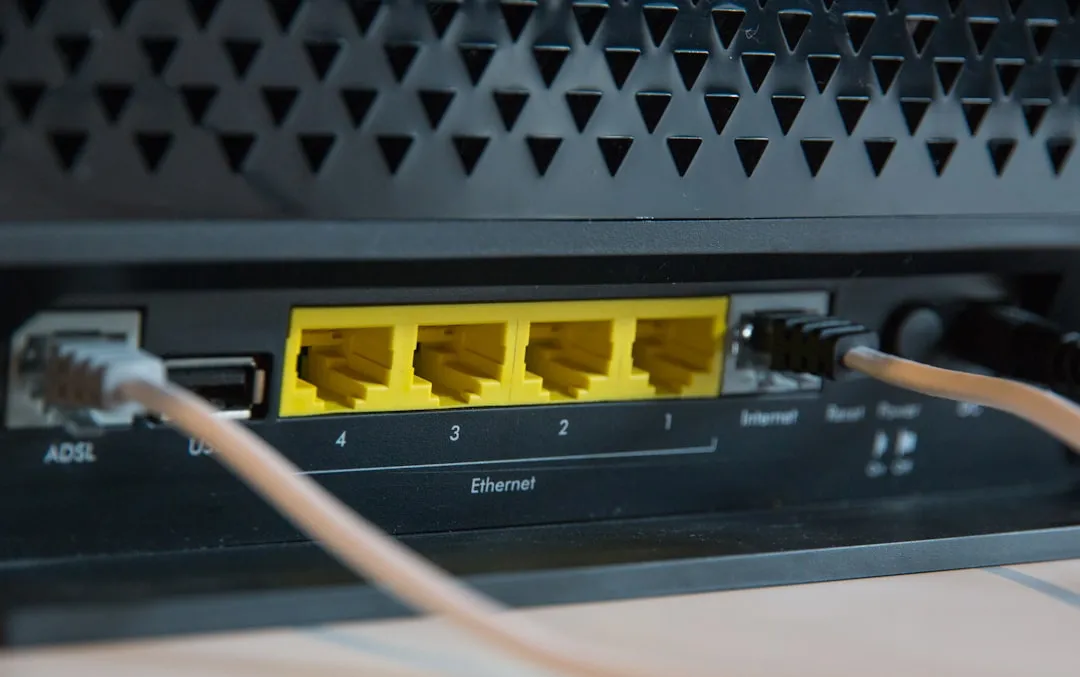
If your port forwarding isn’t working on a Wi-Fi 7 router, the culprit is almost certainly Double NAT or an overlooked CGNAT (Carrier-Grade NAT) restriction from your ISP. Wi-Fi 7 hardware, such as the BE19000 or BE22000 series, uses complex Multi-Link Operation (MLO) management that often conflicts with legacy static mapping protocols like UPnP, requiring manual static IP reservation and firewall rule audits.
The Anatomy of the Wi-Fi 7 Port Forwarding Paradox
The transition to IEEE 802.11be—the technical standard for Wi-Fi 7—introduced throughput speeds that make gigabit connections feel like dial-up. However, beneath the marketing veneer of "extreme throughput" and "ultra-low latency," the fundamental networking stack remains as fragile as ever, often leading to issues like packet loss. When you open a port on a modern $700 tri-band mesh system, you aren't just opening a gate; you are navigating a labyrinth of kernel-level firewalls, hardware offloading engines, and ISP-side obstructions.
Historically, port forwarding was a "set it and forget it" task. On a Wi-Fi 5 router, you defined an internal IP, an external port, and an internal port. With Wi-Fi 7 routers, the hardware is designed to handle massive state tables to support thousands of concurrent devices. When these tables get flooded, or when the router’s proprietary "Security Suite" (often powered by AI-driven deep packet inspection) sees incoming traffic, it may silently drop the connection despite the rule being technically "correct" in the dashboard.
Identifying the Invisible Wall: CGNAT and Upstream Friction
Before you blame the firmware of your new BE-series router, you must audit your WAN interface. Most users reporting "Port Forwarding Not Working" on forums like r/HomeNetworking or the various GitHub repositories for open-source router firmware are actually victims of CGNAT.
- The ISP Reality: Your ISP is likely reusing IPv4 addresses across thousands of customers. If your WAN IP (the address your router reports) does not match the IP shown on "WhatIsMyIP" sites, you are behind CGNAT. No amount of port forwarding configuration on your router will resolve this, because the "gate" is closed at the ISP’s infrastructure level, not yours.
- The Double NAT Trap: If you have an ISP-provided modem/router combo in front of your Wi-Fi 7 node, you have two routers fighting for control. Each creates its own NAT table. Port forwarding rules applied to the Wi-Fi 7 router are effectively being ignored because the primary modem has no idea where to send the traffic.
Configuring Static IPs and Handling DHCP Reservation Conflicts
The most common "user error" in port forwarding is neglecting DHCP Reservation. If your server or gaming console—the target device for your port forwarding rule—doesn't have a static internal IP, it will eventually renew its lease and change addresses. The router’s rule remains pointed at the "old" address, effectively black-holing the traffic.
Field Observation: In enterprise-grade deployments, we’ve seen IT admins struggle with "sticky" MAC address tables on Wi-Fi 7 routers. Even after deleting a rule, the internal hardware switch may maintain the mapping in its fast-path cache. A simple reboot is often the only way to flush this cache, which is a major point of frustration for users who expect real-time updates to their configuration.
Deep Packet Inspection (DPI) and Security Suite Interference
Modern Wi-Fi 7 routers are essentially security appliances. Brands like TP-Link, ASUS, and Netgear integrate heavy-handed "HomeShield," "AiProtection," or "Armor" suites. These systems perform DPI to block malware.
However, these security engines often flag unsolicited incoming traffic—the exact kind of traffic port forwarding is designed to permit—as a "potential intrusion" or "DDoS threat." If your port forwarding is failing despite correct settings, disable all "AI Security," "IPS," and "Firewall Boosting" features temporarily. If the ports suddenly open, you’ve found the root cause. This is a classic example of "feature bloat" undermining core functionality.
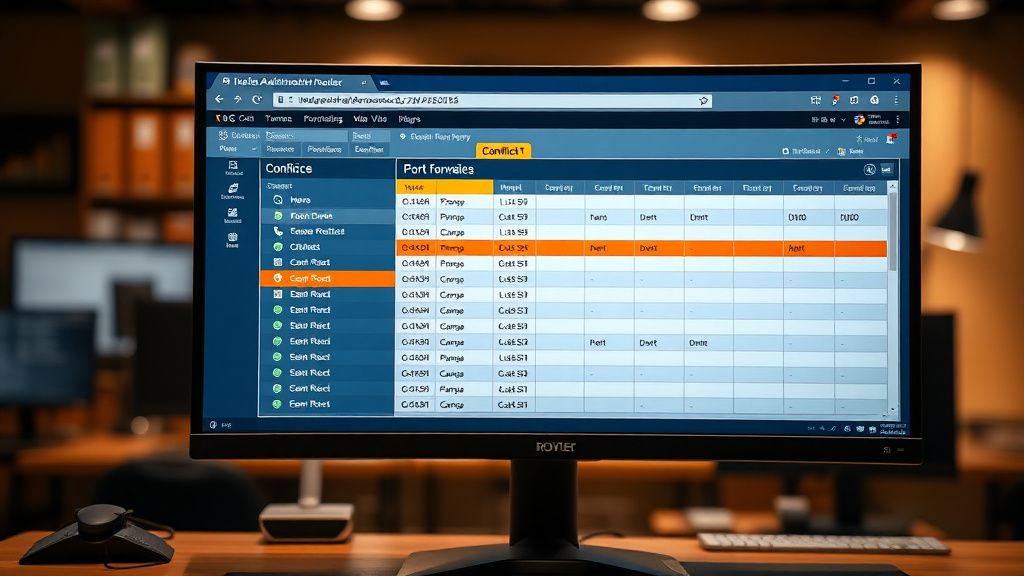
Counter-Criticism: Why Modern Firmware is Failing the Power User
There is a growing debate in the networking community regarding the "dumbed down" nature of modern router UIs. On Hacker News and specialized networking forums, power users frequently criticize current Wi-Fi 7 firmware for hiding essential logs.
"I can't see why the packet was dropped," is a recurring sentiment. In previous eras, we had detailed iptables access and readable logs. Today, if a port is closed, you get a green checkbox in the UI, but the reality behind the curtain is opaque. This creates an environment where users rely on "trial and error" or "turn it off and on again" rather than actual technical diagnostic methodologies. This is a failure of UX design, not of the network hardware itself.
Advanced Diagnostics: Testing the Port
If the UI says the port is open but services like canyouseeme.org report "Connection Timed Out," you are facing a transit issue. Follow this diagnostic checklist:
- Check the Listening Service: Is the application (e.g., a game server or local web server) actually running? A port forward rule does nothing if nothing is "listening" on that port on the target device.
- Windows/Linux Firewall: The router might be passing the traffic, but your host machine’s local OS firewall (Windows Defender or
ufw) is blocking it. - ISP Blocking: Some residential ISPs block common ports like 80, 443, and 25 to prevent users from hosting servers. Try testing with an ephemeral, high-range port (e.g., 50000+).
The Migration Chaos: Upgrading from Wi-Fi 6 to 7
Many users reporting issues are migrating from older Wi-Fi 6 or 6E systems. When you import a config backup from an old router to a new Wi-Fi 7 model, you are often carrying over garbage data.
Engineering Perspective: Cross-model configuration migration is notorious for breaking NAT tables. The data structure for a port forwarding rule on a generic router is not always compatible with the MLO-aware firmware of a Wi-Fi 7 device. It is a best practice—and a common "fix"—to factory reset the Wi-Fi 7 router and re-enter your port forwarding rules manually rather than relying on a legacy backup file.

Security Implications: The Cost of Convenience
Every open port is a potential attack surface. By bypassing the router's NAT, you are essentially punching a hole in your home network's primary defense.
- Credential Stuffing: If you open RDP (port 3389) or SSH (port 22) to the internet, you will be hit with brute-force attacks within minutes.
- Recommendation: Wherever possible, use a VPN (like Tailscale or WireGuard) rather than port forwarding. VPNs provide the same connectivity without the massive security vulnerability of exposing raw ports to the open internet.
Q: Why does my port forwarding show "active" in the router UI but my service is unreachable?
This is a classic symptom of either a local software firewall on your host machine or an upstream ISP-level block (CGNAT). The router is doing its job, but the packet is either being dropped at the destination device or never arriving at your router to begin with.
Q: Does WPA3 security on my Wi-Fi 7 router affect port forwarding?
No. WPA3 pertains to the wireless encryption layer between your device and the router. Port forwarding happens at the WAN-to-LAN packet routing layer. They are mathematically independent, though some buggy firmware might conflate the two during deep packet inspection.
Q: Can I use UPnP instead of manual port forwarding?
While easier, UPnP is a security nightmare. Any malicious software on your network can open ports without your consent. For mission-critical traffic, always prefer manual static mapping over the automated, insecure mess that is UPnP.
Q: Why do my Wi-Fi 7 router logs say "Drop" for valid traffic?
This usually stems from the router’s integrated "DoS Protection" or "Flood Protection" settings. These settings often perceive high-frequency game server traffic or P2P connections as an attack and kill the connection to "save" the network.
Q: Does the new 6GHz band affect my port forwarding?
No. 6GHz is a physical layer transport for Wi-Fi. Port forwarding is a transport-layer (TCP/UDP) routing process. While they occupy the same router, they operate in different universes of the OSI model.
Q: Will a factory reset clear my port forwarding rules?
Yes. A factory reset wipes the entire NVRAM partition. Always document your rules before performing a hard reset.
Q: Is there a specific protocol (TCP vs UDP) I should choose?
Most services use TCP, but gaming servers often require UDP. If you aren't sure, check the documentation for your application. If it’s unclear, creating two identical rules—one for TCP and one for UDP—is the standard workaround for "I don't know what it needs" situations.
Q: Why is my latency high even after the port is open?
Check if your router’s "QoS" (Quality of Service) is enabled. QoS often prioritizes traffic by inspecting packets. This adds CPU overhead to the router. On high-end Wi-Fi 7 gear, disabling QoS often solves latency spikes during heavy traffic loads.
Bu makale affiliate linkleri içermektedir.