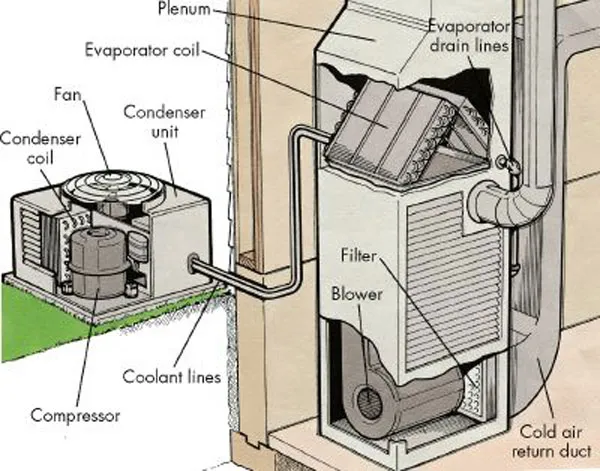
Achieving energy-neutral HVAC cycling through smart thermostat calibration is less about "smart" marketing and more about taming the aggressive, often poorly tuned PID (Proportional-Integral-Derivative) controllers embedded in modern residential systems. The goal is to minimize short-cycling—the frequent, inefficient startup and shutdown of your HVAC unit—which ravages equipment longevity, potentially leading to issues like overheating and excessive noise, and spikes electricity demand. By balancing sensor hysteresis, anticipation logic, and stage-gate timing, you turn a reactive device into an anticipatory climate manager.
The Architecture of HVAC Inefficiency and System Hysteresis
At its core, a thermostat is a simple switch, but in the smart era, it has become a complex algorithmic gatekeeper. The primary enemy of energy neutrality is the hysteresis loop—the gap between the setpoint and the actual trigger point for the compressor or furnace.
Most out-of-the-box smart thermostats are tuned for "comfort first," meaning they prioritize hitting the setpoint as fast as possible. This leads to overshoot and undershoot, forcing the HVAC unit to cycle unnecessarily. To recalibrate, you must first understand your system's Time Constant. This is the physical thermal mass of your home; how long it takes for a room to lose or gain one degree Fahrenheit.
The Hidden Costs of Rapid Duty Cycling in Forced-Air Systems
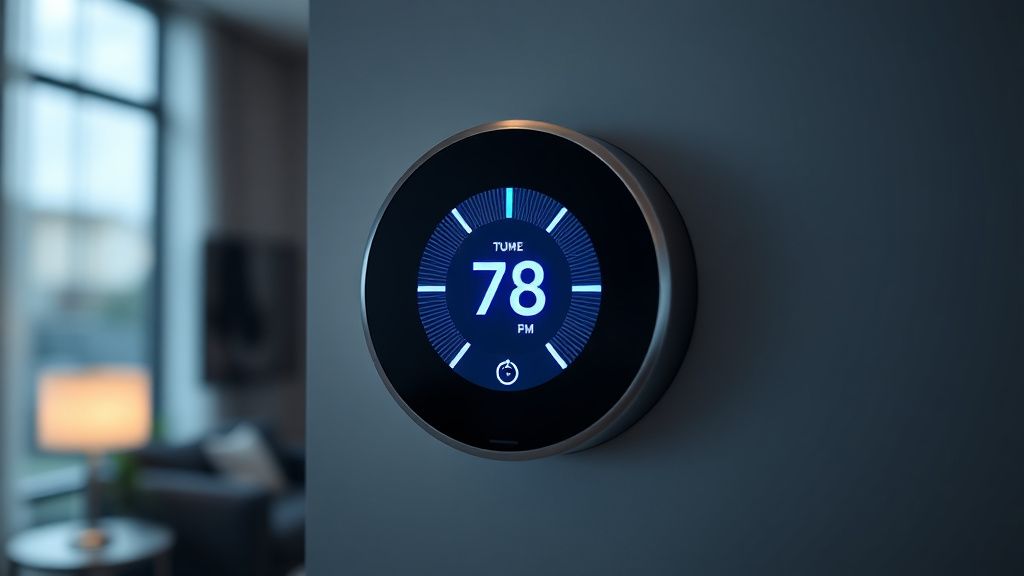
When your HVAC system kicks on for five minutes, turns off, and kicks on again ten minutes later, you are paying for the "startup tax." Electric motors, especially those in Variable Speed Air Handlers or Inverter-Driven Heat Pumps, consume a massive surge of current during startup. If the cycle is too short, the energy used to accelerate the fan and pressurize the refrigerant isn't amortized over a meaningful duration of cooling or heating.
Engineers on forums like r/HVAC or the specialized "ControlTheory" subreddits frequently argue that users are chasing "smart" features while ignoring the basic physics of heat transfer, which can lead to problems like router overheating and thermal throttling in other smart home devices. One common complaint on GitHub issues for open-source climate control projects is the "oscillation plague": when the thermostat's internal algorithm fights against the system’s physical thermal response, resulting in 10-minute cycles that never allow the evaporator coil to fully dehumidify the air.
Calibrating PID Loops and Anticipation Logic
If your thermostat allows access to "Advanced Settings" or "Installer Setup," you are likely looking at parameters labeled as Differential or Cycle Rate.
- Differential: This is the range (in degrees) that the temperature must deviate from the setpoint before the system fires. A narrow differential (0.5°F) creates a comfortable, steady environment but destroys equipment life via short-cycling. A wider differential (1.5°F - 2.0°F) allows the system to run longer, more efficient cycles.
- Cycle Rate (CPH - Cycles Per Hour): This setting tells the thermostat how many times per hour it is permitted to trigger the furnace or compressor. For heat pumps, you want a lower CPH (usually 2 or 3). For traditional gas furnaces, 4-5 is standard.
The Conflict Between Comfort and Mechanical Longevity
There is an inherent "institutional pressure" in the smart home industry. Manufacturers want their apps to show "The house is at your setpoint!" instantly. They sacrifice your hardware's life to satisfy a UI/UX requirement. You must manually override this.
"The factory defaults on modern Wi-Fi thermostats are designed to prevent support tickets from users who think their house is 'too cold.' They aren't designed for thermodynamic efficiency. If you want energy-neutral cycling, you have to be willing to accept a 1-degree temperature swing in exchange for 30% longer run times." — Anonymous Field Engineer, HVAC Talk forums.
Real-World Case Studies: The "Short-Cycle" Problem
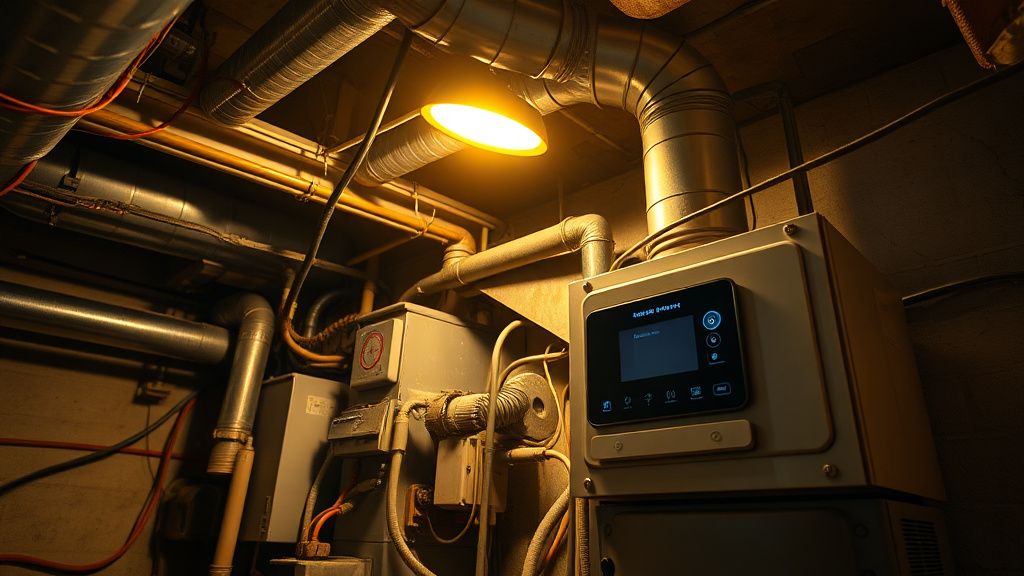
Consider a case study from a suburban development in Arizona. Homeowners reported that their Nest and Ecobee units were cycling their heat pumps every 8 minutes during peak summer. The local utility reported massive demand spikes during the mid-afternoon. When an auditor inspected the systems, they found that the thermostats were set to "Auto" mode, and the "Smart Recovery" feature was interacting poorly with the "Threshold/Balance Point" logic.
The system was essentially trying to "pre-cool" the house based on historical data that didn't account for the current ambient humidity levels. The result was massive energy waste. By manually increasing the swing differential from 0.5°F to 1.8°F, the duty cycle extended to 45 minutes, significantly lowering the total energy consumption while maintaining the same average temperature.
The Problem of "Smart" Features Gone Wrong
Many smart thermostats have an "Adaptive Recovery" or "Smart Learning" algorithm. While helpful for some, these are black-box algorithms. They observe your life and try to optimize, but they often lack real-time sensor data from the room furthest from the thermostat.
If you have a multi-story home, you are facing thermal stratification. The thermostat on the main floor has no idea that your second floor is currently an oven. In these cases, remote sensors are essential, but even then, the thermostat will try to "average" the temperature. This creates a situation where the downstairs is freezing while the upstairs is cooling, leading to an endless, ineffective cycle that drains energy.
Hardware Bottlenecks: The Limits of Calibration
You can calibrate your thermostat until you’re blue in the face, but if your HVAC sizing is wrong, you will never achieve energy neutrality.
A massive problem in the residential HVAC industry is oversizing. Contractors often install a 4-ton unit for a house that only requires 2.5 tons because it’s "easier to heat/cool." An oversized unit will always short-cycle. It cools the space so fast that it never runs long enough to pull the latent heat (humidity) out of the air. If you suspect your unit is oversized, no amount of software "smart" adjustment will fix the fundamental mismatch between BTU capacity and your home’s thermal envelope.
Essential Hardware Entities for Optimal Tuning
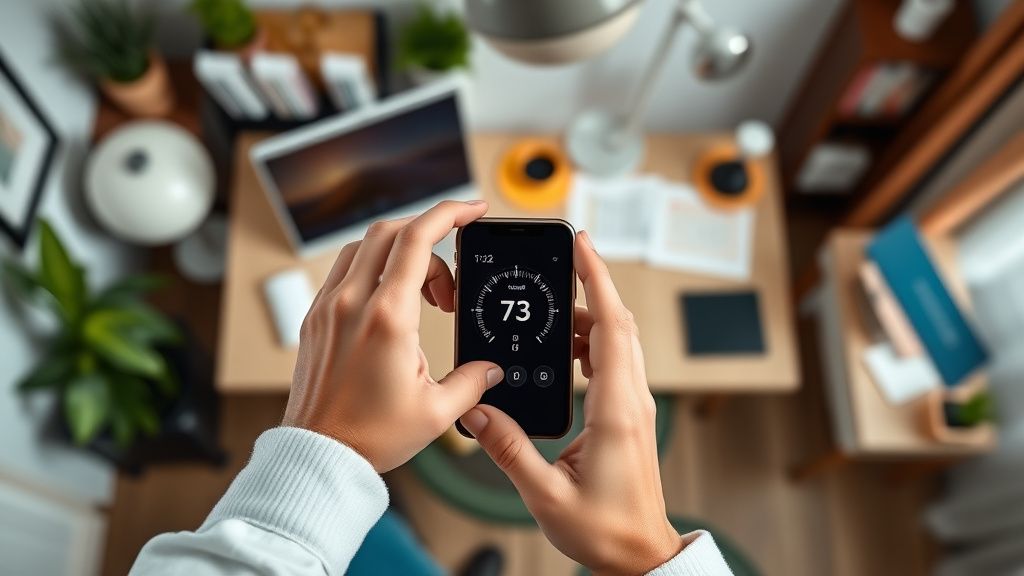
To truly calibrate, you should look for the following specs in your hardware setup:
- Multi-Stage Support: If your thermostat is only controlling one stage of a two-stage compressor, you are losing efficiency. Ensure your wiring supports Y1/Y2 and W1/W2.
- External Humidity Sensors: Humidity is the "hidden" variable in energy neutrality. A dry 75°F feels cooler than a humid 72°F. If your thermostat only reads dry-bulb temperature, it is flying blind.
- Inverter Compatibility: If you are using a legacy thermostat with a modern inverter heat pump, you are likely crippling the unit's ability to ramp up and down. A smart thermostat for an inverter system must support communicating protocols (like Bosch or Carrier Infinity), not just simple "on/off" relay switching.
Managing the Human Element: The "User Frustration" Cycle
The biggest challenge is not technical—it’s psychological. Users have been trained by marketing to expect an instantaneous response. When you widen the differential to save energy, the house temperature will fluctuate slightly more. You will hear complaints from family members.
- The "Workaround" Culture: Users frequently turn the thermostat to "Hold" because they don't trust the programmed schedule. This is, ironically, one of the most efficient ways to run a system—by keeping the delta as low as possible.
- The Migration Chaos: When switching from an old mercury-switch thermostat to a smart unit, many users experience a spike in their electricity bills. This is almost always due to the "Smart Learning" period where the thermostat is burning energy to establish a baseline.
Troubleshooting Common Rollout Failures
If you decide to recalibrate, follow this "emergency" checklist if things go wrong:
- System "Hunting": If your system cycles between heat and cool rapidly, check the Deadband setting. The deadband is the minimum gap between the heating setpoint and the cooling setpoint. If it’s too narrow (e.g., 2 degrees), the system will fight itself. Set it to at least 5 degrees.
- Ghost Cycles: If your unit is turning on when no one is home, check for Geofencing conflicts. Often, multiple family members have the app installed, and their varying GPS locations are triggering the thermostat to wake up the HVAC system.
- The "Relay Click" Nightmare: If you hear your thermostat clicking constantly, your C-wire (Common wire) might be failing, or the unit is struggling to provide enough power to the relay. This is a sign of an impending system failure that no calibration can fix.
FAQ
Why does my smart thermostat short-cycle more than my old manual one?
What is the "deadband" and why is it destroying my energy bill?
Can I calibrate a single-stage system to behave like a multi-stage?
Why does my thermostat ignore my setpoint during "Recovery"?
Is it true that turning the system off when away saves money?
Final Observations on System Fragility
The dream of the "set it and forget it" smart home is largely a myth. HVAC systems are physical, analog machines being controlled by digital, jittery software. The true "smart" move is to accept that the software will always try to over-optimize. By manually widening the differentials, setting a sensible deadband, and ignoring the "instant comfort" bias of modern software, you can achieve a truly efficient home.
The industry is currently moving toward Grid-Interactive HVAC, where the utility company may eventually have a say in your thermostat settings. Before that happens, understand the limits of your hardware. If you hear your compressor clicking on and off like a rapid-fire switch, don't wait for a software update to fix it. Get into the installer settings, widen the differential, and save your equipment from the "smart" grind. The most efficient thermostat is the one that knows when to do nothing.