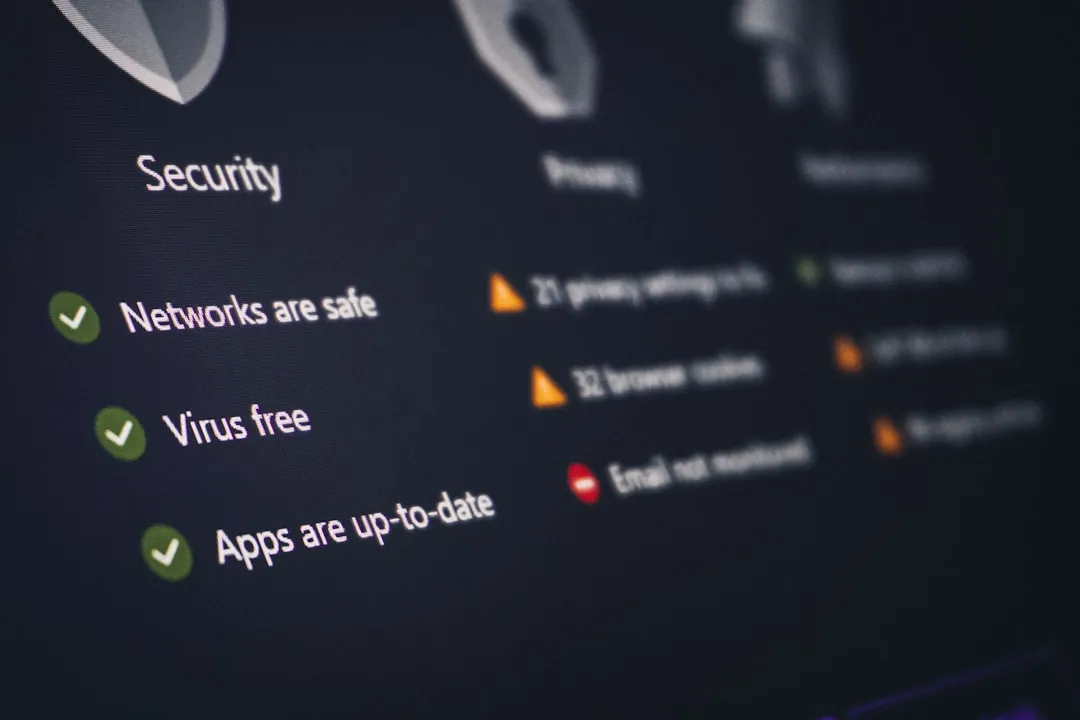
The reality of securing home and small-office infrastructure is often a tale of two worlds: the polished marketing copy on the back of a router box claiming "enterprise-grade security," and the messy, firmware-riddled reality where default credentials remain the primary vector for botnet recruitment. While most users scramble to set up 2FA for their Gmail or banking, the gateway to their entire digital life—the router—frequently sits behind a simple, easily brute-forced password, or worse, a web interface exposed directly to the WAN. Enabling true Multi-Factor Authentication (MFA) on a router is no longer a luxury; it is a defensive necessity in an era of persistent credential stuffing and remote code execution (RCE) vulnerabilities, especially when considering how to prevent your Wi-Fi 7 router from leaking data.
The Architecture of Router Access Control and Network Authentication Protocols
To understand why MFA is so difficult to implement on standard consumer-grade networking hardware, one must first look at the firmware architecture. Most consumer routers—TP-Link, Netgear, Asus—run on highly customized versions of Linux, often bloated with proprietary middleware that makes third-party integration a nightmare. Unlike a standard web server where you can drop in a Pluggable Authentication Module (PAM) or a simple TOTP library, router firmware is usually a closed, static binary blob.
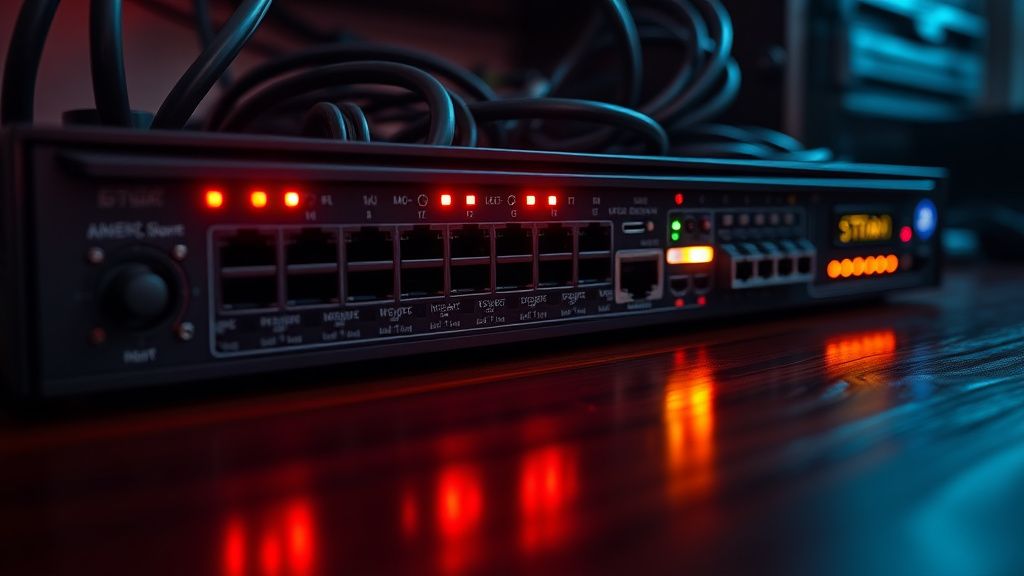
The industry standard for authentication has historically been simple Basic Authentication (HTTP 401). This is essentially security theater. If a router's administrative interface is accessible via the web, an attacker doesn't need to bypass MFA; they simply need to exploit a cross-site request forgery (CSRF) vulnerability or find an unpatched firmware bug—something that happens with alarming frequency, as seen in the recurring disclosures on platforms like GitHub and the CVE Details database.
Why Consumer Routers Fail at MFA Adoption
The friction in adopting MFA for routers isn't just technical; it’s an operational failure. Manufacturers prioritize "Zero-Touch Provisioning" and "Ease of Use" above all else. If a non-technical user loses access to their authenticator app and gets locked out of their own Wi-Fi settings, or encounters issues like dropping connections, they don't just call support; they return the product to the store. This fear of customer churn leads to the "No-MFA" status quo.
Even when vendors do implement MFA, it’s often poorly designed. For example, some implementations rely on proprietary cloud accounts. You aren't logging into the router; you are logging into a cloud service that then proxies the connection to your device. This introduces a "Man-in-the-Middle" dependency. If the vendor’s server goes down, you lose the ability to manage your network. This is the Centralization Paradox: we seek security through MFA, but we achieve it by handing our network control keys to a third-party corporation’s database.
Configuring Robust Access via Open-Source Firmware: The Workaround Culture
Because mainstream hardware fails to offer granular security controls, a significant community of power users has migrated to open-source alternatives like OpenWrt or pfSense. This is where the real "setup" happens.
If you are serious about securing your router with MFA, you are effectively leaving the consumer ecosystem. In an OpenWrt environment, you aren't waiting for a manufacturer to update their web UI. Instead, you can:
- Disable WAN-side management: This is the single most important security step. If the administrative interface is not exposed to the internet, you have eliminated 90% of the attack surface.
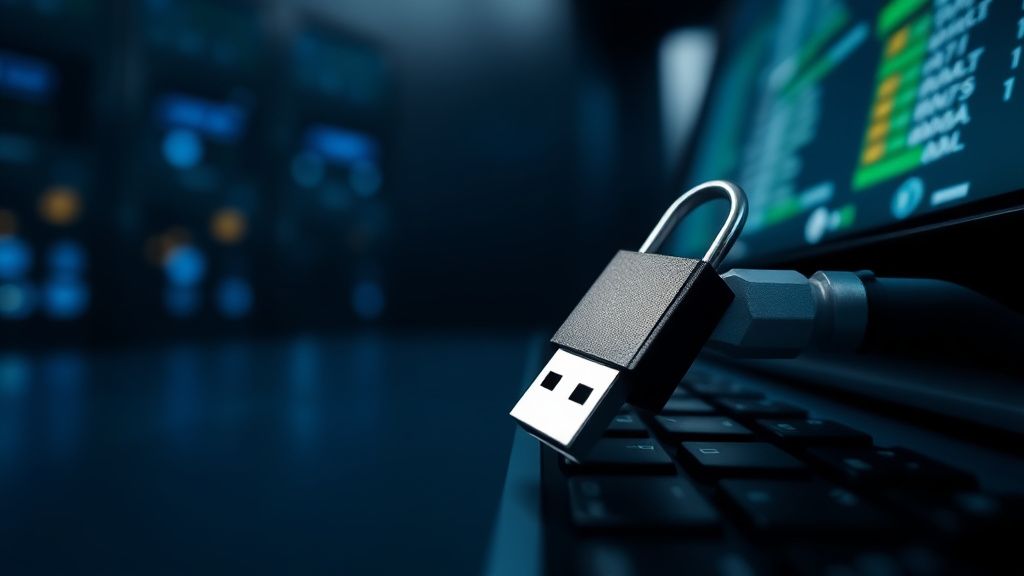
- Implement SSH with Public Key Authentication: This is the true "MFA" of the networking world. By disabling password-based SSH access and requiring a hardware security key (like a YubiKey or Titan Key) to authenticate, you achieve a higher security posture than any proprietary app-based MFA could offer.
- Deploy a VPN Tunnel for Management: Instead of exposing an admin interface, you route management traffic through a WireGuard or OpenVPN tunnel. You only gain access to the interface once you have successfully authenticated at the VPN layer.
The Reality of Modern Botnets and Why Password-Only Security is Dead
The threat isn't a hacker sitting in a basement trying to guess your password. It’s automated scanners hitting your WAN IP every few seconds, testing common ports for known exploits. In the Hacker News community, there is a recurring debate about "Security through Obscurity." Some argue that moving the admin port from 80/443 to a random high-number port is useless. Others argue that it significantly reduces the volume of junk traffic in your logs, allowing you to actually see real intrusion attempts.
The operational reality is that once a router is compromised, it is rarely "owned" in a theatrical way. It is simply recruited into a botnet like Mirai or Mozi. The user never notices anything except perhaps a slight increase in latency or a strange spike in background traffic. This invisible nature of the breach is what makes the lack of robust MFA so dangerous.
Troubleshooting and Operational Friction: When MFA Fails
If you do manage to implement MFA on your router, you must account for the "Lockout Scenario." Unlike a SaaS platform where you can trigger a password reset via email, a locked-out router is a brick.
- Recovery Keys: Always keep a physical backup of your TOTP recovery codes. If you lose your phone, you lose your internet.
- The "Emergency Port" Fallacy: Many users assume they can just hit the reset button. While true, if you have a complex network configuration (VLANs, port forwarding, static routes, QoS rules), resetting the router to factory settings is an administrative nightmare that can take hours to remediate.
- API Instability: In custom setups, MFA often breaks after firmware updates. If you are running scripts to bridge authentication services, always verify the repository’s commit history before applying an update. Look at the
GitHub Issuestab for the specific firmware package—if you see "Auth broken after 23.05 upgrade," stay away.
Counter-Criticism: The "Enterprise vs. Consumer" Divide
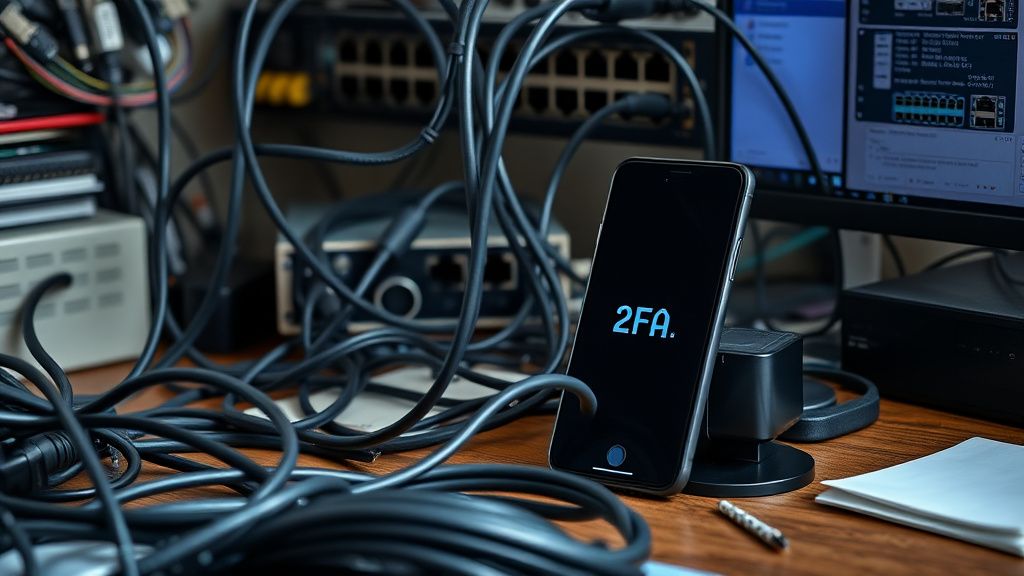
Critics often point out that pushing for MFA on consumer routers is asking for the impossible. They argue that the vast majority of users don't have the technical literacy to manage hardware security keys, and that if a user struggles to set up Wi-Fi, they will certainly struggle to troubleshoot a misconfigured MFA challenge.
This brings us to the "Security vs. Accessibility" trade-off. Is it better to have a vulnerable router that works, or a secure one that stays in the box? The industry's current consensus is that MFA should move to the Cloud-Controller model (e.g., UniFi, Meraki). While this solves the "how to explain MFA to a grandma" problem, it introduces the aforementioned centralization and privacy issues. You are essentially trading your data for ease of security.
Real-World Field Reports: The "Ghost in the Machine"
In a recent incident involving a popular series of small-business routers, a CVE allowed attackers to bypass authentication by sending a specially crafted header. This rendered the MFA layer on the admin interface completely moot. This highlights a critical lesson: MFA is only as strong as the underlying software it protects. If the firmware has a buffer overflow, the MFA code doesn't matter.
This is why, in professional networking, we talk about Defense in Depth. Do not rely on your router’s internal MFA as your only line of defense. Use it, yes, but layer it behind:
- A hardware firewall.
- A restrictive ACL (Access Control List) that only allows management from specific local MAC addresses.
- Disabling UPnP (Universal Plug and Play) at all costs.
Best Practices for Hardening Your Network Gateway
- Firmware Hygiene: Never skip a security patch. If the manufacturer has stopped providing updates (End of Life), the device is a liability. It must be replaced or flashed with open-source firmware.
- Default Credentials: If you are still using the default admin/admin or admin/password credentials, you are already compromised. Change this immediately.
- Disable Remote Management: Go into your WAN settings. If "Remote Web Management" is checked, uncheck it. There is almost no scenario where a home user needs to access their router UI from outside their own network without a VPN.
- Log Analysis: If your router supports it, send logs to a syslog server. When you see thousands of failed login attempts, you will understand why MFA is not just a feature, but a requirement.
FAQ
Is it possible to add MFA to a router that doesn't natively support it?
Does turning on MFA affect my internet speed?
What is the most common mistake when setting up router security?
Why do some manufacturers refuse to add MFA?
Are mobile app-based router controls more secure than browser-based ones?
Final Observations: The Future of Network Identity
We are reaching an inflection point in home networking. As IoT devices proliferate, the router is no longer just a box that provides Wi-Fi; it is the gatekeeper of your smart locks, cameras, and personal data. The industry will eventually be forced to adopt MFA as a standard requirement, likely driven by regulatory pressure or the sheer frequency of high-profile network breaches.
Until that shift occurs, the burden of security remains on the user. If you are operating on "default settings," you are effectively operating in a state of voluntary vulnerability. By taking the time to harden your entry points, move management behind tunnels, and demand hardware that supports modern authentication standards, you are not just setting up a router; you are building a defensible perimeter for your digital life. The process is messy, the documentation is often lacking, and the bugs are frequent—but in the current internet landscape, that effort is the only thing standing between you and the noise of the global botnet.
Bu makale affiliate linkleri içermektedir.