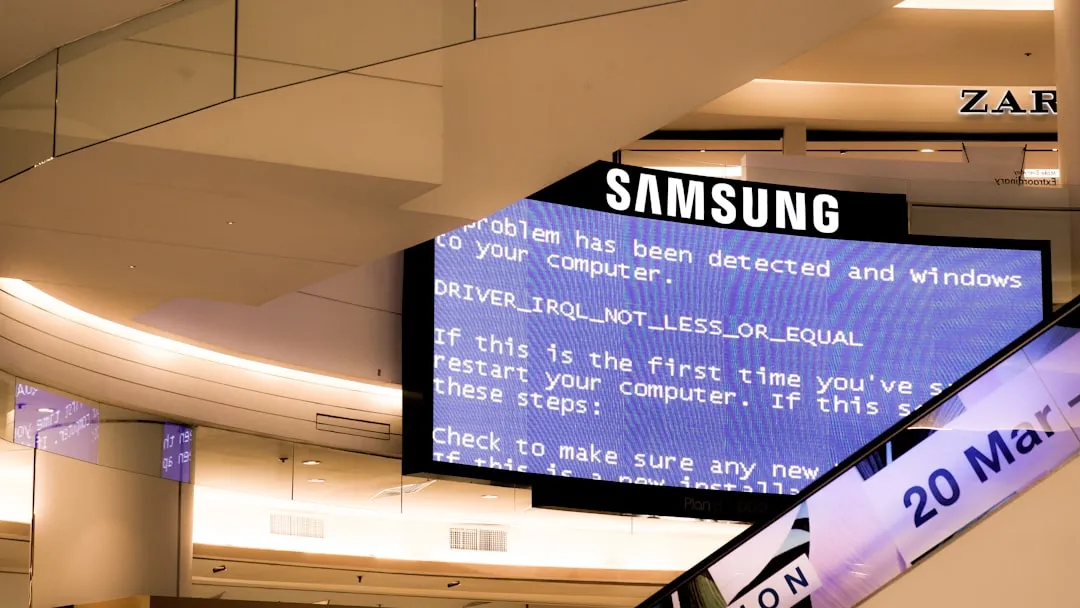
The short, uncomfortable truth about the Samsung S95D—or any QD-OLED panel—is that "fixing" permanent screen burn-in is a misnomer. Once the organic compounds in the subpixels have unevenly degraded, they cannot be rejuvenated. However, most users who report "burn-in" are actually witnessing image retention or temporary pixel polarization. By leveraging the TV’s internal maintenance routines and altering your consumption habits, you can often mitigate the ghosting effect. If the damage is permanent, no amount of software trickery will reverse the chemical degradation of the emitters.
The Operational Reality of QD-OLED Architecture
The Samsung S95D is a marvel of material science, blending blue OLED emitters with a quantum dot layer to produce color. This is fundamentally different from traditional WRGB OLEDs (like those from LG). In the S95D, the blue OLEDs are the "engine." When you force a static element—like a CNN ticker, a scoreboard, or a HUD in Cyberpunk 2077—onto those blue pixels for thousands of hours, the blue phosphors in that specific area wear out faster than their neighbors.
This is not a "bug" in the traditional sense; it is a physical reality of the technology. The industry calls this differential aging. When you hear marketing teams talk about "AI-driven image optimization," they are essentially talking about elaborate ways to hide this degradation, not eliminate the physical wear.
Recognizing the Difference: Retention vs. Burn-in
Before tearing your living room apart or calling Samsung support, you must determine what you are looking at.
- Image Retention: A temporary "ghost" of a previous image. It usually disappears after a few minutes of viewing dynamic, full-screen content or after the TV runs its automatic pixel refresh. This is common on new panels that haven't fully "settled" into their operational rhythm.
- Permanent Burn-in: A fixed, discolored, or dimmer patch on the screen that persists regardless of the content displayed. If you watch a 10-hour nature documentary and the Fox News logo is still visible in the bottom right corner, you are likely looking at permanent degradation.
The "Fix" Protocol: What Actually Works
If you suspect you have image retention, stop the panic. Do not go out and buy "screen fixer" videos from YouTube—most of these are snake oil and potentially dangerous, as they can cause uneven wear by forcing the entire panel to run at maximum brightness for extended periods.
Follow this hierarchy of actions:
- The Manual Panel Care Trigger: Go to Settings > General & Privacy > Panel Care > Pixel Refresh. Note: Do not run this more than once every few months. It is an aggressive process that "evens out" the panel by pushing current through every pixel, which technically accelerates total panel aging.
- The "Organic" Flush: Simply stop displaying the static element. If the logo is from a specific cable channel, switch to high-quality 4K HDR content that uses the full screen (like Netflix or Disney+ titles with shifting scenes). This forces the TV to engage pixels that haven't been firing, which can effectively "wash out" the ghostly retention.
- Check Your Energy Savings: On the S95D, if you have "Energy Saving Mode" or "Brightness Optimization" disabled, you are running the panel at its thermal maximum. While this looks fantastic for peak HDR, it is the primary accelerant for burn-in. If you play games with static HUDs for 6+ hours a day, reduce the "Peak Brightness" setting in the Expert Settings menu.
Real Field Reports: The Discord and Reddit Experience
In the enthusiast communities on Reddit’s r/OLED and various AV Discord servers, the sentiment toward the S95D is polarized. One user, DisplayGuy88, noted in a thread regarding "S95D pixel degradation concerns":
"I thought I had burn-in after playing Elden Ring for 80 hours straight. The health bar was ghosting on every bright scene. I spent a week watching HDR nature docs and letting the TV run its standby compensation cycles. It vanished. Most people aren't seeing burn-in; they're seeing the TV’s aggressive pixel management failing to keep up with their binge-watching habits."
Conversely, there is the "Scaling Issue." When you push an OLED to its brightness limits in a sunny room, the heat generated is the enemy of the organic compound. Users who mount their S95D in direct sunlight—a classic "don't do this" scenario—report significantly faster degradation. The heat-sink design on the S95D is world-class, but it cannot overcome the laws of thermodynamics if the ambient temperature is already high.
Counter-Criticism: The "Matte Finish" Debate
A major point of contention with the S95D is the new matte screen coating. While it virtually eliminates reflections, some AV purists argue that it changes the perceived luminance, making users turn the brightness up to compensate for the "soft" look. There is a strong debate within the AVSForum community: Does the matte finish lead to a higher temptation to drive the OLED pixels harder, thereby increasing the risk of burn-in?
The consensus from hardware analysts is that the finish is a cosmetic choice, but the human psychology behind it is a tangible factor. If the image looks "dull" to a user, they crank the backlight. Cranking the backlight on an OLED is the shortest path to an early grave for the panel.
Scaling Limitations and Institutional Pressure
Why doesn't Samsung just "fix" the software to prevent this? The answer lies in the tension between marketing specifications and longevity. To win "Best TV of the Year" awards, the S95D must hit insane nit levels. To hit those levels, you have to push the OLED material near its thermal limit.
There is an internal conflict within these tech giants:
- The Engineers: Want to cap brightness to guarantee a 5-year, zero-burn-in lifespan.
- The Marketing/Sales Teams: Want the brightest, punchiest display on the showroom floor to crush competitors.
The consumer is caught in the middle. The S95D is calibrated for visual impact first, and longevity second. This is why you see "Dark" or "Filmmaker" modes—these aren't just for color accuracy; they are effectively "longevity modes" that prevent the panel from cooking itself.
FAQ
Is it possible to use "Pixel Shift" to avoid burn-in?
Does gaming on a PC with a taskbar ruin the S95D?
What is the "Standby Compensation" cycle?
How do I know if the "burn-in" is just a bad panel?
Are "Burn-in protection" apps on the App Store useful?
The Final Verdict on Maintenance
The S95D is a Ferrari engine in a family sedan. You can drive it fast, but you have to respect the maintenance schedule. If you use your TV as a background "noise" machine that sits on a news channel for 10 hours a day, the S95D is the wrong tool for the job. If, however, you appreciate it for high-end cinematic content, gaming, and mixed use, it will last you for years.
The most effective "fix" for burn-in is proactive avoidance. By the time you are searching for a fix, the chemistry of your panel has already been altered. Accept that OLED is a "dynamic" technology—it wants to change. Feed it content that moves, keep it in standby, and don't obsess over the settings. If you do that, the screen will likely outlast your desire to keep the TV.