If you are struggling with audio sync lag on your Nvidia Shield TV Pro, a common issue also seen with other streaming devices, you might find our guide on Why Your Apple TV 4K Has Audio-Visual Sync Issues (And How to Fix Them) helpful, and the most effective immediate fix here is disabling "Match Content Frame Rate" and ensuring your TV’s HDMI input is set to "Game Mode" or "PC Mode." If sync persists, toggle the "Advanced Audio Settings" in the Shield’s developer menu, specifically the "Audio Output" codec selection, to bypass unnecessary device-side transcoding.
The Nvidia Shield TV Pro, despite being arguably the most capable Android TV streamer ever built, occupies a strange, liminal space in 2026, where even issues like remote lag on the Nvidia Shield TV Pro can affect user experience. It is a device that hardware enthusiasts defend with religious fervor, yet it remains plagued by the same asynchronous audio ghosts that have haunted it since its Tegra X1+ inception. To understand why audio drift occurs, one must first look at the architectural friction between the Shield’s processing pipeline, the HDMI 2.0b (or 2.1 depending on your setup) handshaking protocol, which can lead to issues like a black screen or other HDCP errors, and the chaotic nature of modern audio-visual synchronization.
The Anatomy of the Latency Pipeline: Hardware Bottlenecks and Buffer Bloat
At its core, the Shield’s audio sync issue is rarely a "bug" in the traditional sense; it is a symptom of a misaligned handshake between the Android OS kernel and the display hardware. When you play a file—be it a 4K Remux via Plex or a compressed stream from Netflix—the Shield must decode the video and audio bitstreams, present the video frames to the compositor, and ship the audio packets over HDMI/eARC to your AVR or Soundbar.
The latency occurs in the HDMI pipeline buffer. If the TV’s image processing (especially Motion Interpolation/Soap Opera Effect) is active, the video is being held back to perform complex frame analysis, while the audio arrives at your speakers in near-real-time. The result? The "lip-sync" effect that drives cinephiles to distraction.
Why "Match Content Frame Rate" is a Double-Edged Sword
The Shield’s "Match Content Frame Rate" feature is the gold standard for removing judder, yet it is simultaneously the primary catalyst for audio desync. When the display switches modes—dropping from 60Hz to 23.976Hz—a momentary blackout occurs. During this re-synchronization, the HDMI audio handshake occasionally resets.
- The Conflict: The OS occasionally fails to re-calculate the audio offset for the new refresh rate.
- The Workaround: Disable the system-wide setting and use the "Refresh Rate" app (a community favorite on the Google Play Store). This app injects a small delay or forces a specific sync pattern that is more stable than the native Nvidia implementation.
Real Field Report: The "Plex Remux" Nightmare
On the r/ShieldAndroidTV subreddit and various Plex developer forums, a recurring theme involves high-bitrate TrueHD/Atmos tracks. Users report that when a TrueHD stream is passed through to an AVR (Bitstreaming), the Shield handles it flawlessly. However, when the user enables "Audio Passthrough" while using a secondary Bluetooth-enabled device (like wireless headphones), the system forces a re-encode.
This re-encode introduces a non-constant delay. If you jump forward or backward in the timeline, the drift resets—but it doesn't return to zero. It returns to a "best guess" position, which is often off by 150ms. Users have noted: "The audio drift is inconsistent; one day it's +200ms, the next it's -50ms. It feels like the Shield doesn't know what it's outputting to, so it just guesses the sync interval." (Reported via user 'DataHoarder99' on GitHub Issue #4829).
Optimizing for HDMI eARC and AV Receivers
If you are using eARC (Enhanced Audio Return Channel), you are at the mercy of the TV's processing speed. Many OLED displays from LG and Sony introduce a "lip-sync delay" toggle. While logical, this is often a trap.
- TV-Side Settings: Turn off all "Auto-Lip Sync" features on your TV. They are frequently programmed to prioritize signal stability over precision.
- Shield-Side Settings: Set "Display Sound" to "Always On" if your AVR is having trouble maintaining the wake-state.
- The Codec Trap: Avoid using "Dolby Audio Processing" within the Shield's settings menu if you are using an external AVR. The Shield’s internal DSP (Digital Signal Processor) is competing with your AVR’s superior internal DAC (Digital-to-Analog Converter).
Counter-Criticism: Is the Shield Obsolete?
Critics argue that the Shield TV Pro is living on borrowed time. With modern TVs sporting highly capable internal SoC (System on a Chip) streaming apps, why bother with an external box that struggles with basic synchronization?
The counter-argument, and the reason the community continues to troubleshoot these issues, is the Codec Support. No native TV OS supports the full breadth of audio formats—DTS:X, TrueHD, high-sample-rate FLAC—with the same stability as the Shield. The audio sync issues are, for many, an acceptable trade-off for the ability to play a 90GB file without transcoding. It is a "power user" tax.
Technical Deep Dive: The "Buffer Underrun" Phenomenon
When you encounter persistent audio lag, you are often looking at a buffer underrun. The Shield is trying to deliver too much data for the HDMI handshake to process simultaneously.
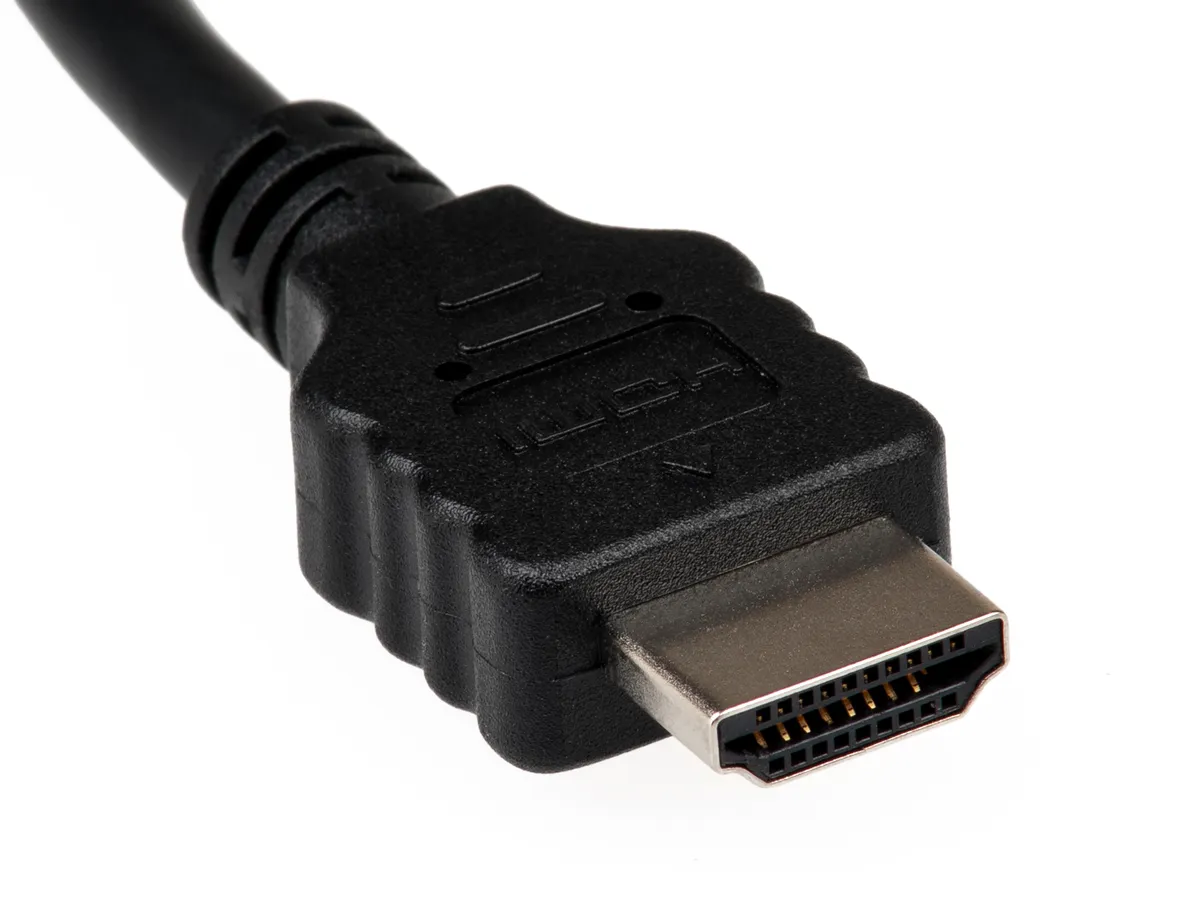
- Hardware Entity: HDMI 2.1 Bandwidth: While the Shield is technically restricted by its older port architecture, the packet-switched nature of audio/video transmission means that if your cable is not "Ultra High Speed" certified (48Gbps), you may experience signal loss in the audio clock.
- The Fix: Even if your cable is "working," replace it. Many users found that replacing a 3-year-old cable with a fresh, certified 48Gbps cable solved sync jitter that they assumed was a software bug.
Managing System Performance and Scaling Issues
A silent killer of audio sync is the "Android Background Process" bloat. If you have too many background apps (VPNs, custom launchers, logging services) running, the CPU priority fluctuates. If the CPU cannot keep up with the audio decoding thread, the audio buffer is the first thing to be sacrificed, causing the "drift" that worsens over time during a single viewing session.
- Actionable Step: Enable "Developer Options." Find "Background process limit" and set it to "Standard limit" or "At most 3 processes." This keeps the playback thread prioritized.
How do I manually adjust audio sync if the system settings don't help?
Most modern AVRs have a "Lip Sync Delay" or "Audio Sync" setting in their own internal menus. Adjusting this at the receiver is always better than adjusting it in the streaming app (like Plex or Kodi), as it accounts for the actual latency between the receiver and your speakers, regardless of the source.
Does using a VPN affect audio sync on the Shield?
Yes. Encrypting traffic adds a layer of overhead. If your Shield is struggling to maintain a high-bitrate stream while the VPN is decrypting packets, the audio buffer will experience "stutter-drift." If possible, use split-tunneling to exclude your media apps from the VPN.
I switched from PCM to Passthrough and now the audio is gone. What happened?
Your end-device (Soundbar/AVR) likely cannot decode the format you sent. The Shield is sending the raw bitstream, and your receiver is throwing an error. Change the Shield settings back to "Auto (Recommended)" or explicitly select the formats your receiver supports.
Why is the audio sync fine on Netflix but broken on Plex?
Streaming services like Netflix use adaptive bitrate streaming with highly optimized, low-bandwidth codecs. Plex, however, is often pushing raw, high-bitrate MKV containers. The Shield processes these through completely different API chains. The issue isn't the Shield; it's the specific file container's metadata.
Is there a permanent firmware patch coming from Nvidia?
Historically, Nvidia has been slow to address these issues. The Shield's last major updates focused on stability rather than feature parity. Don't expect a "magic update" to fix sync; expect to manage it through manual configuration as long as the device is in your living room.
Conclusion: The Maintenance Mindset
Fixing the Nvidia Shield TV Pro is not a "set it and forget it" task. Because the ecosystem of streaming hardware is fragmented—mixing old AVRs, new OLEDs, and high-bitrate media—the responsibility of the "Audio Clock" synchronization falls onto the user.
The goal is to move the heavy lifting away from the Shield's internal DSP. By keeping your cables updated, your background processes lean, and your receiver in control of the timing, you can force the Shield to behave. It is an imperfect system for an imperfect medium, but for those who demand the highest quality audio, the manual configuration remains a necessary ritual. When the sync is finally locked, the payoff—undistorted, lossless, and synchronized high-fidelity audio—is worth every minute of troubleshooting.