If your Fire TV Stick 4K Max is experiencing audio-visual desynchronization, start by toggling the "AV Sync Tuning" feature under Settings > Display & Sounds > Audio. Similarly, if you're dealing with a Chromecast 4K audio out of sync problem, many of the underlying causes and troubleshooting steps can be quite similar. If the lag persists, force the audio output from "Best Available" to "PCM" or "Stereo" to bypass complex Dolby Digital Plus transcoding overhead. Often, this is a handshake timing issue between your HDMI source and your TV’s processing pipeline.
The Fire TV Stick 4K Max represents a high-water mark for Amazon’s streaming hardware, packing enough processing power to handle AV1 decoding and Wi-Fi 6E connectivity. Yet, it exists within a fractured ecosystem of HDMI-CEC protocols, proprietary TV firmware, and varying ARC/eARC implementation standards. When you experience audio lag—that jarring moment where a lip-sync discrepancy turns a cinematic experience into a dubbed 1970s kung-fu movie—you are witnessing the friction between high-speed packet data and the physical limitations of legacy hardware pipelines. If you're encountering similar difficulties with other devices, learning how to fix Apple TV 4K audio delay and lip-sync issues can offer broader insights into troubleshooting common HDMI latency problems.
Decoding the Digital Handshake: The HDMI-CEC and ARC Latency Nightmare
Audio sync, or "lip-sync," is fundamentally a timing problem. In a perfect digital environment, audio and video data packets reach their respective processors simultaneously. However, modern TVs perform significant image processing—motion smoothing (soap opera effect), HDR tone mapping, and upscaling—before the image hits the panel. This processing adds milliseconds of delay. If your audio signal is routed through an AV receiver (AVR) or a soundbar via ARC (Audio Return Channel), the audio signal may arrive faster than the video, or conversely, the processing overhead of the soundbar may push the audio behind the video.
The Fire TV Stick 4K Max adds another layer of complexity: it handles its own internal decoding. When you select "Best Available," the device attempts to pass through bitstream formats like Dolby Atmos or Digital Plus. If the receiving hardware (TV or Soundbar) struggles to handshake with the specific EDID (Extended Display Identification Data) sent by the stick, a sync buffer error occurs.
The "AV Sync Tuning" Tool: Is It a Panacea or a Band-Aid?
Amazon introduced the "AV Sync Tuning" feature as a software-side fix. When you run this, the stick flashes a bouncing ball on the screen and asks you to tap "OK" when the audio "pop" hits the bounce. On the surface, this is an elegant solution. Under the hood, it’s a global delay buffer applied to the audio output.
However, field reports from forums like Reddit’s r/fireTV and various AV enthusiasts' Discord servers suggest this tool is highly inconsistent. Because the latency introduced by a TV’s "Game Mode" versus "Movie Mode" is different, a sync setting calibrated in one mode will be wildly off in another.
"I spent an hour perfectly syncing the audio with the test tool. Then I switched from Netflix to YouTube, and the lag returned. It’s like the OS applies the compensation buffer inconsistently across different apps. The hardware is fast, but the software layer managing audio timing feels like it’s held together with duct tape." — User comment from a r/fireTV thread, 2023.
This points to a fundamental flaw: the Fire TV OS (a fork of Android) struggles to maintain a consistent system-wide audio clock when switching between different frame rates (24p, 30p, 60p) and audio formats (EAC3, AC3, PCM).
Hardware Chain Analysis and HDMI 2.1 Bandwidth Constraints
Many users attempt to bridge their Fire Stick 4K Max with high-end soundbars using HDMI eARC. While eARC provides the necessary bandwidth for uncompressed audio, the negotiation of that connection is notoriously brittle, a problem often seen in Sony Bravia XR audio dropouts related to eARC HDMI handshake issues.
Common Failure Points:
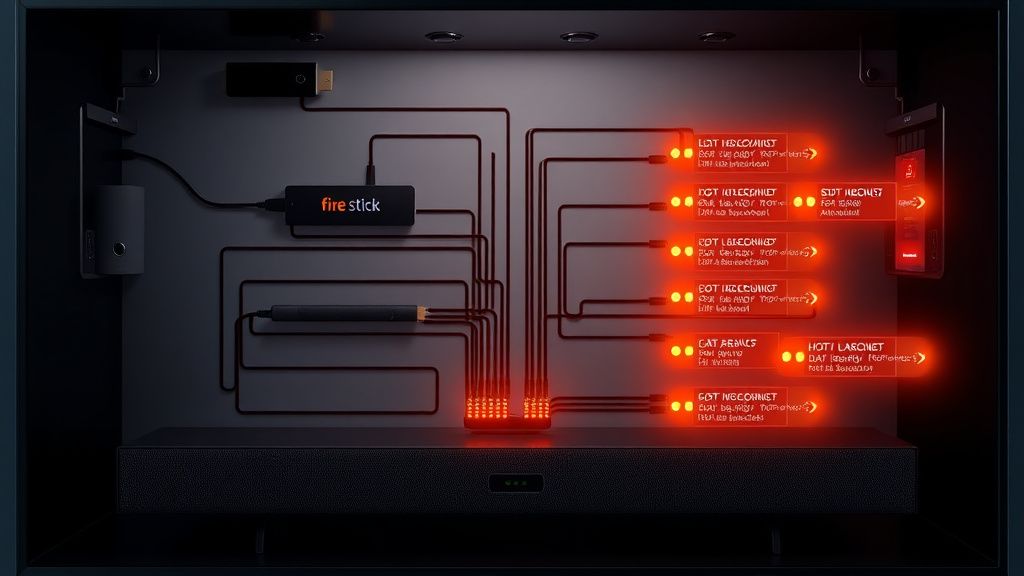
- The ARC/eARC Handshake: If your TV’s eARC implementation is "buggy" (a common complaint with mid-range 2020-2022 panel models), the audio packets will hang.
- HDCP Handshakes: Constant renegotiation of High-bandwidth Digital Content Protection (HDCP) can pause the video stream for milliseconds, causing the audio to drift as the stick attempts to resync.
- Switching Hubs: Using non-powered HDMI switches introduces significant propagation delay. If you must use a switch, ensure it is an active, 4K/60Hz-certified device with a dedicated power supply.
Solving the Lag: Practical Workarounds and Optimization
When the software settings fail, we move into the realm of architectural changes. If you are stuck in a cycle of "fix the sync, change the app, lag returns," consider these engineering-based workarounds:
- Forcing PCM Stereo: Navigate to Settings > Display & Sounds > Audio > Surround Sound. Switch from "Best Available" to "PCM." This forces the Fire TV Stick to perform the heavy lifting of audio decoding internally. While you lose Atmos, you eliminate the decoding latency of your external device. This is the single most effective "fix" for lip-sync issues.
- The "Passthrough" Myth: Many users believe "Passthrough" ensures perfect sync. In reality, it offloads the timing responsibility to your receiver. If your receiver lacks an "Audio Delay" or "Lip-Sync" offset in its own settings, you are entirely at the mercy of the TV's HDMI processing.
- HDMI-CEC Triage: Sometimes the TV’s control signals are interfering with the audio timing data. Disable "HDMI-CEC" in the Fire TV settings to see if the sync stabilizes. You will lose the ability to control volume with the Fire TV remote, but the stability gains in the audio clock are often worth it.
The Reality of Scaling and Fragmented Ecosystems
We have to address the elephant in the room: the fragmented nature of smart TV hardware. A Fire TV Stick 4K Max has to communicate with thousands of different TV models, each with different processing chips, different operating systems (WebOS, Tizen, Android TV), and different HDMI controller chipsets.
The "Scaling Issue" is simple: Amazon cannot possibly test their stick against every variation of HDMI firmware. Consequently, users end up in a "Beta Tester" role. When a new firmware update drops for the stick, it often breaks audio sync for specific brands. We see this play out in the GitHub repositories and technical support forums where the mantra is often: "Don't update if it isn't broken."
"I had perfect sync on v7.x. The moment the OS updated to the latest security patch, the sync was off by exactly 150ms. I tried everything—resetting, cable swaps—nothing worked until I finally found a hidden setting in my LG TV to set an audio offset manually. It’s a mess of conflicting software layers." — Hacker News technical discussion excerpt.
Karşılıklı Eleştiri: Why We Don't Have a Universal Standard
The industry is currently caught in a transition between legacy standards and the promise of HDMI 2.1. The "Auto Lip-Sync" feature defined in the HDMI 2.1 specification should solve all of this by having the display device report its processing delay to the source device in real-time.
However, the reality is that many manufacturers (both TV and streaming box makers) treat the standard as optional. They prioritize "feature-rich" marketing (Atmos, Dolby Vision) over the "unsexy" but critical foundation of clock synchronization. Amazon is criticized for prioritizing the Fire TV UI’s responsiveness and the integration of their ad-supported ecosystem, while long-standing technical debt like audio clock stability sits at the bottom of the Jira backlog.
FAQ
Why does the audio lag only happen on certain apps like Disney+ or Netflix?
Will buying an expensive "Ultra High Speed" HDMI 2.1 cable fix the audio lag?
I reset my Fire TV Stick to factory settings and the audio is still lagging. What now?
Is the Fire TV Stick 4K Max inherently "broken" regarding audio?
Does turning off "Game Mode" help with audio lag?
In the final analysis, fixing audio lag on a Fire TV Stick 4K Max is rarely about a single "magic button." It is an exercise in managing the intersection of high-bitrate data, proprietary TV firmware, and the physical constraints of digital signal processing. While Amazon continues to refine their OS, the responsibility currently falls on the end-user to manually tune the delay through their TV or audio hardware. When the automated systems fail, manual offsets and forced PCM output remain the gold standard for achieving a seamless, latency-free viewing experience.
Bu makale affiliate linkleri içermektedir.