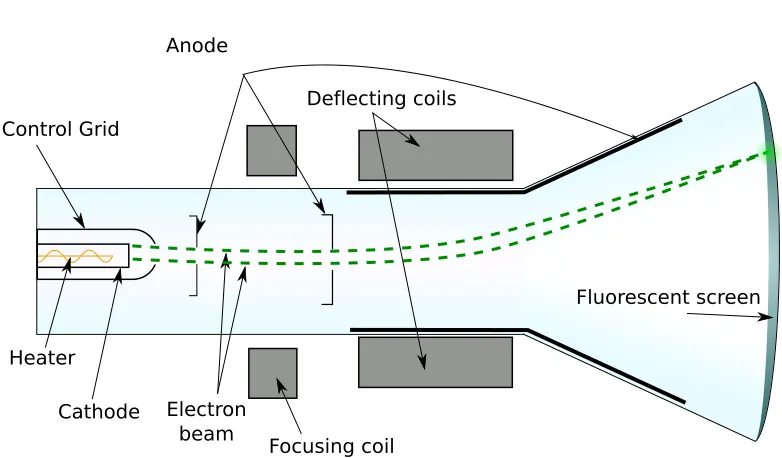
If your Smart TV is trapped in an infinite boot loop, the immediate culprit is almost never a dead panel, but a corruption in the board’s firmware or a power delivery failure. Start by performing a "hard cold boot" by unplugging the unit for 60 seconds while holding the physical power button down. If that fails, inspect your external HDMI peripherals—specifically ARC-enabled devices—which are the most common cause of wake-on-signal trigger conflicts.
The Anatomy of the Power Cycle: Beyond the "Blinking Light"
The modern Smart TV is essentially a mid-range computer running a stripped-down Linux kernel (or a heavily customized Android TV/Google TV fork) mated to a high-voltage power supply unit (PSU). When you see that rhythmic blinking light or a logo that flickers and disappears, you are witnessing the "Power-On Self-Test" (POST) failure.
In 2026, the complexity of these systems has increased exponentially. Manufacturers are pushing more background processes—background telemetry, personalized ad-targeting services, and real-time HDR metadata processing—into the primary boot partition. When a background process hangs due to a corrupted cache partition or a failed automatic OTA (Over-the-Air) update, the watchdog timer kicks in, forcing a hard reboot to prevent the hardware from locking up completely.
The HDMI Handshake Conflict: An Often Overlooked Culprit
One of the most persistent issues in the 2024-2026 hardware cycle is the "CEC feedback loop." HDMI-CEC (Consumer Electronics Control) allows your remote to control your soundbar, console, and Blu-ray player. However, if a device in your chain has a buggy HDMI implementation, it can send a "Power On" command to the TV every time the TV finishes booting.
- The Scenario: You boot the TV; the TV sends a signal to the Soundbar; the Soundbar, failing to interpret the handshake correctly, sends a "Power Status: On" request back; the TV interrupts its boot sequence to process the command, resets, and repeats.
- The Fix: Unplug every HDMI device. If the TV stays on, plug them back in one by one. If it cycles again when a specific device (usually a soundbar or older game console) is connected, you have found your conflict. You may need to disable "HDMI-CEC" or "Anynet+" in the settings once you gain enough stability to navigate the menu.
Power Supply Unit (PSU) Instability and Capacitor Degradation
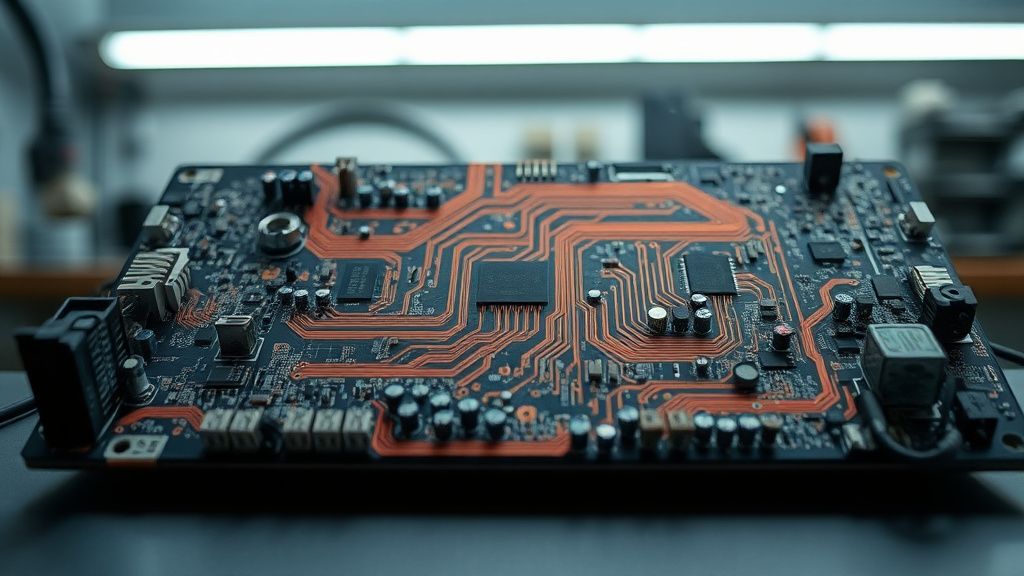
While firmware gets the blame, physics often does the dirty work. Smart TVs utilize "switched-mode power supplies." These boards contain capacitors that regulate voltage. If a capacitor is "leaky" or bulging—a common issue in units reaching the 3-5 year mark—it might provide enough power to display a logo (low power draw) but fail the moment the backlight kicks in at full brightness (high power draw).
This creates a distinct failure pattern: the TV turns on, the screen illuminates for a split second, the power draw spikes, the voltage regulator detects an instability, and the system shuts down to protect the components from a potential short circuit.
Real Field Reports: The "Update Brick" Phenomenon
The community forums on platforms like Reddit (r/TVRepair) and specialized boards like AVS Forum are currently filled with threads titled "Firmware Update 2026.04 killed my display." This isn't just user error. Manufacturers are increasingly pushing "delta updates"—incremental patches that rely on the integrity of the previous software version. If your TV lost connection for a millisecond during the update, or if the flash memory had a bad block, the update process leaves the firmware in a "half-baked" state.
"The issue with the recent OTA patch for the mid-range QLED models is that it doesn't verify the hash of the system partition until the reboot. My unit hit 99% during the update, rebooted, and now the bootloader is trapped in a loop. Support told me the motherboard needs a replacement. It’s a software mistake being solved with a hardware bill." — User post, AVS Forum, May 2026.
Navigating the "Hidden" Service Menu
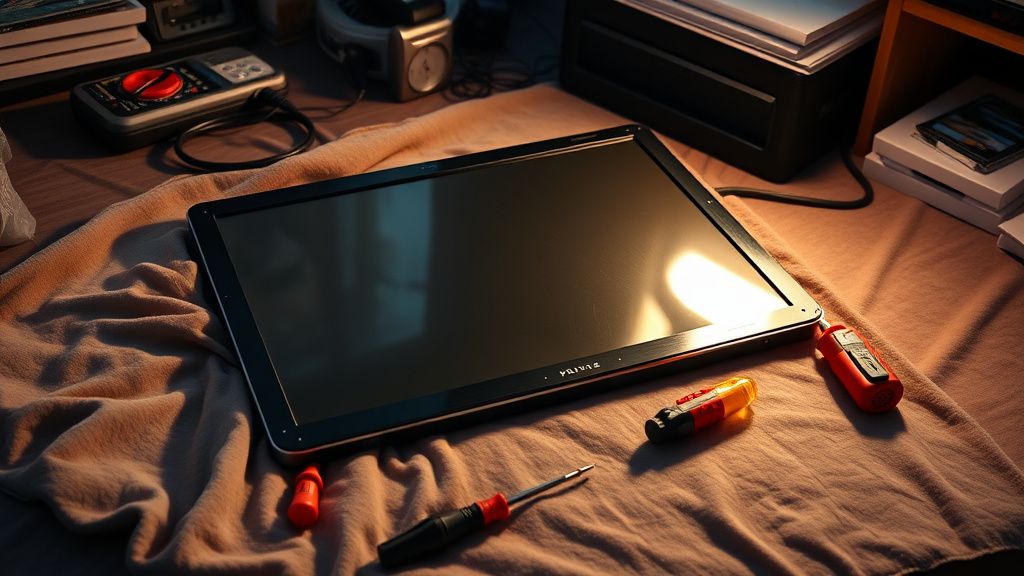
If you can get the TV to stay on for even 30 seconds, you might need to enter the manufacturer's Service Menu to perform a "Factory Reset." Note: This is not the same as the "Reset to Default" found in the regular Settings menu.
- Accessing the Menu: This usually involves a specific, arcane sequence of buttons on the remote (e.g., Mute -> 1 -> 8 -> 2 -> Power). Warning: Changing settings here can permanently disable features or void your warranty. Proceed with extreme caution.
- The "Panel Reset": Once inside, look for an "Option" or "Factory Reset" tab. This often clears the EEPROM (Electrically Erasable Programmable Read-Only Memory) of junk data that is causing the kernel panic during boot.
The Role of Wi-Fi and Network Handshakes
Surprisingly, your home network can crash your TV. If your router has a strict firewall or if the TV is attempting to connect to a server that is currently timing out, the TV’s network module may force a restart in an attempt to re-establish the handshake.
Try disconnecting your router from the wall and booting the TV in "Offline Mode." If the TV boots fine without the internet, you know your issue is either a local network configuration or the TV’s inability to process the current server-side update manifest.
Counter-Criticism: The Right to Repair Gap
A significant point of contention in the industry is the lack of "Flash Mode" for most consumer-grade TVs. While you can easily re-flash a PC BIOS or a phone’s OS via USB, many TV manufacturers lock the bootloader and refuse to provide public firmware images.
Industry analysts point out that this is a deliberate strategy to force "planned obsolescence." If the user cannot fix a corrupted firmware update, they are pushed to purchase a new unit rather than pay for a motherboard replacement that costs 60% of the TV's market value. This creates a massive e-waste issue, as perfectly functional display panels are thrown away because of a software-level logic error.
Why Your TV is Actually a Computer (And Why That’s the Problem)
The transition from "dumb" LCD panels to "Smart" hubs has fundamentally altered the maintenance cycle. In 2010, a TV repairman fixed capacitors and transistors. In 2026, a TV repairman is essentially an IT specialist.
When your TV power cycles, it is often because of "Process Bloat." Applications like YouTube, Netflix, and various streaming aggregators leave massive cache files in the system partition. When that partition fills up to 99%, the Linux kernel managing the OS can no longer write the temporary files needed for a cold boot, causing a crash. This is why "Clearing Cache" isn't just a suggestion; for many high-usage users, it is a required monthly maintenance task.
Step-by-Step Troubleshooting Checklist
If you find yourself in the middle of a boot loop, follow this order of operations:
- 1. The Cold Start: Unplug the TV from the wall. Hold the physical power button on the TV chassis for 30 seconds. Plug it back in directly to a wall outlet (bypass power strips which may be failing).
- 2. The Peripheral Audit: Disconnect every single HDMI cable, USB drive, and Ethernet cable. Power on.
- 3. The Backlight Test: If the screen flashes, look closely with a flashlight. If you see a faint image, your power board is likely delivering enough voltage for logic but not enough for the LED drivers. This is a hardware failure.
- 4. The USB Recovery (If Supported): Check the manufacturer’s support site for a "Firmware Update via USB" tool. You will need a FAT32-formatted USB drive. Put the firmware file in the root directory. Power on the TV while holding the power button. If the TV recognizes the drive, it may trigger an emergency re-flash.
Why does my TV turn off exactly 5 seconds after I turn it on?
This is a classic "Protection Mode" trigger. The power supply board performs a diagnostic check. If it detects a short in the LED backlight strips or an overload on the main processor, it kills the power to prevent a fire or permanent chip damage.
Can a power surge cause a boot loop?
Absolutely. Even if you have a surge protector, "dirty power" can corrupt the NAND flash memory where the firmware resides. If the memory is corrupted, the TV will try to load the OS, find an invalid instruction, and reboot infinitely.
Should I pay for a motherboard replacement?
Only if your display panel is in pristine condition and you have verified that the power supply board is outputting the correct voltages. In many cases, it is cheaper to buy a new unit than to pay for parts and professional labor.
Is there a "Reset" hole on the back of my TV?
Some newer models have a recessed pinhole reset. Look for a tiny hole near the HDMI ports. Use a paperclip and hold for 10-15 seconds while the TV is plugged in. This is a factory reset command that works at the hardware level, bypassing the OS.
Why do manufacturers make this so hard to fix?
It is a combination of security (preventing unauthorized custom firmware) and economic incentive. By locking down the firmware, they control the service lifecycle. It is a source of intense debate in the "Right to Repair" community, which argues that firmware should be open for diagnostics.
Does "Clear Cache" actually do anything?
Yes. Smart TVs suffer from "Memory Leakage." If an app doesn't close its processes properly, the memory fills up. Clearing the cache forces the OS to dump these temporary files and start fresh, which can resolve boot-time memory overflows.
The Future of Smart TV Stability
As we move toward 2027, the industry is experimenting with "Dual-Boot" recovery partitions—a feature that has been standard in PC architecture for decades. Until that becomes a standard, your Smart TV remains a fragile ecosystem. The best defense against these cycles is a "dirty power" filter (a high-quality UPS/Uninterruptible Power Supply) and the discipline to keep your HDMI CEC settings managed. When these systems fail, remember that you are not dealing with a simple electrical appliance; you are debugging a complex, networked computer that just happens to be shaped like a cinema screen.
Bu makale affiliate linkleri içermektedir.