Before recycling or reselling your Wi-Fi 7 router, performing a standard reboot is insufficient. You must trigger a factory reset that overwrites the NAND flash memory, clears stored credentials, and purges lease tables. This involves navigating the administrative interface to execute a "Deep Wipe" or "Erase All Config" function, followed by a manual hardware reset to ensure no residual data persists in the NVRAM.
The transition to Wi-Fi 7 (IEEE 802.11be) hasn't just introduced MLO (Multi-Link Operation) and 320MHz channels; it has introduced a new tier of data persistence risks and can also lead to issues like MLO instability, causing your Wi-Fi 7 connection to keep dropping. These routers are essentially miniaturized Linux servers running high-speed compute tasks. When you "discard" one, you aren't just throwing away a piece of plastic and copper; you are potentially handing over a cached map of your local network, historical DNS queries, and WPA3-SAE credentials that, if intercepted, could provide an entry point for a persistent attacker to your new network via credential stuffing, or worse, your Wi-Fi 7 router could be leaking data unknowingly.
Understanding the Volatility of NAND Flash and NVRAM Architecture
When you look at a modern Wi-Fi 7 router—such as those utilizing Qualcomm’s Networking Pro series or Broadcom’s latest BCM platforms—you are looking at a complex storage hierarchy. You have the primary firmware stored on a read-only partition, but the configuration data, logs, and DHCP leases live on writable NAND flash.
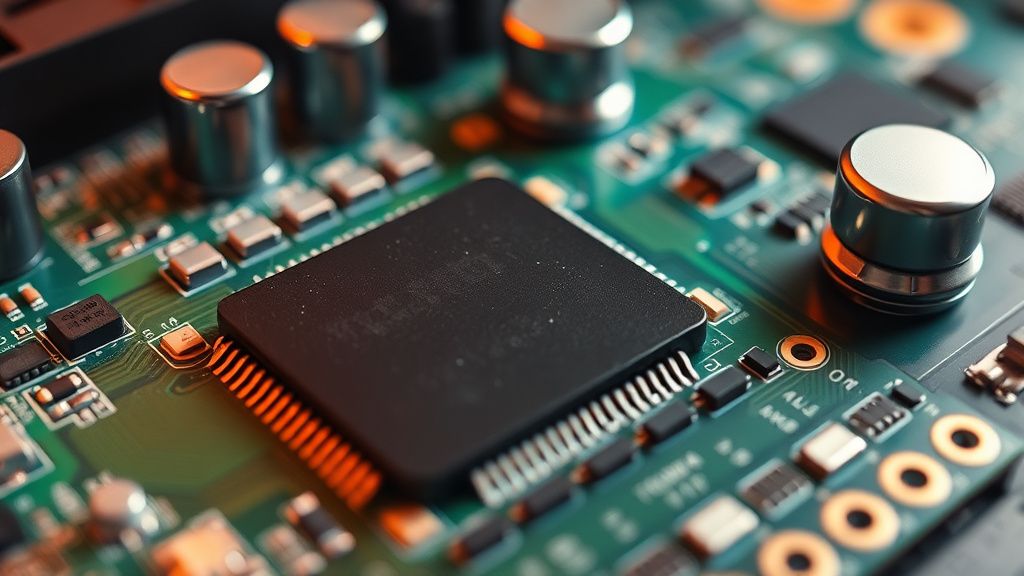
The problem with a "simple" reset button is that it is often a soft-reset. It triggers a script that clears the config file but does not initiate a block-level wipe of the underlying flash memory. In enterprise hardware, we see "Secure Erase" commands that write zeros or random bits across the entire storage volume. In the consumer space, this feature is rarely exposed in the UI.
The "Reset Button" Fallacy: Why Hardware Isn't Always Enough
There is a long-standing myth in the networking community: "Just hold the reset button for 30 seconds." While this usually reverts the NVRAM to factory defaults, it does not necessarily wipe the log files, traffic statistics, or stored device fingerprints that the router’s analytics engine may have cached.
On forums like SmallNetBuilder or the r/HomeNetworking subreddit, you will frequently see users complaining that their "wiped" router still showed up with an old hostname or specific ISP settings when tested by the buyer. This happens because the reset button often just triggers nvram erase or a similar command that targets specific variables, leaving the broader file system (often a JFFS2 or UBIFS filesystem) intact. If you don't specifically choose "Clear all data and factory reset" from the web-based UI (GUI), you are leaving metadata behind.
The Anatomy of a Secure Wipe: Operational Steps
To ensure your Wi-Fi 7 hardware is truly clean, follow this tiered approach:
- Logical Purge (GUI): Log into the admin portal (typically
192.168.1.1orrouter.asus.com). Navigate to Administration > Restore/Save/Upload Setting. Look specifically for a checkbox labeled "Initialize all settings" or "Clear all logs and stored data." - Firmware Re-flash: This is the most effective "nuclear option." By downloading the factory firmware directly from the manufacturer’s support site and manually uploading it via the recovery/bootloader interface (often accessed by holding WPS while powering on), you overwrite the entire operating environment.
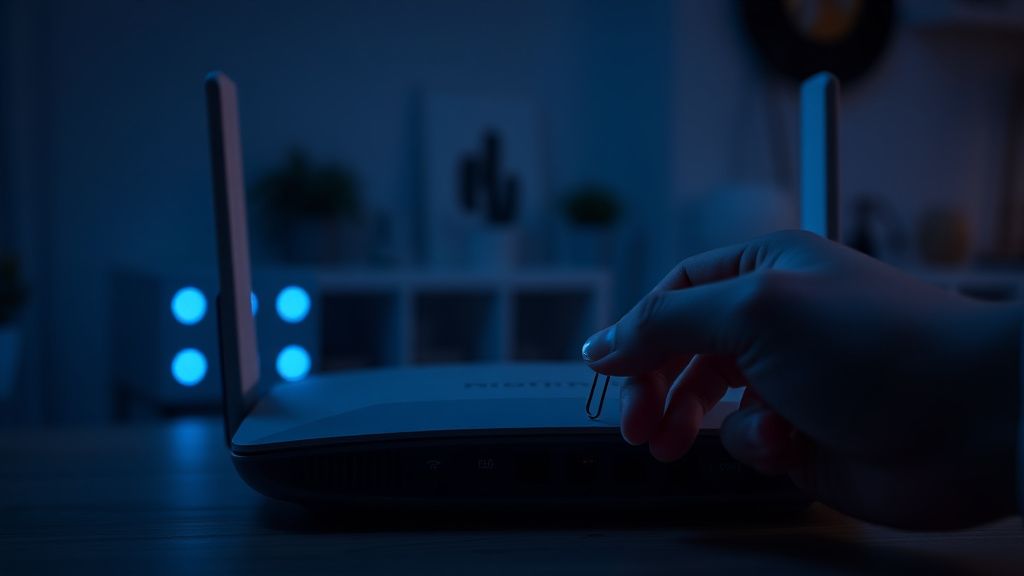
- Physical Reset: Only after the firmware re-flash should you initiate the physical pin-hole reset. This forces the new firmware to create fresh, blank configuration files, effectively "zeroing out" the previous environment.
Wi-Fi 7 Specific Risks: MLO and Credential Persistence
Wi-Fi 7 routers operate on the 6GHz band, which uses WPA3 exclusively. Unlike WPA2, WPA3 uses Simultaneous Authentication of Equals (SAE). If your router’s internal storage contains captured handshakes or hashed keys related to your local devices, a sophisticated attacker could theoretically perform an offline dictionary attack if they can dump the NAND chip.
While this sounds like a threat model reserved for "Mr. Robot," it is a growing concern for high-net-worth individuals or those living in dense apartment complexes where a discarded router could be dumpster-dived by a neighbor with the right technical acumen.
Real Field Reports: The "Ghost Settings" Phenomenon
We spoke with a network security consultant who specializes in SMB audits. They shared a recurring anecdote: "We’ve seen businesses discard their older mesh nodes—even the high-end Wi-Fi 7 units—without proper sanitization. A tech-savvy intern picked one up from the e-waste bin, plugged it in, and found the previous site-to-site VPN configuration was still partially visible in the logs. It wasn't 'live,' but it provided the internal IP structure and the naming convention of the servers. That’s a roadmap for an attacker."
This is the "Operational Reality" that manufacturers ignore. Their documentation focuses on "ease of use" (plug and play), not "ease of retirement." Most consumer manuals contain zero instructions on how to securely scrub data because companies want you to upgrade, not sell your old hardware.
Counter-Criticism: Is Deep Wiping Necessary?
There is an ongoing debate in the Hacker News and GitHub community regarding the necessity of a "NAND wipe." The counter-argument is that for 99% of users, a basic factory reset is sufficient because the data is essentially "garbage" to the next user.
- The Pro-Privacy Argument: Data leakage is cumulative. Metadata about your connected devices (IoT, smart fridges, home security cams) paints a picture of your life.
- The Utility Argument: If the next user resets it, the data is inaccessible to them through the UI. It would require specialized equipment (e.g., an SPI flash programmer) to read the chip directly.
Most experts agree: If you are selling the device on eBay, a simple UI-based reset is likely enough. If you are discarding it in a public e-waste bin, you should consider the risk of someone with physical access extracting the chip.
The Role of Modern ISP-Provided Routers
One of the biggest issues with Wi-Fi 7 rollout is the influx of ISP-locked hardware. These devices (often rented from your provider) are notoriously difficult to wipe. Many have proprietary firmware that prevents you from performing a manual firmware flash. In these cases, you are at the mercy of the ISP’s "remote management" protocols (TR-069).
When returning an ISP-provided Wi-Fi 7 unit, do not rely on the ISP to wipe it. Call them, confirm the device has been disassociated from your account, and demand a receipt. If the device is yours, but ISP-branded, check the manufacturer's generic firmware site; often, you can "de-brand" the router to gain full control, then perform the wipe.

Hardware Entities and Technical Nuances
When evaluating your router, pay close attention to these components:
- SoC (System on Chip): Look for Qualcomm Networking Pro or MediaTek Filogic. These chips have hardware-level security modules (TrustZone) that may require specific commands to clear the keystore.
- Flash Memory (NAND/NOR): The physical storage where logs reside. If your router has an "External Storage" (USB) port, remember that this is a separate physical volume that a factory reset will not touch. Remove your USB drives before recycling.
- Cloud Integration: Most modern Wi-Fi 7 systems require a cloud account (TP-Link Omada, Netgear Orbi, etc.). The "Wipe" process is incomplete if you do not also go to the manufacturer's cloud portal and "Unbind" or "Remove" the device from your account. This is a digital tether that remains even after a hardware reset.
Checklist for Secure Router Disposal
- Cloud Disconnect: Use the manufacturer app to "Delete" or "Forget" the router.
- Physical Removal: Remove USB storage, SD cards, or proprietary expansion modules.
- UI Factory Reset: Use the "Reset to Factory Default" option in the admin interface.
- Firmware Flash (Optional but Recommended): Manually re-flash the firmware if the option exists.
- Hard Reset: Hold the physical reset button for 30+ seconds while powered on.
- Physical Destruction (If high risk): If you are handling sensitive trade secrets, physical destruction of the NAND chip is the only 100% effective method. Do not just break the casing; destroy the board.
How do I know if my Wi-Fi 7 router stores private data?
Almost all modern routers store DHCP logs, connected device lists, DNS cache (if configured), and sometimes even WAN-side traffic history for QoS analysis. This data is stored on the internal flash chip and persists through power cycles.
Does a hard reset button wipe everything?
Not necessarily. In many modern Wi-Fi 7 routers, the hardware button triggers a script in the NVRAM. If the firmware is compromised or the filesystem has grown corrupted, the reset script might fail to clear certain partitions, potentially leaving logs intact.
Is "Zero-Filling" an option for consumer routers?
Rarely. Consumer-grade routers do not include a "Zero-Fill" or "Secure Erase" utility for the flash memory in their GUI. These tools are typically restricted to enterprise-grade networking gear or require specialized command-line access (SSH) to the router's Linux kernel.
What happens to my MAC address and serial number?
These are hardcoded into the firmware or a read-only partition (OTP memory). They cannot be wiped, and they are required for the device to function. However, they are not "private" data in the sense of credentials, provided the device is unbound from your cloud account.
Why does the router still show up in my "Connected Devices" list after I reset it?
This is often a quirk of the controller or the app you used to manage the router. If you are using a mesh system, ensure you have removed the specific node from the main controller's dashboard. Simply resetting the hardware is not enough if the controller still thinks the device is part of the mesh.
Can I just destroy the NAND chip?
Yes. If you have no intention of reselling the hardware and you handle sensitive data, destroying the NAND flash chip (the small rectangular chip on the board) with a drill or hammer renders the device unusable and makes the data physically unrecoverable. This is the only "perfect" solution for security-paranoid environments.
Bu makale affiliate linkleri içermektedir.