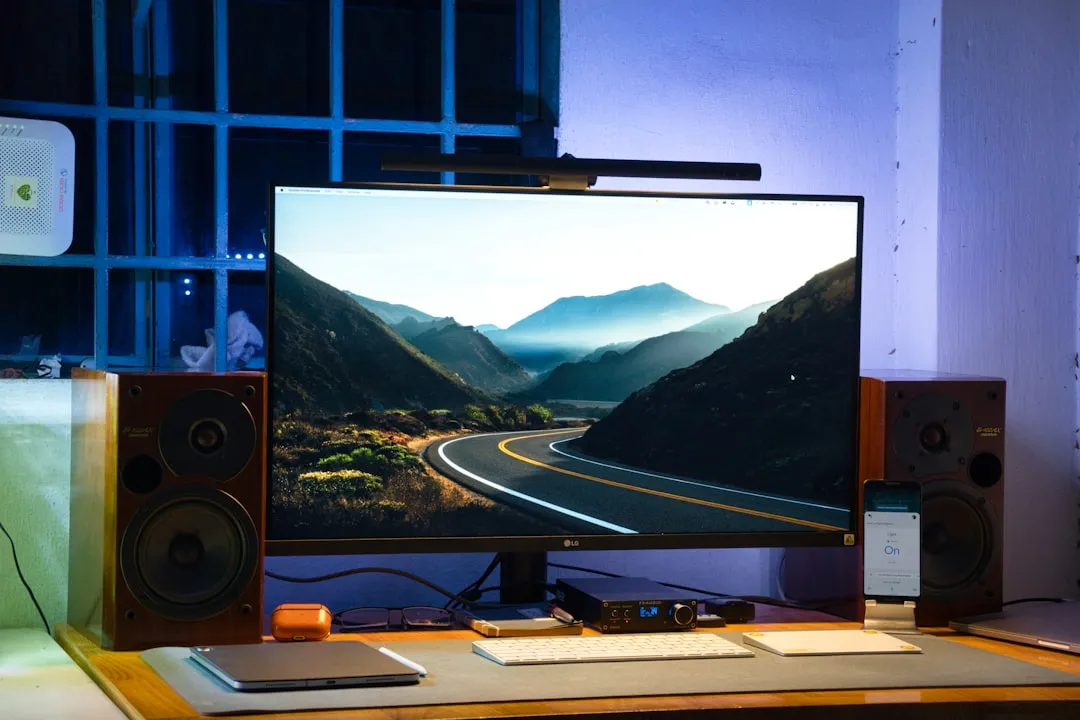
If you are experiencing VRR flicker on your LG G4 OLED while using G-Sync or HDMI VRR, the issue is rarely a hardware defect; it is almost always a result of the panel’s gamma curve struggling to stabilize against fluctuating frame rates. To mitigate this, ensure your "Fine Tune Dark Areas" setting in the Game Optimizer is adjusted, verify your HDMI Ultra HD Deep Color settings are active, and consider using the "G-Sync Compatible" range override if your GPU driver allows it.
The modern "gaming television" is a marketing construct that sits precariously between the world of high-end home cinema and the aggressive, low-latency requirements of PC enthusiast hardware. The LG G4 OLED represents the pinnacle of this convergence, yet it remains tethered to the fundamental, physical limitations of OLED technology, which can sometimes manifest as other display uniformity issues like vertical banding. When we talk about VRR (Variable Refresh Rate) flicker, we aren’t talking about a "bug" in the traditional sense; we are talking about a fundamental collision between the way OLEDs output light and the way frame-time delivery works in modern 3D engines.
The Physics of OLED Gamma Shift and VRR Instability
To understand why your G4 might be "flickering" during a loading screen or a frame-rate dip, you have to look at the relationship between refresh rate and gamma. OLED panels exhibit a phenomenon where the gamma curve of a pixel changes slightly depending on the refresh rate. Because VRR changes the refresh rate on the fly to match the GPU’s output, the panel’s gamma curve effectively "jitters" in real-time.
When the frame rate drops significantly—say, during an intense shader compilation or an unoptimized cutscene—the TV attempts to compensate for the sudden change in voltage delivered to the OLED organic compounds. This compensation manifests as a visible pulse in brightness, which we perceive as "flickering" in dark or mid-tone scenes. If you are sitting in a pitch-black room, this is agonizing. If you are in a bright living room, you might never notice it. This highlights the first major divergence in user experience: environmental context is everything.
Deep Dive: The "Game Optimizer" Architecture and Latency Trade-offs
LG’s Game Optimizer menu is not just a UI skin; it is a dedicated controller-level interface that talks directly to the TV’s SoC (System on Chip). When you toggle "G-Sync Compatible" or "AMD FreeSync Premium," you are forcing the TV’s display controller to handshake with your NVIDIA or AMD GPU at a granular level.
The problem arises when the GPU sends "dummy frames" or enters a state of near-idle during menu transitions. On the LG G4, the system is aggressive about keeping the VRR handshake alive to minimize input lag. This results in the display "holding" a state that it should have dropped, leading to the infamous black-screen blips or rapid brightness cycling, similar to HDMI handshake issues that can cause frames to drop on other devices like the Apple TV 4K.
- The Workflow Failure: Many users enable "OLED Motion" or "Black Frame Insertion" (BFI) while simultaneously trying to use VRR. Do not do this. BFI works by inserting black frames at a fixed cadence; VRR works by varying the cadence. They are mutually exclusive in their logic, and the LG G4's firmware will often struggle to reconcile these, leading to severe stutter or persistent flickering that looks like a dying power supply, a phenomenon also observed with other high-end displays experiencing VRR and HDMI 2.1 issues.
Real Field Reports: Community Friction and the "Workaround" Culture
If you scour the subreddits like r/OLED or the specialized AVForums threads, you will find a consistent theme: the "G4 Flicker" is an engineering compromise that users are forced to manage. One persistent thread on a major enthusiast forum involves users documenting that setting the GPU output to "Fixed Refresh" in the NVIDIA Control Panel for specific desktop applications, while keeping G-Sync active for full-screen games, is the only way to avoid the desktop "pop-in" flicker.
One prominent user noted: "The G4 is brilliant, but it’s a temperamental beast. I found that if I don't use a high-quality, VESA-certified 48Gbps HDMI 2.1 cable, the handshake issues during VRR transitions get exponentially worse. Most people blame the TV, but it’s the signal integrity over the HDMI cable that's failing when the VRR frequency shifts rapidly."
Bridging the Gap: Settings for the NVIDIA RTX 40-Series and LG G4
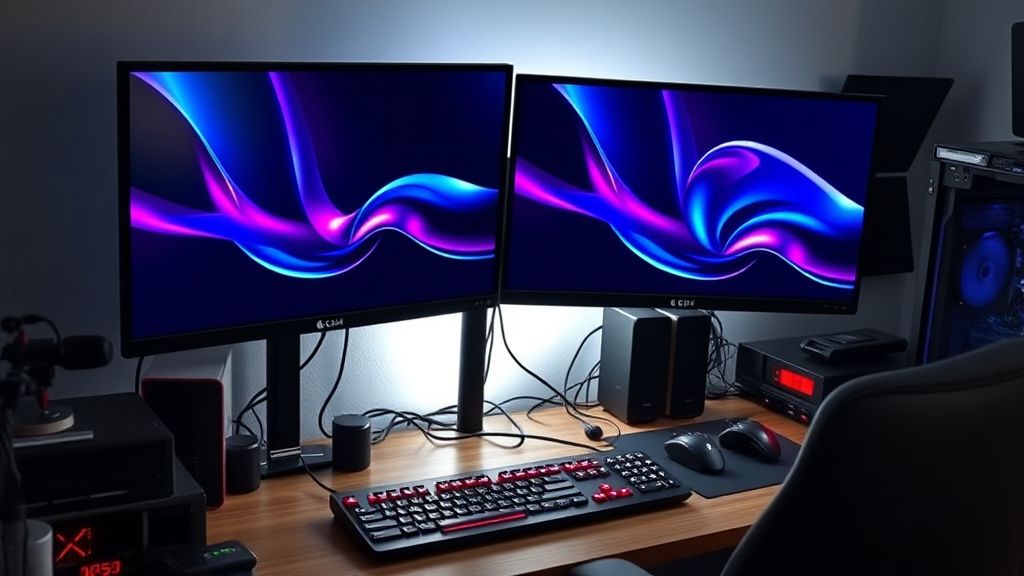
If you are running an RTX 4090 or similar hardware, you are dealing with a card that can hit frame time delivery spikes with extreme precision. The LG G4 sometimes interprets these ultra-fast spikes as a signal to recalibrate the display.
- NVIDIA Control Panel Settings: Ensure "Vertical Sync" is set to "On" within the Control Panel, not the game settings. This provides the most stable frame-pacing for G-Sync.
- Fine Tune Dark Areas: Navigate to the Game Optimizer settings on your G4. If you have "Fine Tune Dark Areas" set to a positive value, you are essentially lifting the black floor, which masks the gamma flicker because the pixels are no longer operating in the "danger zone" of near-black transition latency.
- The VRR Flicker Test: Use a tool like the Pendulum Demo or specialized scenes in Cyberpunk 2077 (specifically the inventory screen) to stress test your settings. If the flicker persists, it is a sign that the TV is dropping out of the VRR range.
Counter-Criticism: Is the "G-Sync Compatible" Label Misleading?
There is a growing school of thought among professional display reviewers that the "G-Sync Compatible" branding on TVs is more of a marketing hurdle than a technical guarantee. Because TVs lack the dedicated G-Sync hardware modules found in high-end desktop monitors (which have their own dedicated processors to handle variable overdrive and gamma correction), they are fundamentally incapable of perfect flicker-free performance in every scenario.
Critics argue that LG and other manufacturers are essentially "faking" the experience by using clever software algorithms to hide the underlying physical reality of the panel. This isn’t necessarily a lie, but it is an abstraction. When an enthusiast expects "monitor-grade" performance from a 65-inch television, they are ignoring the fact that the two technologies are built for entirely different viewing distances and refresh cadences.
Advanced Diagnostics: When to RMA vs. When to Tweak
If your flickering occurs regardless of whether VRR is on or off, or if you see it during static content, you are likely looking at a hardware fault—possibly a failing T-CON board or an issue with the panel’s power distribution.
- Rule of Thumb: If the flicker is localized to specific dark areas and only happens during fluctuating frame rates, it is the VRR/Gamma issue. If the flicker happens across the entire panel uniformly, or persists in static menus, contact LG support immediately.
The Future of Variable Refresh Rates: Where do we go?
We are reaching the physical limits of current display technology. Until we see the mass adoption of micro-LED or more advanced OLED backplane designs that can independently control pixel gamma at sub-millisecond speeds without re-buffering, VRR flicker will remain an "edge case" annoyance for the top 5% of users. The LG G4 is a masterpiece of silicon and organic chemistry, but it is not magic. It requires the user to understand the constraints of the system.
Why does my LG G4 flicker only in loading screens?
Loading screens often exhibit highly variable frame rates—spiking from 1 to 144 FPS as the engine switches between different assets and static images. This "frame-rate whiplash" causes the display’s VRR controller to constantly re-engage and disengage, leading to the brightness fluctuations you perceive as flickering. It is a limitation of the current VRR handshake standard.
Will a firmware update fix this?
LG has historically released updates to "Game Optimizer" that refine the VRR handling, but they rarely eliminate the underlying gamma shift completely. Firmware can optimize the thresholds at which the display reacts to frame-rate changes, but it cannot change the physics of how the OLED panel responds to varying voltage levels.
Does turning off VRR kill the gaming experience?
For competitive titles where you can lock your frame rate to your monitor's maximum refresh rate (e.g., 120Hz), turning off VRR can actually provide a more stable image. You sacrifice the dynamic matching of VRR, but you eliminate the risk of gamma flicker entirely. If your GPU can maintain a stable 120 FPS, G-Sync is often redundant anyway.
Is "Fine Tune Dark Areas" just a hack?
It is an engineering workaround. By lifting the dark values slightly, you move the pixel transition out of the "black-crush" or "gamma-instability" zone. It is a trade-off: you lose a tiny bit of absolute black depth, but you gain a perfectly stable image during dark scenes where VRR flicker would otherwise be visible.
Do cables really matter for VRR stability?
Absolutely. VRR requires a consistent, high-bandwidth connection to maintain the handshake between the GPU and the TV’s scaler. Many "4K/120Hz" cables are barely within spec and fail when the signal fluctuates rapidly. Use an Ultra High Speed HDMI (48Gbps) cable that is officially VESA-certified.
Can I fix this using NVIDIA's "G-Sync Pendulum" test?
The Pendulum Demo is an excellent diagnostic tool. It allows you to manually force frame-rate drops and erratic frame times. Use it to find the specific "flicker floor" of your panel. If you can see the flicker in the demo at 60 FPS, you know that the issue is the panel's internal processing, not your game's engine or your PC's GPU.
Bu makale affiliate linkleri içermektedir.