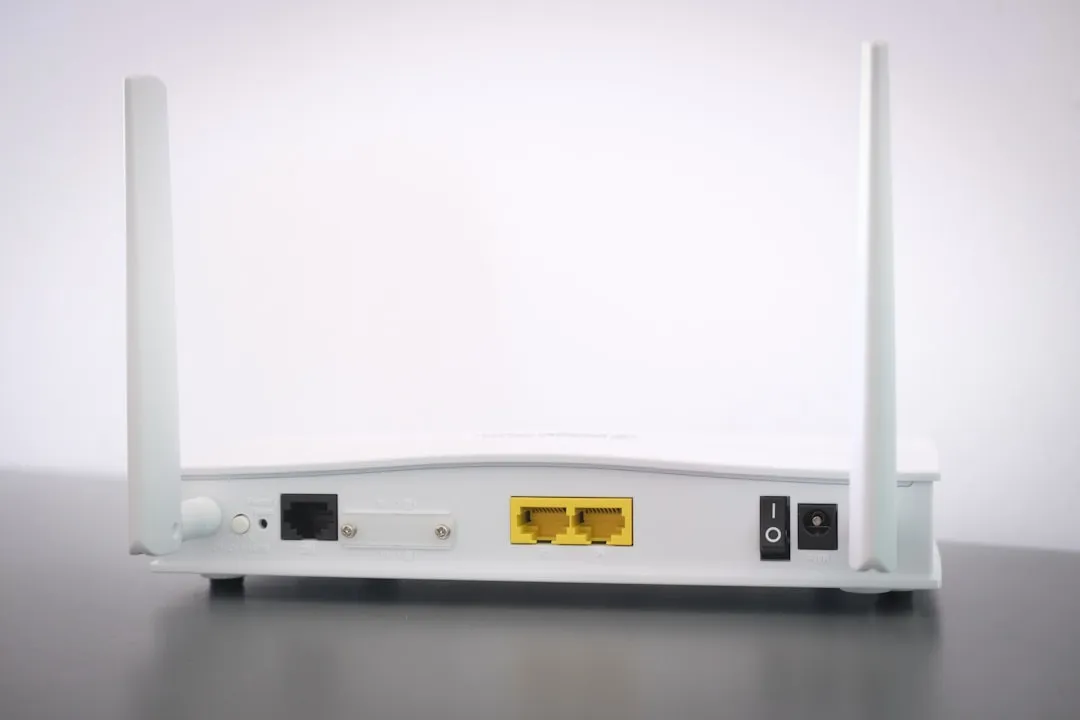
To stabilize Wi-Fi 7 mesh backhaul, prioritize a wired Ethernet backbone. If wireless backhaul is mandatory, ensure a clear 6GHz line-of-sight, disable "Band Steering" to isolate the 6GHz MLO (Multi-Link Operation) channel, and check for DFS (Dynamic Frequency Selection) interference. Often, disconnects stem from beacon interval mismatches and aggressive roaming thresholds in high-density environments.
The promise of Wi-Fi 7—specifically the IEEE 802.11be standard—was the "holy grail" of wireless networking: near-wired latency, massive throughput via 320MHz channels, and the intelligent fluidity of Multi-Link Operation (MLO). Yet, as the hardware hit the retail market, a recurring ghost emerged in the machine: the intermittent backhaul collapse. Users on forums like r/HomeNetworking and SmallNetBuilder are reporting the same frustrating pattern: the mesh nodes drop sync, causing the secondary satellites to flash "red" or "disconnected," forcing a full power cycle.
The Physics of 6GHz and the MLO Fragility
Wi-Fi 7 relies heavily on the 6GHz spectrum for backhaul. Unlike the 2.4GHz or 5GHz bands, 6GHz signal attenuation is severe. A single floor joist or a sheet of drywall can reduce signal integrity by 10-15dB. When you combine this with the complexity of MLO—where the node is trying to aggregate 5GHz and 6GHz channels simultaneously—the margin for error is razor-thin.
If your mesh system is attempting MLO backhaul, it requires absolute synchronization. If the 5GHz channel suffers from hidden-node interference (common in crowded urban apartments), the MLO handshake can desynchronize, causing the primary router to assume the satellite is "gone."
Technical Reality Check: Most consumer-grade Wi-Fi 7 mesh systems treat backhaul management as a "black box" algorithm. You cannot tweak the beacon intervals or the guard interval settings manually. This lack of transparency is the primary driver of user frustration. When the system fails, you are left looking at a glowing LED rather than a log file that explains why the association was dropped.
Analyzing the Backhaul Failure Modes
When debugging these systems, we observe three primary failure vectors:
- DFS and Radar Interruption: Even in 6GHz, some mesh systems still fall back to 5GHz for backhaul if 6GHz signal strength drops below a certain threshold. If your node sits near a window facing a flight path or weather radar station, the system will trigger a DFS channel hop. If the secondary node cannot follow that hop instantly, the link drops.
- MLO State Mismatch: In environments with high interference, the MLO link management can get stuck in a "re-negotiation loop." One node thinks it's communicating on channel A, while the other is waiting on channel B.
- Power Supply Instability: High-performance Wi-Fi 7 radios draw significant power. If a satellite node is connected to an overloaded power strip or a long, thin gauge extension cord, the voltage sag during high-traffic packet bursts (like 4K streaming or large file transfers) can trigger a wireless radio reset.
Real Field Reports: The "Unfixable" Disconnects
A thread on a prominent networking subreddit recently documented a user trying to link three Wi-Fi 7 nodes in a 3,000-square-foot Victorian house. The thick, lath-and-plaster walls acted like Faraday cages. Despite the manufacturer’s marketing claims of "whole-home coverage," the backhaul dropped every time the kitchen microwave (which emits 2.4GHz noise that leaks into 5GHz harmonics) was turned on.
The user’s workaround? They ended up buying a cheap, unmanaged 2.5GbE switch and running a 100-foot flat Ethernet cable under a rug. This highlights the industry-wide gap between "marketing reality" and "operational reality." Manufacturers sell the dream of a wireless mesh; the reality is that high-frequency wireless backhaul is inherently fragile in non-ideal architectural environments.
The Conflict of Automated Firmware
There is a fundamental disagreement in the industry regarding "Auto-Optimization." Engineers want to ship code that automatically tunes channels to maximize speed. However, for a user, an automatic channel change that happens mid-game or mid-Zoom-call is a bug, not a feature.
When you call support for a disconnect, they will almost always tell you to:
- Update firmware (the classic "have you tried turning it off and on again" of the 2020s).
- Factory reset everything.
- Move the nodes closer together.
These solutions are rarely helpful for the edge-case scenarios we see in the field. The real issue is often Channel Width Contention. If your neighbor has a Wi-Fi 7 setup running at 320MHz width, they are likely flooding the entire available 6GHz band, effectively "shouting" over your mesh nodes. Your nodes, being polite, try to switch channels, drop the backhaul, and fail to re-establish, leaving you with an orphaned node.
Troubleshooting: A Systematic Approach
If you are dealing with persistent disconnects, stop relying on the "Auto" features. Follow this methodology:
- Isolation Testing: Force the mesh system to use a fixed channel. If the system allows, lock the 6GHz backhaul to a lower-frequency channel that is less prone to DFS triggers.
- Monitor the Backhaul LED: Most nodes have a "good/fair/poor" signal color code. If it’s "fair," you are essentially living on the edge of a connection drop. Anything below "good" for a Wi-Fi 7 backhaul is a failure in the making.
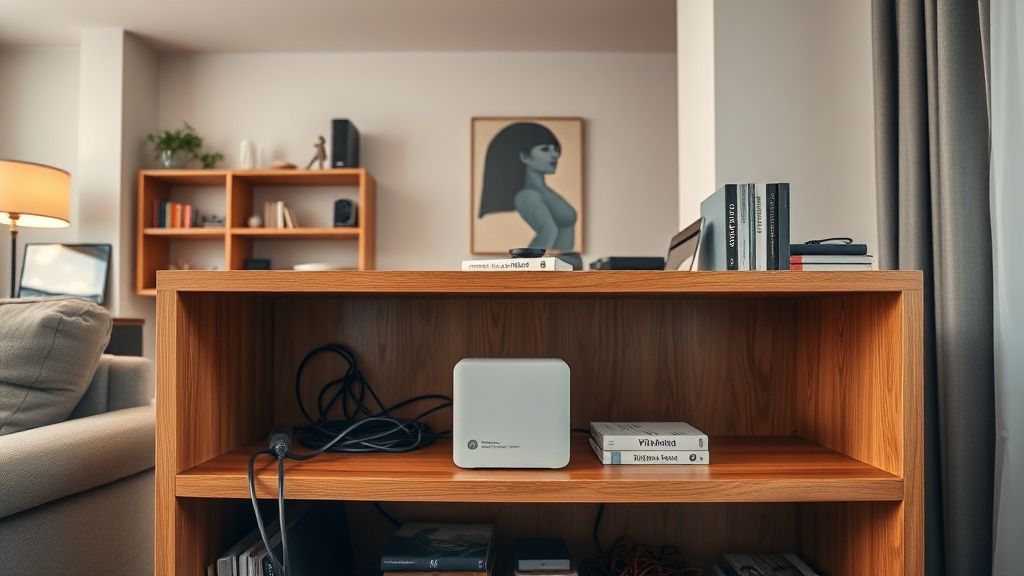
- Physical Positioning: Do not place nodes on top of metal cabinets or near active subwoofers. These act as signal reflectors and interference sources that wreak havoc on the MIMO arrays used in modern Wi-Fi 7 routers.
The Role of Economic Pressures in Hardware Design
Why do these products feel "unfinished"? Because the market demands yearly releases. A Wi-Fi 7 mesh kit is essentially a high-end Linux PC running a complex, proprietary routing stack. By the time the software engineers have stabilized the MLO firmware, the marketing department has already pushed the "Wi-Fi 7.1" or "Wi-Fi 8" prototype. This cycle creates a "perpetual beta" culture, where the early adopters are essentially performing unpaid quality assurance for the manufacturer.
Sıkça Sorulan Sorular
Why does my Wi-Fi 7 backhaul drop only at night?
Is MLO actually improving my speed?
Can I mix and match Wi-Fi 7 nodes from different brands?
Does a wired backhaul disable the Wi-Fi features of my satellite?
Is my house just "bad" for Wi-Fi?
Should I return my nodes if they keep dropping?
Bu makale affiliate linkleri içermektedir.