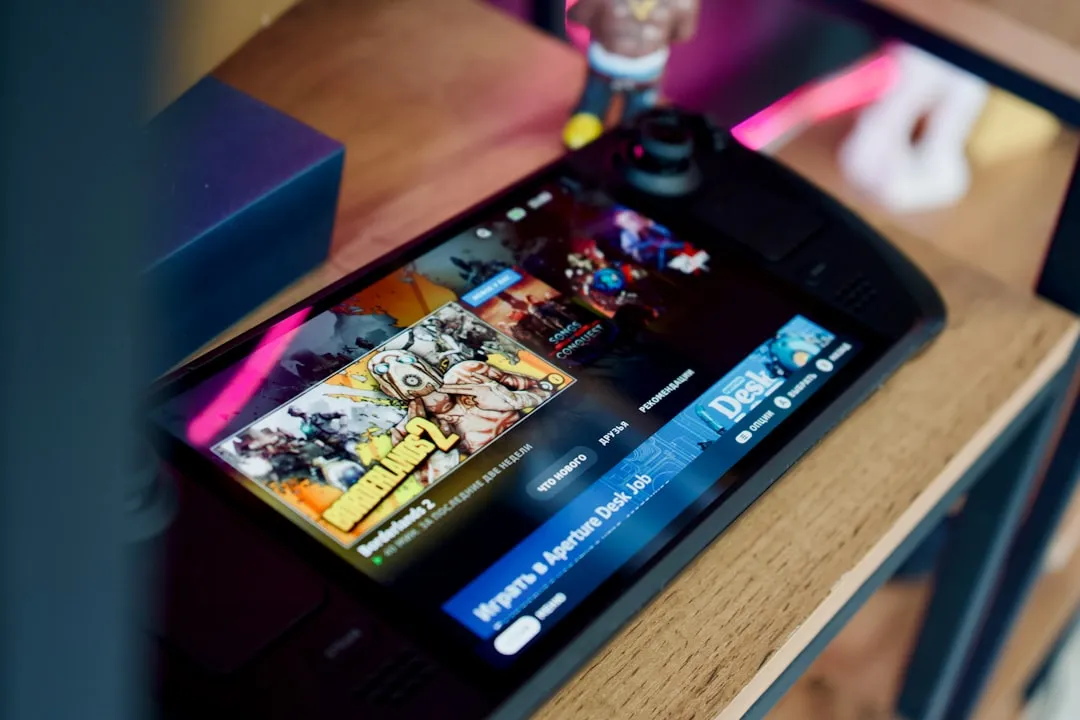
If your Steam Deck OLED charging port isn't working, stop forcing the cable. The most common culprit is internal debris or a bent pin, not a dead motherboard. Use a non-conductive pick to clean the port carefully or attempt a hard reset (Power + Vol Down). If physical damage exists, professional microsoldering is usually required.
The Steam Deck OLED is widely considered the "gold standard" of handheld gaming, yet it shares a fundamental structural vulnerability with almost every modern USB-C device: the physical port. Unlike the internal components, which are shielded by a robust magnesium alloy chassis, the USB-C port is a high-stress mechanical interface. Over time, it becomes the primary failure point for hardware that is otherwise built to last.
The Physics of Mechanical Failure in USB-C PD Controllers
The USB-C port on the Steam Deck is not just a hole; it is a complex assembly of 24 pins soldered directly to a daughterboard or mainboard. When users complain about "charging failure," they are often conflating a hardware breakage with a software negotiation error.
The Power Delivery (PD) protocol used by Valve is strictly managed by an integrated circuit (IC) that negotiates voltage with the charger. When the port is compromised, the "handshake" between the wall brick and the Deck fails. Users report that the LED light won't turn on, or it blinks once and dies. This is often the system sensing a short circuit across the CC (Configuration Channel) pins, triggering a safety cutoff to prevent the lithium-ion battery from venting.
Field Report: The "Pocket Lint" Phenomenon and Conductive Debris
In community threads across Reddit’s r/SteamDeck and various Discord servers, a recurring theme is the "mysterious death" of the port. Users often describe charging while in bed or throwing the device into a backpack.
What the official manuals don't tell you is that your pocket is a lint factory. Lint is hydrophobic but, when compressed, becomes a conductive barrier. If you force a cable into a port packed with pocket lint, you aren't just pushing the debris deeper; you are potentially bridging the VBUS (voltage bus) pins to the data pins. This causes localized heating, which melts the plastic tongue inside the port. Once that plastic is warped, the port is functionally dead, regardless of how clean it looks.
Analyzing the "Hard Reset" Workaround and System Logic
Before you tear down your deck, understand why the "Hard Reset" (Volume Up/Power Button combination) often works. Sometimes, the Embedded Controller (EC) gets stuck in a logic loop due to a power spike detected at the port. By holding the power button for 10-30 seconds, you are forcing a power cycle that flushes the EC's volatile memory.
- The Symptom: Charging light stays off even with a known good cable.
- The Reality: The EC has detected an over-voltage or short-circuit event and has locked the port to prevent thermal runaway.
- The Fix: A hard reset often clears this "software-side" lock, allowing the port to attempt a new negotiation with the charger. If this works, your port isn't broken; the safety protocol just tripped.
Hardware Wear, Solder Fatigue, and Surface Mount Technology (SMT)
The Steam Deck’s port is soldered to the board via several ground pads. These are the "anchor points." The most common point of failure is "solder fatigue" caused by the lever effect. When you play with the device while it is charging, the weight of the cable creates a constant torque on the port.
Over six months, these micro-movements crack the solder joints under the port. You might notice the Deck stops charging when tilted, but works when laid flat. This is a clear indicator that the structural integrity of the port is compromised, and the pins are losing contact with the pads on the PCB.
Debating the "Replaceability" Myth
There is a persistent debate in the DIY community: "Should I just replace the port myself?"
- The Pro-DIY Argument: Replacing a daughterboard is easy and cheap.
- The Reality: On the OLED model, the USB-C port is soldered onto the mainboard. This is not a "plug-and-play" module. Replacing this requires a hot air rework station, high-quality flux, and microsoldering experience. If you are a novice, the risk of "lifting a pad" (pulling the copper circuit off the board) is incredibly high. Once a pad is lifted, the board is often unrecoverable for the average user.
Economic Impact and Warranty Friction
Valve’s RMA policy is generally favorable, but they are increasingly strict about "customer-induced damage." If they detect bent pins or signs of liquid ingress, the warranty is void.
Users often attempt to use third-party "magnetic" USB-C adapters to mitigate port wear. While these save the port, they are a frequent cause of "no charging" issues because they don't support the full PD handshake required by the Steam Deck to draw 45W. When the handshake fails, the Deck drops to a 5W trickle charge—or stops charging entirely—leading the user to believe their port has failed.
Identifying the True Failure Points
To diagnose your issue, you need to isolate the variables:
- The Cable/Brick: Test with an Apple 61W/96W charger or a known-good Anker GaN charger. If it works, your original Valve charger is the problem.
- The Debris Check: Use a wooden toothpick (never metal) to gently probe the depth of the port. If you feel resistance that isn't the metal tongue, you have debris.
- The Tilt Test: Gently move the connector while plugged in. If the charging indicator flickers, you have a mechanical solder break.
- The Software Check: Check "Desktop Mode" -> "Battery" settings. Does it show "Not Charging" or is it missing entirely? If it's missing, the system doesn't even see the device, suggesting a hardware link break.
The "Ghost in the Machine": Firmware and Controller Issues
Occasionally, the SteamOS update process itself causes port negotiation issues. We have seen reports on GitHub Issues regarding the steamos-atom controller firmware causing the port to become unresponsive to specific power profiles. This is not a hardware failure, but a failure of the Linux kernel to interpret the power signals. Before assuming the worst, ensure your BIOS is updated to the latest stable release.
Professional Repair vs. The "Workaround" Culture
The workaround culture on platforms like Hacker News and specific subreddit communities is both a blessing and a curse. You will find people suggesting "jamming a needle" into the port to reset a pin. Do not do this.
The risk of shorting the 20V pin to a data pin is high. A 20V surge through the data lines will instantly destroy the PD controller chip and likely the CPU/APU, turning your $600 handheld into a $600 paperweight. If you are past the warranty stage and are facing a hardware-side solder failure, find a reputable shop that specializes in microsoldering—do not attempt to learn on your daily driver.
Looking Ahead: The Future of Port Durability
The industry is moving toward more robust port designs, but until they move to a modular, "hot-swappable" daughterboard design, we are stuck with these fragile interfaces. The Steam Deck OLED is a marvel of engineering, but it is still a computer. And like every computer before it, it is only as strong as its weakest electrical connection.
FAQ
Is it safe to use a third-party dock if my port is acting up?
Can I fix a "bent pin" inside the port by myself?
Why does my Steam Deck charge in "Slow" mode despite using a 100W cable?
Is the "liquid detected" warning always accurate?
Will replacing the motherboard void my warranty?
What should I look for when choosing a repair shop?
Bu makale affiliate linkleri içermektedir.