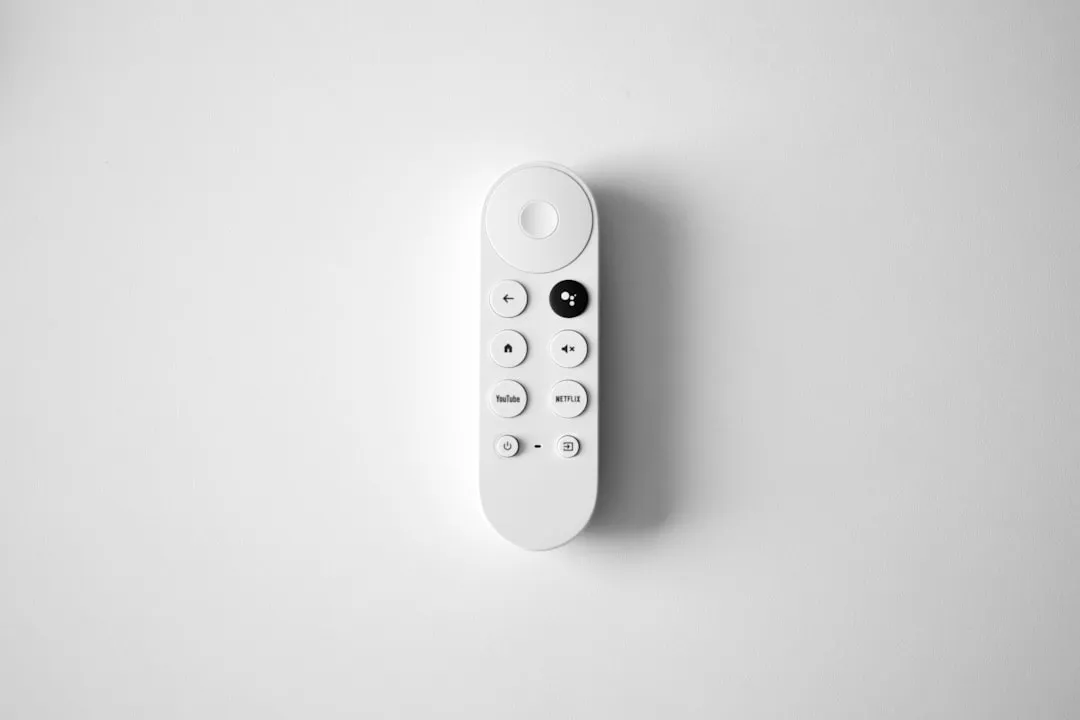
For most users experiencing app instability on a TCL QM851G, the quickest fix is a hard power cycle followed by a targeted system cache clear. Navigate to Settings > System > Power > System Restart. If issues persist, locate the specific app under Settings > Apps, select Clear Cache, and ensure your Google TV firmware is updated to the latest build to resolve memory management bugs.
The TCL QM851G represents a high-water mark for Mini-LED backlight technology in the consumer space, yet underneath that vibrant 5,000-nit peak brightness lies a reality that few reviewers discuss: the Google TV OS environment is essentially a high-performance computer running on limited, often thermally-constrained hardware. When your apps crash on the QM851G, it isn't always a "bad app"; it is frequently a symptom of an OS struggling to manage its own resource allocation, background telemetry, and memory leaks, a scenario not unlike Roku Ultra 2026 crashing during 4K HDR streaming.
The Anatomy of a Crash: Resource Contention and Memory Leaks
To understand why your apps are crashing, we have to look past the "Smart TV" marketing. The QM851G utilizes a MediaTek-derived chipset, common in the high-end TV space. These chips are optimized for video decoding (Dolby Vision, HDR10+, AV1), not for multitasking between heavy Android applications.
When you install a streaming app like Disney+ or HBO Max, the system reserves a portion of the available RAM. As you jump between apps, the OS is supposed to "kill" the background processes. However, Google TV’s garbage collection—the process that frees up unused memory—is notoriously aggressive yet sometimes ineffective. If a developer uses a memory-intensive framework, the TV’s system memory fills up. The OS then hits a "Low Memory Killer" (LMK) threshold, causing the foreground app to stutter, freeze, or terminate abruptly.
The "Ghost" Cache: Why Clearing Data is Sometimes Necessary
Clearing the cache is often recommended, but it is frequently misunderstood. The cache consists of temporary files—thumbnails, session tokens, and video fragments—that allow an app to load faster. Over time, these files can become corrupted or outdated, especially after a major Android OS update.
When the OS updates the kernel or underlying system APIs, old cache files can trigger conflicts. If you see an app crashing immediately upon launch, it is often trying to pull a resource from a cache index that no longer matches the current system path.
Step-by-Step Maintenance: Beyond the Basic Remote Input
If the standard "Restart" menu doesn't fix the behavior, you need to dive deeper into the Settings architecture.
- Isolating the App: Go to
Settings > Apps > See all apps. Navigate to the offending application (e.g., Netflix). - The Two-Tier Cleanup: Select
Clear Cachefirst. If the problem persists, selectClear Data. Warning: This will log you out of the app. This is intentional, as it forces the app to rebuild its local database and authentication tokens from scratch. - The Hard Power Cycle: Simply pressing the power button on your remote puts the TV into a "Standby" state, not a "Powered Off" state. To truly clear the volatile RAM, pull the power cord from the wall for at least 60 seconds. This allows the capacitors in the power supply unit (PSU) to drain, ensuring the memory registers are wiped clean.
Real Field Reports: The Reality of "Optimization"
On community boards like Reddit’s r/TCLFans and various AVSForum threads, the sentiment toward the QM851G's software stability is mixed. One user noted, "I’m on my third week with the QM851G, and while the picture is unmatched for the price, I feel like I’m running a sysadmin job just to watch a movie." This user's experience reflects a widespread trend: the gap between "Smart" and "Reliable."
Maintenance issues often spike following OTA (Over-The-Air) firmware updates. Maintainers in technical forums have pointed out that TCL’s firmware integration sometimes fails to properly migrate old configuration files. This leads to the infamous "UI stutter" where the menu scrolls smoothly, but apps refuse to initiate their playback buffers, a problem sometimes seen with Apple TV 4K frame rate issues.
Counter-Criticism: Is the Hardware to Blame?
There is a persistent debate in the tech community: Is it the Google TV OS or the TCL hardware implementation? Critics argue that TCL attempts to run a "one-size-fits-all" Android TV implementation on hardware that doesn't have the thermal headroom for it. When the QM851G is pushing extreme brightness for HDR content, the CPU/SoC creates significant heat.
Some power users have reported that placing an external cooling fan behind the TV’s ventilation ports actually reduces app crashes. While this sounds absurd, it points to a thermal throttling issue. If the SoC hits a thermal ceiling, it aggressively throttles clock speeds, which, when coupled with a memory-heavy app, results in the dreaded application crash.
Avoiding "Bloatware" and Background Resource Drain
The QM851G comes pre-loaded with a variety of "suggested content" and partner apps. These are not just icons; many are background services.
- Recommendation Engines: These services constantly poll servers for new content, creating a constant, low-level drain on RAM.
- The "Workaround" Culture: Many savvy users recommend disabling the "Apps Only" mode in settings or, in more extreme cases, using
ADB(Android Debug Bridge) to disable unnecessary system packages. While this can stabilize the system, it is an advanced operation that can lead to issues with Google Play Services if not done correctly.
The Role of HDMI-CEC and External Devices
A significant portion of what users perceive as "App Crashing" is actually HDMI-CEC handshake failure. If you have an Apple TV 4K or a Nvidia Shield plugged into your QM851G, and that device enters a sleep state while the TV remains on, the TV’s internal Google TV OS may attempt to "re-task" its resources to compensate for the lost signal. This creates an infinite loop of refreshes that users interpret as an app crash. If your apps are unstable, try disabling HDMI-CEC temporarily to see if the internal app stability improves.
Understanding Future-Proofing and Firmware Reliability
TCL's update cycle is generally more frequent than some competitors, which is both a blessing and a curse. Frequent updates introduce new features, but they also introduce new regressions. If you find your system stable on firmware version "X," but a new update "Y" causes crashing, there is currently no native "Rollback" feature in the Google TV interface. You are effectively committed to the update.
This highlights a major failure point in the modern consumer electronics lifecycle: the lack of user agency over system stability. When a manufacturer pushes a "feature update," it can inadvertently break the stability of the core playback pipeline.
When to Contact Support (and What to Expect)
If you have performed a Factory Reset, updated your firmware, and narrowed down your internet connection issues, and apps still crash, you are likely dealing with a hardware defect—specifically, a failing eMMC (embedded Multi-Media Card) flash storage module.
When you contact support, be specific:
- State that you have already performed a "Factory Reset."
- Provide the specific
Build Numberfrom theAboutsection. - Document the exact error code (e.g., "App Not Responding" vs. "Process Terminated").
Avoid the "Scripted Support" loop. If the technician asks you to restart the TV again, politely insist that you have performed a cold boot and a factory data reset. Your goal is to move the ticket to a hardware assessment phase rather than a software troubleshooting phase.
Why does my TV say "App Not Responding" even after a restart?
An "App Not Responding" (ANR) error usually means the application thread is blocked by a massive data fetch or a resource conflict. If it happens after a restart, the app likely has a corrupted user profile file. Go to Settings > Apps > [App Name] > Clear Data. This will reset the app's local state and is more effective than clearing the cache alone.
Is the QM851G’s Google TV OS inherently slower than other brands?
It is not inherently slower in terms of raw power, but the integration layer varies. TCL uses a custom overlay to manage the local dimming zones and picture profiles, which sits on top of the Android OS. This extra layer consumes cycles. If you find the UI sluggish, try turning off "Motion Clarity" or "Clear LED Motion," as these post-processing features utilize significant CPU resources.
Can I uninstall pre-installed apps that keep crashing?
You cannot "uninstall" system-level apps, but you can "Disable" them. Go to Settings > Apps > See all apps > [App Name]. If the "Disable" button is clickable, this will stop the app from running in the background and consuming RAM, which can help stabilize the system for your preferred streaming apps.
How often should I perform a full factory reset?
A factory reset should be a last resort, typically after a major firmware update that leaves the system feeling "jittery." You should not need to do this more than once every 12–18 months unless you are dealing with a critical system error. Always back up your account settings, though Google TV syncs most of these automatically.
Does turning off "Background Activity" help with crashing?
Yes, Android’s background process management can be restricted. You can access "Developer Options" (by clicking the "Build" number in the About menu seven times). Inside, you can set the "Background process limit." Note that this is an advanced setting; if you set it to "No background processes," you may find that apps fail to resume correctly or lose their current spot when you switch away from them.
Why do some apps work perfectly while others crash on the QM851G?
Different apps use different frameworks. Apps like YouTube are heavily optimized for the Android TV environment. Smaller, niche, or poorly maintained apps often don't have the resources to test across the wide array of Android TV chipsets. If only one specific app crashes, it is almost certainly a coding issue within that specific app, not a flaw in your TV’s hardware.
What is the significance of the "System Restart" option?
Unlike turning the TV off with the remote, the "System Restart" option under the Power menu performs a software-level reboot of the Android kernel. It clears the RAM, kills all background processes, and re-initializes the device drivers. It is the gold standard for troubleshooting before moving on to factory data resets or hardware-level diagnostics.
Bu makale affiliate linkleri içermektedir.