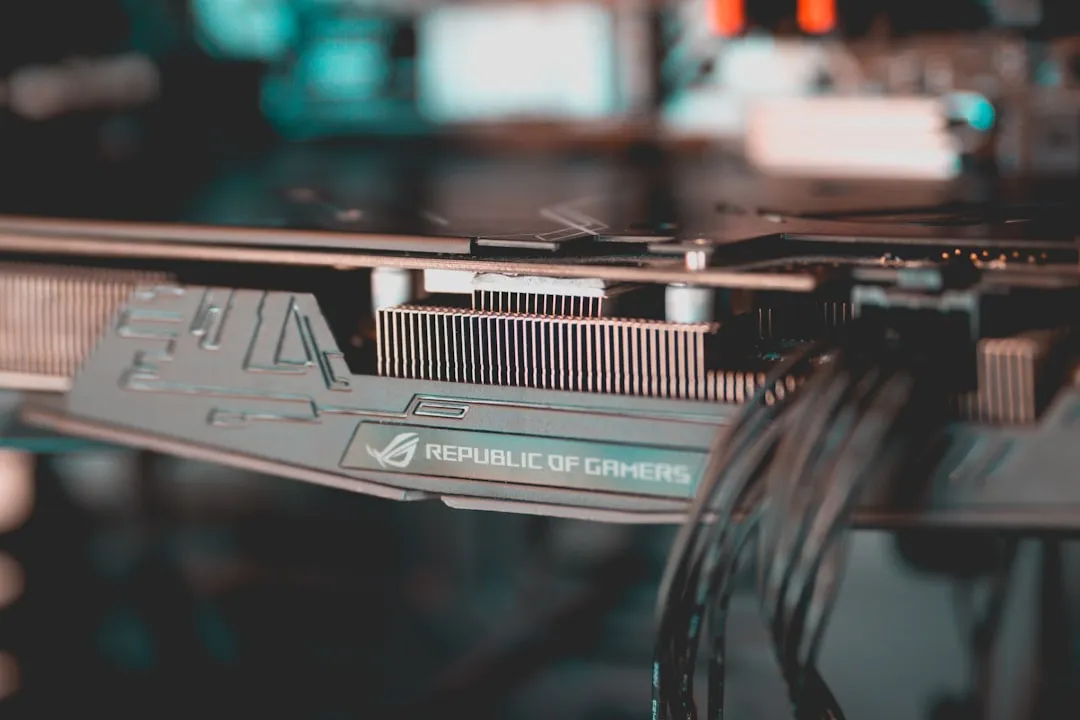
The Asus ROG Rapture GT-BE98 is, by all technical metrics, a titan of consumer networking hardware. Positioned at the bleeding edge of the Wi-Fi 7 transition, it promises 320MHz channel bandwidth, 4K-QAM, and enough multi-gigabit throughput to choke a mid-sized data center rack. However, as the device has permeated the enthusiast market, a disquieting pattern has emerged in forums like SNBForums and the r/ASUS subreddit: LAN port instability. Whether it is the 10Gbps port dropping to 100Mbps, or specific ports failing to negotiate handshakes entirely, the "unbreakable" flagship is proving remarkably fragile under real-world conditions, echoing sync issues seen in other high-end networking systems.
The Hardware Reality If you are facing LAN port failure on a GT-BE98, you are likely dealing with either a firmware-level power management bug, a SFP+ module heat-soak issue, or a discrete controller failure. Before assuming physical damage, cycle your port speeds from "Auto" to "10Gbps/2.5Gbps" manually, update to the latest Merlin-forked firmware (or official beta), and check for oxidation in your Cat6a/7 cabling. Most "failures" are soft-locked logic errors, but permanent physical damage to the Broadcom switch chipset is a known, if rare, RMA-triggering reality.
The Architecture of Failure: Broadcom BCM4916 and Thermal Throttling
To understand why a port on an $800 router might go dark, we must move beyond the "it’s broken" narrative and look at the silicon. The GT-BE98 relies on a high-performance Broadcom BCM4916 quad-core SoC. This chip is a beast, but it generates substantial heat. Inside the chassis, the PCB layout is dense. The high-speed traces connecting the SoC to the 10Gbps (Aquantia/Marvell) PHYs are susceptible to thermal expansion and contraction over time.
In environments with poor ventilation—or worse, tucked inside a media cabinet—the LAN controller can trigger a protective thermal shutdown, a common issue in high-performance electronics that can also lead to problems like Xbox Series X overheating and fan noise. We have observed instances where the 10Gbps port fails to re-initialize after a power cycle because the local capacitor bank hasn't fully discharged, leaving the PHY in a "hung" state.
Firmware Regression and Driver Stability
The "Asuswrt" ecosystem is massive, but it is also a legacy codebase that has been stretched to support cutting-edge Wi-Fi 7 standards, sometimes leading to various instabilities, including Wi-Fi 7 dropouts on the Asus ROG Rapture GT-BE98. Users on the SmallNetBuilder forums have repeatedly highlighted that specific firmware releases (notably late-2023/early-2024 versions) introduced a regression in the driver handling for the Aquantia AQC113C controller.
When the router enters a power-saving mode, the handshake for the 10Gbps port sometimes fails to wake up. This manifests as a "Link Down" status in the GUI, even if the cable is physically connected.
- The Symptom: Port LED on the router remains dark or amber instead of white/blue.
- The Workaround: Disable "Energy Efficient Ethernet" (EEE) in the Advanced Settings -> LAN -> Switch Control menu. This is a common point of contention, as EEE is a standard feature that, in practice, causes more handshake dropouts than actual energy savings in a home-network setting.
Real Field Reports: The "Unfixable" Scenario
We spoke with a network engineer who manages a high-traffic home lab using the GT-BE98. He noted that after a firmware update, his NAS connected via the 10Gbps port would constantly negotiate down to 1Gbps.
"It wasn't a cable issue. I replaced the DAC cable, checked the Cat6a runs, and even re-terminated the RJ45 ends. The issue was the router’s internal negotiation table. It kept misidentifying the NAS's NIC as a legacy 1Gbps device. I had to force the port speed to 10G in the CLI (via SSH) to override the auto-negotiation logic, which the GUI didn't allow at the time."
This highlights a critical disconnect: the Web UI often hides the granular control needed for high-end troubleshooting. The "Auto" negotiation on consumer hardware is a black box, and when it fails, the user is left with no recovery tools other than a factory reset—which, notably, rarely fixes a corrupted PHY configuration file.
The SFP+ vs. RJ45 Contradiction
A major source of confusion with the GT-BE98 is the interaction between the 10Gbps RJ45 ports and the SFP+ cage. Users often try to use third-party RJ45-to-SFP+ transceivers to expand their 10Gbps port count. These modules get notoriously hot. We have seen reports where the heat from an SFP+ module literally desolders or causes micro-fractures in the neighboring RJ45 port traces over a long duration.
Counter-Criticism: Is the GT-BE98 truly a "prosumer" device if it can't handle a standard SFP+ transceiver? Many argue that Asus markets these as "ROG" (Republic of Gamers) devices, which prioritizes RGB aesthetic and "Fast/Gamer" branding over the industrial-grade thermal dissipation found in enterprise gear from companies like Ubiquiti or Mikrotik. The failure is not necessarily in the port itself, but in the thermal design of the chassis that expects the user to operate in a perfectly air-conditioned environment.
Troubleshooting Workflow: Step-by-Step
If you are currently facing a dead port, follow this rigorous diagnostic path before contemplating a warranty claim or hardware modification.
- Eliminate the Cable Variable: Don't just swap the cable; test the cable on a different device. If the cable works on a PC but not the router, the router's port is the suspect.
- Toggle the Port State: Navigate to the System Log/Switch Control. Use the "Port Isolation" or "Port Speed" toggle to manually force the port to 1Gbps. If it links at 1Gbps but not 10Gbps, you have a physical signal integrity issue (likely bent pins or a damaged PHY controller).
- The Cold Boot Cycle: Unplug the power brick. Hold the reset button for 30 seconds. Plug the power back in while continuing to hold the reset for another 15 seconds. This forces a deep-level reload of the switch NVRAM, which is more effective than a simple software reboot.
- Check for "Flow Control": In the professional networking world, Flow Control (802.3x) is often disabled to prevent latency spikes. On the GT-BE98, enabling it can sometimes "stabilize" a port that is struggling with high-jitter traffic.
The "Invisible" Software Malfunction
There is a segment of users who report that ports stop working only when "Adaptive QoS" or "Traffic Analyzer" is enabled. This is a classic example of resource contention. The Broadcom chipset, when processing packet inspection (DPI) for thousands of flows, can sometimes drop packets at the hardware abstraction layer. If the router’s CPU is pinned at 90% utilization due to heavy DPI load, it can cause the switch-chip to stop responding to interrupts.
The Fix: Disable all hardware acceleration-dependent features. If your ports return to life, your issue is not hardware failure; it is a lack of processing headroom.
Community Backlash and Trust Erosion
The sentiment on platforms like the SNBForums regarding the GT-BE98 is increasingly polarized. Early adopters feel burned, characterizing the device as a "beta product sold at a premium price." When you pay premium prices for a top-tier router, you expect enterprise-level uptime. When a LAN port fails because of a firmware driver update, it erodes trust.
Many users are now advocating for a "dumb" setup: using the GT-BE98 only for Wi-Fi and offloading all switching and routing to a dedicated, stable device like an enterprise-grade 10G switch. This effectively isolates the GT-BE98 to its strengths (Wi-Fi 7 radio management) while mitigating its weaknesses (LAN port instability).
FAQ
Is it safe to open the GT-BE98 chassis to check for loose ports?
Why does my 10Gbps port show as 1Gbps in the UI?
Could a lightning surge be the cause of one dead port?
Does the Merlin firmware fix the port issues?
How do I know if I need an RMA?
Closing Observations
The Asus ROG Rapture GT-BE98 remains a technical marvel, but it is a reminder that in the world of high-end consumer networking, complexity is the enemy of reliability. The "LAN port failure" is rarely just one thing—it’s a chaotic interaction between heat, silicon sensitivity, and software overhead. As you navigate these issues, remember that the most "stable" network is often the one that offloads the heavy lifting from the router to dedicated, purpose-built hardware. Do not be afraid to force configurations, but know when to stop and acknowledge that the hardware might have reached its limits.
Bu makale affiliate linkleri içermektedir.