Achieving consistent low-latency performance in a home network is less about buying the most expensive hardware, as explored in our guide on why is your 'perfect' home network killing your focus?, and more about managing the chaos of competing data flows. When your network is saturated, every millisecond of jitter—the variance in packet arrival time—becomes the difference between a competitive play and a frustrating session. True network resilience requires balancing physical layer reliability with intelligent traffic management.
The Myth of "The Perfect Router"
If you spend time researching online, you might encounter the "Router Cult," but you should be aware of why your router’s location could be draining your mental energy before obsessing over hardware upgrades. It is a pervasive narrative: if you just buy the $400 tri-band mesh system or the latest Wi-Fi 7 beast, your latency issues will vanish. This is a dangerous simplification.
In reality, the ISP-provided modem-router combo is often the weakest link, but not always for the reasons people think. It is rarely the raw throughput (the "Megabits per second" marketing lie) that kills your game. It is the bufferbloat. When a router’s buffer is too large, it stores packets instead of dropping them or prioritizing them, leading to massive latency spikes as soon as someone in the house initiates a large download.
The Bufferbloat Reality
Bufferbloat occurs when your router acts like a traffic jam at a toll booth. It holds onto packets, waiting for a "clear" line that never comes because the pipe is full. To combat this, you need Active Queue Management (AQM). Systems like SQM (Smart Queue Management), often found in open-source firmware like OpenWrt or pfSense, essentially "choke" the connection slightly below the ISP’s maximum speed to ensure the router, not the ISP equipment, is in charge of packet scheduling.
"It’s not about how fast your internet is. It’s about how smart your queue is. If your buffer is deep, you’re just waiting in line for a disaster." — Network Engineer comment, Hacker News thread on bufferbloat mitigation.
Layer 1: The Physical Foundation
Before touching software, let’s talk about the copper in your walls. Wireless, no matter how much "AI-beamforming" marketing is applied to it, is a half-duplex medium. It is an air-based, contention-heavy technology. If you are serious about latency, you must go wired.
The Cat6/Cat6a Trap
Don’t overspend on cable categories. Cat6 is perfectly sufficient for 10Gbps over typical home distances (under 55 meters). Cat8 is largely a scam for home use, often utilizing shielding that is poorly grounded by consumer-grade equipment, potentially introducing ground loops or interference.
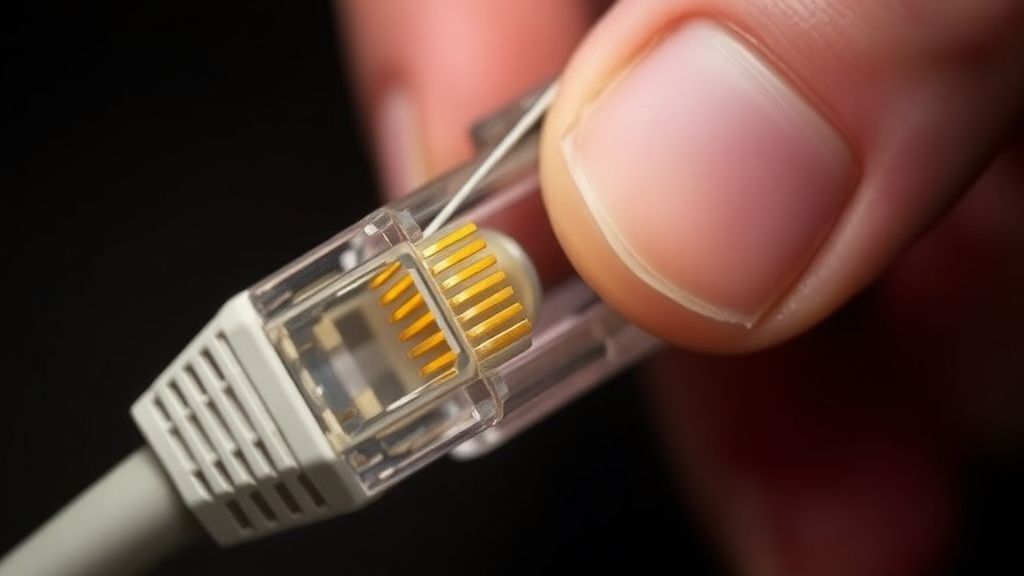
- Avoid "Flat" Cables: They are notoriously thin and lack proper twisting, making them highly susceptible to crosstalk.
- The Termination Point: The most common point of failure isn't the cable; it's the termination. A poorly crimped head creates intermittent packet loss that is almost impossible to diagnose without professional-grade testers.
Managing the "Household Contention"
The greatest enemy of a low-latency network is not your ISP; it is your family. A home network is a shared utility. When someone opens Netflix, streams 4K video, or updates their phone, they are competing for bandwidth.
If you lack hardware that supports robust SQM, you are at the mercy of the "first-come, first-served" nature of standard routers. The solution here is VLANs and Traffic Shaping. By segmenting your network, you can prioritize gaming traffic at the router level. Even if you don't use professional gear, you can utilize our Bandwidth Calculator to get a clearer picture of your actual consumption needs versus your provider's advertised speeds.
The Case for Open-Source Firmware
If your router supports OpenWrt, flashing it is often the single most important step you can take, though for those experiencing broader technical hurdles, it's worth reviewing how to fix Google Nest Hub stuck at 99% setup or troubleshooting other smart home devices.mpactful move you can make. The reason? Visibility. Proprietary vendor UIs hide the "why" behind your connection quality. OpenWrt gives you the fq_codel (Fair Queuing Controlled Delay) algorithm, which is the gold standard for keeping latency flat under load.
Counter-Criticism: Critics of custom firmware often point to the loss of hardware-offloading features. Many high-end consumer routers use proprietary chips that handle packet processing in hardware. Switching to open-source software often forces this processing onto the CPU, which can actually decrease total throughput on gigabit+ connections. It is a trade-off: lower latency/better QoS vs. total raw bandwidth.
Real Field Report: The "Double NAT" Headache
A recurring issue reported in technical support forums is the "Double NAT" scenario caused by bridge-mode misconfiguration. We observed a user in an active gaming community who spent $800 on a gaming router, only to see their packet loss increase.
The Setup: