The placement of your wireless router is often dismissed as a mundane logistical task, but it functions as the central nervous system of your domestic environment. Poor signal propagation creates "micro-frictions"—millisecond latencies, packet loss, and buffer-bloat—that trigger subconscious cognitive fatigue, similar to the low-grade stress of a flickering fluorescent light. Optimization is not just about throughput; it is about reducing the cognitive load caused by digital interruptions, as detailed in our guide on why Is Your Wi-Fi Causing Brain Fog? How Neuro-Architecture Can Restore Your Focus.
The Invisible Friction of Network Instability
In the past decade, we have transitioned from viewing home networking as a "luxury utility" to a "critical infrastructure." When a Zoom call stutters or a 4K stream buffers, the human brain experiences a "micro-interruption." Research into human-computer interaction (HCI) suggests that these interruptions, even when lasting less than a second, force the prefrontal cortex to reset its focus. If this happens repeatedly due to poor router placement, the cumulative effect is a state of sustained hyper-vigilance. You aren’t just waiting for a video to load; you are subconsciously monitoring the stability of your digital environment.
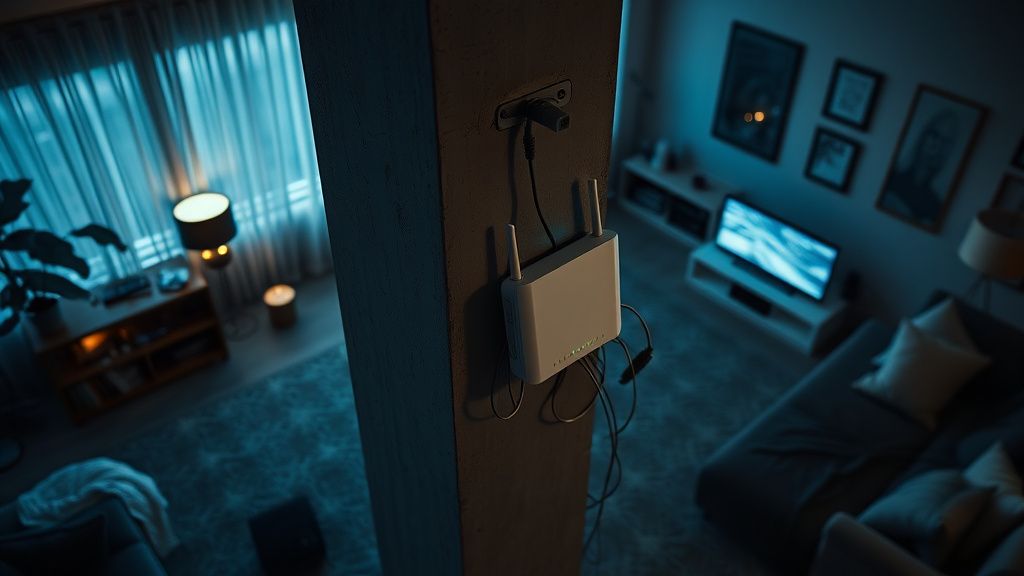
The irony is that most users place their routers based on aesthetic preferences or proximity to an ISP-installed wall jack, rather than RF (Radio Frequency) physics. A router tucked inside a cabinet or buried behind a television is effectively being choked by the materials surrounding it.
Physics Over Aesthetics: The RF Reality Check
Wi-Fi signals, particularly the 5GHz and 6GHz bands used in Wi-Fi 6 and 6E, operate with limited penetration power. They are effectively "line-of-sight" technologies.
- The Material Barrier Index:
- Drywall: Minimal attenuation. You are safe.
- Wood/Furniture: Moderate attenuation. Still manageable.
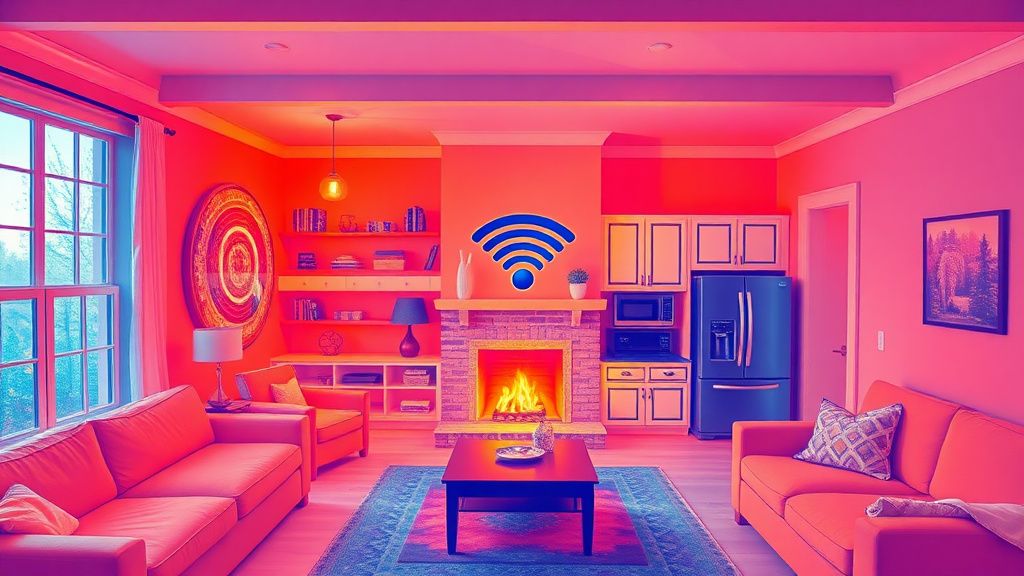
- Brick/Concrete: Significant attenuation. These materials absorb RF energy, turning your home into a Faraday-lite cage.
- Mirrors and Metal: The "Wi-Fi Killers." Mirrors contain a thin layer of silver or aluminum that reflects signals, while metal appliances (refrigerators, HVAC ducts) act as shields.
When you place a router near a kitchen appliance, you are creating a "dead zone" by design. Users often complain about "bad ISP service," when in reality, they are fighting the laws of physics. If you are struggling to map out your signal degradation, you can experiment with signal coverage planning; for more technical precision on layout, consider using tools like our Wi-Fi Channel Analyzer to identify environmental interference.
The Case for Centralized Infrastructure (and Its Discontents)
Much like how engineers evaluate Is 3D-Printed Concrete Ready for Real Estate? The Truth Behind the Hype, the industry standard for connectivity is now shifting toward the "Centralized Deployment" model. Placing the router in the geographic center of the home maximizes coverage. However, the operational reality is rarely that simple.
Real Field Report: The "Central Hall" Problem
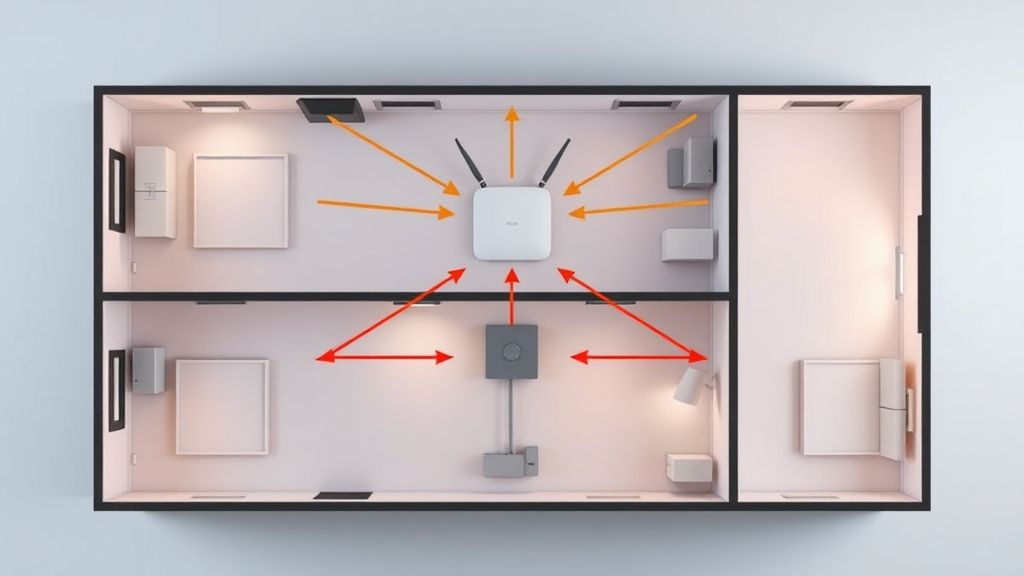
I recently consulted on a residential setup where the user placed their high-end mesh system in a hallway cupboard, assuming the central location would suffice. The result? The cupboard was lined with reflective insulation (a common home energy-efficiency upgrade). The signal bounced back into the wall cavity, creating a perfect local bubble of high performance, while the bedrooms remained in a "black hole."
The takeaway: Centralized placement only works if the signal path is clear. If you force a central location, you must ensure it isn't "central to obstacles."
Counter-Criticism: The Mesh Hype
Marketing departments love to sell "Mesh Systems" as a panacea for all connectivity woes, much like they promote high-tech solutions for Beyond CRISPR: How Epigenetic Editing is Rewriting the Future of Farming. The reality is that adding nodes often introduces "backhaul congestion." If the nodes are too far apart, they spend more time struggling to talk to each other than they do talking to your devices. You end up with a network that feels "solid" but is actually underperforming due to massive latency overhead. It is the classic case of "more hardware $\neq$ better signal."
Cognitive Load and the "Connection Anxiety"
There is a documented phenomenon among remote workers often termed "Connection Anxiety." It manifests when a user enters a room and subconsciously checks their phone’s signal bars. This is a learned response to previous failures. If your home network is poorly designed, you effectively train your brain to distrust your environment.
When the network is invisible—meaning it works without friction—we enter a "flow state" more easily. When the network is visible—meaning we have to troubleshoot it, move closer to a node, or wait for reconnection—we are pulled out of that state. This is why "pro-sumer" grade gear is becoming popular; it isn't just about speed, it’s about reliability under load.