
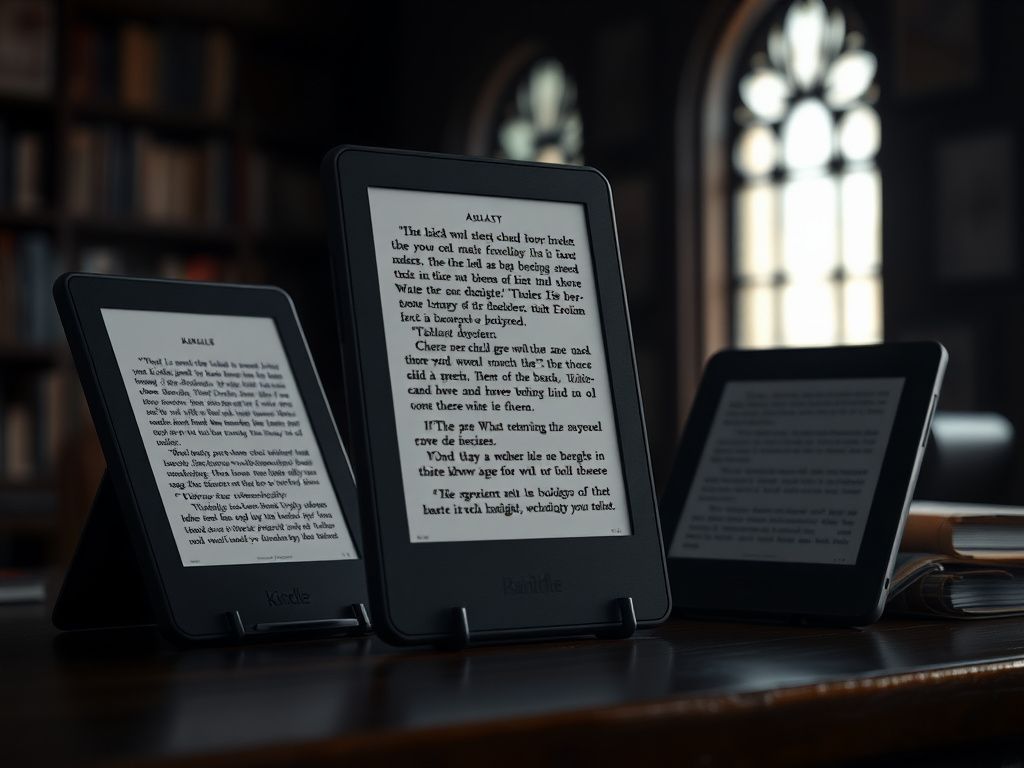
For dyslexic users in academia, the choice hinges on ecosystem and typography control. The Kobo Elipsa 2E is generally superior due to its open architecture, supporting diverse file formats (e.g., EPUB, PDFs from university portals) and easy side-loading of dyslexia-friendly fonts, offering a more versatile academic workflow.
The digital paper tablet market has matured from a niche curiosity into an essential tool, particularly within the demanding halls of academia. For students and researchers with dyslexia, these devices are not just conveniences; they are transformative instruments of learning and productivity. The high-resolution, glare-free E-ink screens reduce the visual stress associated with LCDs, while the integrated stylus offers a tactile, multi-sensory approach to engaging with text.
As we look toward 2026, two titans dominate this space: the Amazon Kindle Scribe and the Rakuten Kobo Elipsa 2E. On the surface, they appear similar—large-format E-ink tablets designed for reading and writing. However, their underlying philosophies and software architectures create vastly different user experiences, especially for a user whose needs are as specific as a dyslexic academic. This guide will dissect their core systems to determine which platform offers the superior assistive technology framework.
The Architectural Divide: Walled Garden vs. Open Workshop
Before we even touch the styluses, we must understand the fundamental difference in ecosystem design. This is not a trivial point; it's the central axis around which your entire academic workflow will revolve.
Amazon's Kindle Scribe operates within a meticulously crafted, but ultimately closed, ecosystem. Think of it as a state-of-the-art, fully furnished luxury apartment. Everything you need is available through the front door (the Amazon store), works seamlessly together (Kindle books, Audible audiobooks), and is polished to a high shine. The recent software updates have dramatically improved its notebook organization and added direct-to-Scribe PDF transfer. However, if you need to bring in "furniture" from outside—like an EPUB file from a research group or a specific font file—you'll find the process restrictive and often frustrating. This is the classic "gilded cage" of ecosystem lock-in.
Kobo's Elipsa 2E, by contrast, is built like a modular, open-plan workshop. It embraces interoperability. It natively supports a vast array of file formats, including the crucial EPUB format that Amazon shuns. Its integration with services like Pocket (for saving web articles to read later) and Dropbox (for seamless two-way file synchronization) is baked into its core architecture. Most importantly for academics, its direct OverDrive integration allows you to borrow ebooks and digital materials from your university or public library right on the device. This open philosophy is a critical advantage for users who source their materials from dozens of places beyond a single commercial storefront.
A Deep Dive into Dyslexia-Centric Features
An E-ink tablet's utility for a dyslexic user is measured in its ability to reduce cognitive load and visual stress. Here, the software's granular control over text presentation is paramount.
Typography and Layout Control: The Battleground for Readability
Visual crowding—the difficulty in distinguishing letters and words when they are too close together—is a significant hurdle for many dyslexic readers. The ability to manipulate text is therefore a non-negotiable feature.
Font Selection: Both devices offer a selection of very good fonts. Amazon's Bookerly and Kobo's Kobo Nickel are engineered for high readability on digital screens. However, the key differentiator is font installation. The Kobo Elipsa 2E allows users to easily "side-load" their own custom fonts by simply dragging and dropping TTF or OTF files into a "fonts" folder when connected to a computer. This means you can install proven dyslexia-friendly fonts like OpenDyslexic or Dyslexie in seconds. As of late 2024 projections, the Kindle Scribe still lacks this basic functionality, a baffling omission for a device in this class.
Text Customization: Both platforms offer robust controls for font size and line spacing. However, industry observers note that Kobo consistently provides more granular control. The Elipsa 2E features an "Advanced" settings panel where you can fine-tune both line spacing and margins with precise sliders. This allows a user to meticulously craft a page layout that minimizes visual stress, spreading out lines of text to create the exact amount of white space they need. The Scribe's options are good, but they are less nuanced, offering stepped presets rather than continuous sliders.
The Academic Workflow: PDF Annotation and Note Management
For any PhD candidate or researcher, the workflow is king. It's not just about reading; it's about annotating, cross-referencing, and synthesizing information from dense, often multi-column, academic papers in PDF format.
A Common Industry Mistake: Many users purchase a digital note-taker based solely on the writing "feel," which is subjective. The real test is the software's ability to manage an end-to-end workflow: importing a complex PDF, marking it up seamlessly, and exporting those annotations into a usable format for a citation manager or research database.
The Kindle Scribe has made significant strides in its PDF handling. The writing experience on a PDF is fluid, and the pen latency is remarkably low. You can write directly onto the page, create sticky notes, and navigate with relative ease. However, exporting these annotations can be cumbersome, often requiring you to email the file to yourself.