
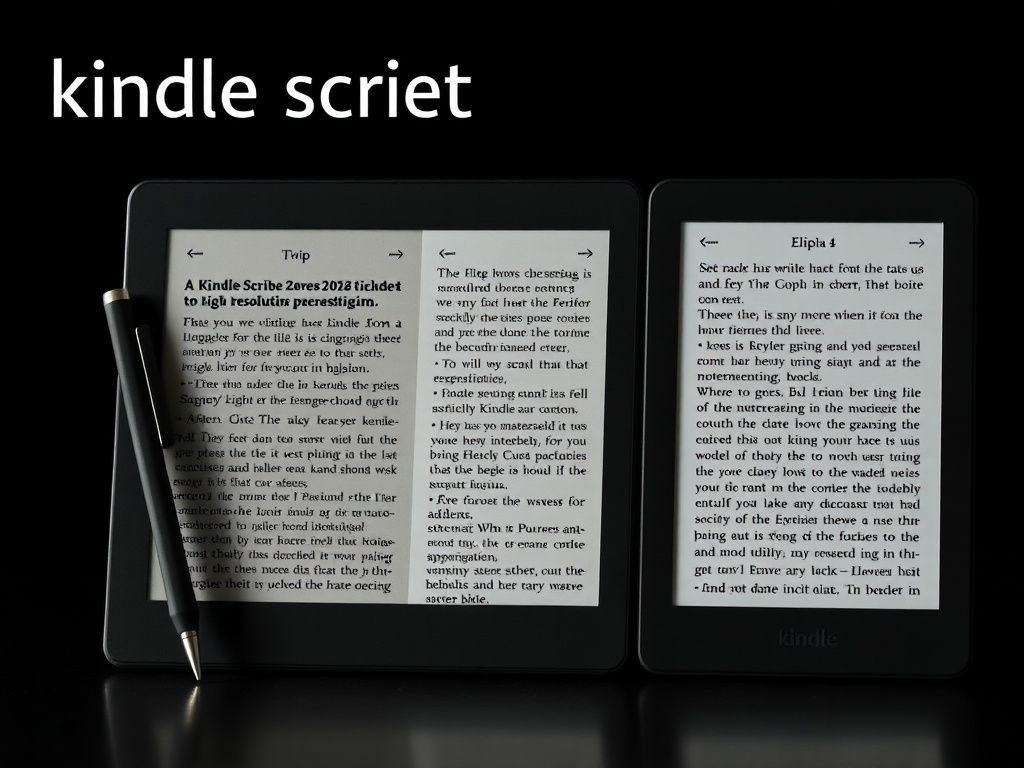
For dyslexic academics, the Kobo Elipsa 2E is the superior choice in 2026. Its architectural openness, allowing for sideloaded custom fonts (like OpenDyslexic) and direct PDF annotation, provides a more flexible and less frustrating research workflow than the Kindle Scribe's beautiful but restrictive walled-garden ecosystem.
The world of academic research is a relentless firehose of information, primarily delivered through dense PDFs and lengthy texts. For the dyslexic academic, this environment presents a unique set of cognitive hurdles. It's not about a lack of intelligence; it's about the friction between the brain's wiring and the presentation of text. Visual stress, character crowding, and difficulty tracking lines can turn a simple literature review into an exhausting battle. This is precisely the battleground where large-format e-ink devices like the Amazon Kindle Scribe and the Rakuten Kobo Elipsa 2E promise a revolution. They aren't just e-readers; they are digital paper interfaces designed for deep work. But for this specific, demanding user, the architectural choices made by Amazon and Kobo have profound implications.
The Core Architecture: Display and Reading Experience
At a system level, the display is the most critical component. It's the API between the digital text and the reader's brain. Here, the raw specifications tell an interesting, but incomplete, story.
- Amazon Kindle Scribe: Deploys a 10.2-inch E Ink Carta 1200 display at a crisp 300 pixels per inch (ppi).
- Kobo Elipsa 2E: Utilizes a 10.3-inch E Ink Carta 1200 display at a slightly lower 227 ppi.
On paper, the Scribe's higher pixel density is a clear win. Characters are rendered with more precision, reducing aliasing (the jagged edges on curves) and creating a print-like clarity that can demonstrably reduce visual stress. For standard reading of Kindle-format books, the Scribe's display is, without question, the pinnacle of current e-ink technology.
However, an academic workflow is rarely that simple. The true differentiator lies in software flexibility. Amazon's Kindle OS provides a handful of excellent fonts, but it remains a locked-down environment. You cannot easily install custom, specialized fonts. Kobo, running a more open, Linux-based OS, allows users to sideload their own fonts. This is a game-changer. For a dyslexic user, the ability to install and use a font like OpenDyslexic or Dyslexie, which are specifically engineered with weighted bottoms and unique character shapes to prevent flipping and confusion, is not a luxury—it is a foundational requirement for comfortable, long-form reading. By 2026, we expect Kobo to have further integrated these accessibility options, while Amazon's ecosystem will likely remain curated and closed.
Expert Analysis: While 300 ppi is superior for rendering standard fonts, the cognitive benefit of a user-selected, purpose-built dyslexia-friendly font at 227 ppi often outweighs the raw pixel density advantage. The brain finds it easier to process a well-designed character shape on a slightly less crisp screen than a perfectly crisp standard character that it struggles to decode.
Both devices feature excellent warm lighting to reduce blue light exposure, with Kobo's ComfortLight PRO offering automated adjustments based on the time of day—a subtle but appreciated feature for late-night research sessions.
The Annotation Layer: Stylus Interaction and PDF Workflow
Here, the philosophical differences between Amazon and Kobo become starkly apparent. This isn't just about the pen; it's about how the software handles the act of marking up a document.
The Kindle Scribe's Premium Pen is a superb piece of Wacom EMR hardware. It's responsive, requires no charging, and feels great. However, its interaction with PDFs is, from a workflow architecture perspective, deeply flawed for serious academic work. When you mark up a PDF on the Scribe, you are not writing on the document. You are creating a separate annotation layer, functionally equivalent to a digital sticky note. These notes can be exported, but the original PDF remains untouched. For quick margin notes, this is fine. For the academic process of deeply engaging with, highlighting, and annotating a research paper, it's a crippling limitation.
The Kobo Elipsa 2E, by contrast, offers true, direct PDF annotation. You write directly onto the page. The Kobo Stylus 2, with its dedicated eraser and highlight buttons, facilitates a natural, paper-like workflow. Your highlights and handwritten notes are embedded into the PDF file itself. When you export that PDF to your computer or a tool like Zotero or Mendeley, your annotations travel with it. This creates a seamless, non-destructive workflow that respects the integrity of the academic research process.
Recent industry observations confirm that for users managing hundreds of research papers, the ability to maintain a single, annotated source file is paramount. The Scribe's bifurcated system creates versioning chaos and adds an unnecessary layer of cognitive load.
Ecosystem and Connectivity: The Walled Garden vs. The Open Park
The choice between these devices is also a choice of information ecosystems. This is where the user's existing habits and institutional resources become critical decision drivers.